
300+ free WordPress website templates, page templates & block patterns. A starter sites library for Elementor, Gutenberg & any theme.

ZoloBlocks – Advanced Gutenberg Blocks, Website Builder & Page Design Toolkit
Hospedagem WordPress com plugin ZoloBlocks
Onde hospedar o plugin ZoloBlocks?
Este plugin pode ser hospedado em qualquer servidor que tenha WordPress configurado. Recomendamos escolher uma empresa de hospedagem seguro, com servidores adaptados para WordPress, como o serviço de hospedagem de sites da MCO2.
Hospedando o plugin ZoloBlocks em uma empresa de hospedagem seguro
A MCO2, além de configurar e instalar o WordPress na versão mais atualizada para seus clientes, fornece o WP SafePress, um sistema singular que protege e otimiza seu site ao mesmo tempo.
Por que a Hospedagem WordPress funciona melhor na MCO2?
A Hospedagem WordPress funciona melhor pois a MCO2 possui servidores otimizados para WordPress. A instalação de WordPress é diferente de uma instalação trivial, pois habilita imediatamente recursos como otimização automática de imagens, proteção da página de login, bloqueio de atividades suspeitas diretamente no firewall, cache avançado e HTTPS ativado por padrão. São recursos que potencializam seu WordPress para a máxima segurança e o máximo desempenho.
ZoloBlocks is a collection of blocks, patterns, and page templates for the WordPress block editor. It helps you design complete pages using the native editor without a third-party page builder.
Live Demo | Pro Version | Documentation
What ZoloBlocks Provides
- A library of advanced blocks that extend the default WordPress block editor.
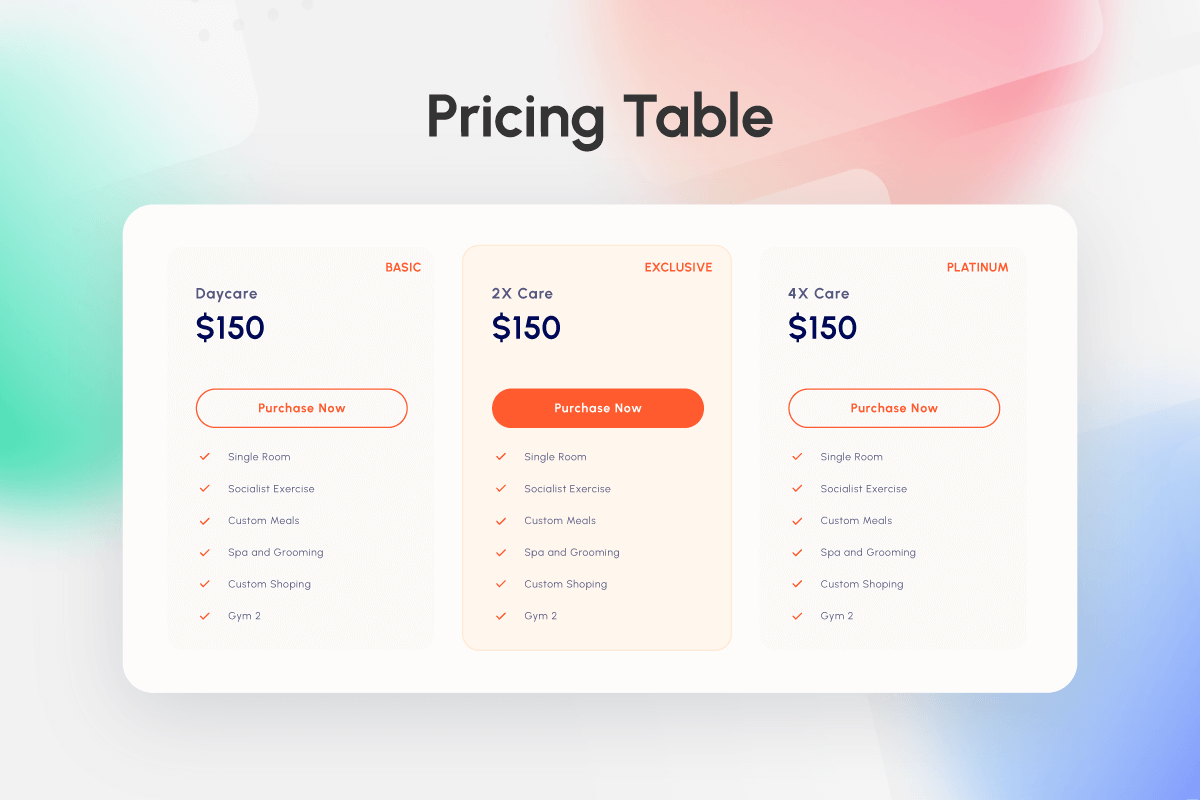
- Pre-designed patterns and page templates you can insert into pages.
- Full Site Editing compatibility with block themes.
- Dynamic content options for site, post, or user data.
- Query loop options for posts, products, or custom post types.
- Animation and visual effect options for supported blocks.
- Optional AI text generation to help draft headings and paragraphs (third-party service, see “External services” below).
- Pattern import and export for reuse across sites.
Key Features
- Layout building with pre-built sections and templates.
- Responsive containers for mobile, tablet, and desktop.
- Mega menu for multi-level navigation.
- Dynamic content and query loop for posts or custom post types.
- Entrance and scroll-based animations on supported blocks.
- Optional AI text generation inside the editor (third-party service).
- Pattern import / export for reuse across pages or sites.
Available Blocks
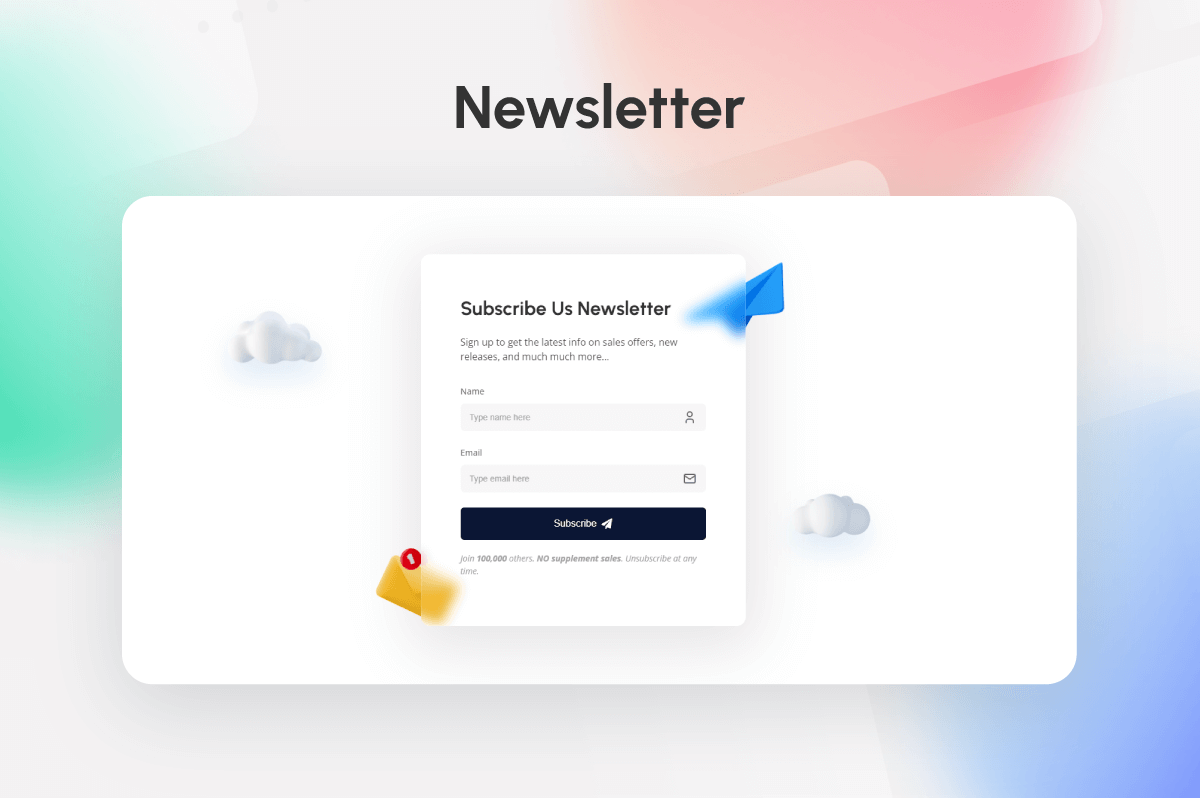
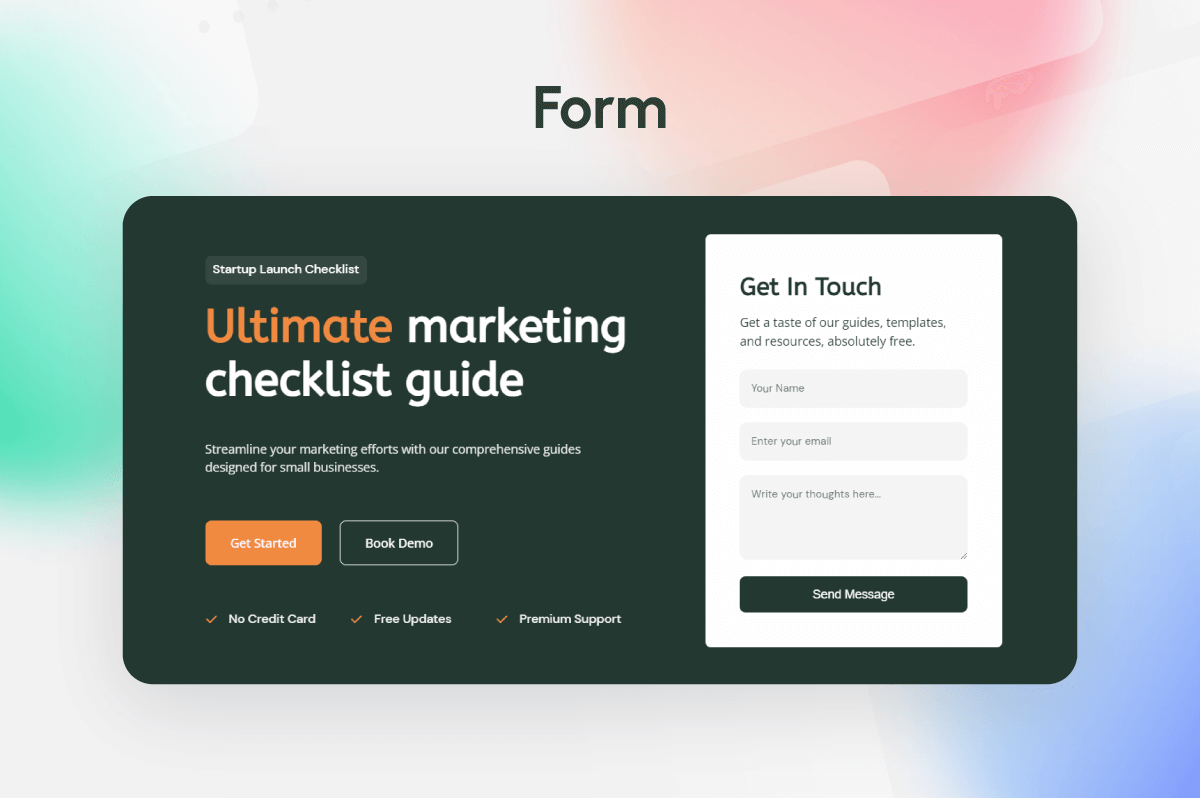
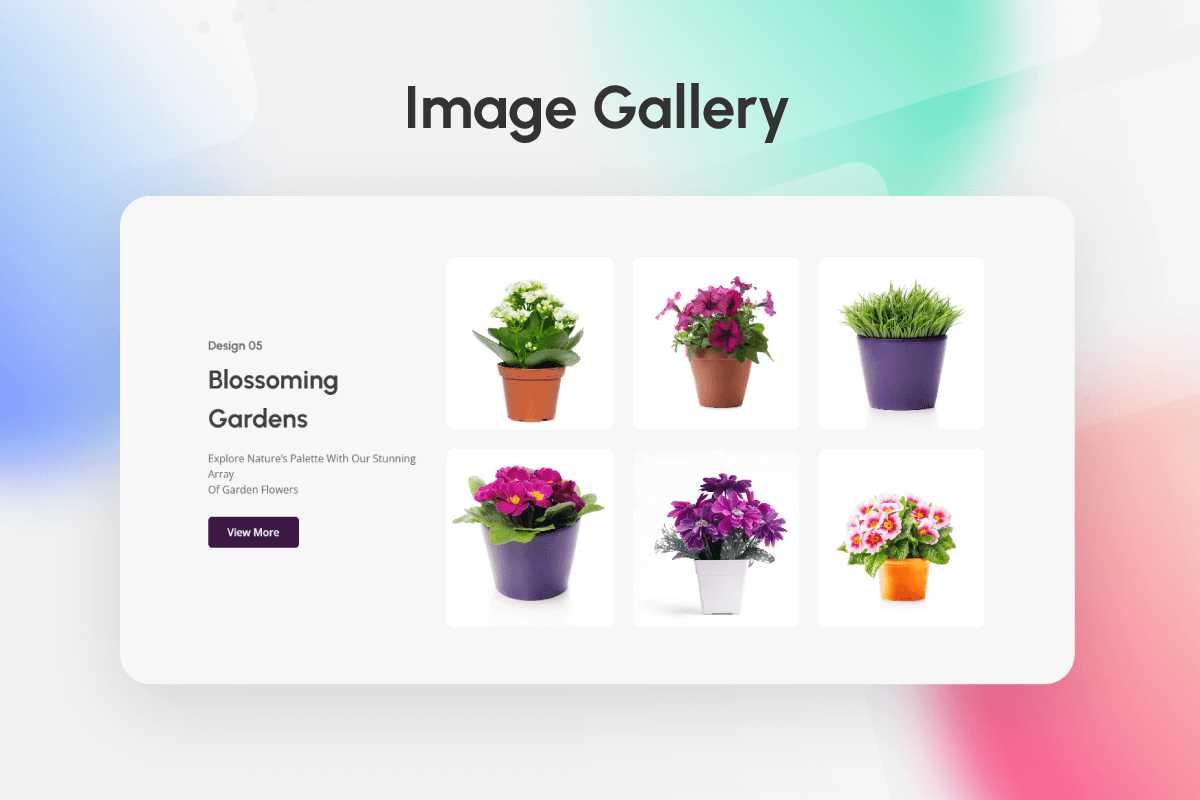
ZoloBlocks ships 60+ free and pro blocks across categories such as Image, Slider & Carousel, Post, Review, Form, Popup, Utility, Creative, Loop & Animation, Grid & List, Single Page Elements, and Advanced. A full list with live demos is available at https://zoloblocks.com/demo/.
Who Is It For
Website designers, freelancers, agencies, bloggers, content creators, small business owners, portfolio builders, and digital marketers who want to design WordPress pages directly in the block editor.
Support
The team behind ZoloBlocks ships regular updates. For help, contact support. Visit BdThemes for more plugins and documentation.
Source code
The compiled JavaScript and CSS files in the build/ and assets/ directories are generated from the source code in the src/ directory.
Public source repository: https://github.com/bdthemes/zoloblocks
Build instructions:
- Clone the repository.
- Run
npm installto install dependencies. - Run
npm run buildto generate the production assets inbuild/. - Run
composer installto install PHP dependencies (used for development tooling only).
External services
This plugin connects to several third-party services. Each service is only contacted when the related feature is used or configured. No personal data is sent unless the corresponding feature is enabled or the user interacts with it.
1. Google reCAPTCHA
Used by the Form block when the site administrator enables reCAPTCHA protection and provides site / secret keys in ZoloBlocks settings.
– What is sent: the reCAPTCHA token generated in the visitor’s browser, the visitor’s IP address, and the configured secret key, sent to https://www.google.com/recaptcha/api/siteverify on form submission. The Google reCAPTCHA JavaScript (https://www.google.com/recaptcha/api.js) is loaded on pages containing a form when reCAPTCHA is enabled.
– When: only when reCAPTCHA is enabled and a form is submitted.
– Provider: Google LLC. Terms: https://policies.google.com/terms Privacy: https://policies.google.com/privacy
2. Google Maps
Used by the Google Map block when added to a page.
– What is sent: the configured Google Maps API key and a request to load the Google Maps JavaScript API from https://maps.googleapis.com/maps/api/js. The browser of any visitor viewing a page containing a Google Map block will load map tiles from Google.
– When: only when a Google Map block is present on a page.
– Provider: Google LLC. Terms: https://cloud.google.com/maps-platform/terms Privacy: https://policies.google.com/privacy
3. Google Fonts list (WordPress.org mirror)
Optional. Used by the typography controls only when a site administrator enables Settings Editor Options Load Google Fonts catalog (WordPress.org mirror) in the ZoloBlocks dashboard.
– What is sent: a simple HTTP GET request (no personal data) to https://s.w.org/images/fonts/wp-7.0/collections/google-fonts-with-preview.json to retrieve the list of Google Fonts.
– When: only after the option is enabled, and only when the block editor needs to refresh the font list.
– Provider: WordPress.org. Terms and privacy: https://wordpress.org/about/privacy/
4. Zolo AI (AI text generation by Sigmative)
Used by the optional AI text generation feature inside the block editor.
– What is sent: the prompt text entered by the site administrator in the editor, and the API key configured in ZoloBlocks settings, sent to https://ai.sigmative.com/api/prompt/v1/generation/chat/completions.
– When: only when an administrator clicks the AI generation action in the editor.
– Provider: Sigmative. Privacy: https://sigmative.com/privacy-policy
5. Mailchimp (optional Form integration)
Used only when a site administrator configures a Form block to send subscriber data to Mailchimp.
– What is sent: the visitor’s email address, optional first name, the configured Mailchimp API key and list ID, sent to https://<dc>.api.mailchimp.com/3.0/lists/{list_id}/members (where <dc> is the data center prefix derived from the API key).
– When: only when a visitor submits a form whose Mailchimp integration has been configured by the administrator.
– Provider: Intuit Mailchimp. Terms: https://mailchimp.com/legal/terms/ Privacy: https://www.intuit.com/privacy/statement/
6. Custom Webhooks (optional Form integration)
Used only when a site administrator pastes a custom webhook URL into the Form block settings.
– What is sent: the visitor’s email address and optional first name, sent as a JSON POST request to the URL configured by the administrator.
– When: only when a visitor submits a form whose webhook URL has been configured by the administrator.
– Provider: the third-party service chosen by the administrator. The administrator is responsible for ensuring the destination has an appropriate privacy policy.
Capturas de tela

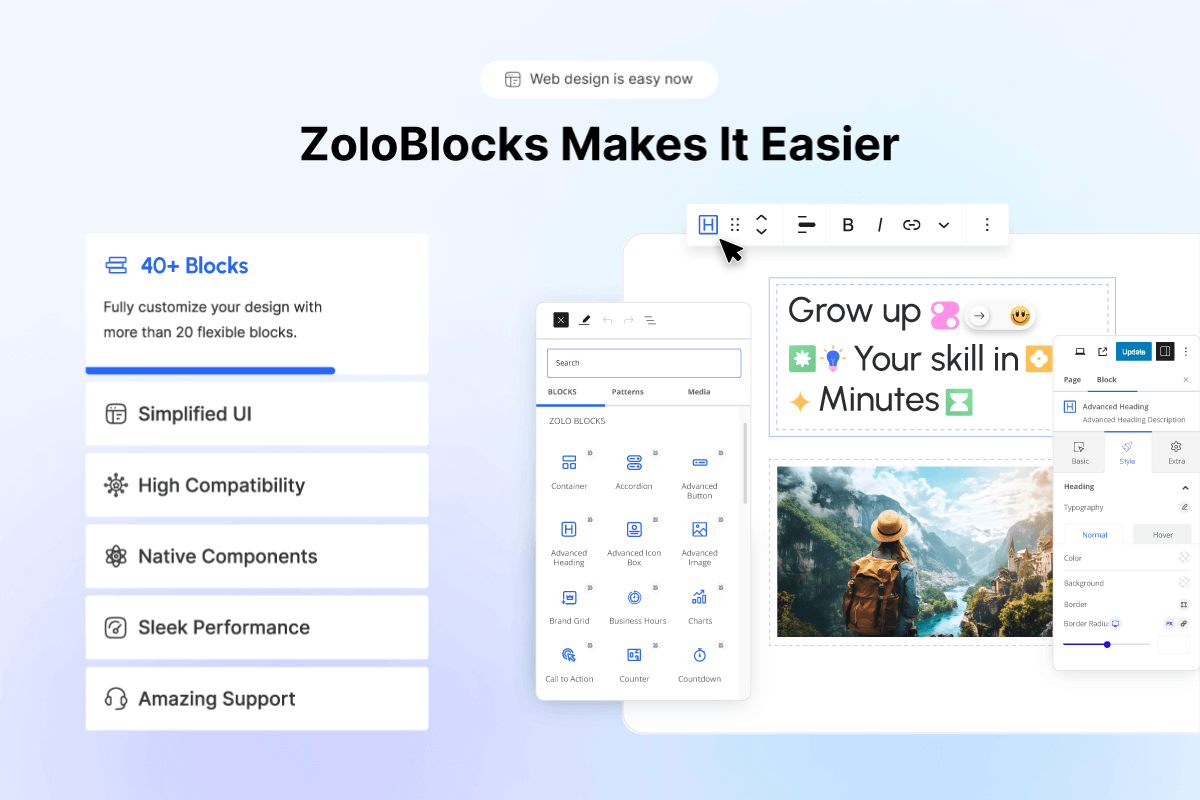
ZoloBlocks Page Builder Blocks Addons for Gutenberg

Most Popular Widget List 01

Most Popular Widget List 02

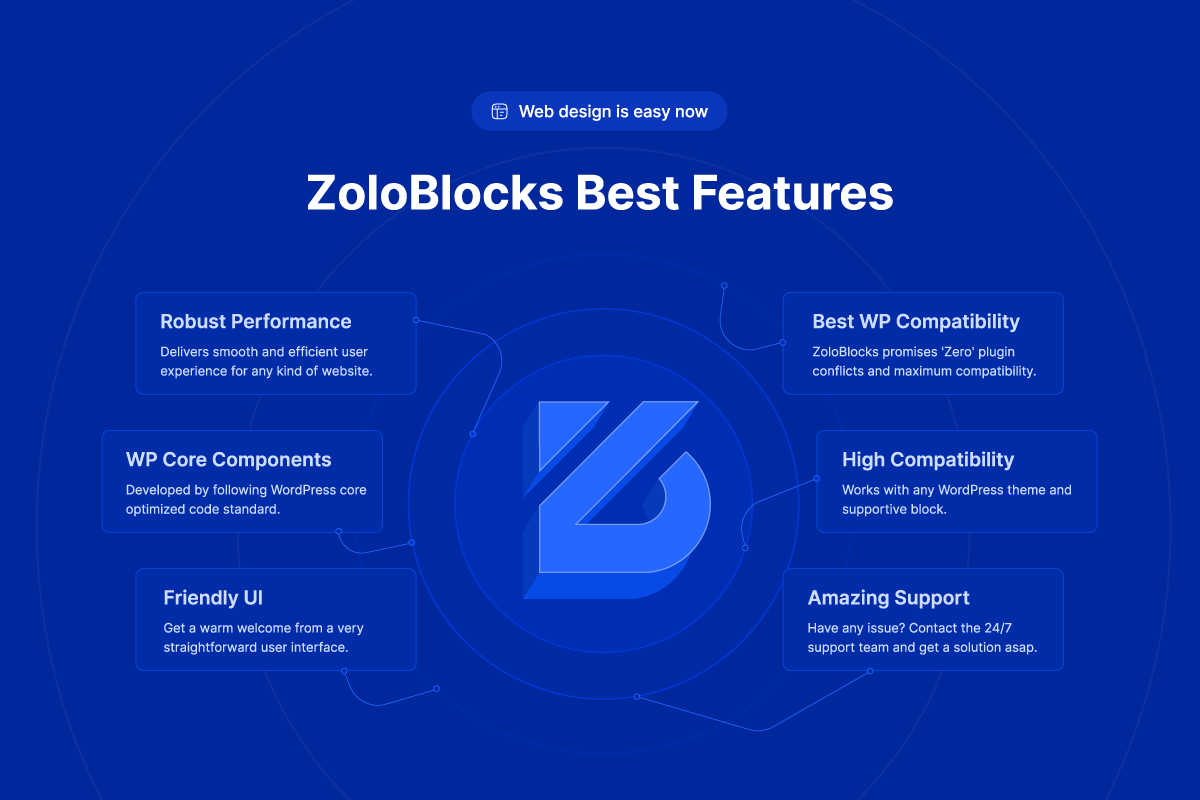
Why you Should use ZoloBlocks

Why you Should use ZoloBlocks

Check out our others popular plugin



Plugins semelhantes


Gutenberg blocks for existing Spectra websites. Maintained, stable, and fully supported — no action needed on your part.

Amplia e aprimora o editor de blocos (Gutenberg) e o editor clássico (TinyMCE).

90+ Elementor widgets & addons, 600+ templates, Mega Menu, WooCommerce, Display Conditions. The only Elementor addon AI agents can fully build with.

20+ Gutenberg Blocks with endless options, enabling top-notch efficiency for high-performance dynamic website creation.

Disable Gutenberg Block Editor and restore the Classic Editor and original Edit Post screen (TinyMCE, meta boxes, etc.).
Do mesmo author (bdthemes)

Elementor addons with 300+ Elementor widgets, WooCommerce Elementor elements, Elementor templates, Elementor mega menu, Elementor header footer builde …

Create responsive Elementor sliders for hero sections, posts, products and more with powerful Elementor addons and ready-to-use Elementor templates.

Build WordPress blog, magazine, news, archive and single-post layouts with Elementor post grid, carousel, slider and list widgets.