
Site Kit é uma solução completa para usuários do WordPress usarem tudo que o Google oferece para torná-los bem-sucedidos na web.

Koko Analytics – Privacy-Friendly WordPress Analytics
Hospedagem WordPress com plugin Koko Analytics
Onde devo hospedar o plugin Koko Analytics?
Este plugin pode ser hospedado em qualquer servidor que possua WordPress configurado. Recomendamos fortemente escolher um provedor de hospedagem de confiança, com servidores adaptados para WordPress, como o serviço de hospedagem da MCO2.
Hospedando o plugin Koko Analytics em uma empresa de hospedagem de confiança
A MCO2, além de instalar o WordPress na versão mais atual para seus clientes, fornece o plugin WP SafePress, um mecanismo singular que salvaguarda e melhora seu site simultaneamente.
Por que a Hospedagem WordPress funciona melhor na MCO2?
A Hospedagem WordPress funciona melhor pois a MCO2 possui servidores otimizados para WordPress. A instalação de WordPress é diferente de uma instalação trivial, pois habilita imediatamente recursos como otimização de imagens e fotos, proteção da página de login, bloqueio de atividades suspeitas diretamente no firewall, cache avançado e HTTPS ativado por padrão. São recursos que potencializam seu WordPress para a máxima segurança e o máximo desempenho.
Koko Analytics is a privacy-friendly and lightweight Google Analytics alternative for WordPress sites. It is a plug and play solution to get GDPR compliant insights into your website visitors without requiring any third-party services.
Why choose Koko Analytics?
Important insights
Koko Analytics provides you with simple and effective analytics. There are no complicated reports to dig through. All the important metrics are visible from a quick glance at your analytics dashboard, right inside your WordPress admin.
Privacy-friendly analytics
Koko Analytics is a privacy-friendly solution for WordPress. It can be used without any cookies, no personal data is processed or stored and nothing is shared with any third-party. That makes it suitable for GDPR, CCPA, and PECR-compliant website statistics.
Lightweight website statistics
Koko Analytics is lightweight. It adds less than 1 kilobyte of data to your pages and is fully compatible with all kinds of caching setups. WordPress is bypassed entirely for its collection endpoint, making the impact on your site’s performance as close to zero as possible.
Open source analytics
Koko Analytics is open source released under the GPL license, just like WordPress itself. The source code is publicly available. Everyone has the right to run, study, share or modify the source code.
Features
- WordPress analytics dashboard – View your website statistics directly inside WordPress admin.
- Top posts and pages – See which content gets the most visits.
- Referrer statistics – Find out which websites send traffic to your site.
- Path-based tracking – Track statistics for any URL, including archives and search pages.
- Returning visitor detection – Reliably detect returning visitors without cookies.
- Exclusion rules – Exclude visits from selected WordPress user roles or IP addresses.
- Historical data imports – Import statistics from Jetpack Stats, Plausible Analytics, Burst Statistics, Statify, WP Statistics, Independent Analytics, or SlimStat Analytics.
- Automatic data cleanup – Remove historical data older than a chosen number of months or years.
- Popular posts output – Show your most visited posts or pages with a widget, Gutenberg block, or shortcode.
- Pageview counter – Show the total number of pageviews for a page with a shortcode or Gutenberg block.
Koko Analytics Pro
Koko Analytics Pro adds more reporting options for sites that need deeper analytics.
- Country statistics – See which countries your visitors come from.
- Technology reports – View browser, operating system, and device statistics.
- Email reports – Receive periodic analytics reports in your inbox.
- UTM Campaigns – Measure the performance of your marketing campaigns.
- Custom event tracking – Track outbound link clicks, contact form submissions, add-to-cart actions, and more.
- Traffic spike alerts – Get notified by email when traffic changes quickly.
View the Koko Analytics live demo or see Koko Analytics Pro pricing.
Capturas de tela
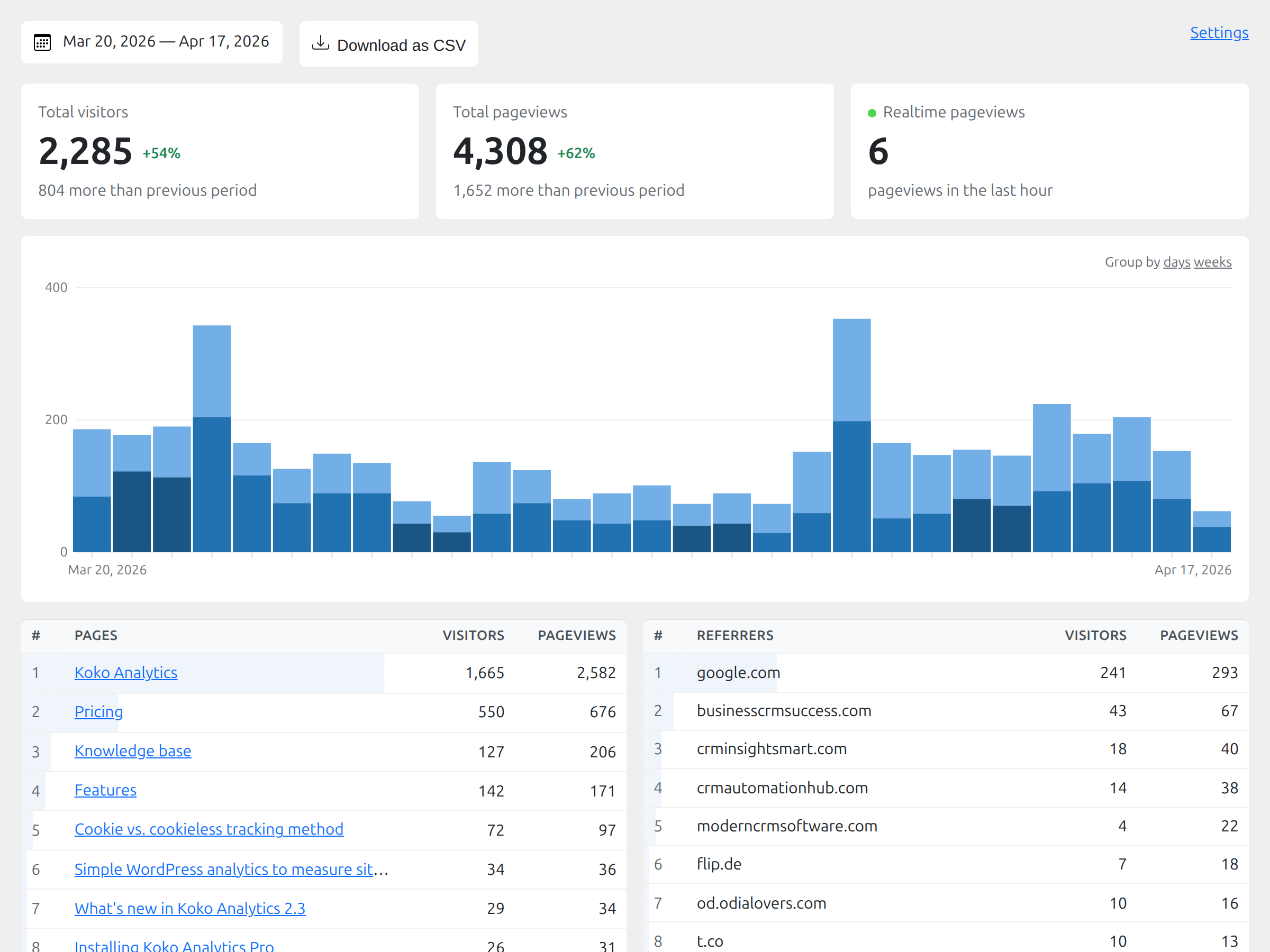
The WordPress analytics dashboard showing visitors, pageviews, top pages, and referrers.
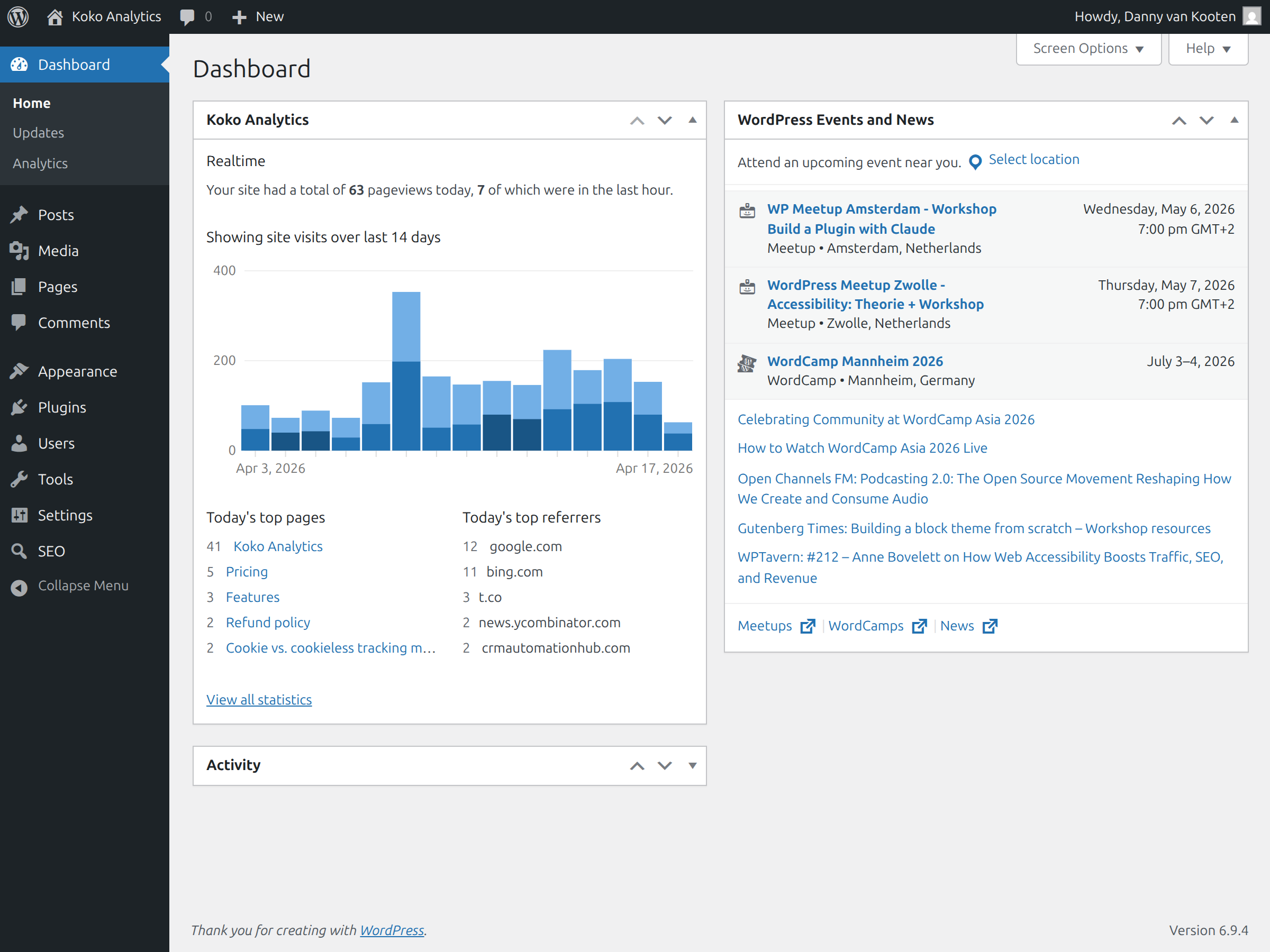
Website statistics for the past 2 weeks shown directly after logging in to WordPress.
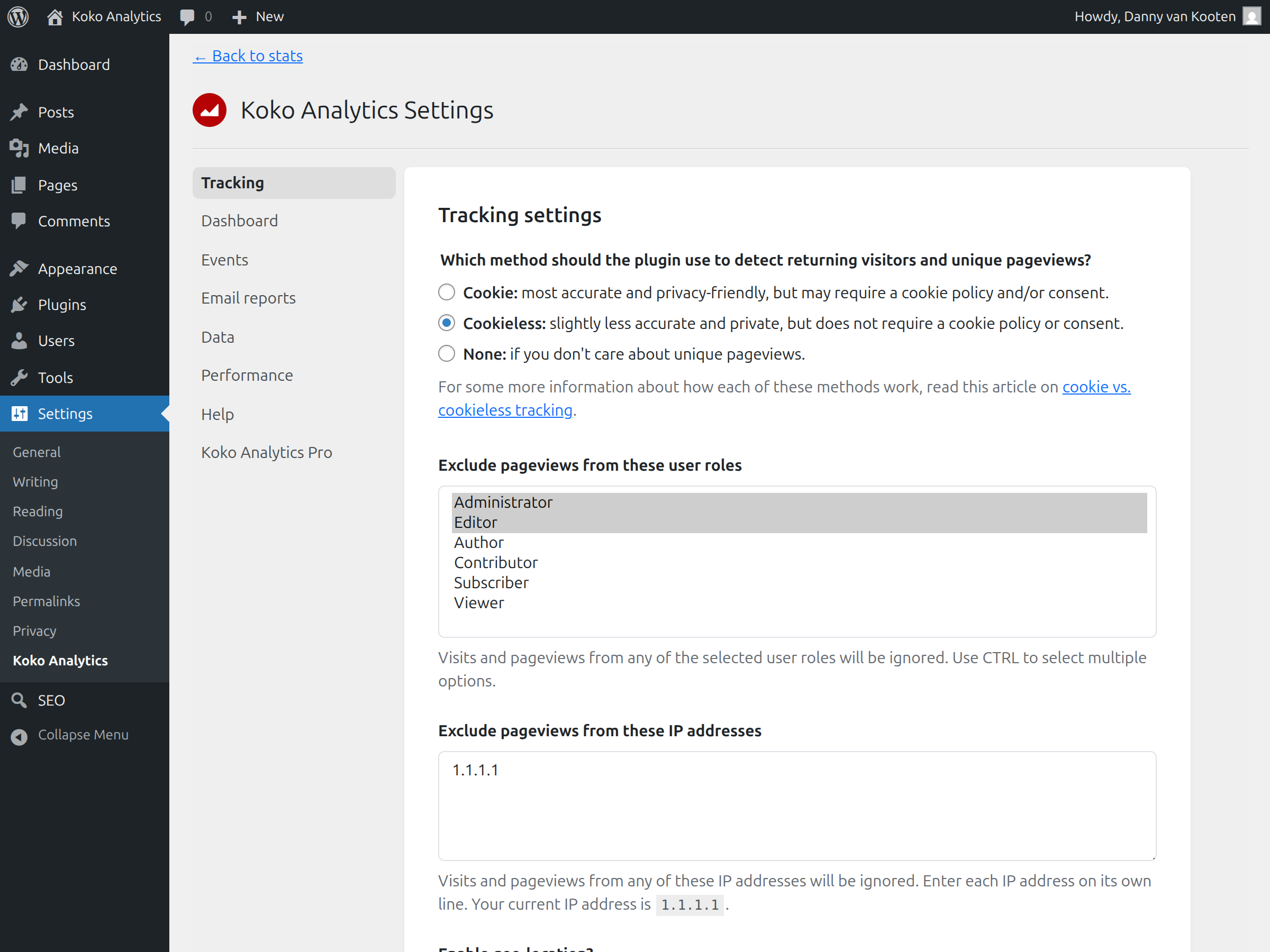
Tracking-related settings for privacy-friendly analytics and visitor statistics.
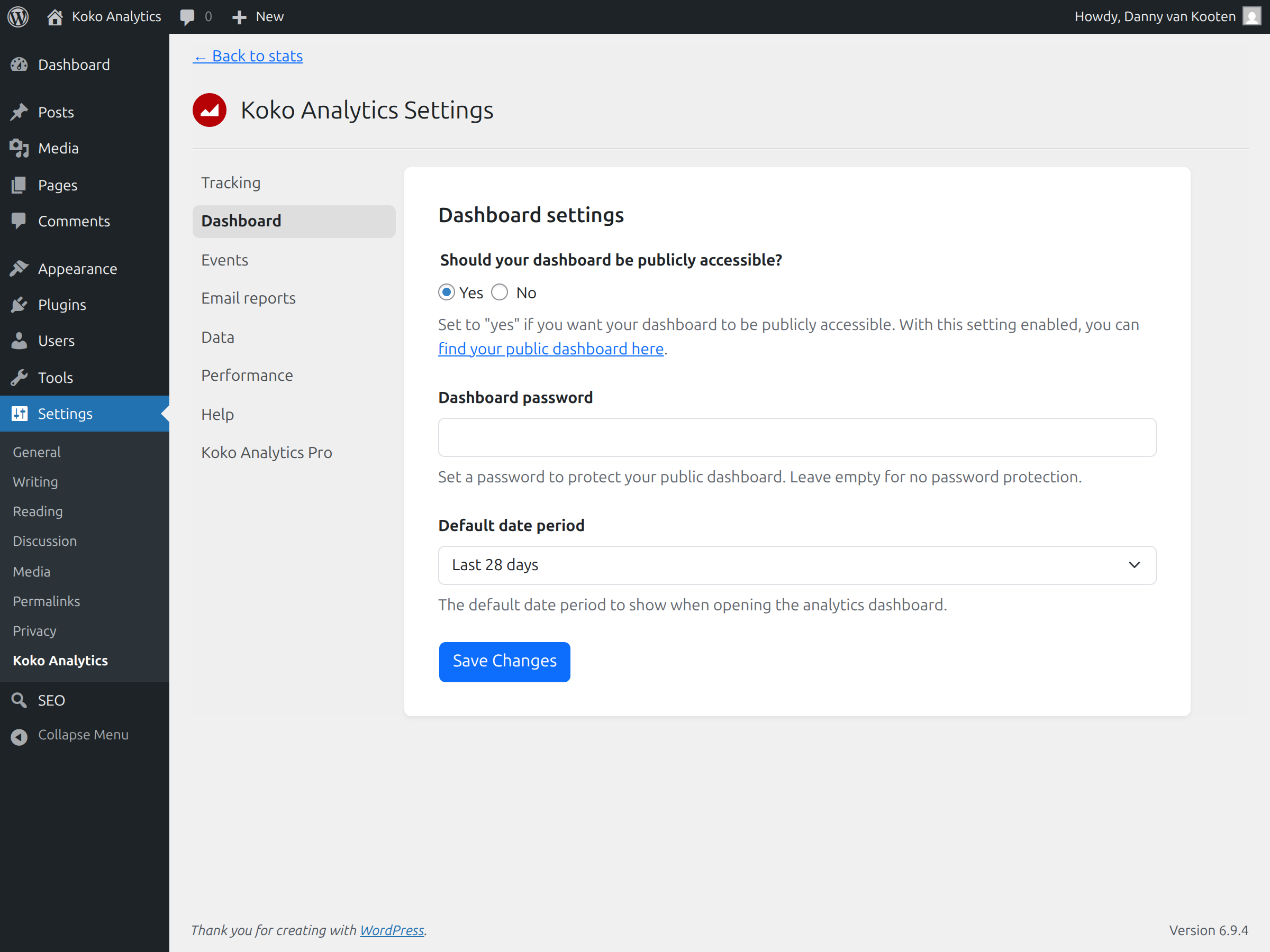
Analytics dashboard settings for customizing the reports shown in WordPress admin.
![Custom event tracking for outbound links, form submissions, and other analytics events. [Pro]](https://ps.w.org/koko-analytics/assets/screenshot-5.png?rev=3508893)
Custom event tracking for outbound links, form submissions, and other analytics events. [Pro]
![Email reports and traffic spike notifications for Koko Analytics Pro. [Pro]](https://ps.w.org/koko-analytics/assets/screenshot-6.png?rev=3508893)
Email reports and traffic spike notifications for Koko Analytics Pro. [Pro]
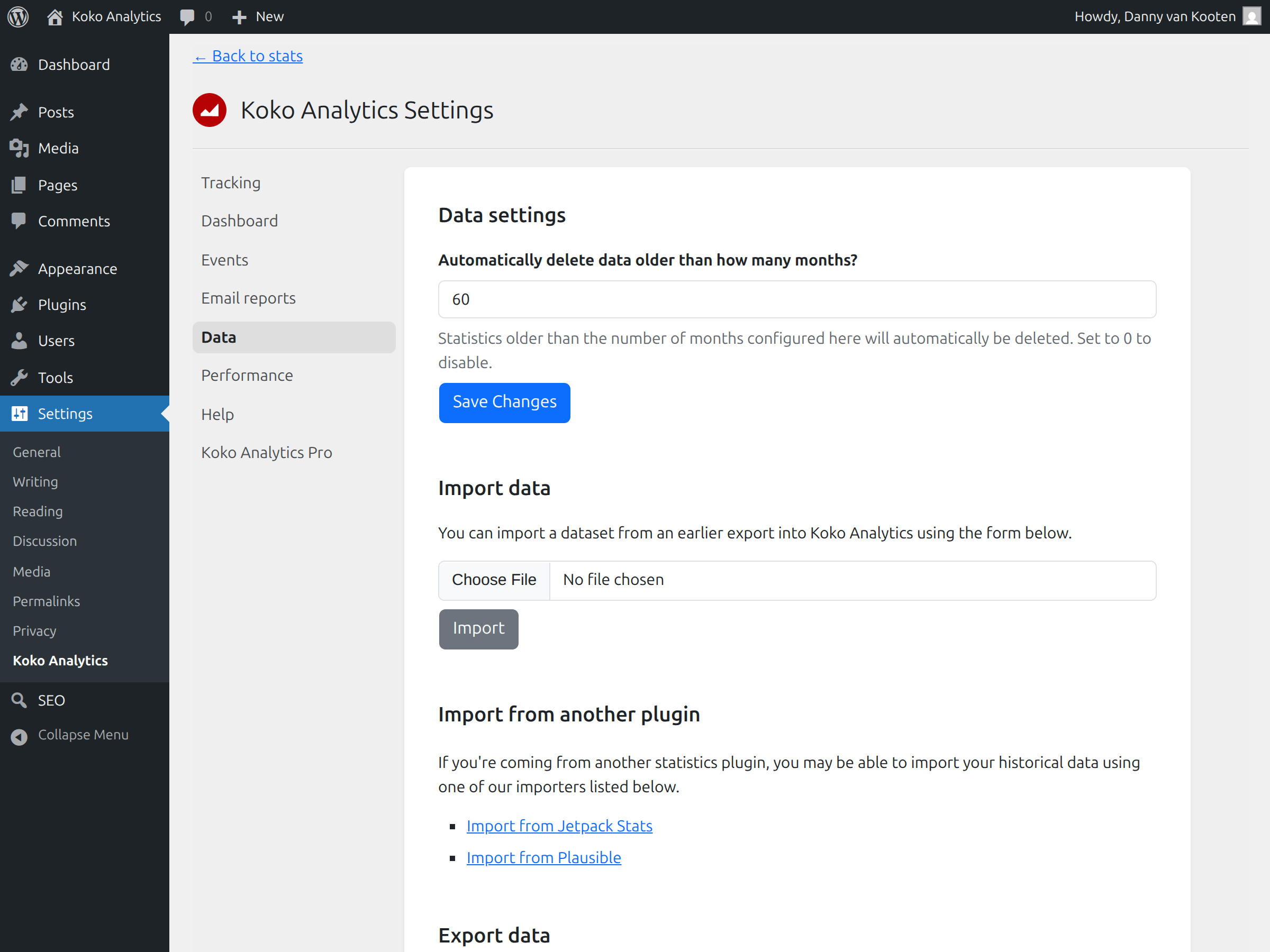
Data ownership tools for importing and exporting your WordPress analytics data.
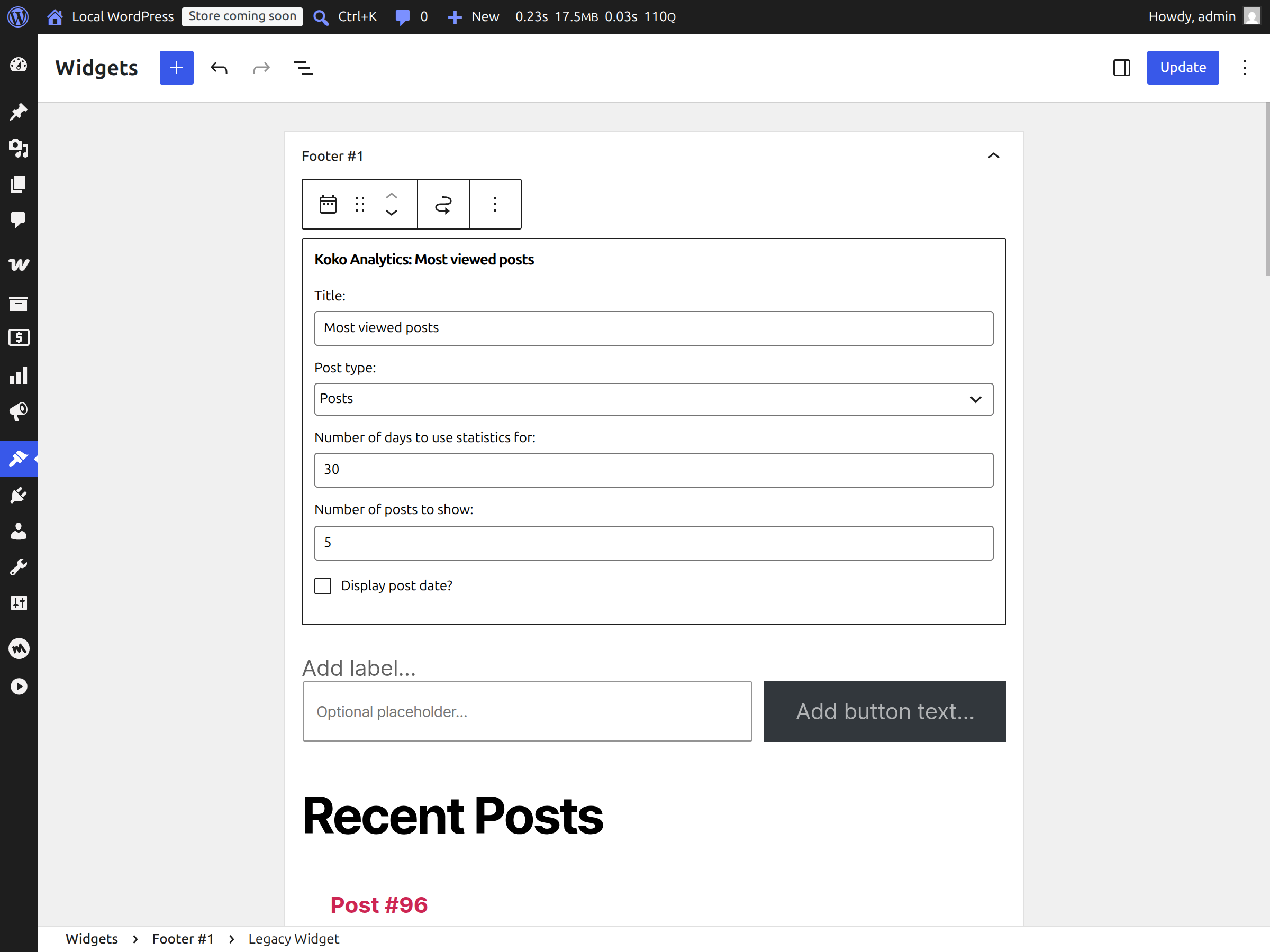
Most viewed posts widget for showing popular content on your site.
![Country, browser, operating system, and device statistics for deeper website analytics. [Pro]](https://ps.w.org/koko-analytics/assets/screenshot-9.png?rev=3508893)
Country, browser, operating system, and device statistics for deeper website analytics. [Pro]
Plugins semelhantes


Obtenha insights sobre o tráfego do site com análises compatíveis com GDPR/CCPA e que respeitam a privacidade. Inclui dados de visitantes, gráficos impressionantes e sem compartilhamento de dados.

Adds Google Analytics tracking code to your WordPress site. Supports many tracking features.

Head and Footer plugin lets you to add HTML code to the head and footer sections of your site pages, inside posts... and more!

Conecta o Google Analytics ao seu site WordPress. Exibe estatísticas para ajudar você a entender seus usuários e o conteúdo do site, em outro nível!
Post Views Counter allows you to collect and display how many times a post, page, or other content has been viewed in a simple, fast and reliable way.
Do mesmo author (Danny van Kooten)

O plugin de Mailchimp nº 1 para WordPress. Com ele, você pode adicionar vários tipos de formulários de inscrição para newsletters ao seu site de forma fácil e prática.