PayPal's latest payment processing solution. Accept PayPal, Pay Later, credit/debit cards, alternative digital wallets and bank accounts.

Ajax Cart for WooCommerce
Hospedagem WordPress com plugin Ajax Cart for WooCommerce
Onde hospedar o plugin Ajax Cart for WooCommerce?
Este plugin pode ser hospedado em qualquer provedor que possua WordPress configurado. Recomendamos fortemente escolher uma hospedagem confiável, com servidores otimizados para WordPress, como o serviço de hospedagem da MCO2.
Hospedando o plugin Ajax Cart for WooCommerce em uma empresa de hospedagem confiável
A MCO2, além de instalar o WordPress na versão mais nova para seus clientes, fornece o WP SafePress, um sistema exclusivo que assegura e melhora seu site ao mesmo tempo.
Por que a Hospedagem WordPress funciona melhor na MCO2?
A Hospedagem WordPress funciona melhor pois a MCO2 possui servidores otimizados para WordPress. A instalação de WordPress é diferente de uma instalação trivial, pois habilita imediatamente recursos como otimização de imagens, proteção da página de login, bloqueio de atividades maliciosas diretamente no firewall, cache avançado e HTTPS ativado por padrão. São plugins que potencializam seu WordPress para a máxima segurança e o máximo desempenho.
Ajax Cart for WooCommerce makes buying smoother in two ways:
- On the classic cart page (the
[woocommerce_cart]shortcode most stores and classic themes use), totals are recalculated with AJAX as soon as a quantity changes — no “Update cart” click — with -/+ buttons around the quantity. - A side cart (optional): a cart drawer that slides in from the side — or a popup — when a product is added, with a floating cart button, a coupon form and a free shipping progress bar — on classic and block themes alike, on every page but the cart and checkout.
On the newer Cart block (the default for stores created since WooCommerce 8.3), WooCommerce already updates quantities by itself; there the plugin adds a confirmation before an item is removed, and the side cart works the same.
No other hacks, code or theme changes are needed: the features are active as soon as the plugin is.
You can try and play with this plugin demonstration clicking here
Recursos da versão gratuita:
- Automatically reload and recalculate the classic Cart using AJAX when quantity changes
- Exibir botões -/+ ao lado da quantidade no carrinho
- Exibir quantidade de itens como uma caixa de seleção ao invés de campo numérico
- Show user confirmation when change item quantity to zero — and, on the Cart block, before an item is removed
- Side cart: a cart drawer that slides in when a product is added — or a popup in the middle of the screen — with a floating cart button and item count
- Coupon form inside the side cart: apply or remove a coupon without leaving the page, the totals and WooCommerce’s messages right there
- Your own look for the side cart: accent colour, the floating button’s icon and corner, and its texts (title, checkout button, empty cart)
- Free shipping progress bar (“Spend $12.00 more for free shipping”) in the side cart, Mini-Cart, classic Cart and Cart block — the amount read from your free shipping method, or your own
Recursos da versão Premium:
- Allow to change/synchronize quantities in shop, minicart and single product pages view demo
- Make the
Add to cartbutton to perform with AJAX, without full page reload view demo - Faster AJAX reload call when change quantities in Cart page
- Option to lock quantity inputs to allow only change using plus and minus buttons
- Update price vs quantity calculation automatically on Single Product pages (view demo)
- Change quantities with -/+ buttons inside the side cart (view demo)
- Undo a removed item on the Cart block (view demo)
- Minimum, maximum and step for every product quantity, on the classic and the block cart
- Rewards progress bar: your milestones on the way to bigger orders (“$50: free gift”, “$100: 10% off”) in the side cart, Mini-Cart, classic Cart and Cart block — it shows the progress, the rewards are your own coupons or rules (view demo)
- Product suggestions in the side cart: the cart items’ cross-sells (or upsells), each with an AJAX “Add” button (view demo)
Get the PRO version here.
If you looking for a related plugin with more complete features maybe you can try Better Usability for WooCommerce plugin.
Capturas de tela

The classic cart page: a click on "+" or "-" updates the totals with AJAX, without clicking "Update cart" — with the free shipping progress bar.

The side cart opens when a product is added: a coupon form, the discount and the total after it, and the free shipping progress bar.

The side cart as a popup, in your accent colour, with the floating cart button and its item count.

The free shipping progress bar on WooCommerce's Cart block.
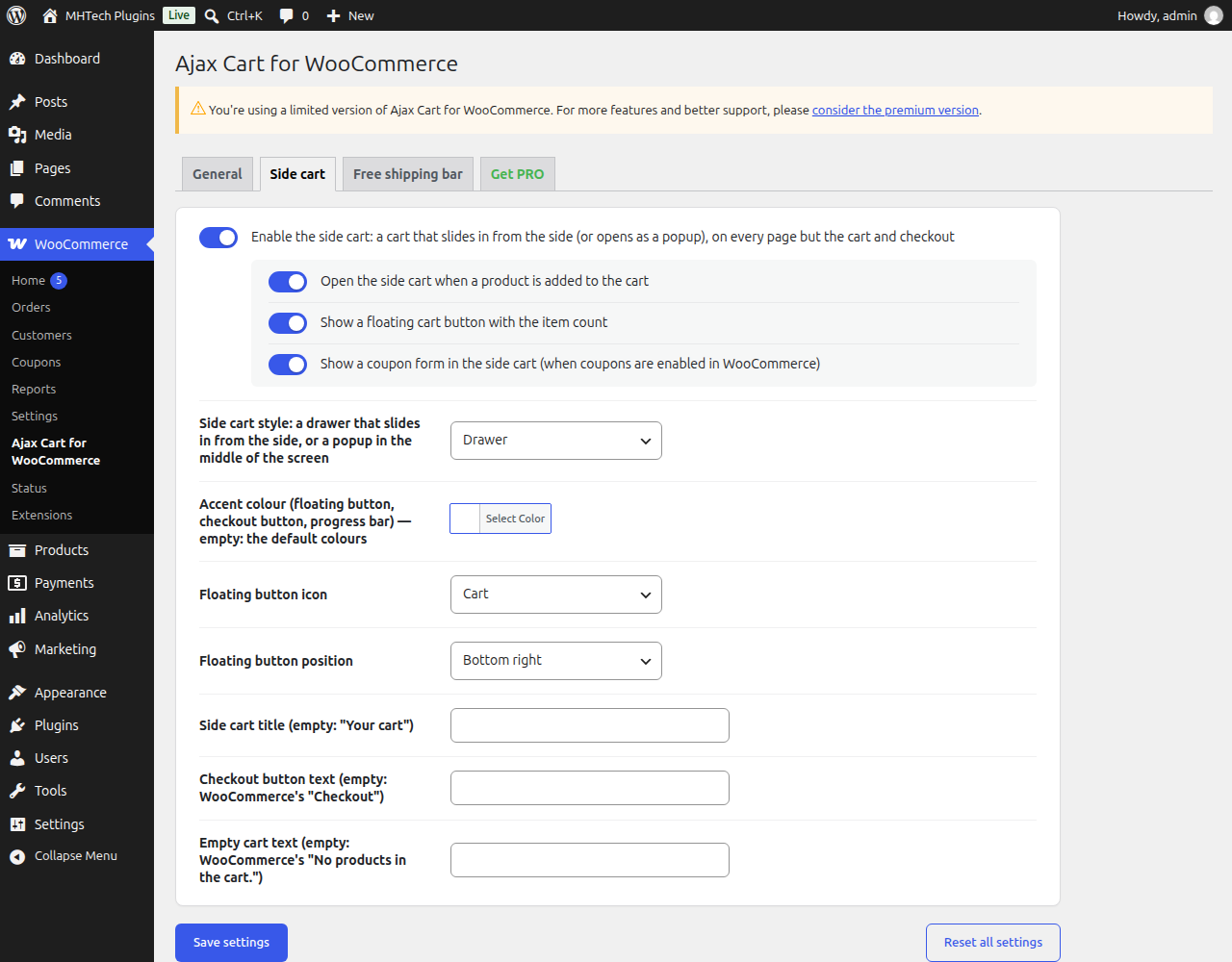
The side cart settings: drawer or popup, coupon form, accent colour, the floating button's icon and corner, and the texts.
Plugins semelhantes


Native integration with Google that allows merchants to easily display their products across Google’s network.

We’re here to help with tax rates: collect accurate sales tax, automatically.
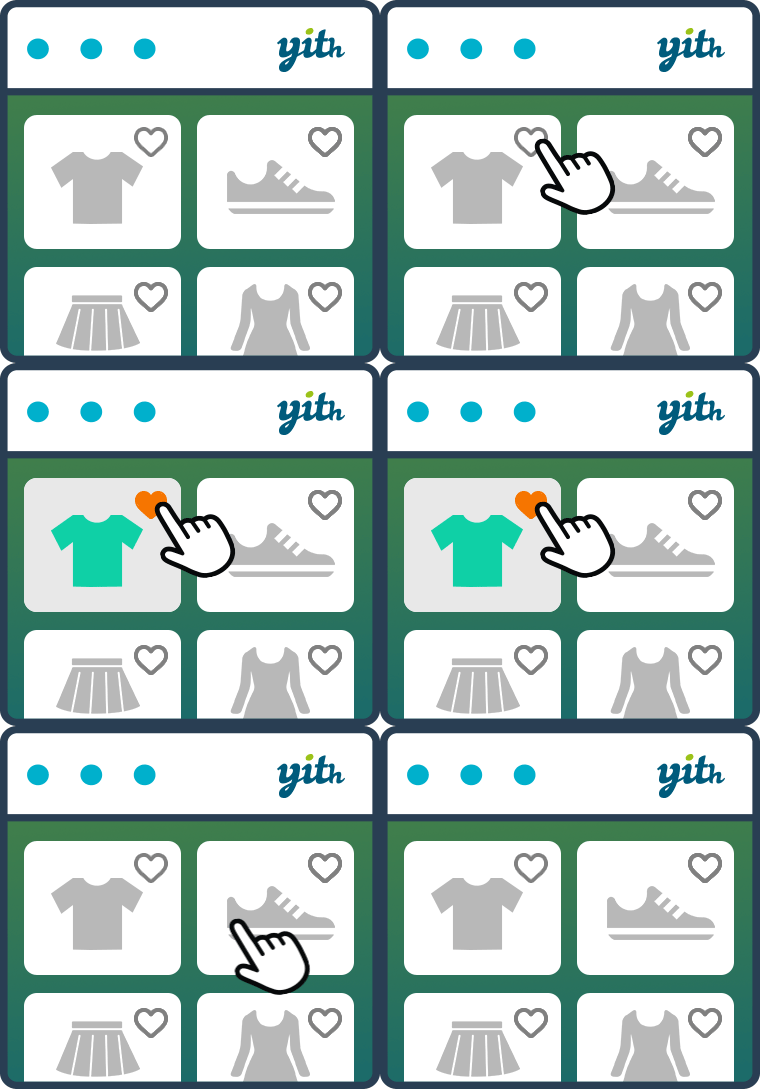
YITH WooCommerce Wishlist add all Wishlist features to your website. Needs WooCommerce to work. WooCommerce 11.3.x compatible.

The WooCommerce Legacy REST API, which is now part of WooCommerce itself but will be removed in WooCommerce 9.0.

Crie, imprima & envie automaticamente por e-mail faturas em PDF ou XML & notas de embalagem em PDF para pedidos do WooCommerce.
Do mesmo author (moiseh)

Improve WooCommerce UX with AJAX cart updates, quantity buttons, streamlined checkout, and more — for a faster, smoother buying experience.