
Incorpore as avaliações do Google de forma rápida e fácil ao seu site WordPress. Melhore o SEO, a confiança e as vendas usando as avaliações do Google.

W4 Post List
Hospedagem WordPress com plugin W4 Post List
Onde hospedar o plugin W4 Post List?
Este plugin pode ser hospedado em qualquer servidor que tenha WordPress instalado. Recomendamos escolher um provedor de hospedagem de confiança, com servidores especializados para WordPress, como o serviço de hospedagem da MCO2.
Hospedando o plugin W4 Post List em uma empresa de hospedagem de confiança
A MCO2, além de instalar o WordPress na versão mais atual para seus clientes, fornece o plugin WP SafePress, um mecanismo singular que salvaguarda e aumenta a performance do seu site conjuntamente.
Por que a Hospedagem WordPress funciona melhor na MCO2?
A Hospedagem WordPress funciona melhor pois a MCO2 possui servidores otimizados para WordPress. A instalação de WordPress é diferente de uma instalação trivial, pois habilita imediatamente recursos como otimização automática de imagens e fotos, proteção da página de login, bloqueio de atividades maliciosas diretamente no firewall, cache avançado e HTTPS ativado por padrão. São plugins que potencializam seu WordPress para a máxima segurança e o máximo desempenho.
W4 Post List builds the lists that WordPress core still can’t: posts grouped under year, month, category or author headings; category and term indexes; user directories; and combined Terms + Posts and Users + Posts lists. You control the output with a template of plain HTML and simple template tags, so the markup stays clean, semantic and completely yours.
Place any list anywhere with the W4 Post List block, the [postlist id="123"] shortcode, or the classic widget.
What can you build?
- Year/month archives — posts grouped under date headings
- Category, tag or custom taxonomy indexes — with or without each term’s posts listed underneath
- Author and user directories — list users by role, with avatars, bios and each user’s posts
- Filtered post lists — any post type, filtered by status, taxonomy terms, custom fields, dates, authors, parents and more
- Media lists — image and attachment lists by mime type
Five list types
- Postagens
- Termos
- Assinantes
- Terms + Posts
- Users + Posts
Query options (Posts)
- Post type, status and mime type
- Search keyword
- Include/exclude posts by ID, exclude the current post
- Filter by parent, author, taxonomy terms (tax query), custom fields (meta query) and dates (date query)
- Items per page, with multi-page pagination
Group results by
- Year, month, or month + year
- Category, tag or any custom taxonomy
- Author
- Parent
Order results by
- ID, title, slug, publish date, modified date, menu order, comment count, custom field value, or random
Pagination
- Next/previous links or numeric navigation, with optional AJAX page loading
Full control over the output
Output is template-driven: every list has an HTML template with template tags like [post_title], [post_permalink], [featured_image], [post_author_name] and [post_meta key="..."]. Start from a ready-made template — cards, archives, category indexes, user directories — and tweak it, or write your own markup for pixel-perfect control. A live preview in the editor shows your changes before you save. If you want a drag-and-drop visual builder, this plugin isn’t that — it keeps you close to your own HTML, which is exactly why themes and developers like it.
See the full template tag reference and live examples with copy-paste templates.
Lightweight, independently measured
WP Hive independently measures W4 Post List at 19 KB memory usage and +0.05 s page-speed impact — better than 99% of the plugins they test. No bundled frameworks, no frontend bloat.
Privacy Policy
W4 Post List uses Appsero SDK to collect some telemetry data upon user’s confirmation. This helps us to troubleshoot problems faster & make product improvements.
Appsero SDK does not gather any data by default. The SDK only starts gathering basic telemetry data when a user allows it via the admin notice. We collect the data to ensure a great user experience for all our users.
Integrating Appsero SDK DOES NOT IMMEDIATELY start gathering data, without confirmation from users in any case.
Learn more about how Appsero collects and uses this data.
Capturas de tela
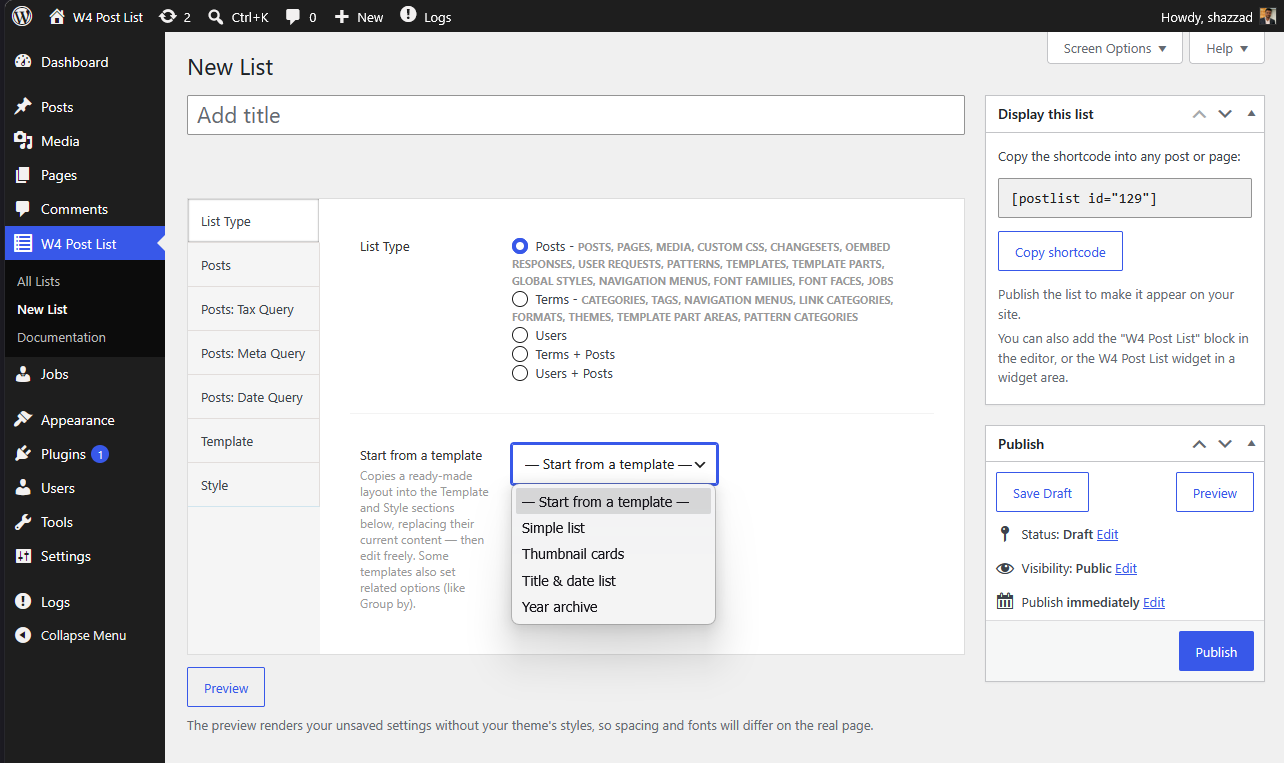
Start from a template — pick from ready-made layouts per list type.
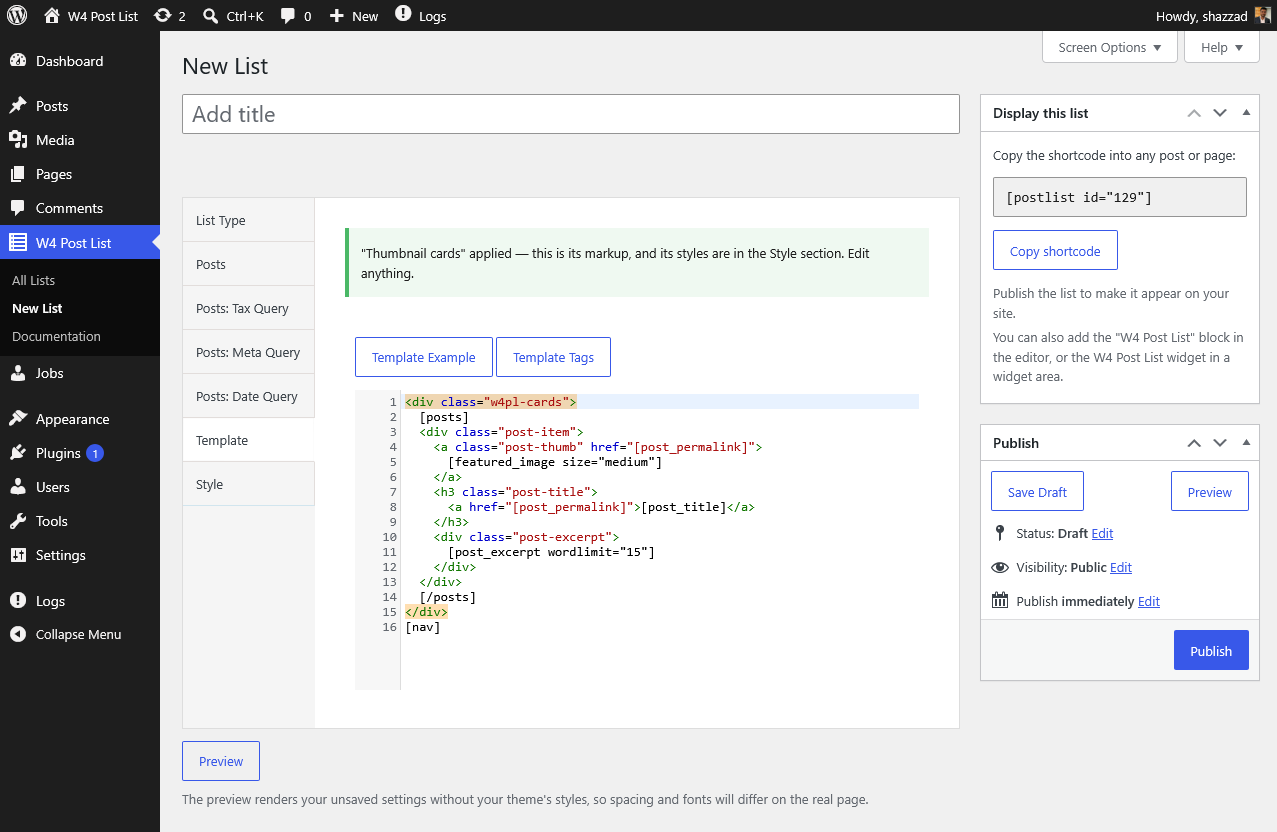
The template editor — syntax highlighting, tag insertion, editable starter markup.
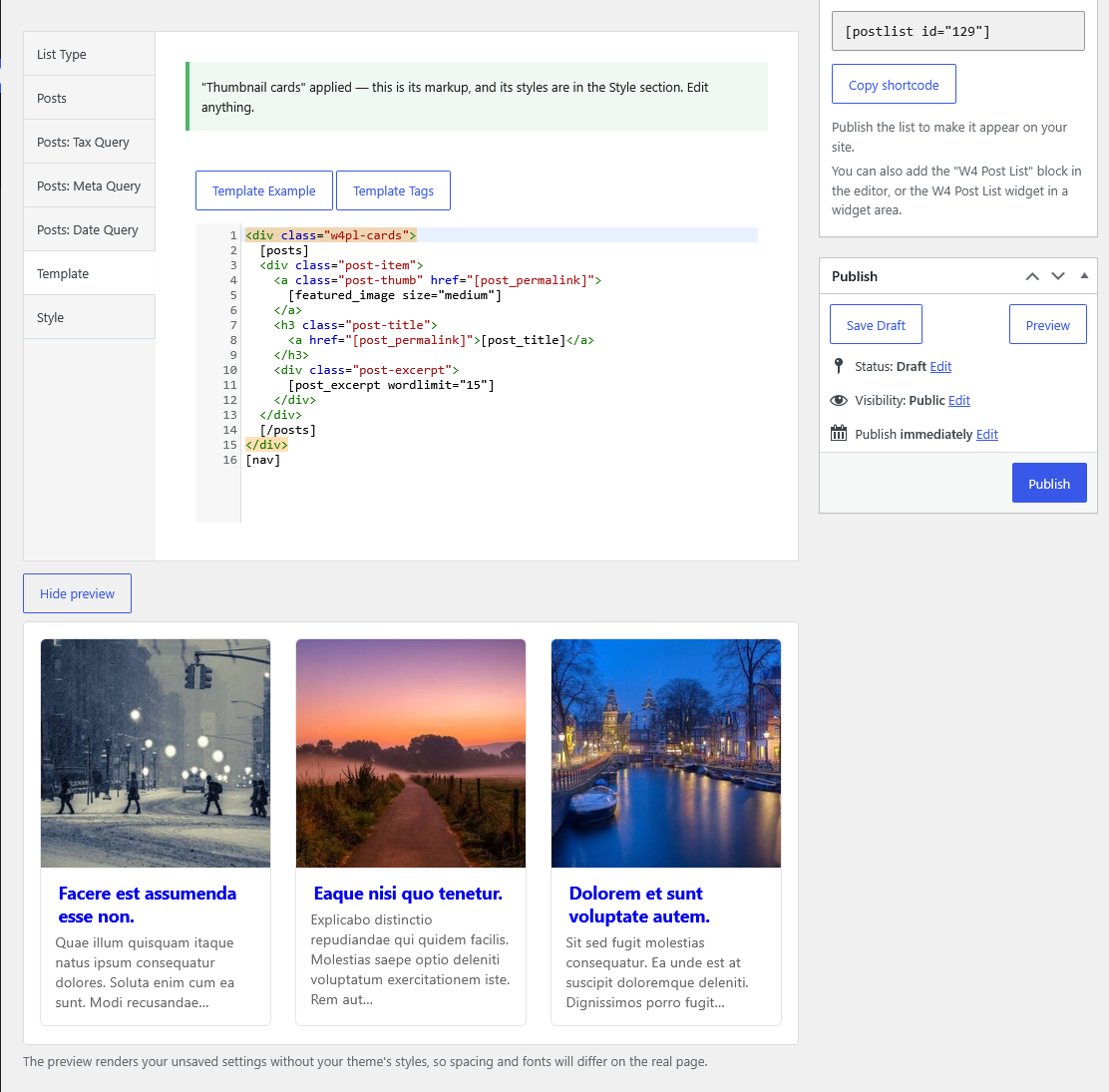
Live preview — see your unsaved changes rendered without leaving the editor.
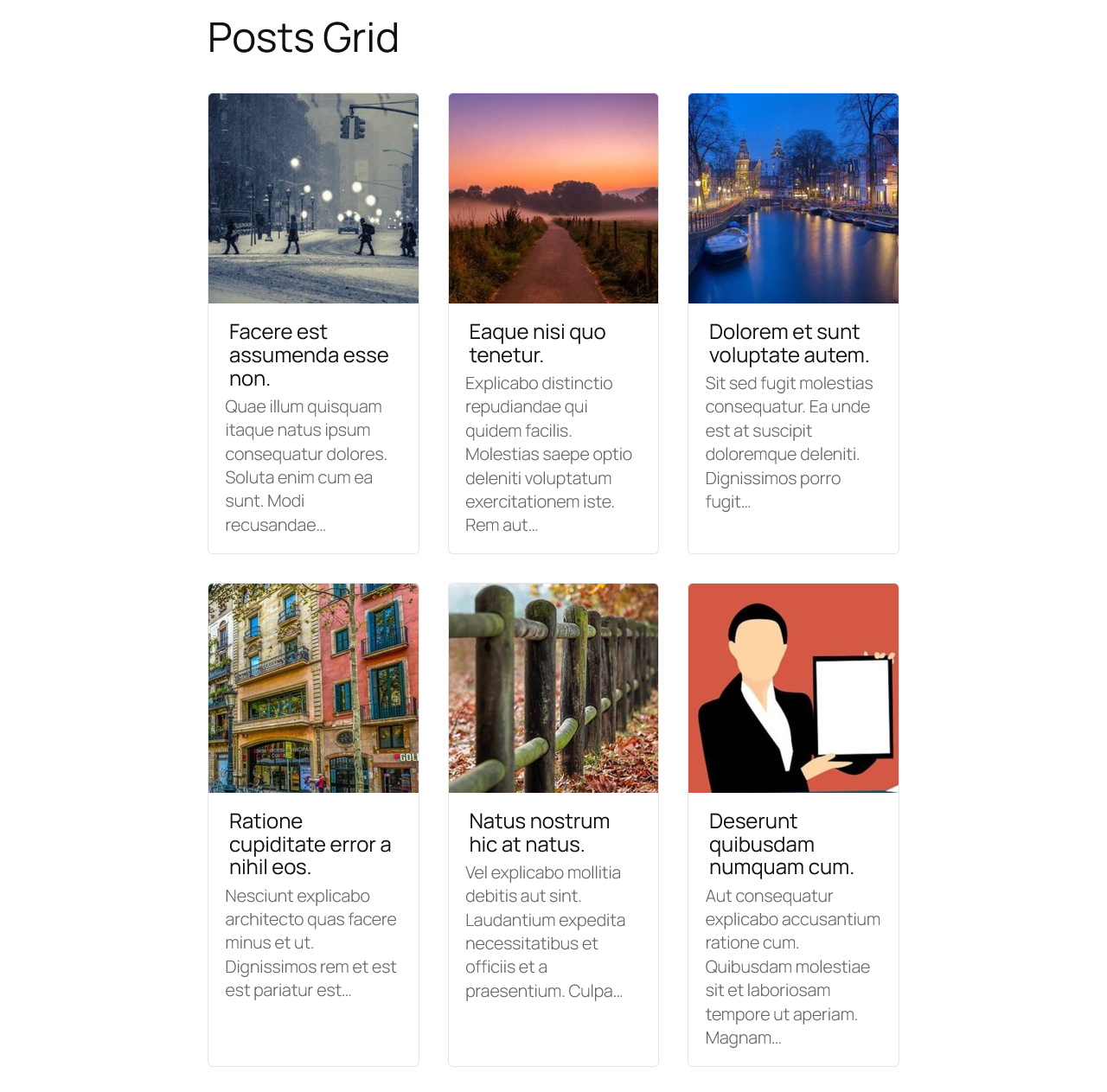
Thumbnail cards starter on the front end.
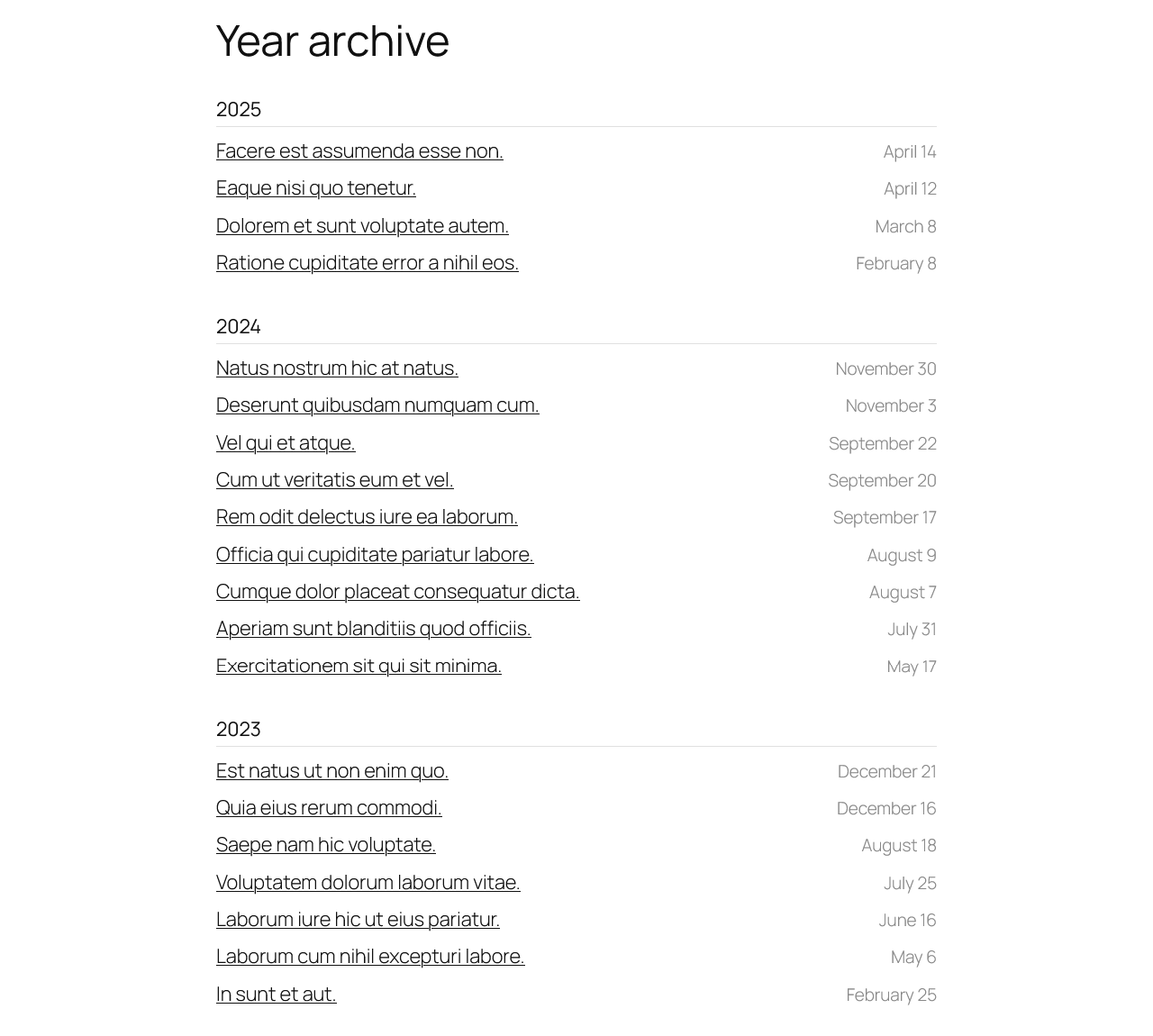
Year archive starter — posts grouped under year headings.
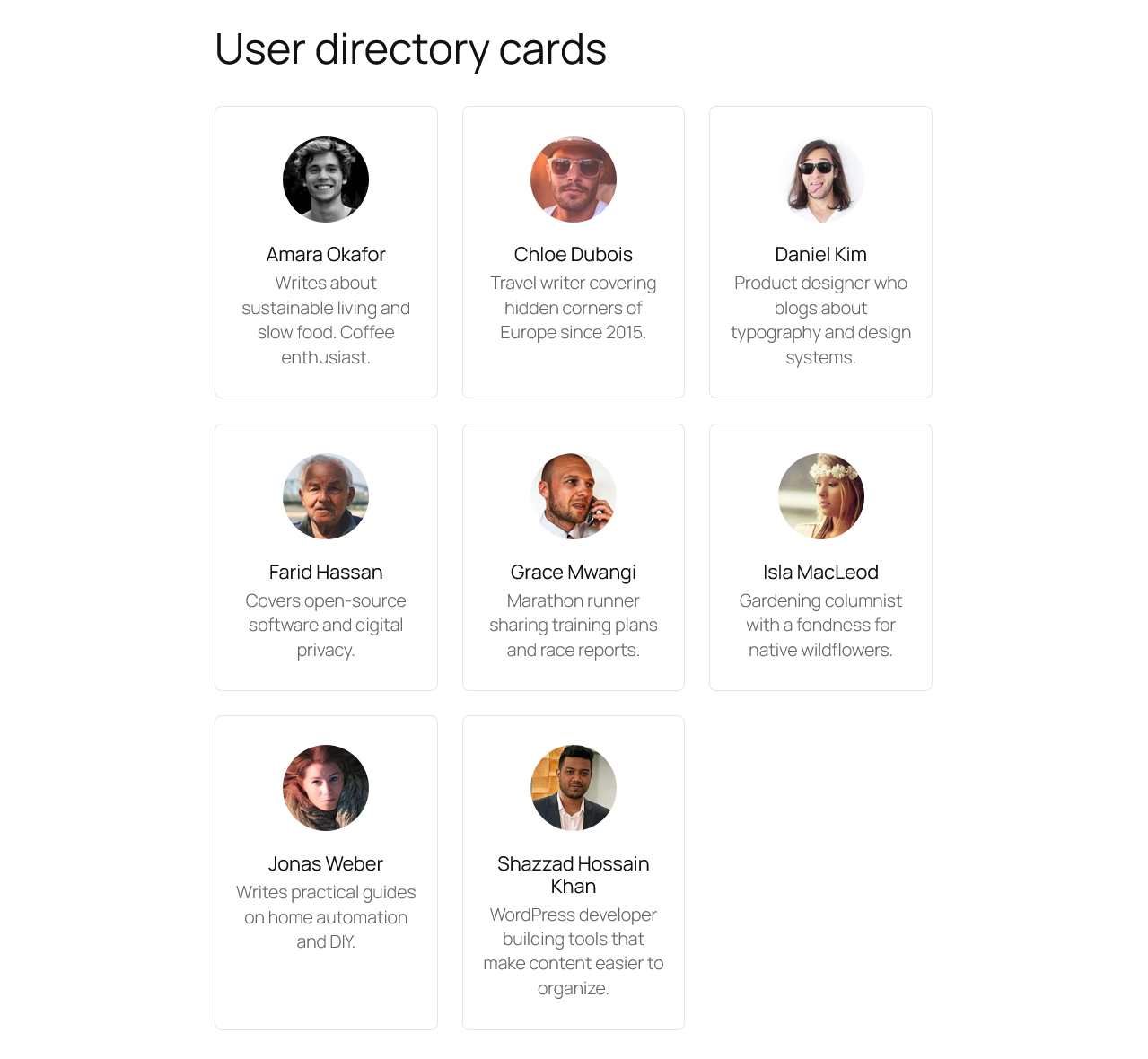
User directory starter — avatars, names and bios in a card grid.
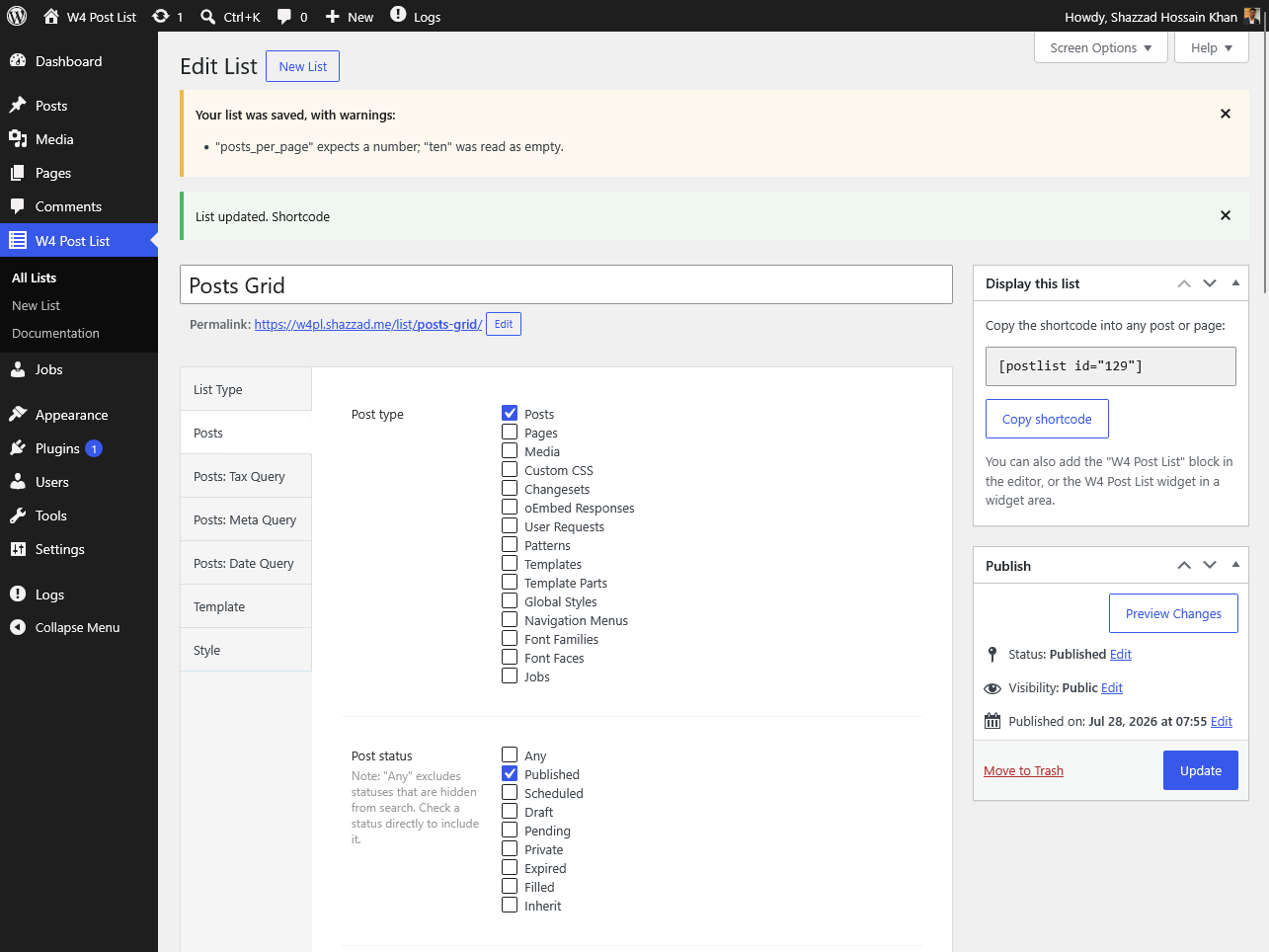
Helpful save-time warnings — mistakes are explained and coerced, never rejected.
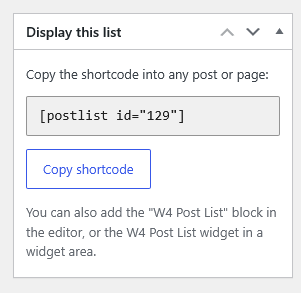
Every list's shortcode is one click away.
Plugins semelhantes


Essential elements for modern websites. Add buttons, sliders, heroes, maps, images, carousels, features, icons, more. Create dynamic pages easily.

The official companion plugin for Blocksy theme, packed with starter sites, extra features, and integrations.

Extend Elementor with 68+ widgets, 114 prebuilt demos, Mega Menu Builder, Theme Builder, and advanced interactive effects.

Um jeito simples de mudar o tipo de um post no WordPress

The visual editor widget for WordPress.