
The Simplest and Optimized Social Share buttons. Facebook, X, Reddit, Pinterest, Whatsapp, Grok, ChatGPT, Gab, Gettr and over 100 more.

Scriptless Social Sharing
Hospedagem WordPress com plugin Scriptless Social Sharing
Onde devo hospedar o plugin Scriptless Social Sharing?
Este plugin pode ser hospedado em qualquer servidor que tenha WordPress instalado. Recomendamos optar por um provedor de hospedagem confiável, com servidores especializados para WordPress, como o serviço de hospedagem da MCO2.
Hospedando o plugin Scriptless Social Sharing em uma empresa de hospedagem seguro
A MCO2, além de instalar o WordPress na versão mais atualizada para seus clientes, fornece o plugin WP SafePress, um mecanismo singular que salvaguarda e aumenta a performance do seu site conjuntamente.
Por que a Hospedagem WordPress funciona melhor na MCO2?
A Hospedagem WordPress funciona melhor pois a MCO2 possui servidores otimizados para WordPress. A instalação de WordPress é diferente de uma instalação trivial, pois habilita imediatamente recursos como otimização automática de imagens, proteção da página de login, bloqueio de atividades maliciosas diretamente no firewall, cache avançado e HTTPS ativado por padrão. São plugins que potencializam seu WordPress para a máxima segurança e o máximo desempenho.
Scriptless Social Sharing is a wee plugin to add buttons to your posts/pages, to make it easier for your readers to share your content on social networks.
The sharing links use the most basic methods provided by each network. There is no JavaScript, nothing fancy included in this plugin, so if you want fancy, this is not the plugin you’re looking for. It just builds a set of links.
The sharing buttons are accessible–even if you choose the “Icons Only” button styles, the network names are still part of the buttons, just hidden in an accessible-ready manner.
There is a small settings page, so you can make decisions about which content types should have sharing buttons and where, what buttons should be added, and whether or not to use the plugin’s styles. Beyond that, developers may like to make use of filters throughout the plugin.
Banner/icon image credit: Ryan McGuire on Gratisography.
Capturas de tela
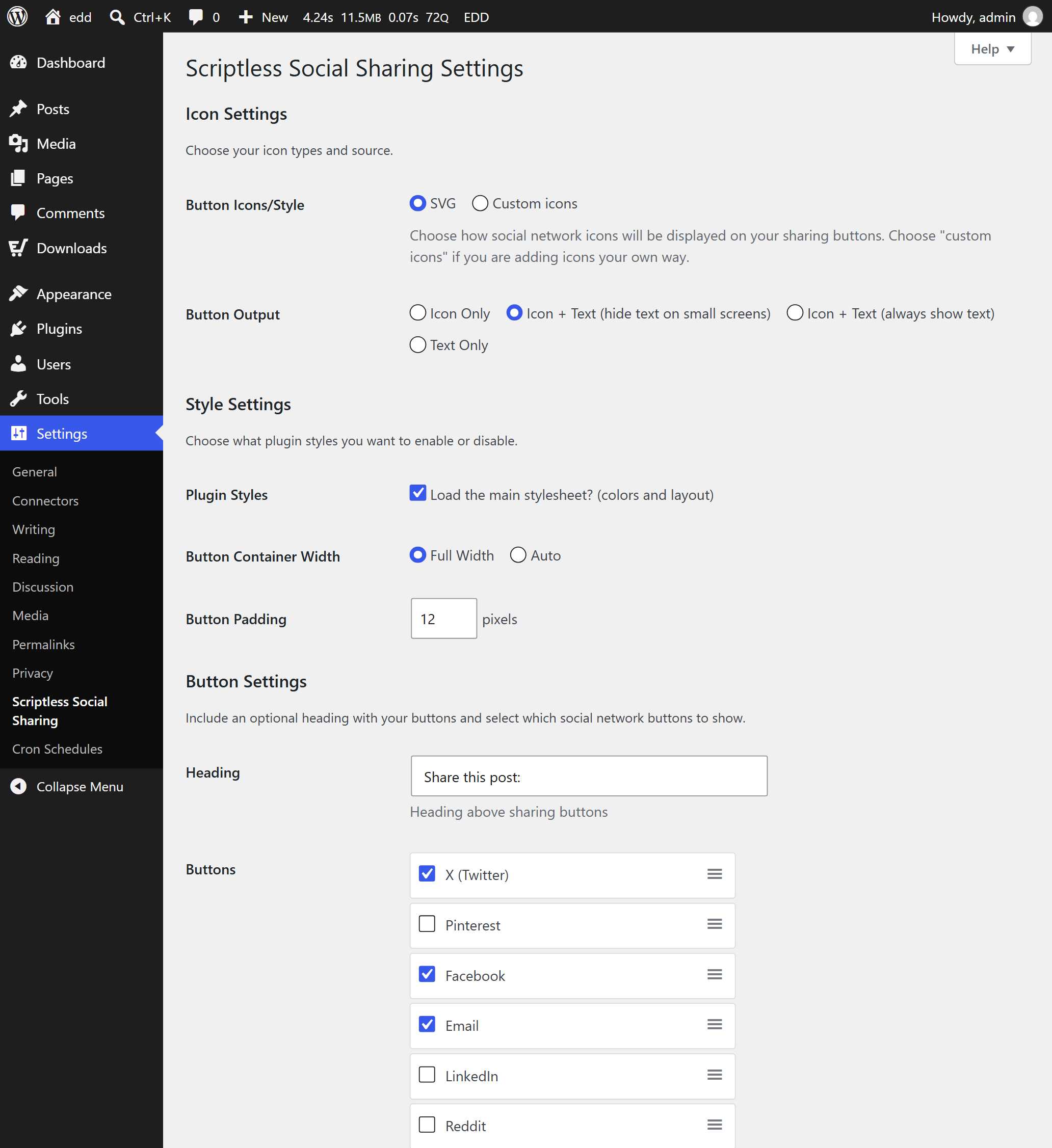
Screenshot of the plugin settings in Settings > Scriptless Social Sharing.
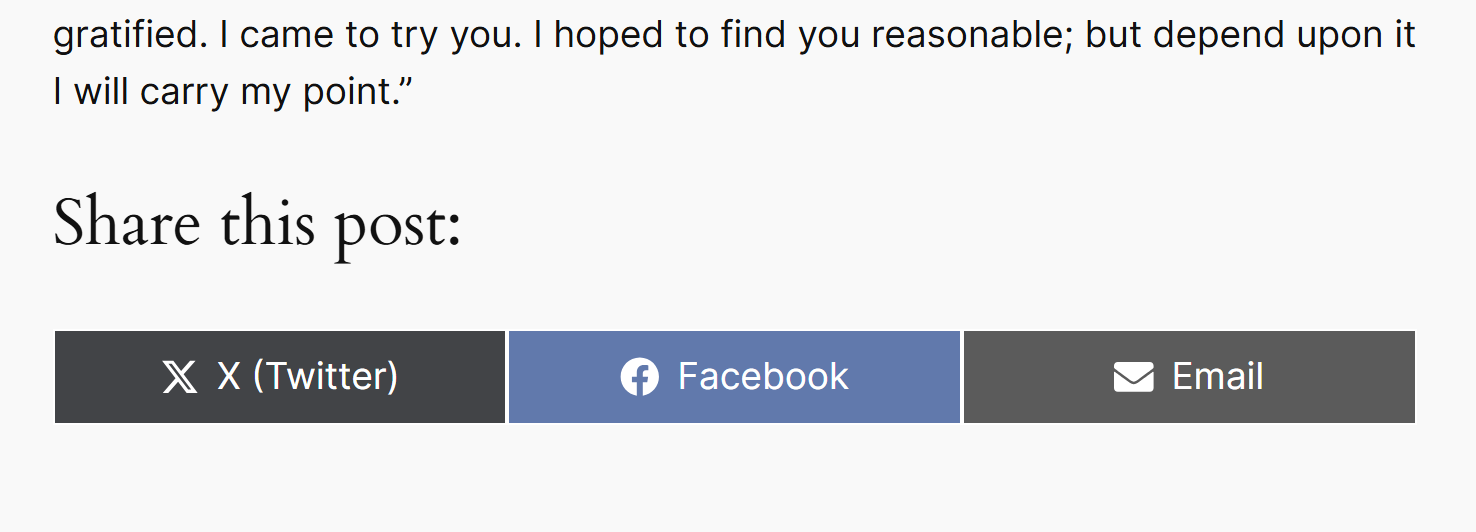
Screenshot of the sharing buttons on a Post.
Plugins semelhantes


AI chat that answers visitors from your own pages, Click to Chat for WhatsApp & Telegram, social icons & share buttons — one floating button.

Floating Menus, Sticky Buttons, & Popup builder. WhatsApp Chat, Facebook Messenger, Telegram, Live Chat, Call, SMS, Email & more.

Site: https://oceanwp.org/ Suporte: https://oceanwp.org/support/ Documentação: https://docs.oceanwp.org/ Extensões: https://oceanwp.

Lightweight social sharing and follow buttons for WordPress. Fast, flexible, and easy to use.

Increase traffic and engagement with fast, responsive social share buttons for WordPress. No paid upgrades required.
Do mesmo author (Robin Cornett)

Esse plugin adiciona uma coluna de imagem em destaque para qualquer tipo de post que suporte imagens em destaque. Veja quais posts têm uma imagem em destaque num relance!