
The visual editor widget for WordPress.

Allow HTML in Category Descriptions
Hospedagem WordPress com plugin Allow HTML in Category Descriptions
Onde posso hospedar o plugin Allow HTML in Category Descriptions?
Este plugin pode ser hospedado em qualquer hospedagem que tenha WordPress configurado. Recomendamos optar por um provedor de hospedagem confiável, com servidores especializados para WordPress, como o serviço de hospedagem de sites da MCO2.
Hospedando o plugin Allow HTML in Category Descriptions em uma empresa de hospedagem seguro
A MCO2, além de instalar o WordPress na versão mais atual para seus clientes, oferece o plugin WP SafePress, um sistema exclusivo que assegura e aumenta a performance do seu site ao mesmo tempo.
Por que a Hospedagem WordPress funciona melhor na MCO2?
A Hospedagem WordPress funciona melhor pois a MCO2 possui servidores otimizados para WordPress. A instalação de WordPress é diferente de uma instalação trivial, pois habilita imediatamente recursos como otimização de imagens, proteção da página de login, bloqueio de atividades suspeitas diretamente no firewall, cache avançado e HTTPS ativado por padrão. São recursos que potencializam seu WordPress para a máxima segurança e o máximo desempenho.
When you add text to the category description textarea and save the category, WordPress runs content filters that strips out all but the most basic formatting tags.
This plugin disables those filters for roles with the necessary permissions. Any html code you add to the category description will not be stripped out.
This plugin does not do anything other than disable the filters. It does not protect you from entering invalid HTML, nor does it help you create WYSIWYG HTML. You can use the post or page composing screen to help you create the text and formatting. Switch to the ‘code’ tab and copy the HTML code into the category description field.
Capturas de tela
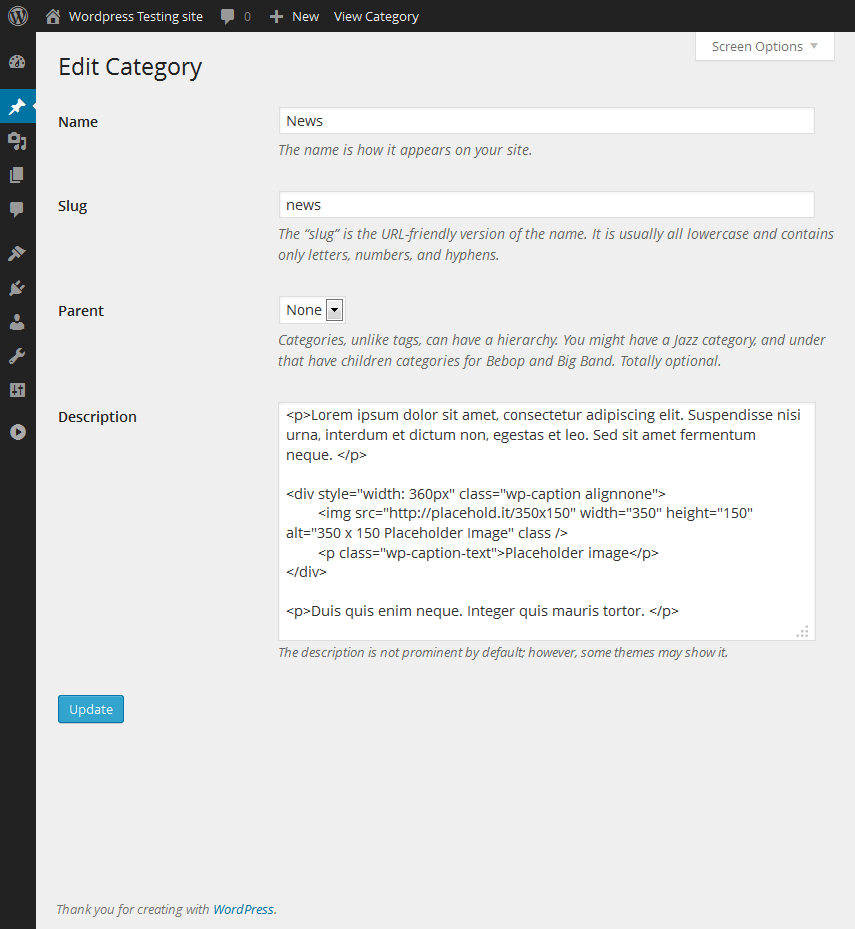
Adding HTML code to the category description
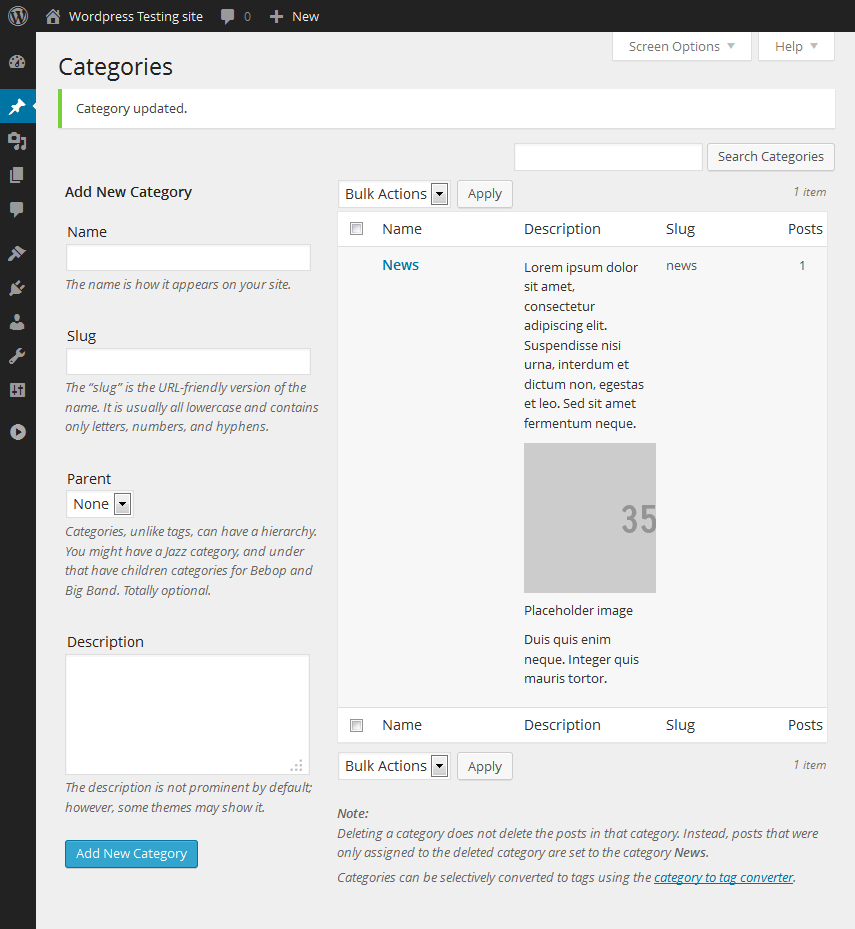
A preview of the category description in the category list admin screen
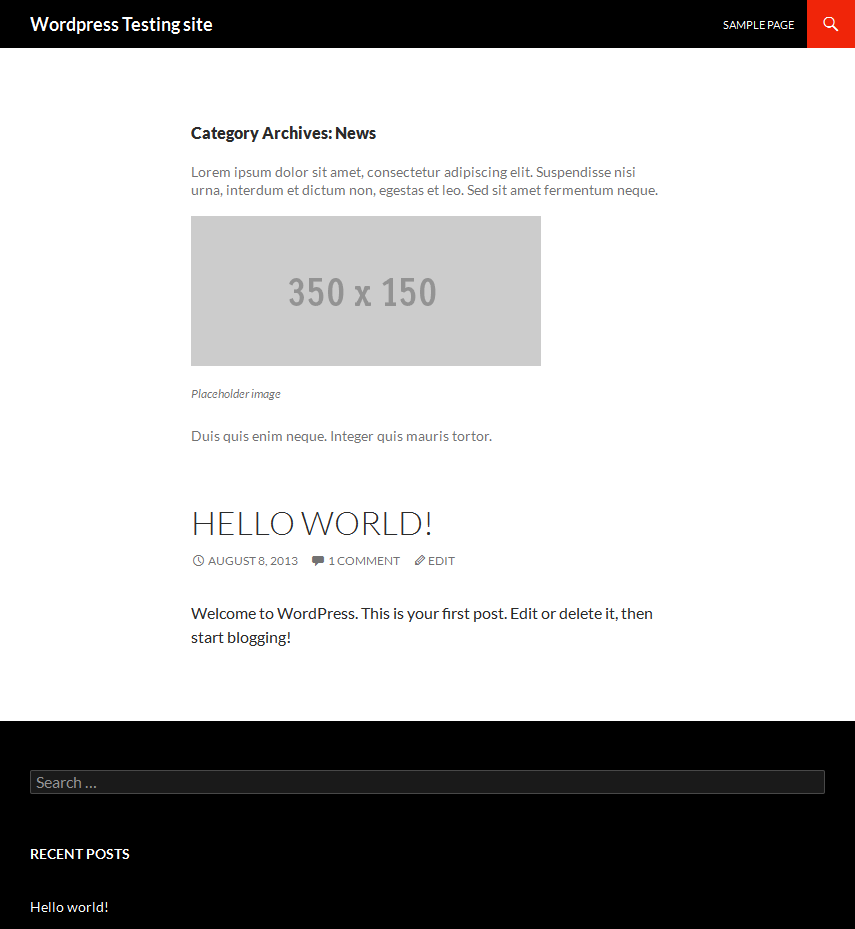
What the category looks like on the front-end if your theme supports it (here shown with the Twenty Fourteen theme)
Plugins semelhantes


Create custom "Shortcodes" easily for HTML, JavaScript, CSS code snippets and use the shortcodes within posts, pages & widgets

This plugin removes the mandatory 'Category Base' from your category permalinks. It's compatible with WPML.

HUSKY - WooCommerce Products Filter Professional (former name is WOOF) – flexible, easy and robust professional filter for products for WooCommerce

Very customizable plugin to list posts by category (or tag, author and more) in a post, page or widget. Uses the [catlist] shortcode to select posts.
Enhances the Media Library; powerful gallery and list shortcodes, full taxonomy support, IPTC/EXIF/XMP/PDF processing, bulk/quick edit.