
PayPal's latest payment processing solution. Accept PayPal, Pay Later, credit/debit cards, alternative digital wallets and bank accounts.

PayPal POS for WooCommerce
Hospedagem WordPress com plugin PayPal Zettle POS for WooCommerce
Onde hospedar o plugin PayPal Zettle POS for WooCommerce?
Este plugin pode ser hospedado em qualquer hospedagem que possua WordPress configurado. Recomendamos escolher um provedor de hospedagem confiável, com servidores adaptados para WordPress, como o serviço de hospedagem de sites da MCO2.
Hospedando o plugin PayPal Zettle POS for WooCommerce em um provedor de confiança
A MCO2, além de instalar o WordPress na versão mais nova para seus clientes, disponibiliza o WP SafePress, um sistema exclusivo que protege e melhora seu site conjuntamente.
Por que a Hospedagem WordPress funciona melhor na MCO2?
A Hospedagem WordPress funciona melhor pois a MCO2 possui servidores otimizados para WordPress. A instalação de WordPress é diferente de uma instalação trivial, pois habilita imediatamente recursos como otimização de imagens, proteção da página de login, bloqueio de atividades maliciosas diretamente no firewall, cache avançado e HTTPS ativado por padrão. São plugins que potencializam seu WordPress para a máxima segurança e o máximo desempenho.
Run one shop, not two. PayPal POS for WooCommerce connects your WooCommerce store to your PayPal POS (Point of Sale) account, so the products you manage online are the same products you sell in person, with stock levels that stay accurate on both sides.
WooCommerce stays your single source of truth. You build and manage your catalog where you already work, push it to your PayPal POS product library, and start selling at the counter. When something sells, online or in store, inventory updates on the other side automatically. No spreadsheets, no double entry, no end-of-day stock surprises.
What you can do
- Connect in minutes. Link your WooCommerce store to PayPal POS and sync your product library through a guided onboarding flow.
- Send your catalog to the counter. Export a selection of products, or your entire catalog, from WooCommerce to your PayPal POS product library.
- Manage everything in one place. Edit products in WooCommerce and let your changes flow through to PayPal POS automatically.
- Keep stock accurate in real time. Stock changes sync both ways between WooCommerce and PayPal POS, so a sale on either side updates the other.
- Choose what syncs. Exclude individual products from sync when you want to keep them online only.
Built for omnichannel sellers
If WooCommerce is the heart of your business and PayPal POS is how you take payments in person, this plugin keeps the two in step. It focuses on what matters most when you sell across channels: one catalog and one accurate stock count, everywhere you sell.
About PayPal POS
PayPal POS is PayPal’s point of sale system for taking payments in person, with card readers, terminals, and the PayPal POS app. You will need an active PayPal POS account to use this plugin. PayPal POS does not process payments through this plugin; payments are taken on your PayPal POS hardware and app.
PayPal POS is available in the following countries: US, GB, FR, SE, NO, FI, DK, NL, DE, ES, IT, BR, MX
Capturas de tela
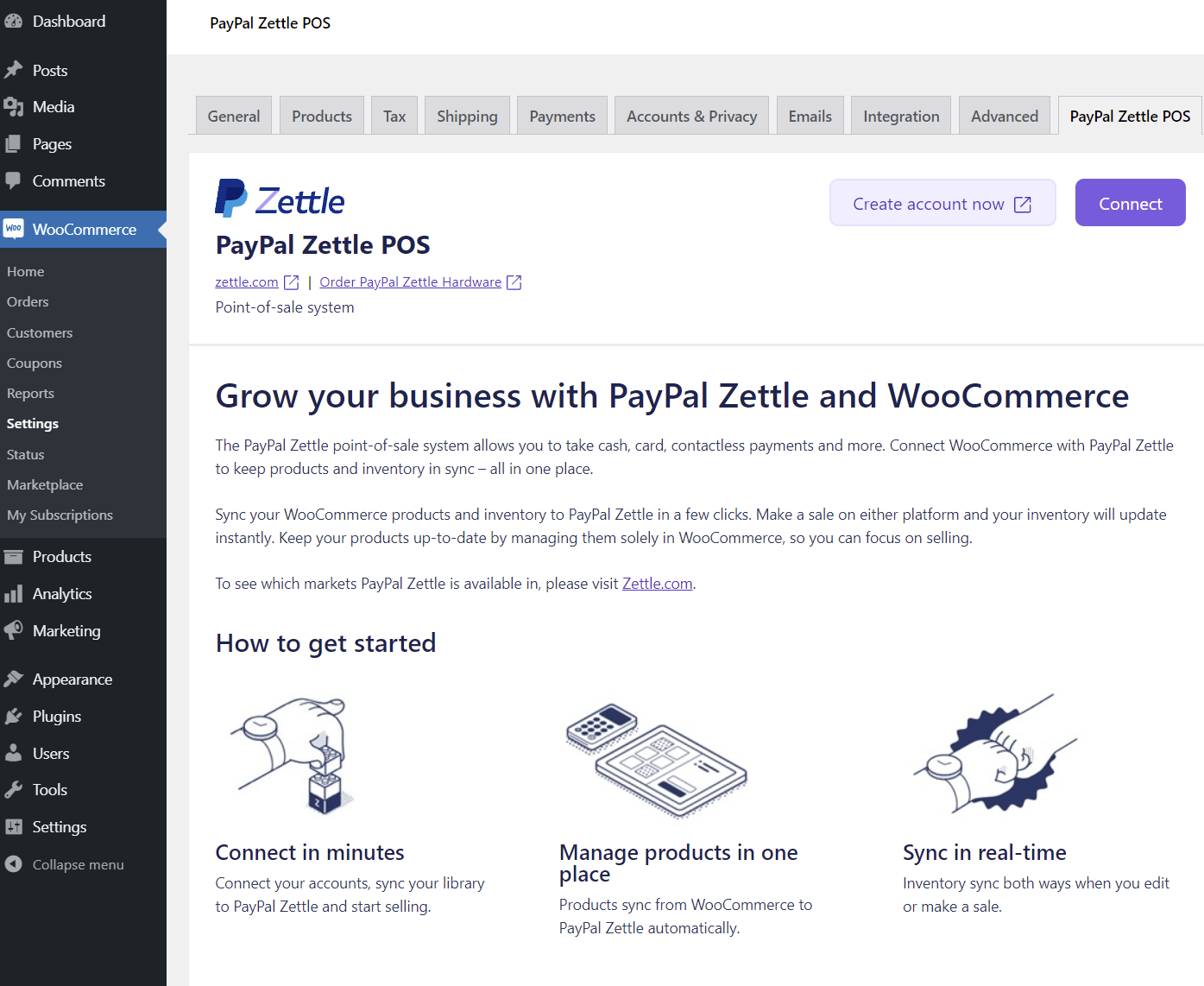
Take payments in person with PayPal POS while you manage everything in WooCommerce.

Connecting your store to PayPal POS, step 1.

Connecting your store to PayPal POS, step 2.

Connecting your store to PayPal POS, step 3.
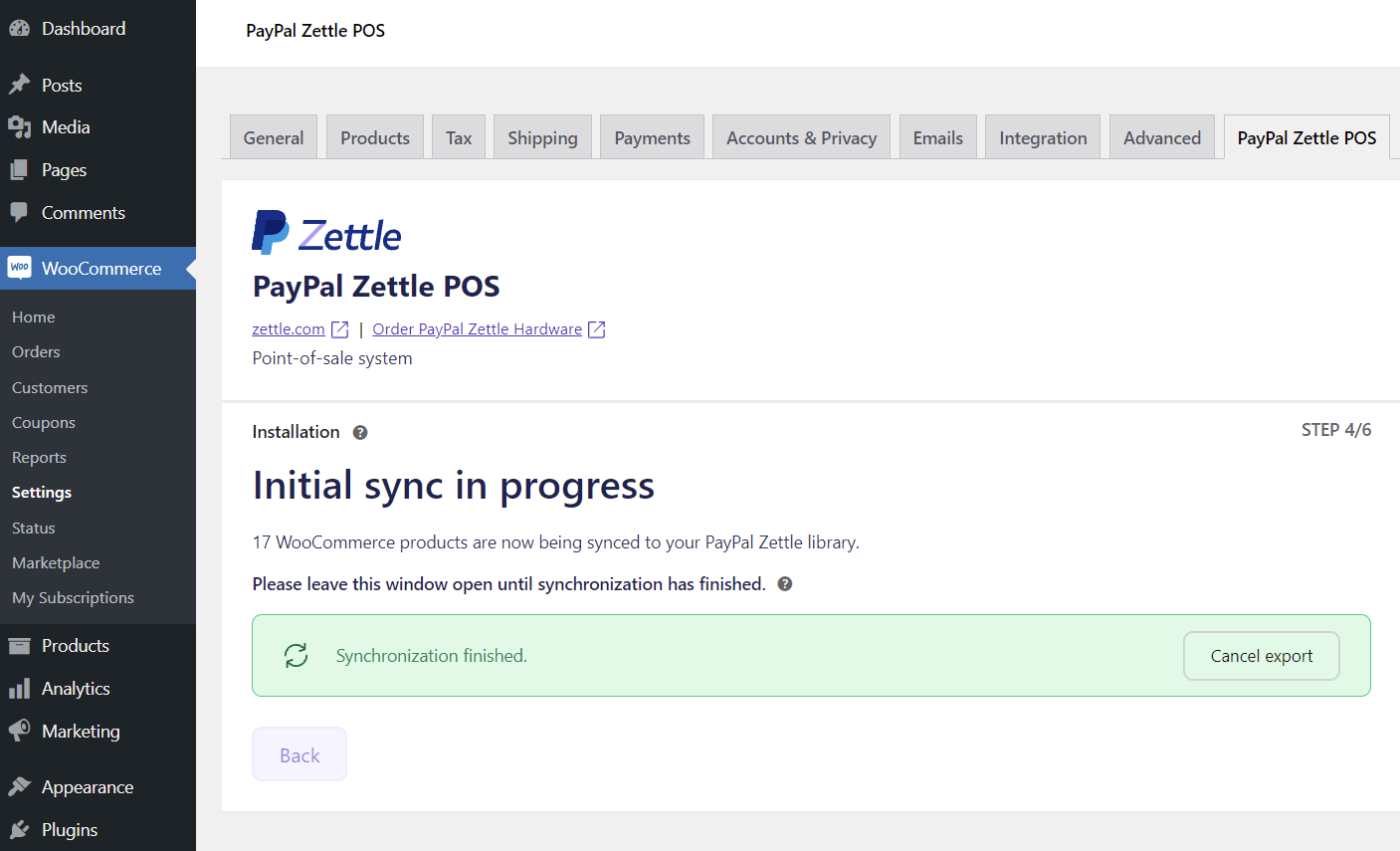
Connecting your store to PayPal POS, step 4.

Syncing your product library to PayPal POS.
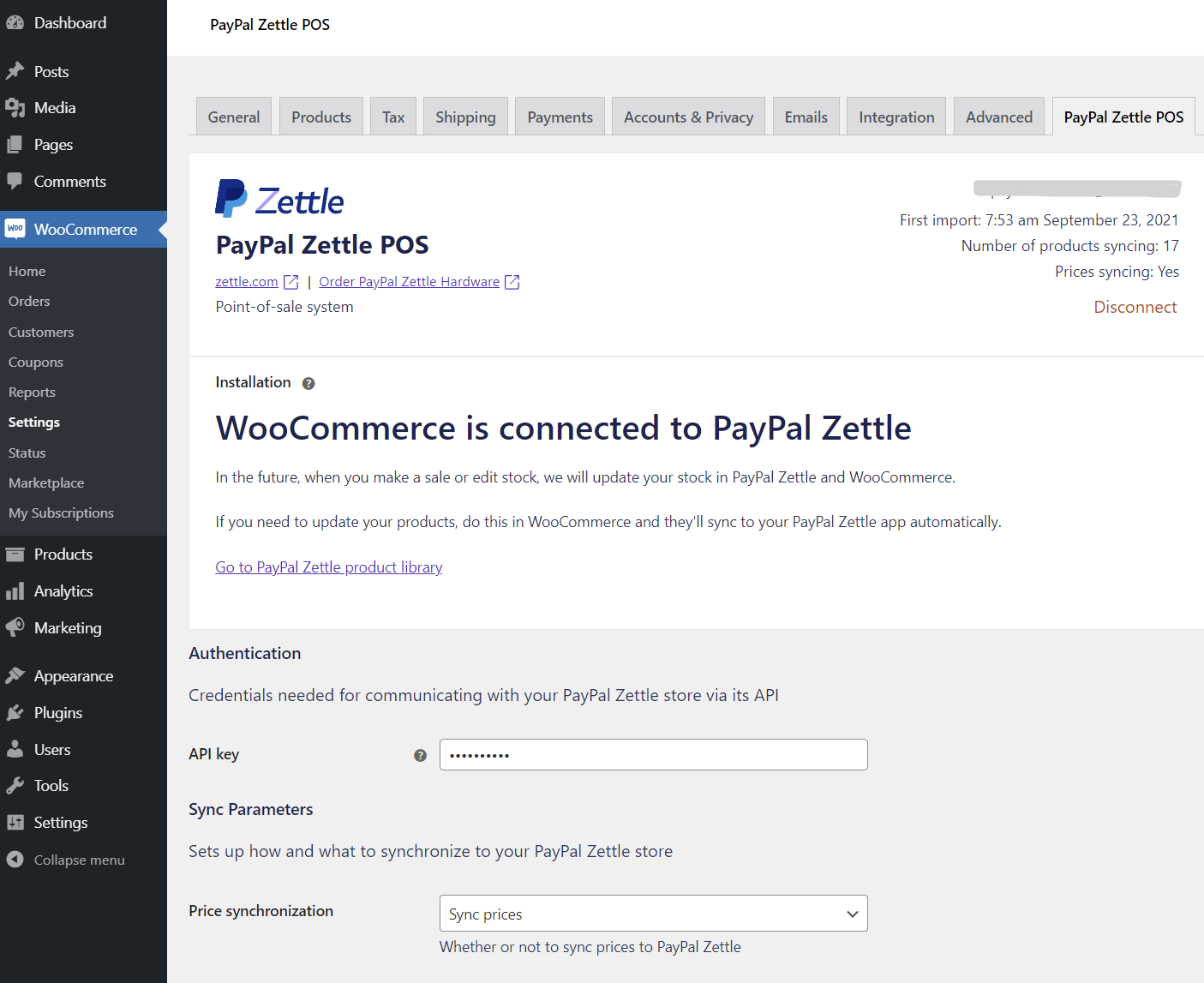
WooCommerce connected to PayPal POS.

Excluding a product from sync.
Plugins semelhantes


Native integration with Google that allows merchants to easily display their products across Google’s network.

We’re here to help with tax rates: collect accurate sales tax, automatically.

The WooCommerce Legacy REST API, which is now part of WooCommerce itself but will be removed in WooCommerce 9.0.

YITH WooCommerce Wishlist add all Wishlist features to your website. Needs WooCommerce to work. WooCommerce 11.0.x compatible.

Crie, imprima & envie automaticamente por e-mail faturas em PDF ou XML & notas de embalagem em PDF para pedidos do WooCommerce.