

WP Protect Content
Hospedagem WordPress com plugin WP Protect Content
Onde posso hospedar o plugin WP Protect Content?
Este plugin pode ser hospedado em qualquer servidor que tenha WordPress instalado. Recomendamos optar por uma empresa de hospedagem confiável, com servidores especializados para WordPress, como o serviço de hospedagem de sites da MCO2.
Hospedando o plugin WP Protect Content em uma empresa de hospedagem confiável
A MCO2, além de configurar e instalar o WordPress na versão mais atual para seus clientes, oferece o plugin WP SafePress, um sistema singular que protege e melhora seu site conjuntamente.
Por que a Hospedagem WordPress funciona melhor na MCO2?
A Hospedagem WordPress funciona melhor pois a MCO2 possui servidores otimizados para WordPress. A instalação de WordPress é diferente de uma instalação trivial, pois habilita imediatamente recursos como otimização de imagens e fotos, proteção da página de login, bloqueio de atividades suspeitas diretamente no firewall, cache avançado e HTTPS ativado por padrão. São plugins que potencializam seu WordPress para a máxima segurança e o máximo desempenho.
A very useful wordpress plugin to give extra protection for your website content. This plugin give you an option to Disable Copy content or prevent copy, Disable Right Click, Disable F12 functional key, Allow right click for links, Disable print page(Ctrl+P), Disable save page(Ctrl+S), Disable view page source(Ctrl+U) and Disable save image via drag/drop. In this plugin you will have an option to disable restriction for some specific pages.
Features
* Disable Copy Content
* Disable Mouse Right Click
* Disable F12 Functional Key (Inspect Element)
* Modern Alert Popup Box
* Disable Alert Message Box
* Debug Mode (Disable Restriction for Registered User)
Note: If you are using any cache plugin on your website then please clear site cache after enable/update plugin settings
Please don’t forget to leave your valuable feedback and suggestions to make our plugin much better compared to other plugins.
Have you any suggestion? share it
Video Tutorial:
We have released an Add-on of this plugin which not only demonstrates the flexibility of free version, but also added given below important features:
FLAT 15% DISCOUNT ON ADDON! No Coupon Code Required. Hurry! Limited Time Offer!
= Pro Features =
* Disable Copy Content(Ctrl+C)
* Disable F12 Functional Key(Inspect Element)
* Disable Right Click
* Allow Right Click for Links
* Disable Print Page (Ctrl+P)
* Disable Save Page HTML (Ctrl+S)
* Disable View Page Source (Ctrl+U)
* Disable Save Image via Drag/Drop
* Page Specific Settings
* Stylish Alert Box Window
* Faster Support
Add-on Features Video Tutorial:
Capturas de tela
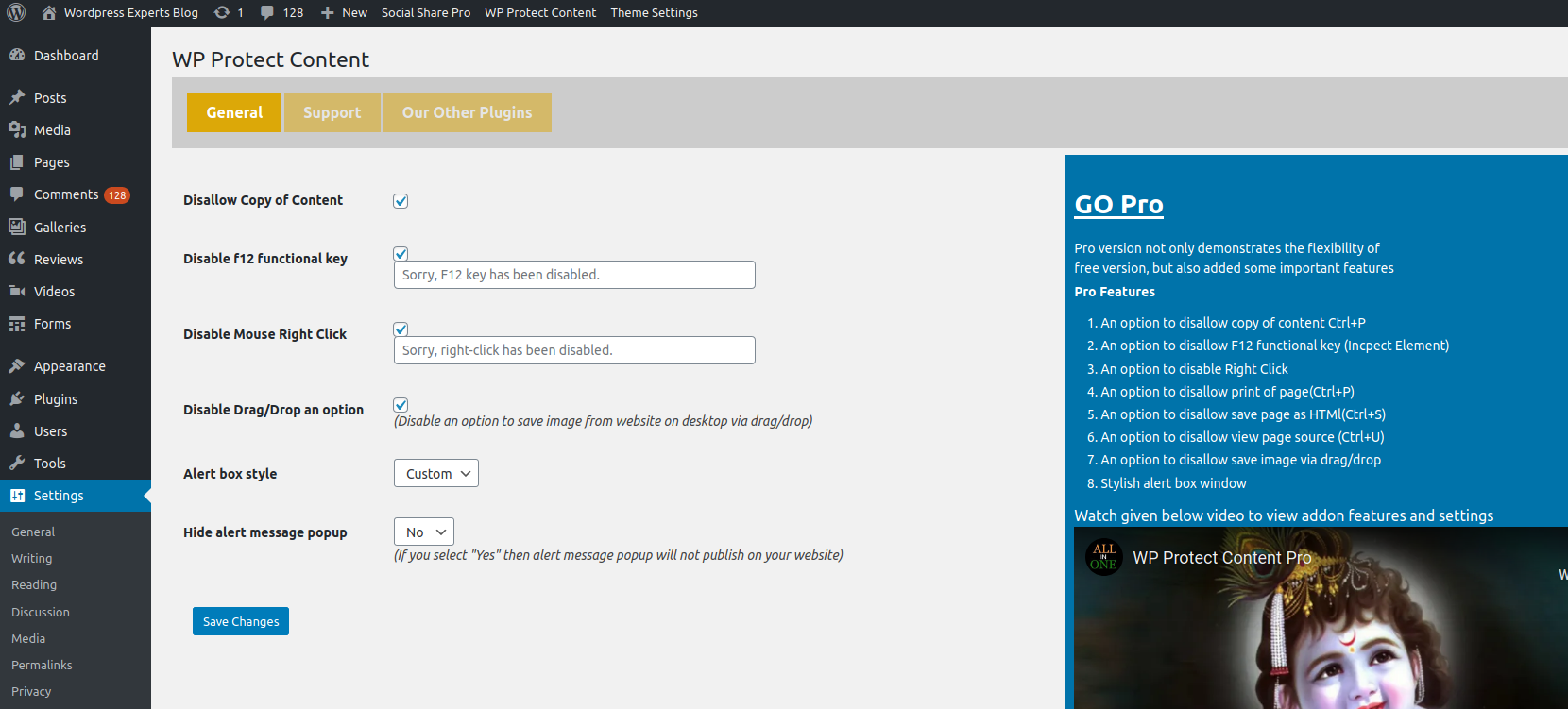
Plugin Settings Page
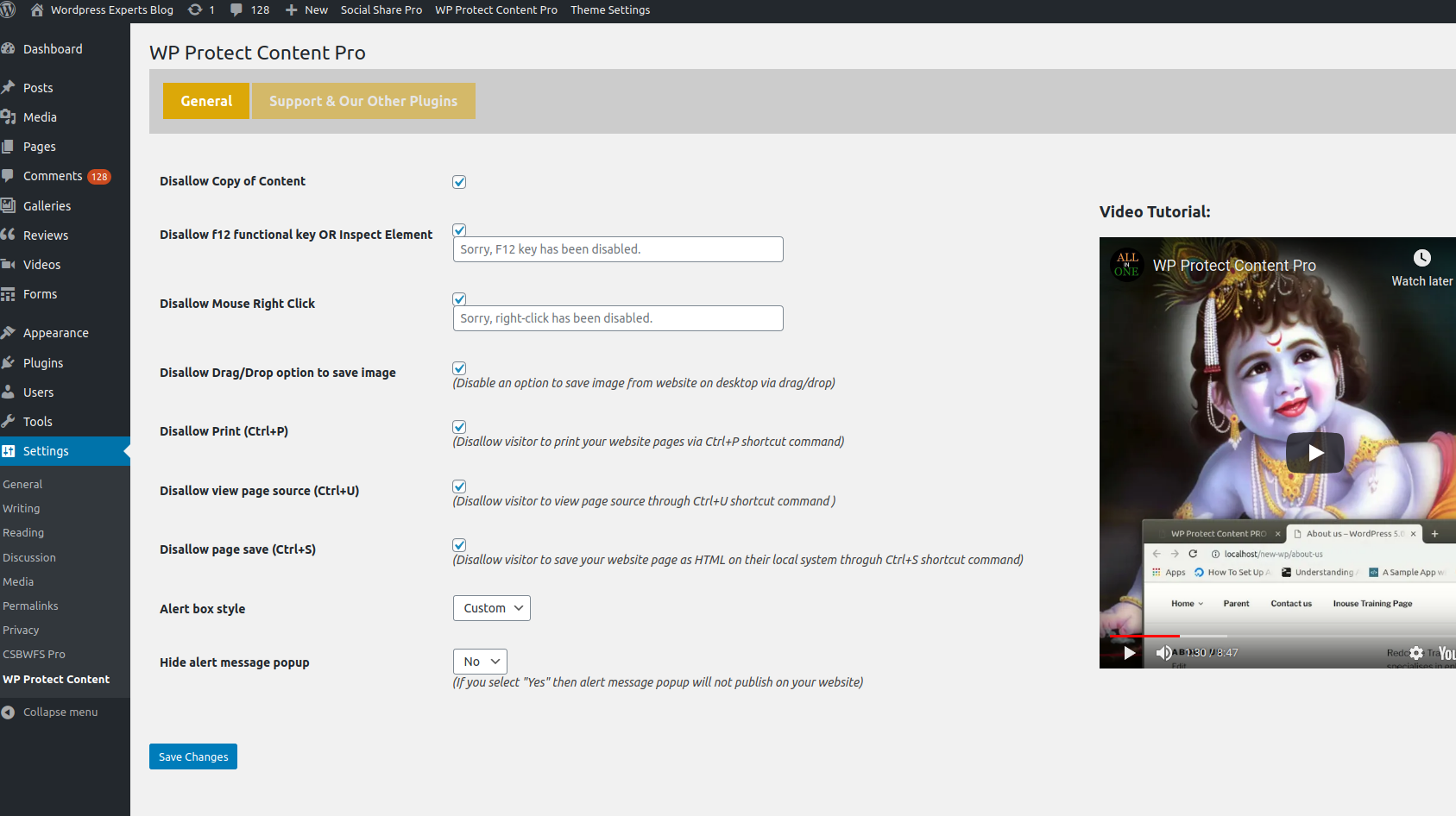
Pro Settings Page
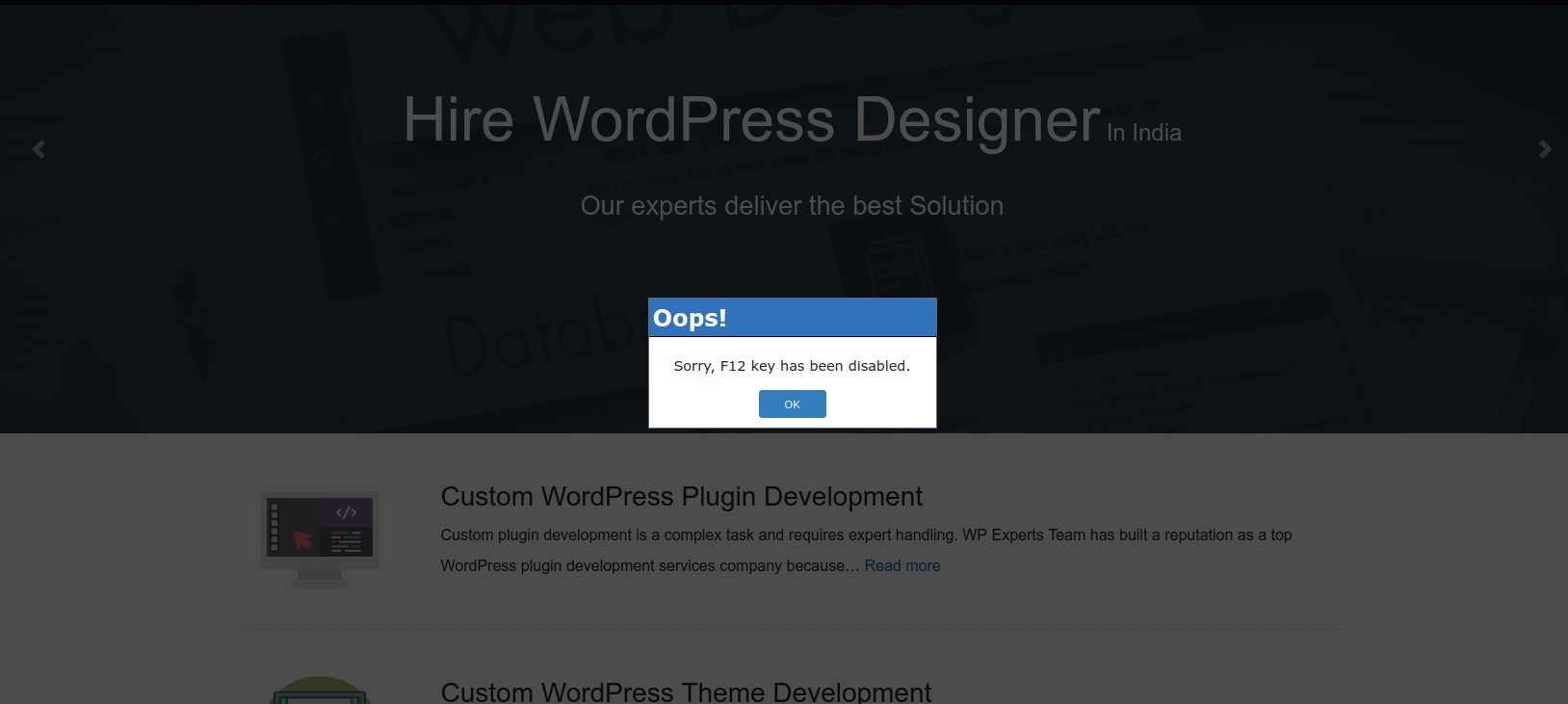
Front End