

WP Logo Showcase Responsive Slider and Carousel
Hospedagem WordPress com plugin WP Logo Showcase Responsive Slider and Carousel
Onde hospedar o plugin WP Logo Showcase Responsive Slider and Carousel?
Este plugin pode ser hospedado em qualquer hospedagem que possua WordPress configurado. Recomendamos optar por um provedor de hospedagem seguro, com servidores especializados para WordPress, como o serviço de hospedagem da MCO2.
Hospedando o plugin WP Logo Showcase Responsive Slider and Carousel em um provedor de confiança
A MCO2, além de configurar e instalar o WordPress na versão mais atual para seus clientes, disponibiliza o plugin WP SafePress, um sistema singular que protege e otimiza seu site simultaneamente.
Por que a Hospedagem WordPress funciona melhor na MCO2?
A Hospedagem WordPress funciona melhor pois a MCO2 possui servidores otimizados para WordPress. A instalação de WordPress é diferente de uma instalação trivial, pois habilita imediatamente recursos como otimização automática de imagens e fotos, proteção da página de login, bloqueio de atividades maliciosas diretamente no firewall, cache avançado e HTTPS ativado por padrão. São recursos que potencializam seu WordPress para a máxima segurança e o máximo desempenho.
WP Logo Showcase Responsive Slider and Carousel allows you to display logos of clients, sponsors, brands, or partners in a professional and responsive slider or grid layout. You can easily add logos using shortcodes or Gutenberg blocks, and control settings such as the number of logos per slide, autoplay, navigation, and more.
This plugin supports major page builders including Gutenberg, Elementor, Beaver Builder, Divi, SiteOrigin, and Avada Fusion Builder.
This also helps in building trust of your customers.
Using the WP Logo Showcase Responsive Slider and Carousel adds a professional touch to your website. It helps you showcase your company’s standards and credibility. You can display logos along with brief descriptions and customize their appearance easily.
Your customer might like the professional and fancy vibe of your site with logo sliders
✅ This plugin display your partners logo using :
- Logo Slider and Logo carousel
✅ Features :
When you want to makeover your WordPress website theme with something extraordinary and creative, you must consider the logo slider plugin.
WP Logo Showcase Responsive Slider and Carousel plugin lets your website display multiple logo carousels of your clients, sponsors, business partners, affiliates, supporters, brands logos in an aesthetically appealing and professional way.
Use shortcodes to easily display a logo slideshow anywhere on your site.
Also added Gutenberg block support.
✅ Here is the plugin shortcode example
Logo Showcase Slider
[logoshowcase]
To display only logo 5 post:
[logoshowcase limit="5"]
Where limit define the number of posts to display.
If you want to display Logo Showcase Slider by category then use this short code:
[logoshowcase cat_id="category_ID"]
✅ Here is Template code
<?php echo do_shortcode('[logoshowcase]'); ?>
✅ Use Following Logo Showcase Slider parameters with shortcode
[logoshowcase]
- limit : [logoshowcase limit=”10″] ( i.e. Display 10 Logo on your website. To show all logo use limit=”-1″ )
- Display by category : [logoshowcase cat_id=”category_ID”] ( i.e. Display Logos by their category ID )
- Display category name : [logoshowcase cat_name=”category name”] ( Display category name)
- Slide columns for Logo slider : [logoshowcase slides_column=”4″] (Display no of columns in Logos slider )
- Number of Logos slides at a time : [logoshowcase slides_scroll=”1″] (Controls number of Logos slide at a time)
- Pagination and arrows : [logoshowcase dots=”false” arrows=”false”]
- Auto play and Auto play Interval : [logoshowcase autoplay=”true” autoplay_interval=”2000″]
- Logo Showcase Slide Speed : [logoshowcase speed=”1000″]
- Loop : [logoshowcase loop=”true”] ( Display slider in Loop OR not : You can use “true” OR “false”)
- Center Mode : [logoshowcase center_mode=”false”] ( Display slider in Center Mode OR not : You can use “true” OR “false”)
- link_target : [logoshowcase link_target=”blank”] (Open link on the same Tab OR other Tab. Values are “blank” and “self”)
- show_title : [logoshowcase show_title=”false”] (i.e. show logo title or not. By default value is “false” Values are “true” and “false”)
- image_size : [logoshowcase image_size=”original”] (i.e. set image size of logo. By default value is “original” Values are “original, large, medium, thumbnail”)
- max_height : [logoshowcase max_height=”80″] (i.e. set image maximum height 80px with 100% maximum width for better output. By default value is “250”)
- order : [logoshowcase order=”DESC”] (Designates the ascending or descending order of the ‘orderby’ parameter. Defaults to ‘DESC’. Values are “DESC” and “ASC”)
- orderby : [logoshowcase orderby=”post_date”] (Sort retrieved posts by parameter. Defaults to ‘date (post_date)’. One or more options can be passed. ‘none’,ID’,’author’,’title’,’name’,rand’,date’)
- hide_border : [logoshowcase hide_border=”true”] (Option to remove the border of logo. )
- rtl : [logoshowcase rtl=”true”] (Option to enable RTL mode )
- lazyload : [logoshowcase lazyload=”ondemand”] (Add lazy load to the images. By defaults there is no lazy load. Two options can be passed. ‘ondemand’, ‘progressive’)
- extra_class : [logoshowcase extra_class=””] (Enter extra CSS class for design customization ).
✅ Checkout demo for better understanding
✅ Essential Plugin Bundle Deal
Annual or Lifetime Bundle Deal
✅ Features include:
- Added Gutenberg block support.
- Logoshowcase in slider view.
- Easy to add.
- Also work with Gutenberg shortcode block.
- Elementor, Beaver and SiteOrigin Page Builder Native Support (New).
- Divi Page Builder Native Support (New).
- Fusion Page Builder (Avada) Native Support (New).
- Add external/internal link for images.
- Enable center mode (Shown in Demo)
- Target “blank” OR “self” when user click on link (Specify target to load the Links)
- Lazy load option for image.
- Set image size with image_size=”original” parameter (Logo image size control).
- Display Logo including / excluding Title (Show or hide logo title)
- Multiple sliders can be shown from different Logo categories.
- Slider sliding speed, auto play Interval, navigation, pagination, Slide columns for Logo slider, Number of Logos slides at a time.
- Slider Lazy loading your images which can improve your website speed by only calling on the loading of your images when they are needed.
- Display slider in Loop OR not
How to install :
Privacy & Policy
- This plugin may include an optional email opt-in within the admin area to receive updates about new features. No data is collected without explicit user consent.
Capturas de tela

Logo Showcase in slider view and Center Mode.
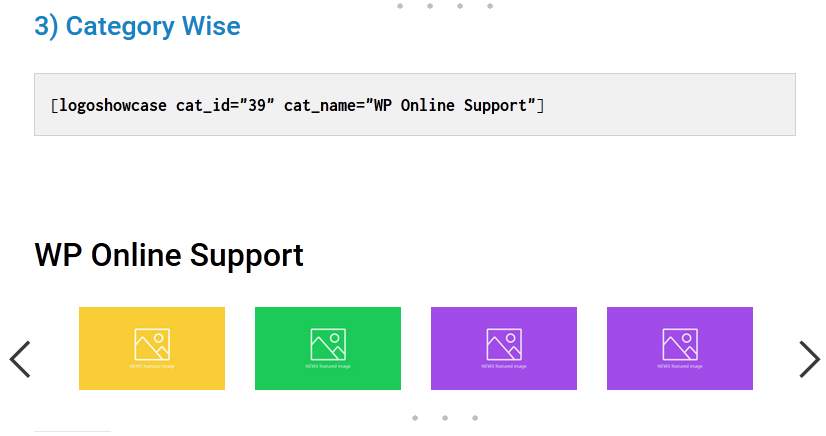
Logo Showcase with category.
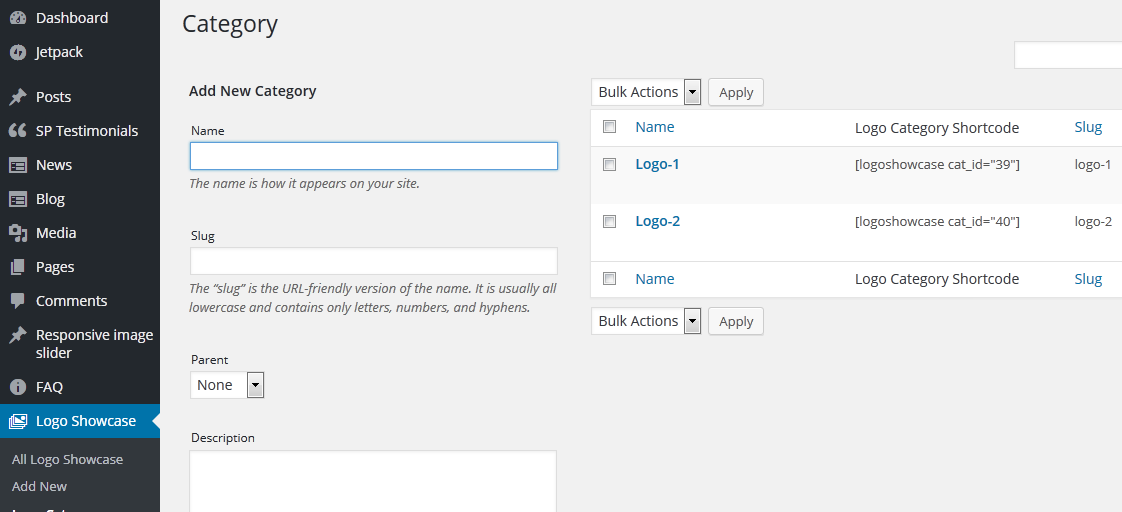
Category with shortcode.
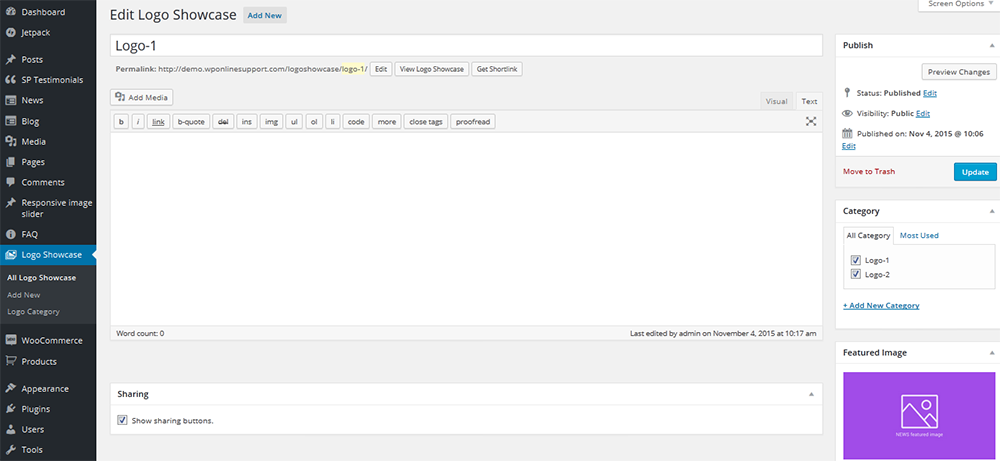
Add a Logo
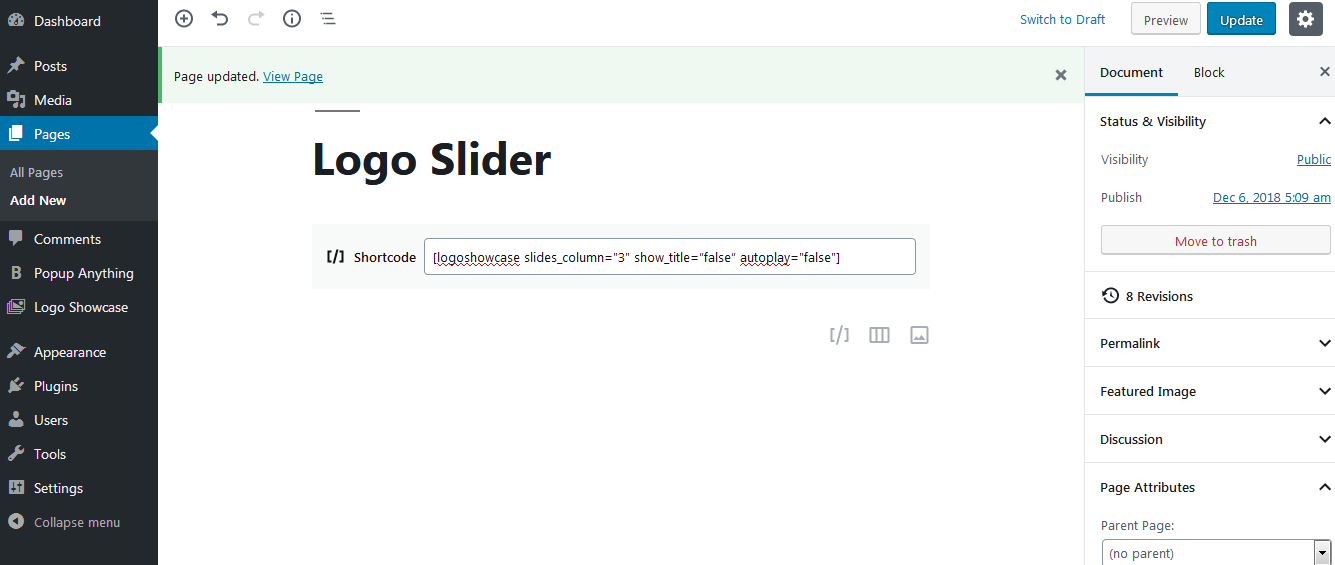
Also work with Gutenberg shortcode block.
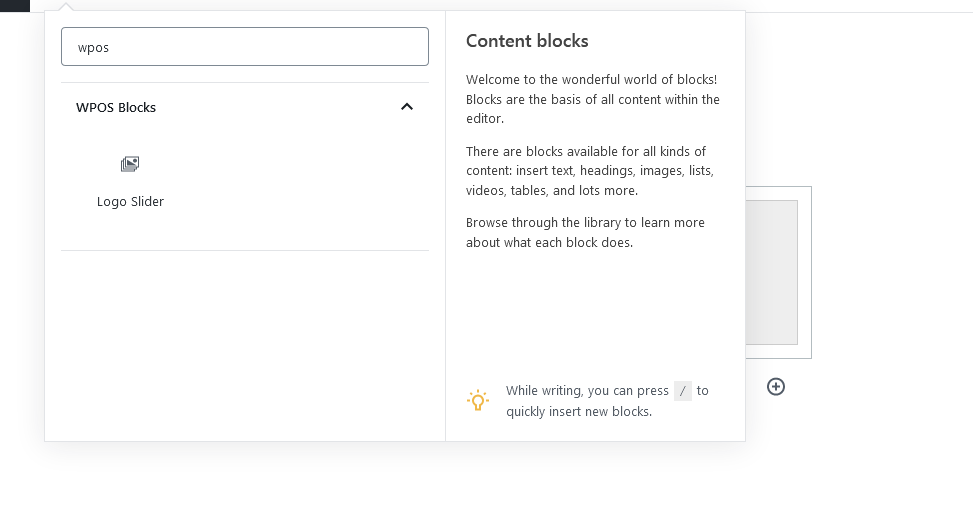
Gutenberg block.
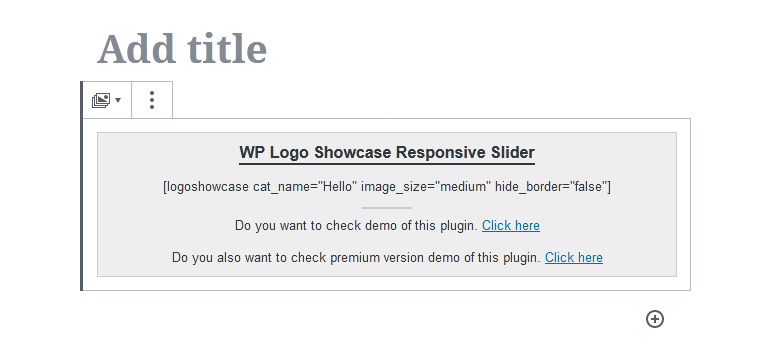
Gutenberg block preview and options.