
A modern video and audio player for courses, landing pages, marketing, and testimonials — with captions, branding, and page-builder support.

VdoCipher: Secure Video Player and Hosting
Hospedagem WordPress com plugin VdoCipher
Onde devo hospedar o plugin VdoCipher?
Este plugin pode ser hospedado em qualquer hospedagem que tenha WordPress configurado. Recomendamos fortemente optar por um provedor de hospedagem confiável, com servidores adaptados para WordPress, como o serviço de hospedagem da MCO2.
Hospedando o plugin VdoCipher em uma empresa de hospedagem seguro
A MCO2, além de configurar e instalar o WordPress na versão mais nova para seus clientes, disponibiliza o plugin WP SafePress, um sistema exclusivo que salvaguarda e melhora seu site ao mesmo tempo.
Por que a Hospedagem WordPress funciona melhor na MCO2?
A Hospedagem WordPress funciona melhor pois a MCO2 possui servidores otimizados para WordPress. A instalação de WordPress é diferente de uma instalação trivial, pois habilita imediatamente recursos como otimização de imagens e fotos, proteção da página de login, bloqueio de atividades suspeitas diretamente no firewall, cache avançado e HTTPS ativado por padrão. São recursos que potencializam seu WordPress para a máxima segurança e o máximo desempenho.
VdoCipher video plugin provides secure video hosting, video playback, and piracy blocker & identification analytics for WordPress websites in the e-learning & media field to help them serve content most securely and smoothly. A combination of Hollywood-standard DRMs, viewer-specific watermarking, and hacker user ID identification ensures that videos can’t be downloaded or shared illegally from your platform. Features like a custom smart player, video analytics, and a video management suite enable the best viewer and video management experience. We serve 3000+ businesses and 10,000+ content creators’ platforms across 120+ countries. VdoCipher video plugin ensures your videos are secure, smooth, and protected.
VdoCipher’s DRM & Watermark Security Features:
- Video DRM Encryption to prevent illegal video downloads
- Dynamic Watermarking based on user ID/email ID/IP address to discourage screen capture. In some cases, screen capture is also blocked on browsers; in other cases, the watermark is a good deterrent.
- Easily customize watermark to change color, transparency, and speed of movement.
- Domain Restriction. Use a single VdoCipher account to integrate with multiple WordPress websites.
- Geo, Time, Domain, Authentication Restrictions
VdoCipher’s Custom Smart Video Player & Video Hosting Suite
- Adaptive Streaming based on user internet speed. Users can also switch between qualities as per their choice. Quality optimized to ensure playback on slow internet connections.
- Customizable Video Player: Change color, controls on/off, speed change options.
- Have different themes for different videos/courses.
- Add Chapters over the video.
- Add multilingual subtitles.
- Video Analytics
- Amazon AWS Server & CDN
Compatible with All Major WordPress LMS & Themes
VdoCipher’s plugin works at the WordPress core layer, so playback, DRM security, and per-user analytics remain compatible across major LMS and theme stacks.
Full plugin and security integration tutorial
LMS integrations with step-by-step tutorials:
See the full list of supported platforms on our LMS Partner page.
Easy 15-minute integration
- Register for a VdoCipher trial or paid account.
- Upload a video and wait for it to complete processing and get ready with encryption.
- Set up domain restriction from VdoCipher security settings.
- Install the VdoCipher WordPress plugin. Fill in the API key and other settings like watermark parameters.
- Use shortcodes to embed in any WordPress page/post/course.
Additional Resources
Capturas de tela
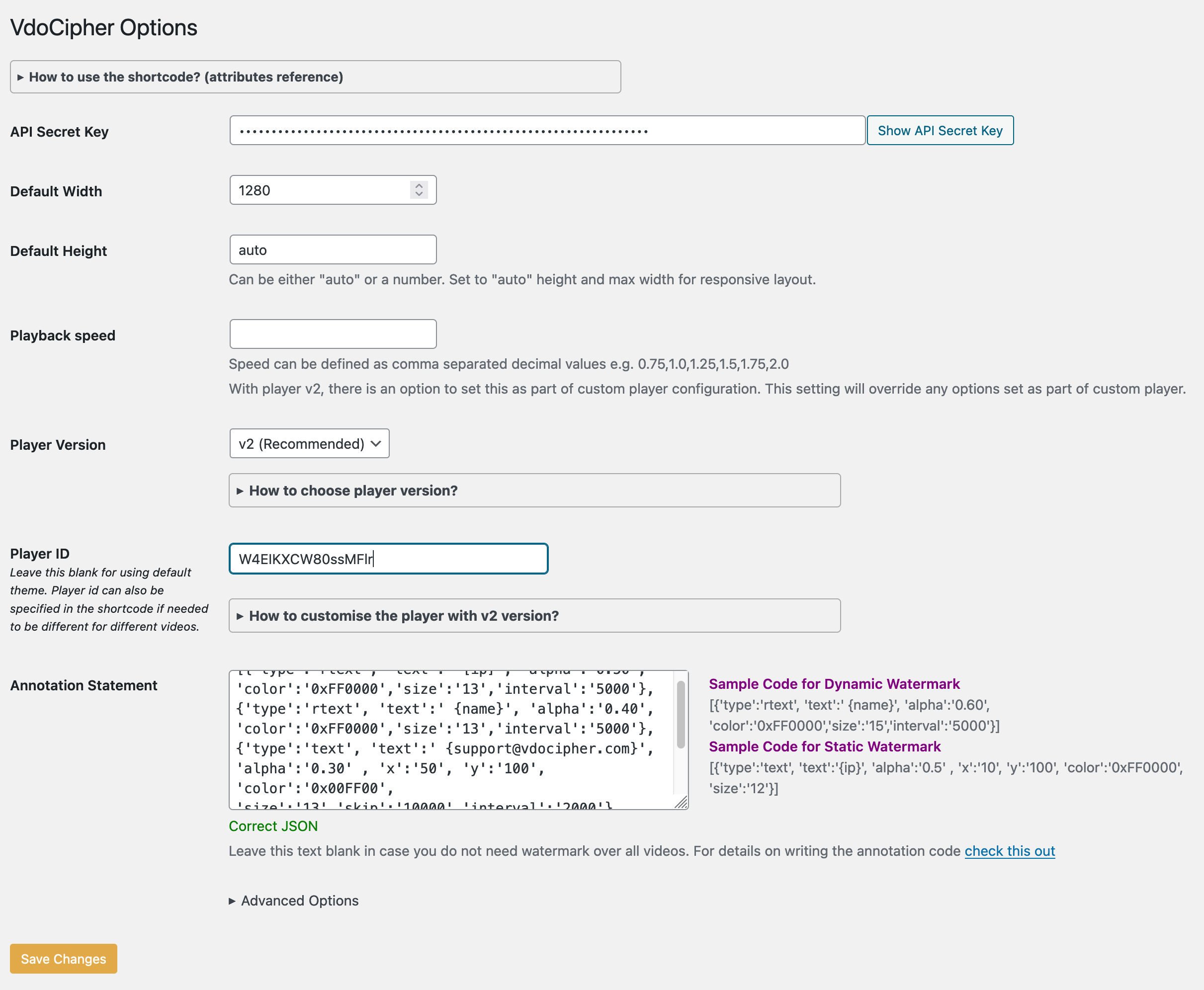
The settings screen for the plugin
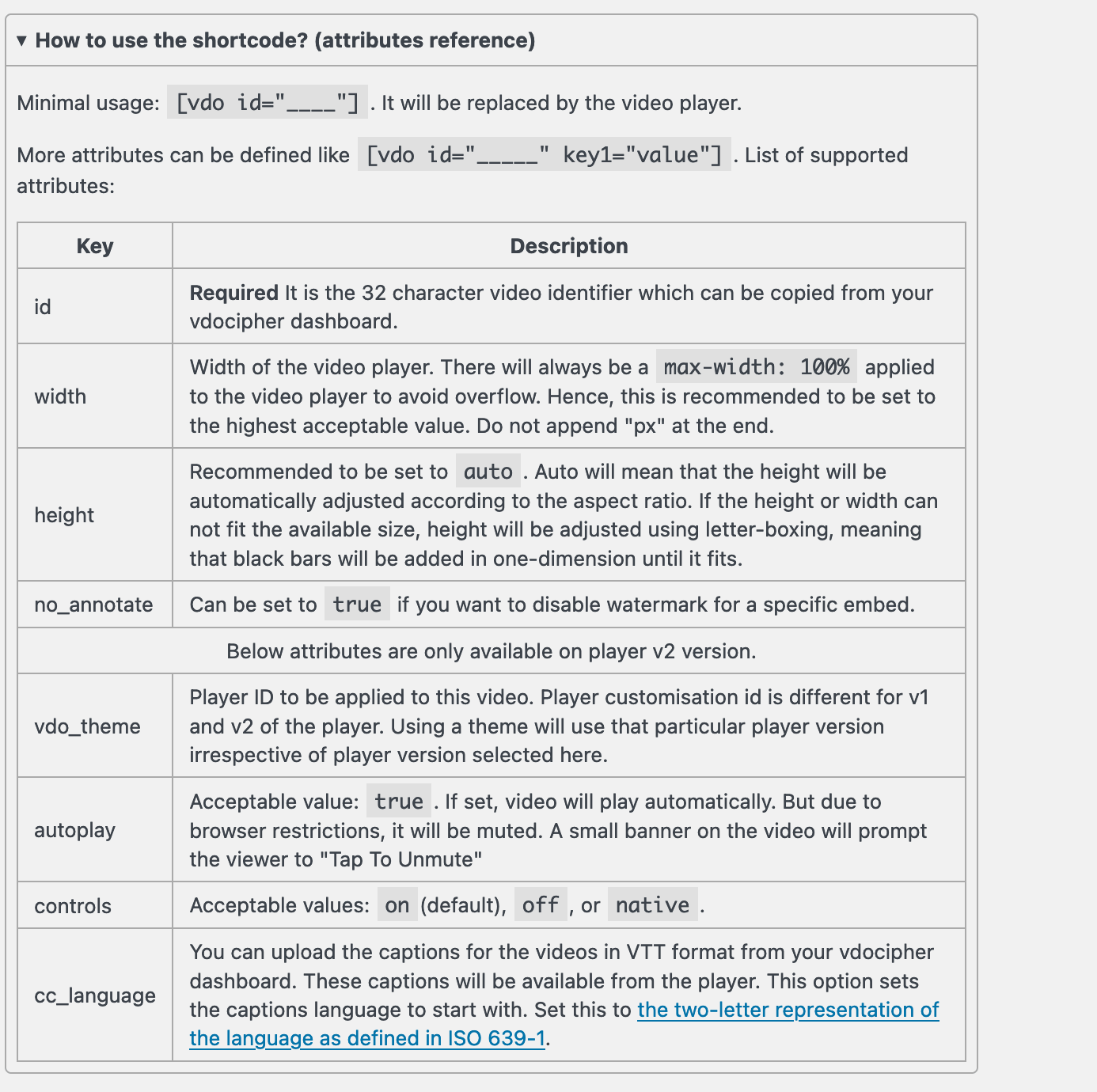
Attributes available for the shortcode
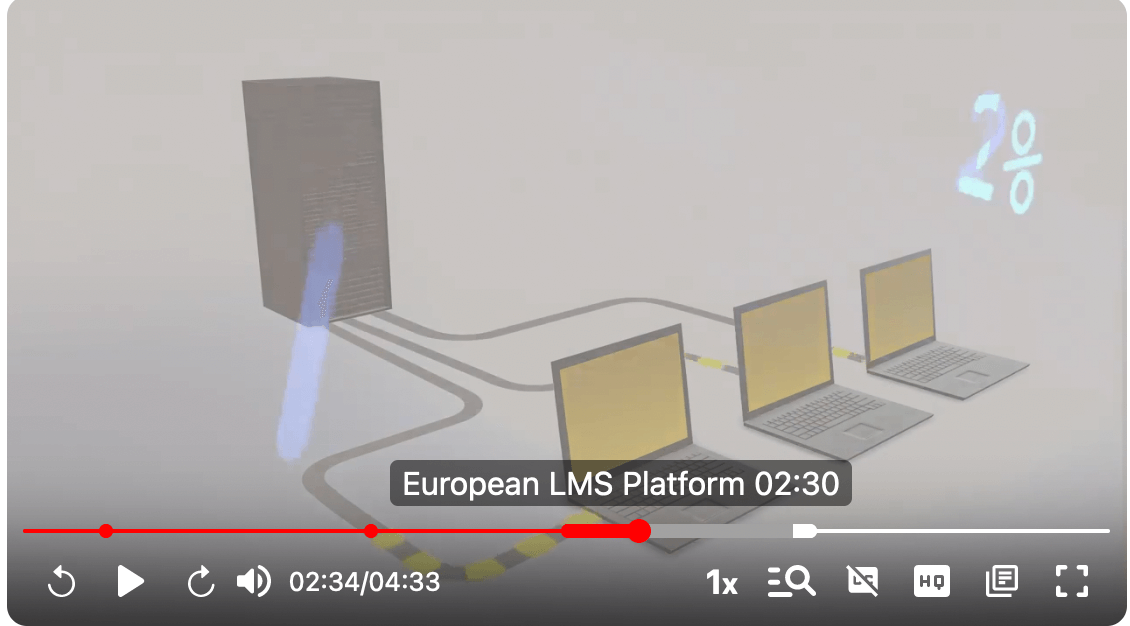
The video player
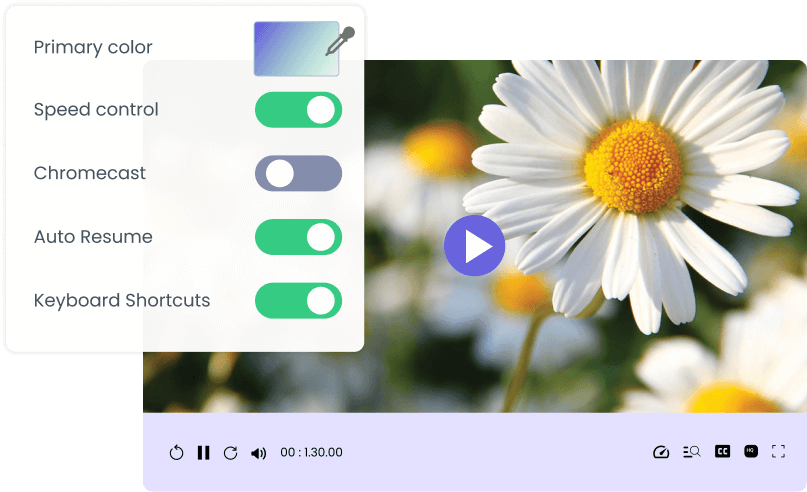
Customization preview
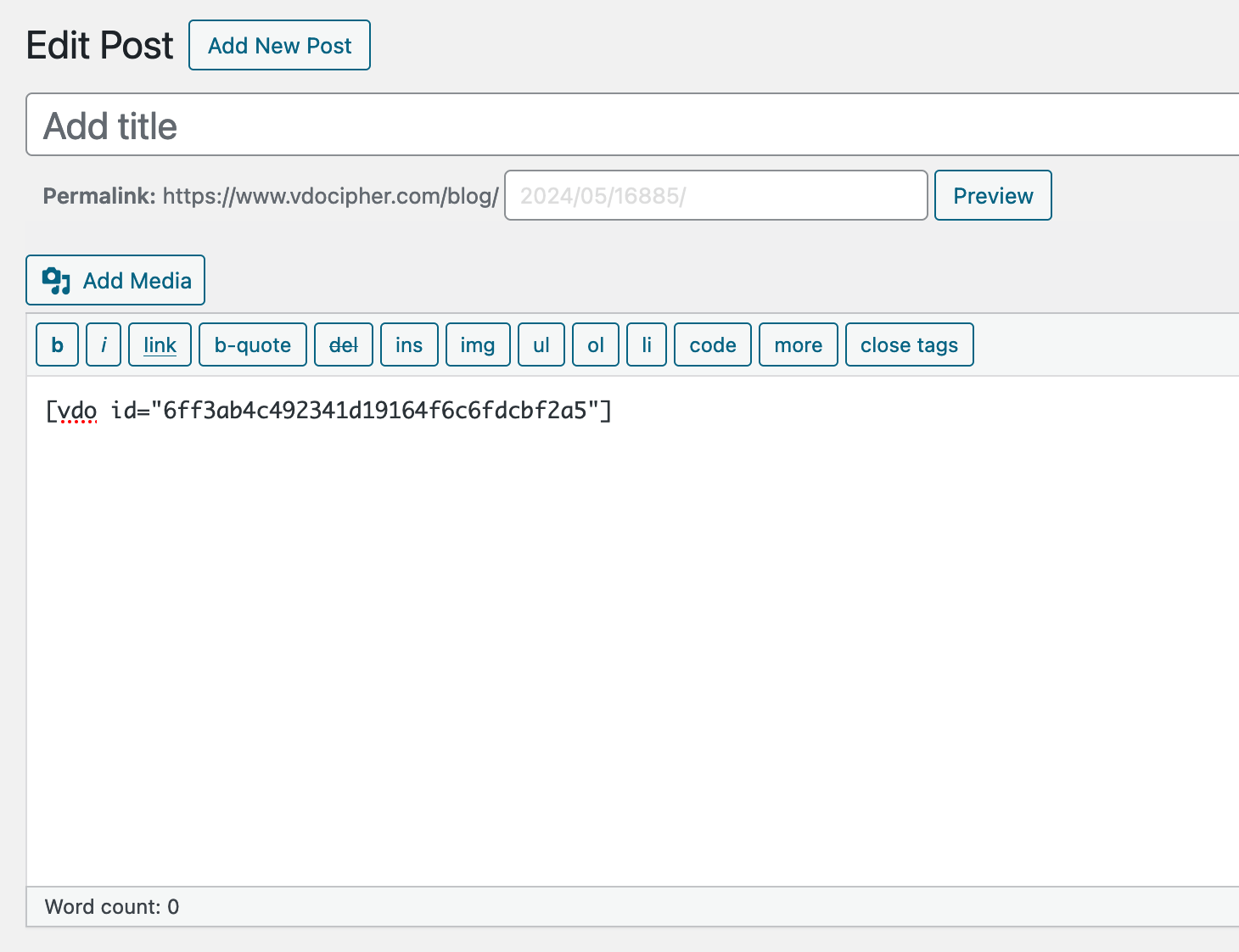
Using the shortcode in the classic editor
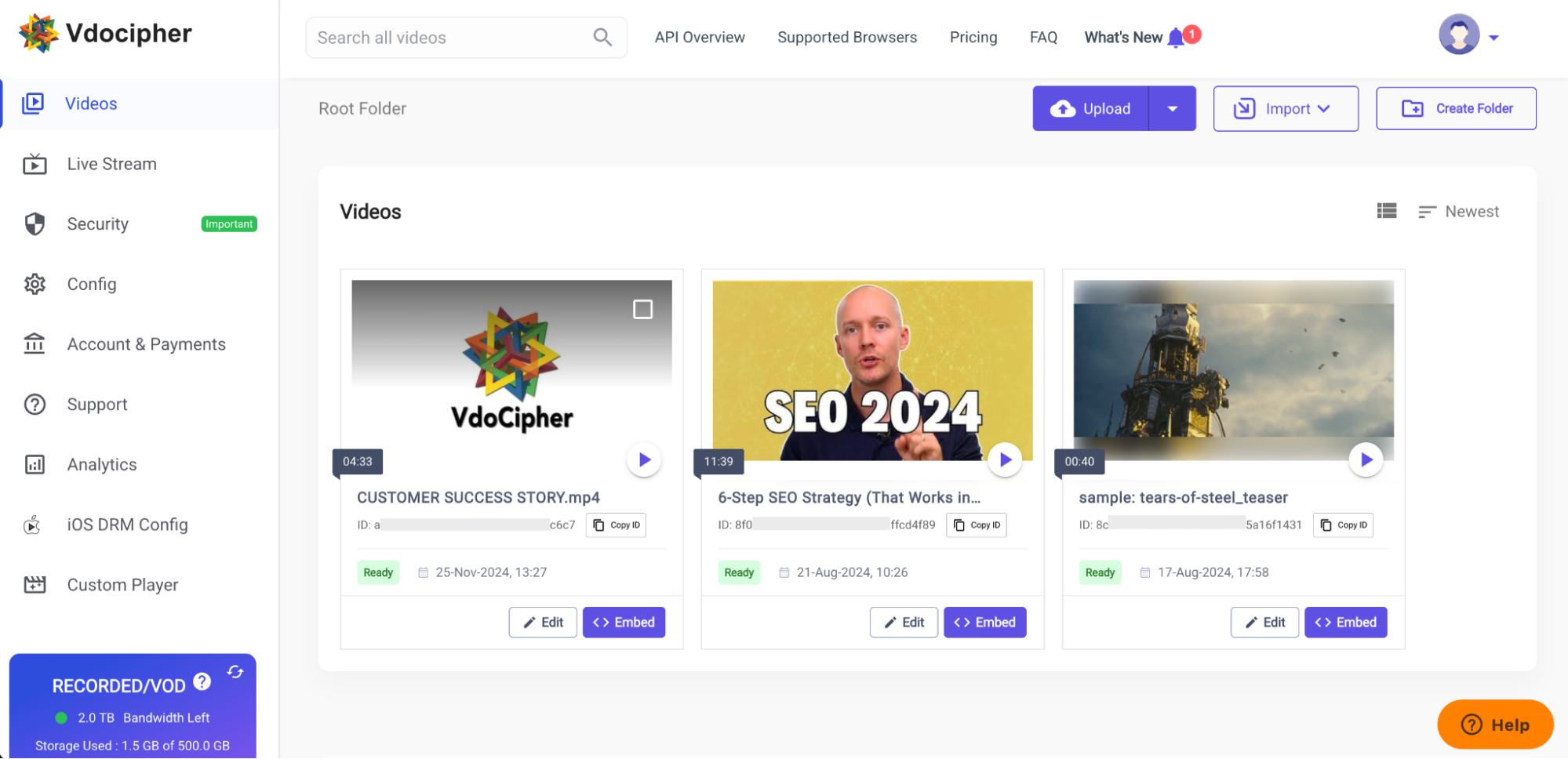
Video section on your VdoCipher dashboard
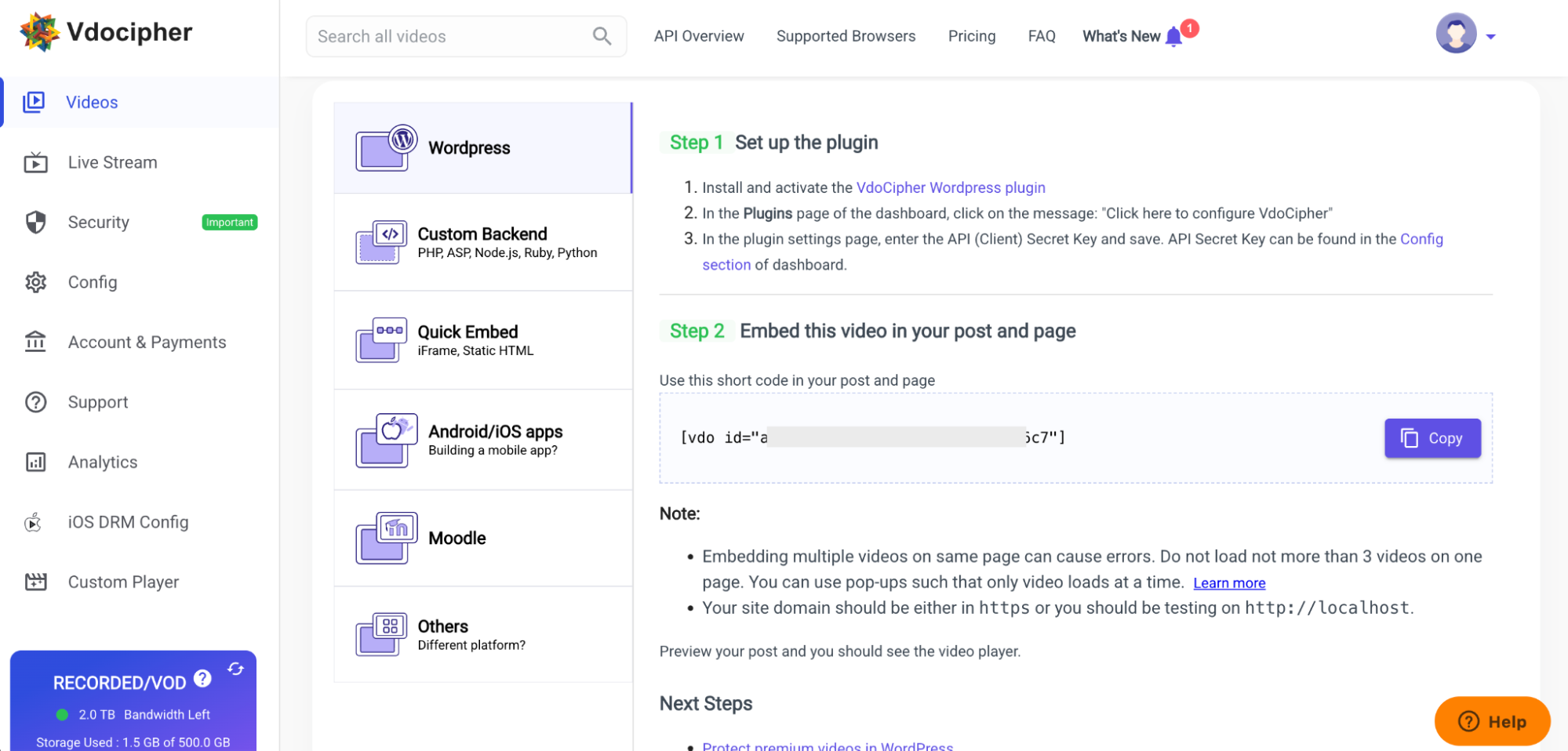
Instructions for embedding using the plugin
Plugins semelhantes


Use remote media as the featured image and beyond.

Vídeos do YouTube de alto desempenho, listas de reprodução e incorporações somente de áudio que não tornam seu blog lento e oferecem acessibilidade ideal.

Easy Video Player is a WordPress video player that allows you to add videos to your WordPress site.

Este plugin é mais do que apenas um plugin de álbum de fotos, é um sistema de exibição e cms multimídia completo e altamente personalizável.

The finest video hosting for WordPress. Drag and drop videos through the WordPress editor and keep the focus on your content, not the ads.