Ativar o editor "clássico" anterior e o estilo antigo da tela Editar Post com TinyMCE, Meta Boxes, etc. Suporta todos os plugins que estendem esta tela.
Timeline Block For Gutenberg
Hospedagem WordPress com plugin Timeline Block For Gutenberg
Onde hospedar o plugin Timeline Block For Gutenberg?
Este plugin pode ser hospedado em qualquer provedor que tenha WordPress instalado. Recomendamos fortemente utilizar uma hospedagem confiável, com servidores otimizados para WordPress, como o serviço de hospedagem WordPress da MCO2.
Hospedando o plugin Timeline Block For Gutenberg em um provedor seguro
A MCO2, além de configurar e instalar o WordPress na versão mais atualizada para seus clientes, oferece o WP SafePress, um sistema exclusivo que assegura e melhora seu site ao mesmo tempo.
Por que a Hospedagem WordPress funciona melhor na MCO2?
A Hospedagem WordPress funciona melhor pois a MCO2 possui servidores otimizados para WordPress. A instalação de WordPress é diferente de uma instalação trivial, pois habilita imediatamente recursos como otimização de imagens, proteção da página de login, bloqueio de atividades suspeitas diretamente no firewall, cache avançado e HTTPS ativado por padrão. São recursos que potencializam seu WordPress para a máxima segurança e o máximo desempenho.
Timeline Block for Gutenberg/Block Editor
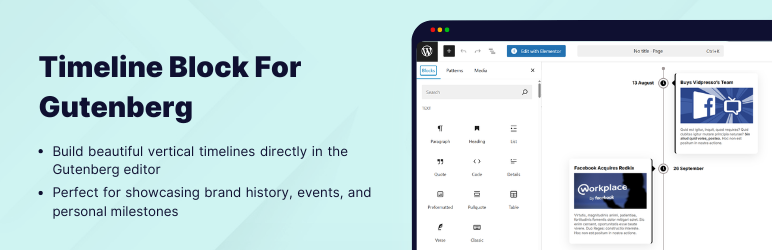
Timeline Block for Gutenberg is a powerful WordPress timeline slider plugin designed specifically to help you build vertical step-by-step timelines, history/future stories, events, appointments, and many other cool things directly inside the WordPress editor.
Just search ‘Timeline Block‘ from the block editor ‘Add Block‘ section and create a stunning timeline slider.
View Demos | Watch Video Tutorials
Key Features
- Vertical Timeline Layout: Display your stories using a vertical timeline.
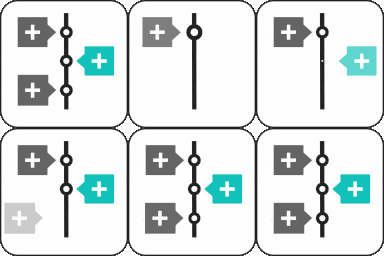
- Multiple Timeline Designs: Choose whether you want to display the timeline on both sides or one side according to your preferences.
- Content Alignment: Align your timeline content to the left, right, or center.
- Customizable Labels: Add labels like step numbers, dates, tags, or short titles to make your timeline more organized and easy to navigate.
- Image & Multimedia Support: Enhance your timeline’s engagement using interactive images that visually tell your story.
- Story Icon Support: Add a custom icon to each timeline slider step to give visual context, or, by default, you can choose to display a dot.
- Fully Responsive: This plugin is fully responsive, ensuring that your events display perfectly on all screen sizes.
Where can you use Timeline Block?
- Represent your company’s story.
- Showcase tutorial/process steps in timeline format.
- Create a program timeline.
- Represent history.
- Create events/appointments timeline.
- Job stories/achievements timeline.
- Personal story timeline.
- Product roadmap.
Upgrade To Pro:
- Horizontal Layout: Timeline Block Pro offers Horizontal Default Design and Horizontal Simple Design layouts.
- Multiple Timelines:Easily create and display multiple timelines on one website, categorized by different layouts.
- Video, Images & Slider: Seamlessly integrate images, videos (YouTube), and slideshows into your timelines.
- Dot, Icon, Image & Text: Customize icons with options including dot, icon, image, and text for personalized timelines.
Check Our Other Timeline Plugins
- Cool Timeline: Display your company’s history, product roadmaps, personal stories, or key events using the built-in block or via simple shortcode. View Demo
- Timeline Widget For Elementor: Showcase your company history, product roadmap, and personal journey in vertical & horizontal layout directly inside Elementor. View Demo
- Timeline Builder: Create a small timeline inside the Gutenberg block editor using a vertical or horizontal timeline. View Demo
- Timeline Module Pro For Divi: Showcase your personal story or company history using stunning vertical or horizontal timelines directly inside the Divi Builder. View Demo
Use of 3rd Party Services: This plugin connects to the Cool Plugins feedback server only for optional usage data sharing and voluntary feedback submission (for example, during plugin deactivation). Data is transmitted solely after explicit user consent. No hidden tracking is performed, and no frontend visitor or site user data is collected. For more details, please review our Data Usage Policy, TOS, and Privacy Policy.
Capturas de tela
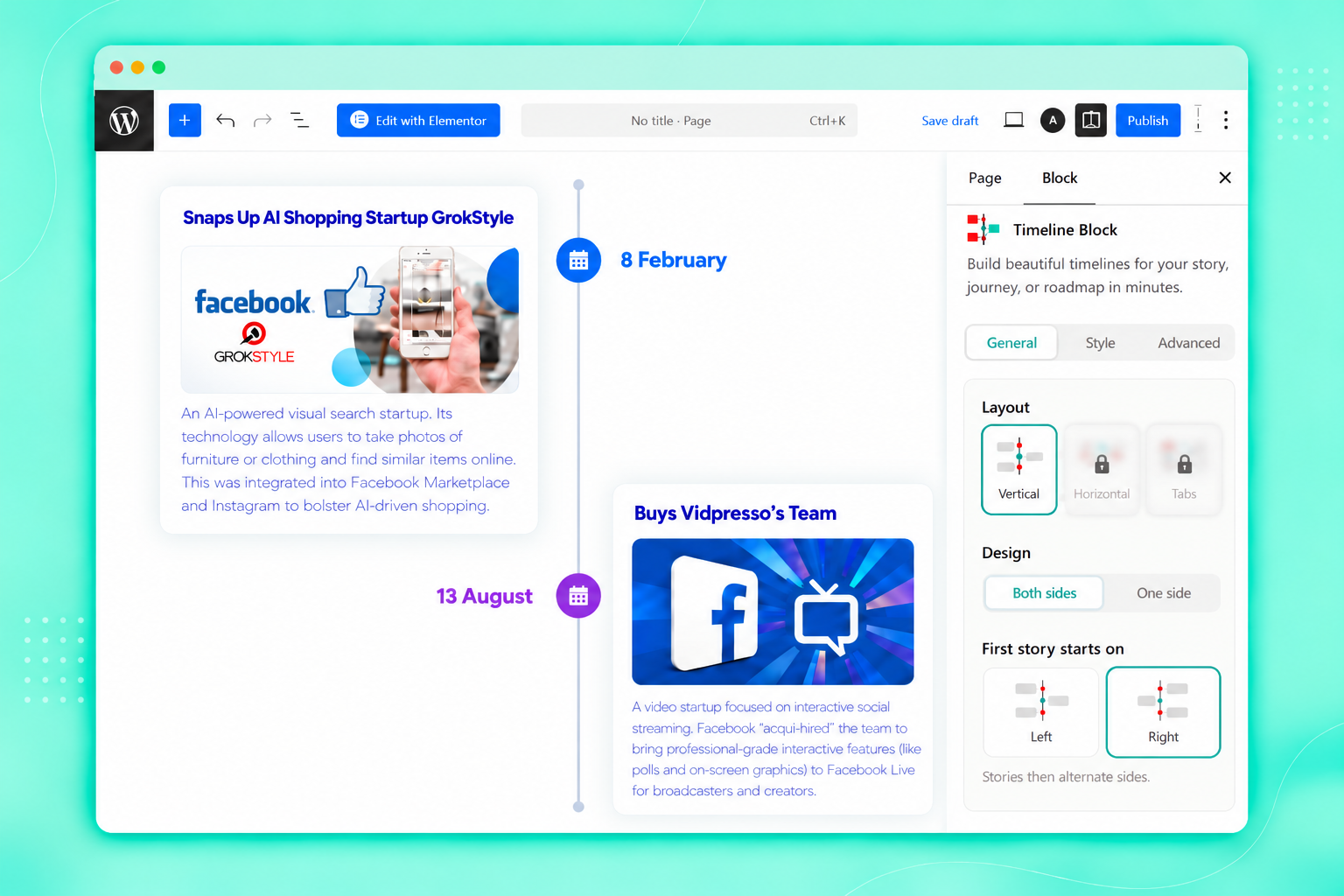
Two Sided Vertical Timeline
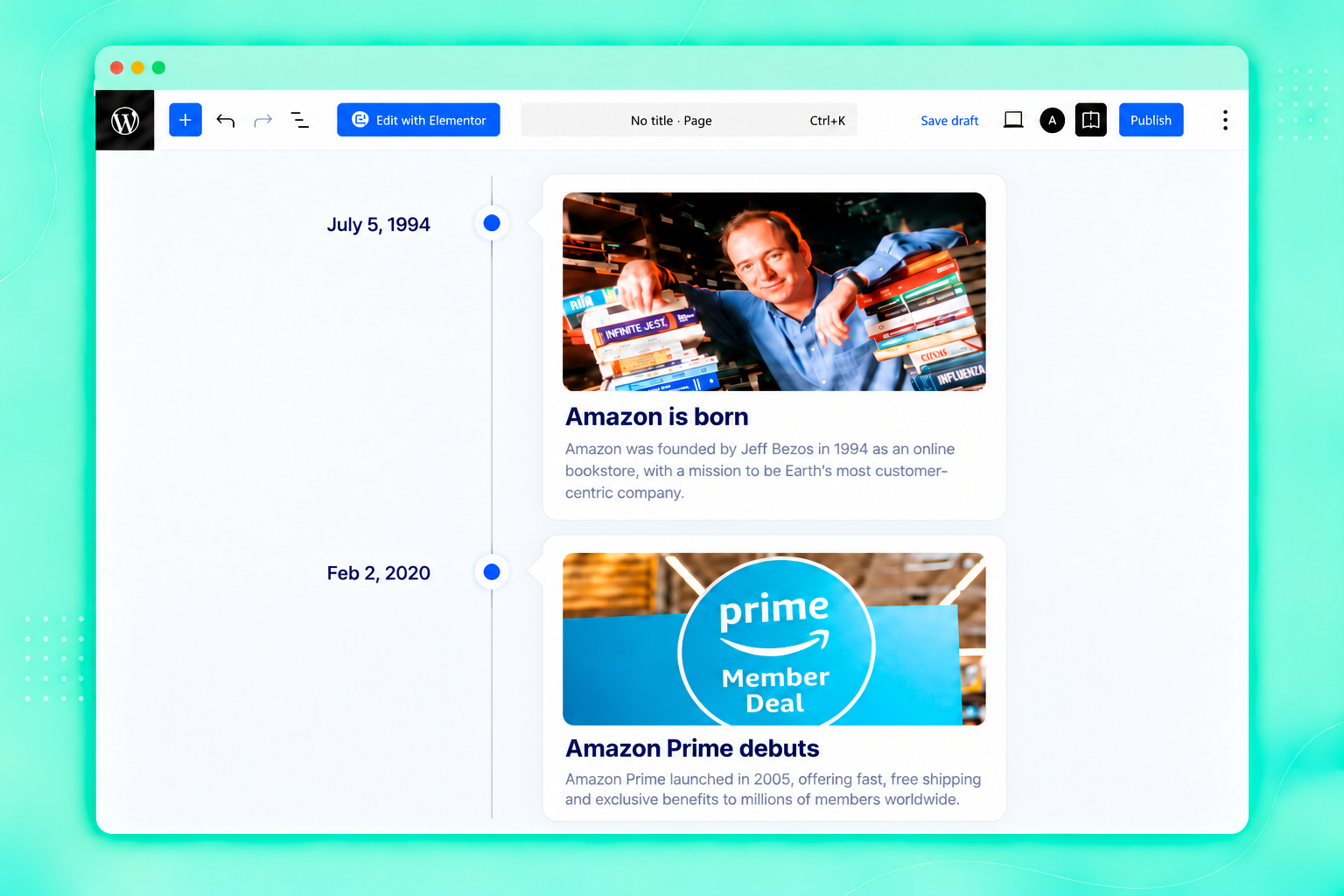
One Sided Vertical Timeline
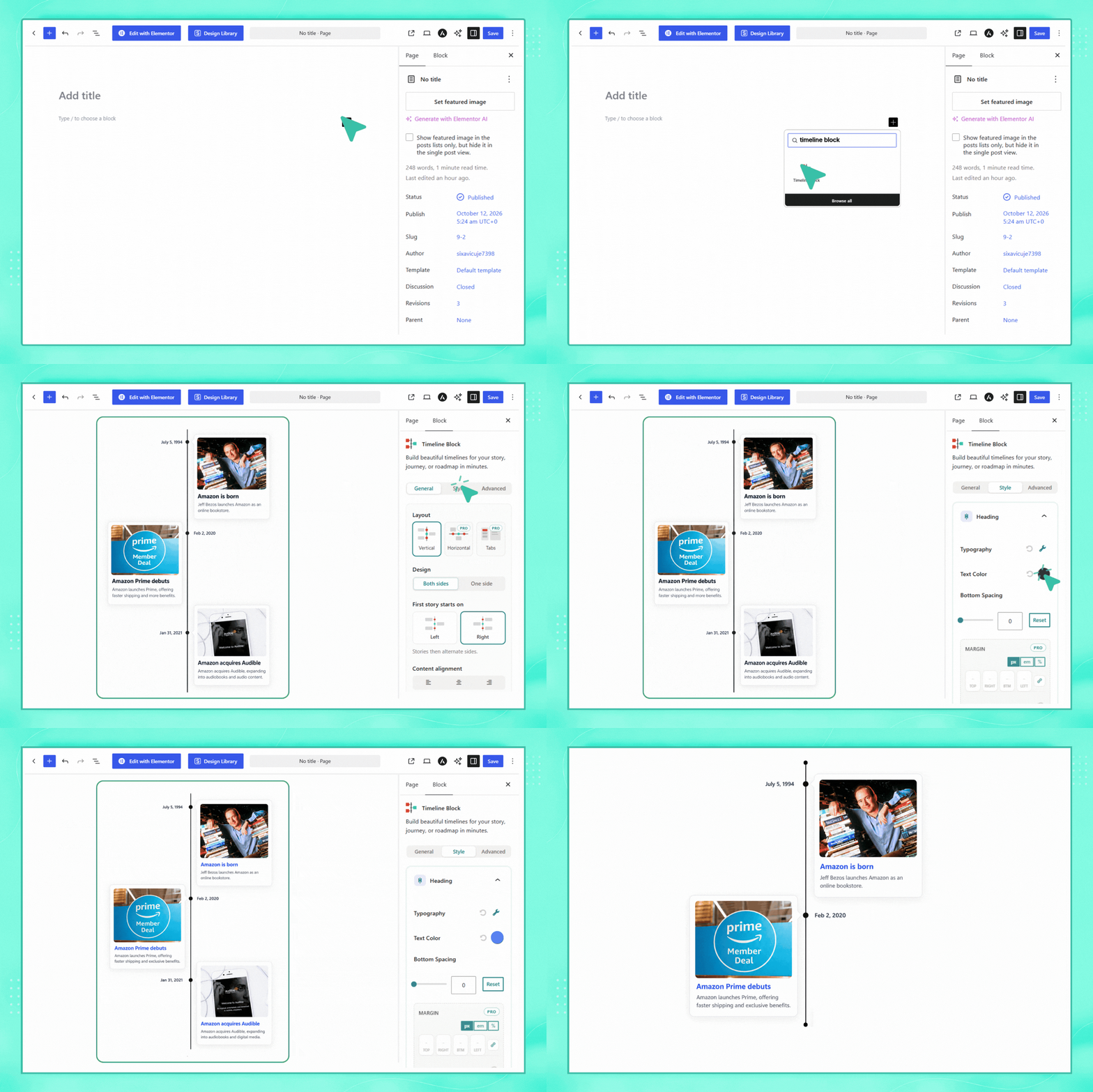
Timeline Block Preview
Plugins semelhantes


Ativa a tela clássica de configuração de widgets em Aparência > Widgets e em Personalizar. Desativa o editor de blocos ao gerenciar widgets.

300+ free WordPress website templates, page templates & block patterns. A starter sites library for Elementor, Gutenberg & any theme.

Gutenberg blocks for existing Spectra websites. Maintained, stable, and fully supported — no action needed on your part.

Amplia e aprimora o editor de blocos (Gutenberg) e o editor clássico (TinyMCE).

20+ Gutenberg Blocks with endless options, enabling top-notch efficiency for high-performance dynamic website creation.
Do mesmo author (Cool Plugins)

Contact form addon for Elementor. Create forms in Elementor Free or extend Elementor Pro forms with conditional logic, country code and extra fields.

The Events Calendar Elementor widgets help you manage and display an upcoming events list with date, time, venue and event ticket booking details.
Auto-translate unlimited strings and characters using AI & Machine Translation tools without any external API Key!
AI Translation For Polylang simplifies your translation process by automatically translating all pages/posts content from one language to another.

AI-powered translation for your WordPress site, fully compatible with Elementor, Gutenberg, WooCommerce, ACF, Rank Math, & Yoast SEO.