

Team Showcase – Responsive Team Members Grid, Slider & Carousel Plugin
Hospedagem WordPress com plugin Team Showcase
Onde devo hospedar o plugin Team Showcase?
Este plugin pode ser hospedado em qualquer hospedagem que tenha WordPress configurado. Recomendamos fortemente optar por uma empresa de hospedagem confiável, com servidores especializados para WordPress, como o serviço de hospedagem da MCO2.
Hospedando o plugin Team Showcase em uma empresa de hospedagem seguro
A MCO2, além de configurar e instalar o WordPress na versão mais nova para seus clientes, oferece o WP SafePress, um mecanismo singular que salvaguarda e otimiza seu site conjuntamente.
Por que a Hospedagem WordPress funciona melhor na MCO2?
A Hospedagem WordPress funciona melhor pois a MCO2 possui servidores otimizados para WordPress. A instalação de WordPress é diferente de uma instalação trivial, pois habilita imediatamente recursos como otimização automática de imagens e fotos, proteção da página de login, bloqueio de atividades suspeitas diretamente no firewall, cache avançado e HTTPS ativado por padrão. São recursos que potencializam seu WordPress para a máxima segurança e o máximo desempenho.
Team Showcase is a lightweight yet powerful WordPress plugin that helps you display your team members, staff, employees, board members, or speakers in a clean and professional way.
Create stunning team sections using grid, slider, list, popup, and carousel layouts — no coding required.
The plugin works with any WordPress theme and gives you full control over layout, style, and content.
Useful Links
Installation Tutorial & Demonstration
Why Choose Team Showcase?
Most team plugins only show names and images.
Team Showcase goes further.
✔ 25+ professionally designed team layouts
✔ Grid, slider, list & filterable layouts
✔ Popup member profile with full details
✔ Easy shortcode & Gutenberg support
✔ Lightweight, fast & SEO-friendly
✔ Works with any WordPress theme
Whether you need a simple team grid or an advanced interactive team section, Team Showcase gives you full control.
Key Features – Free Version
✔ Create unlimited team members
✔ Responsive grid, slider & list layouts
✔ Select team members by categories
✔ Control ordering (ASC / DESC / Custom)
✔ Popup member details (basic layout)
✔ Easy shortcode support
✔ Clean, lightweight & fast
✔ SEO-friendly HTML markup
✔ Translation ready
✔ Works with any theme
Team Member Fields
- Member Name
- Designation
- Location
- Contact Number
- Website
- Short Description
- Team Member Image
- Social Media Profiles
- Categories
- Team Member Skills
Advanced Team Member Popup
Display detailed information in a modern popup:
✔ Full description
✔ Member Information
✔ Social media links
✔ Smooth animations
✔ Member Skills
👉 Advanced popup layouts and animations are available in Pro version »
Flexible Layout Options
Choose how your team appears:
✔ Grid layout
✔ Slider / carousel layout
✔ List layout
✔ Responsive for desktop, tablet & mobile
✔ Custom column control
👉 More layouts, animations, and filters available in Pro
Team Showcase Pro – Unlock Full Power 🚀
Upgrade to Team Showcase Pro to build premium, conversion-focused team sections.
Pro Features
🔥 25+ premium team styles
🔥 Filterable team layouts
🔥 Advanced popup templates
🔥 Team member skills with progress bars
🔥 Additional slider controls & animations
🔥 Priority support
👉 Ideal for agencies, businesses & professional websites
Who Is This Plugin For?
✔ Companies & startups
✔ Agencies & freelancers
✔ Schools & universities
✔ Corporate teams
✔ NGOs & organizations
✔ Event speakers & staff
✔ Board members & advisors
If your website needs to build trust with real people, Team Showcase is for you.
Easy to Use – No Coding Required
- Install & activate the plugin
- Add team members
- Choose a layout style
- Insert shortcode
- Done 🎉
Performance & Compatibility
✔ Lightweight & optimized
✔ Mobile-friendly layouts
✔ Compatible with all modern themes
✔ Regular updates
✔ Follows WordPress coding standards
Support & Documentation
We actively maintain this plugin and listen to user feedback.
- Documentation included
- Community support via WordPress.org
- Priority support available in Pro
👉 Upgrade to Pro for advanced features & faster support
Capturas de tela

screenshot-1
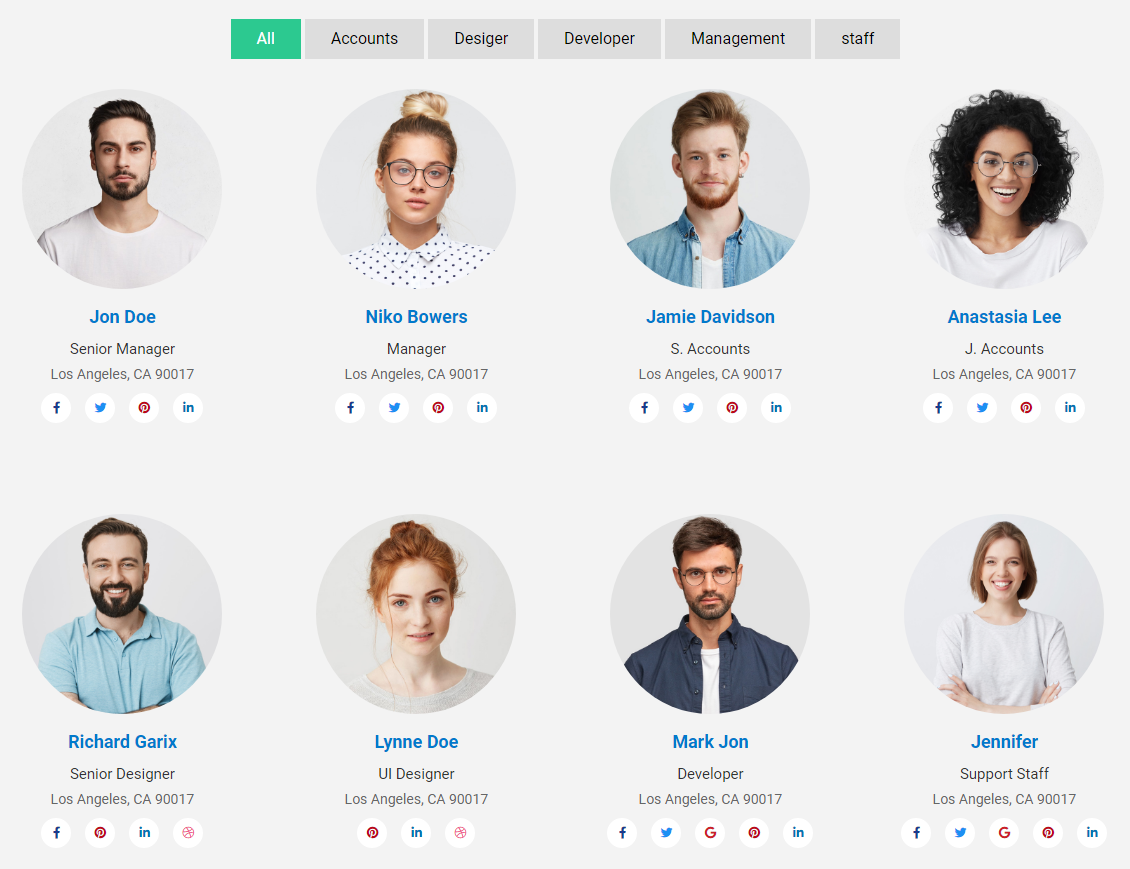
screenshot-2

screenshot-3
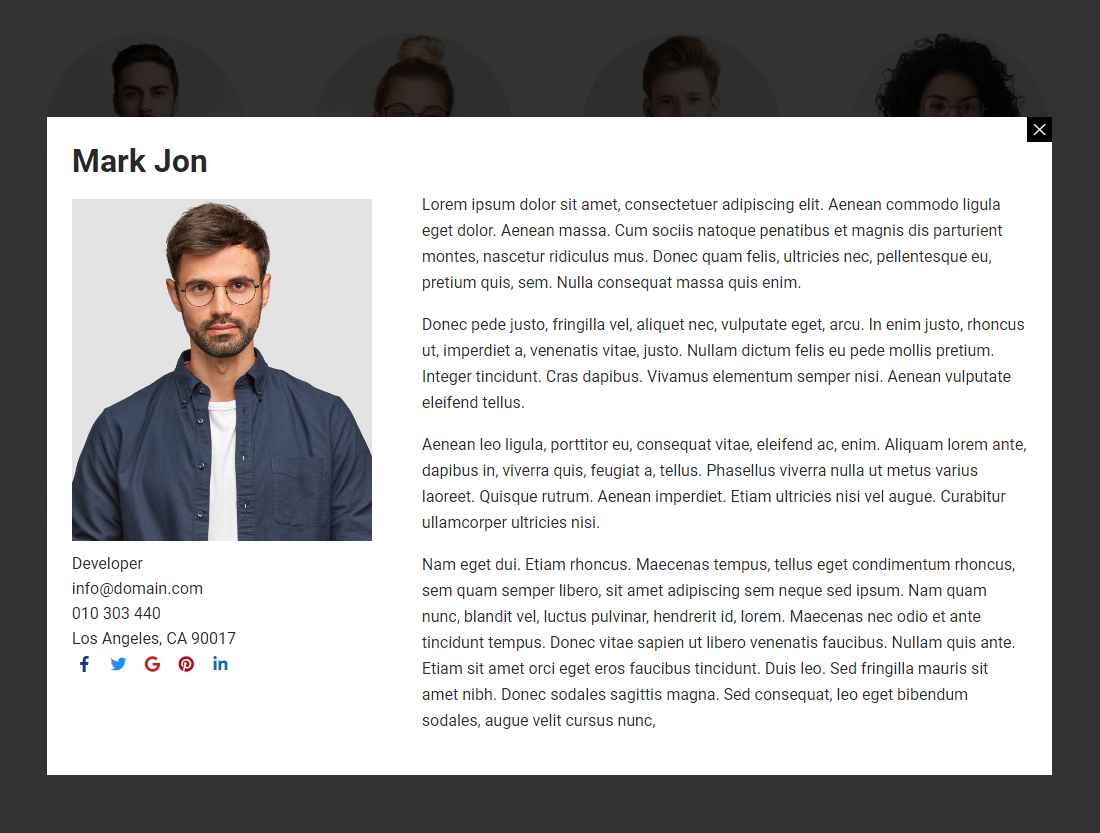
screenshot-4
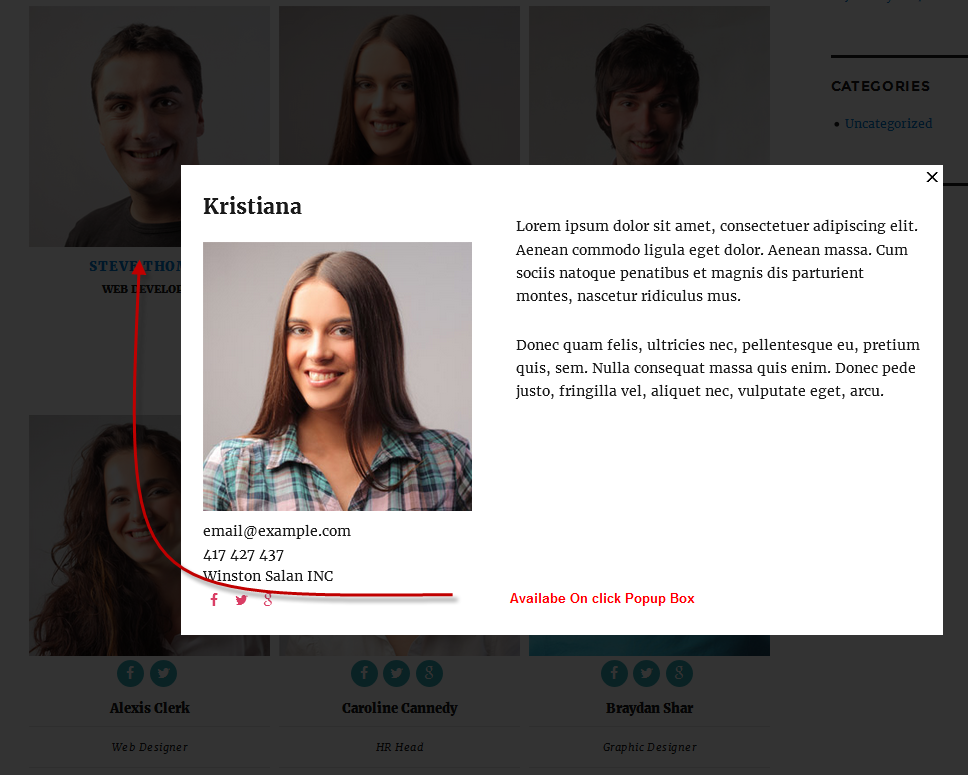
screenshot-5
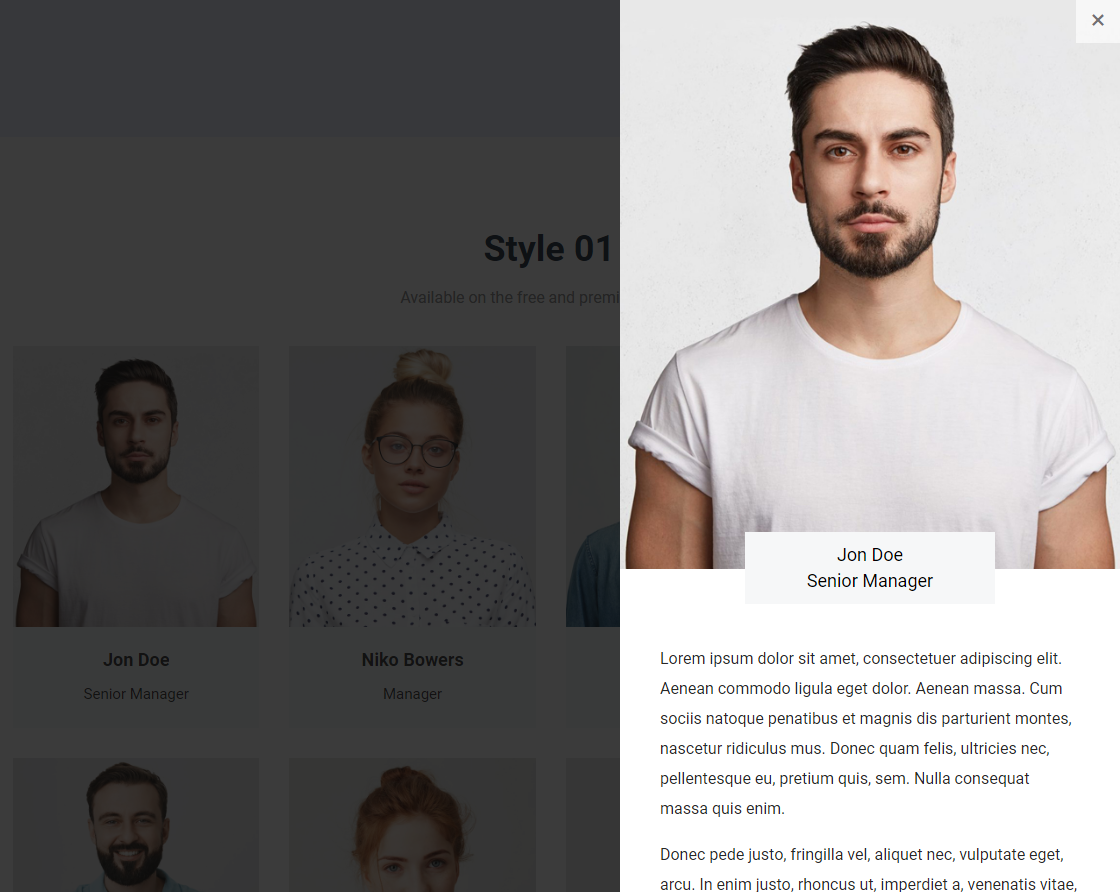
screenshot-6
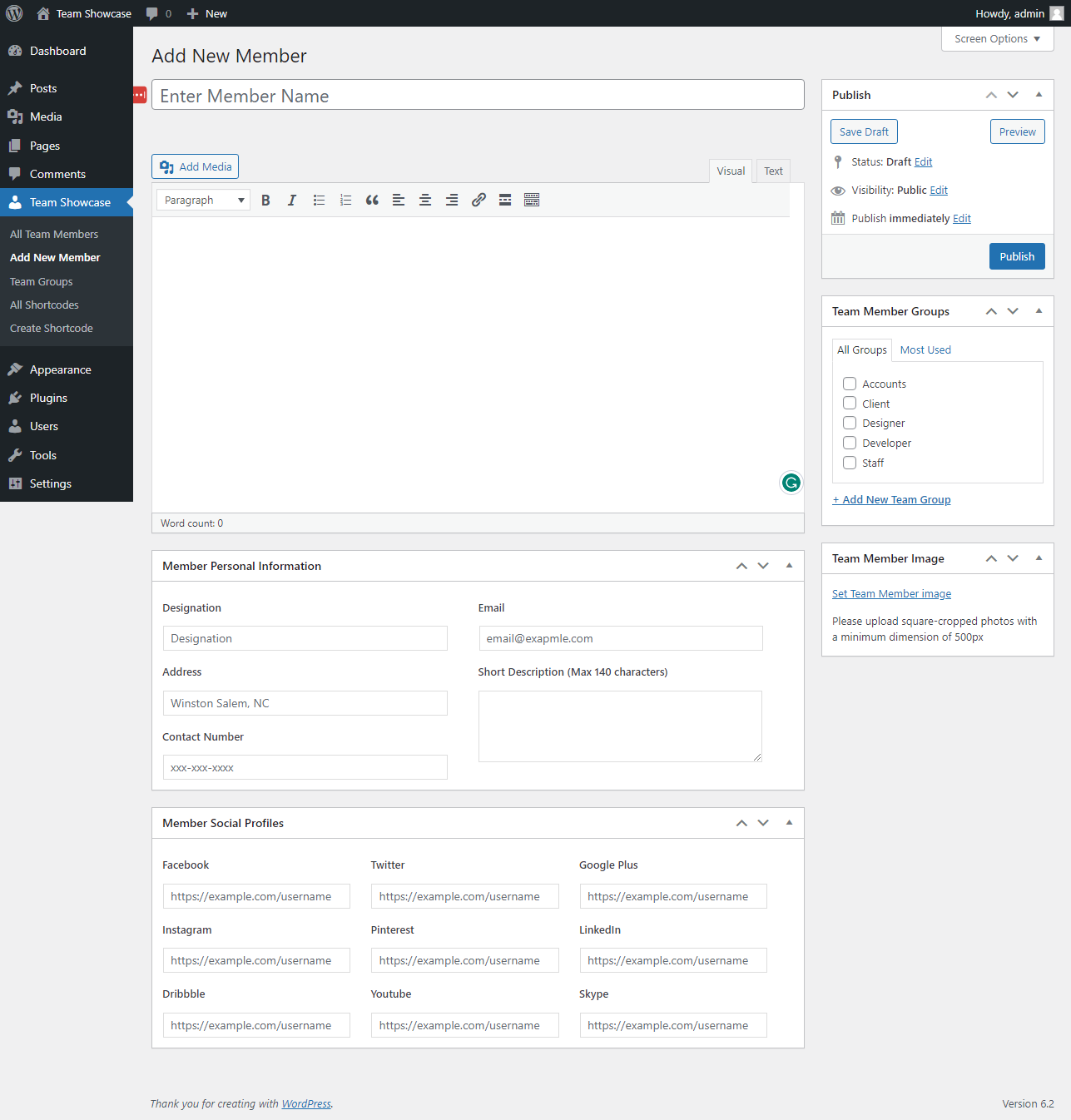
screenshot-7
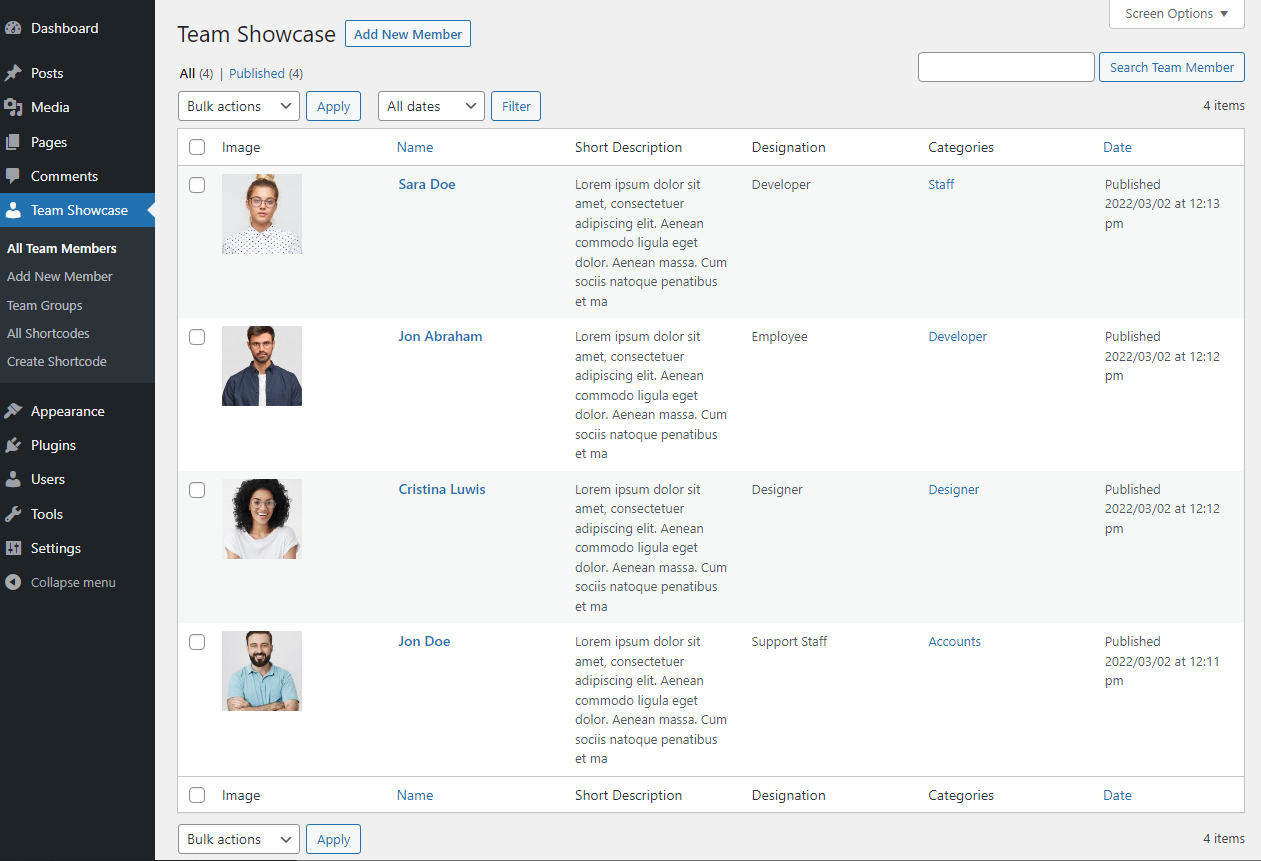
screenshot-8
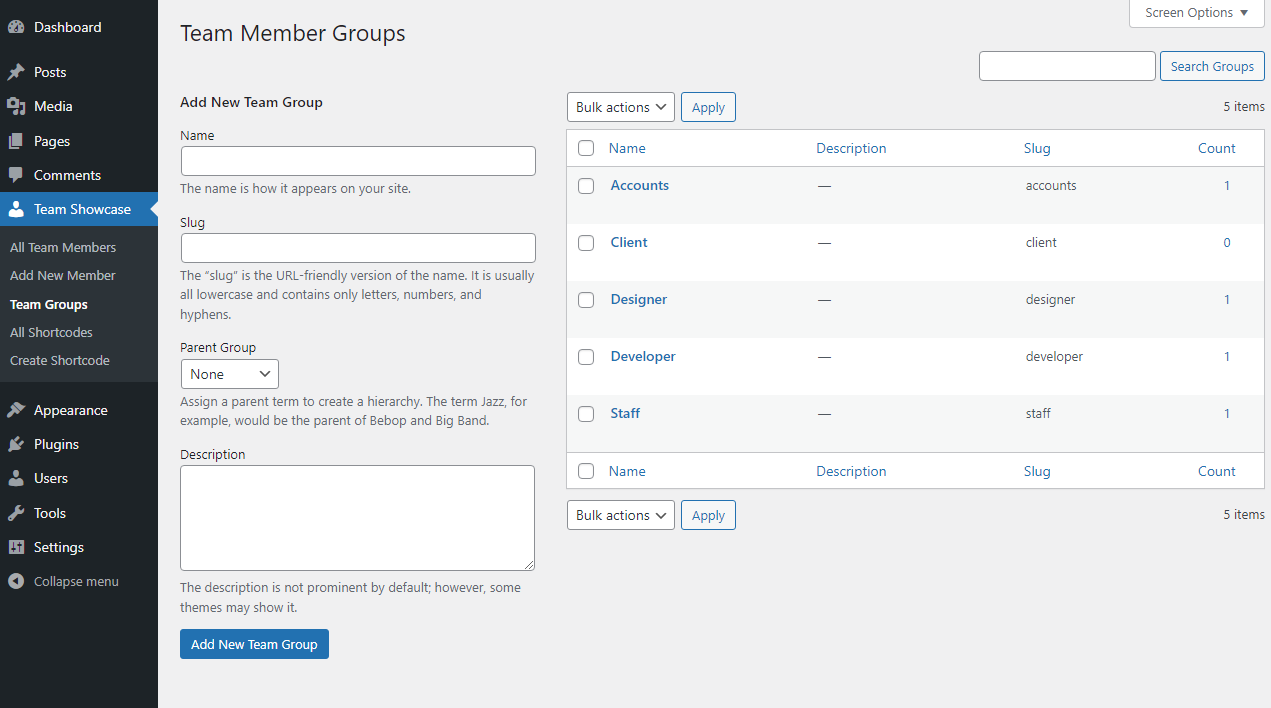
screenshot-9
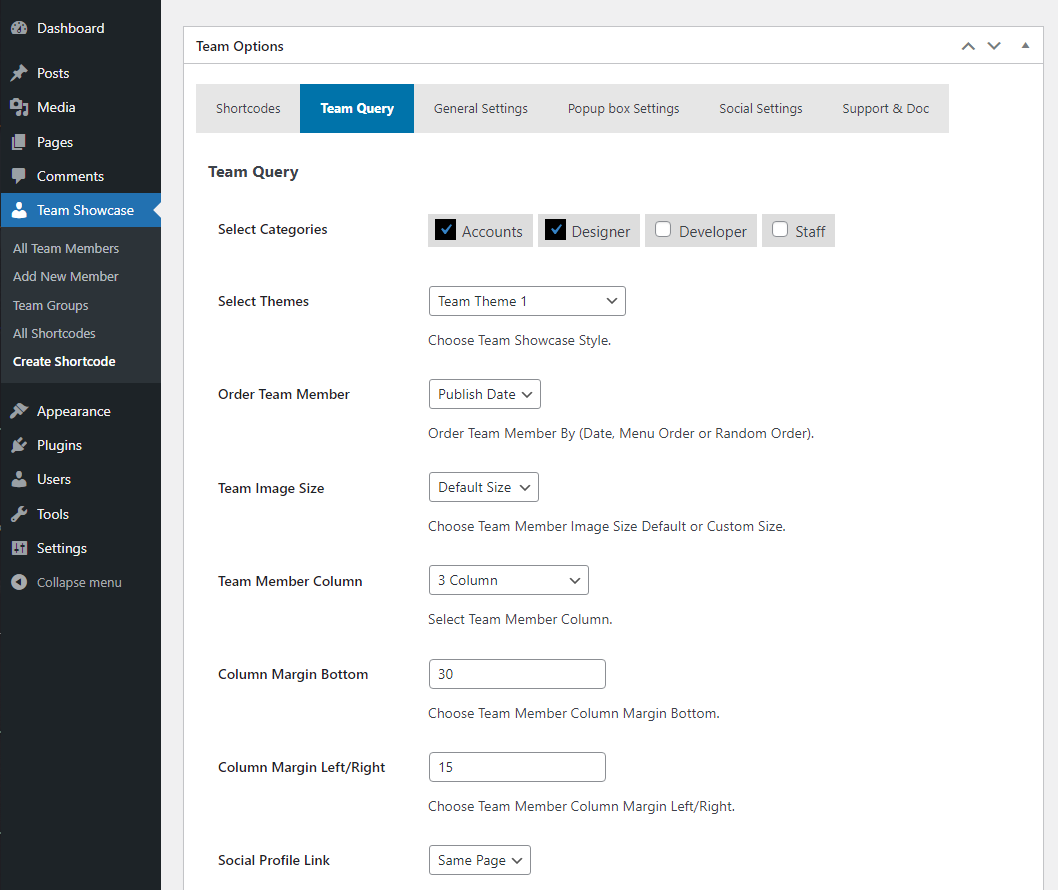
screenshot-10
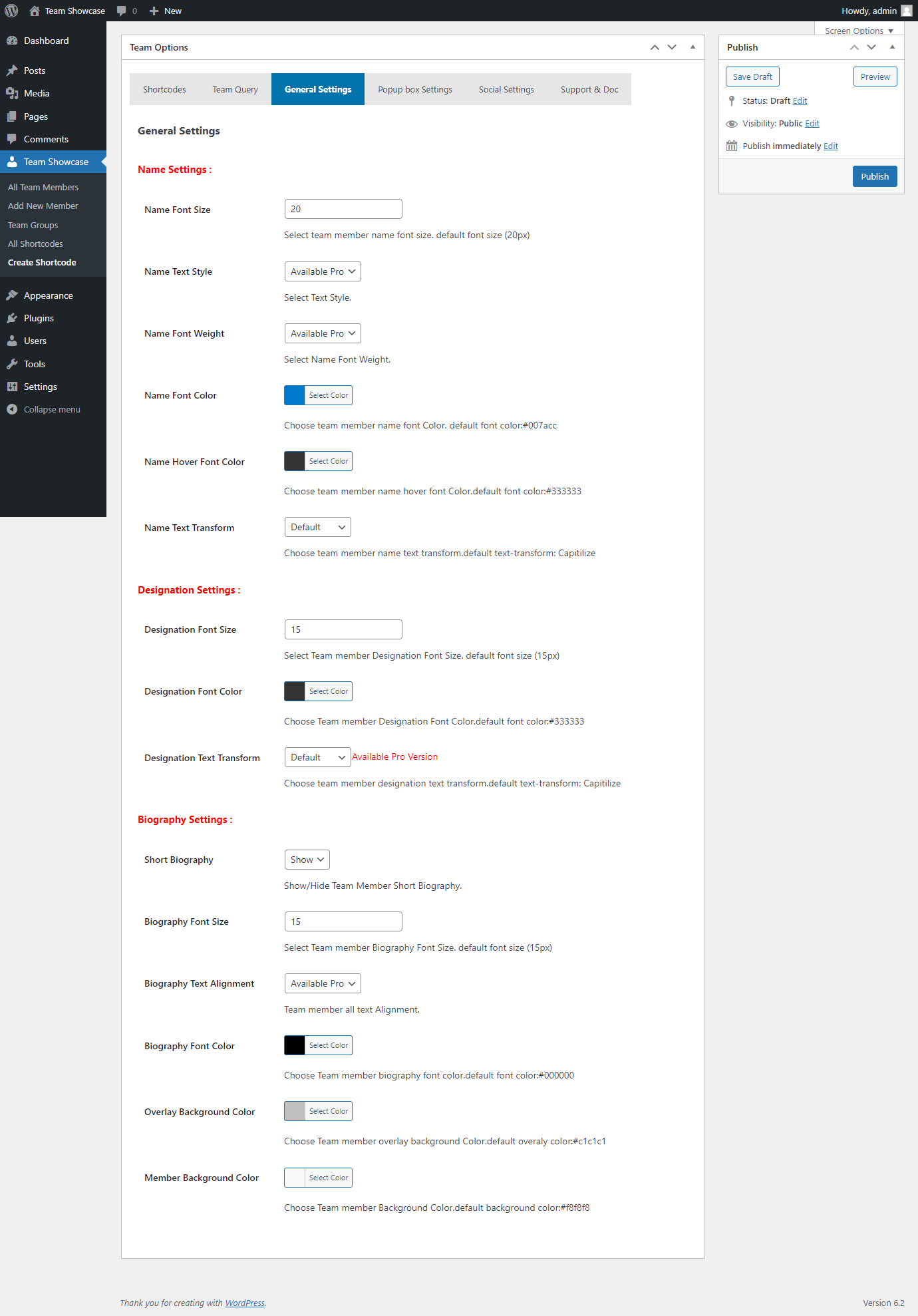
screenshot-11
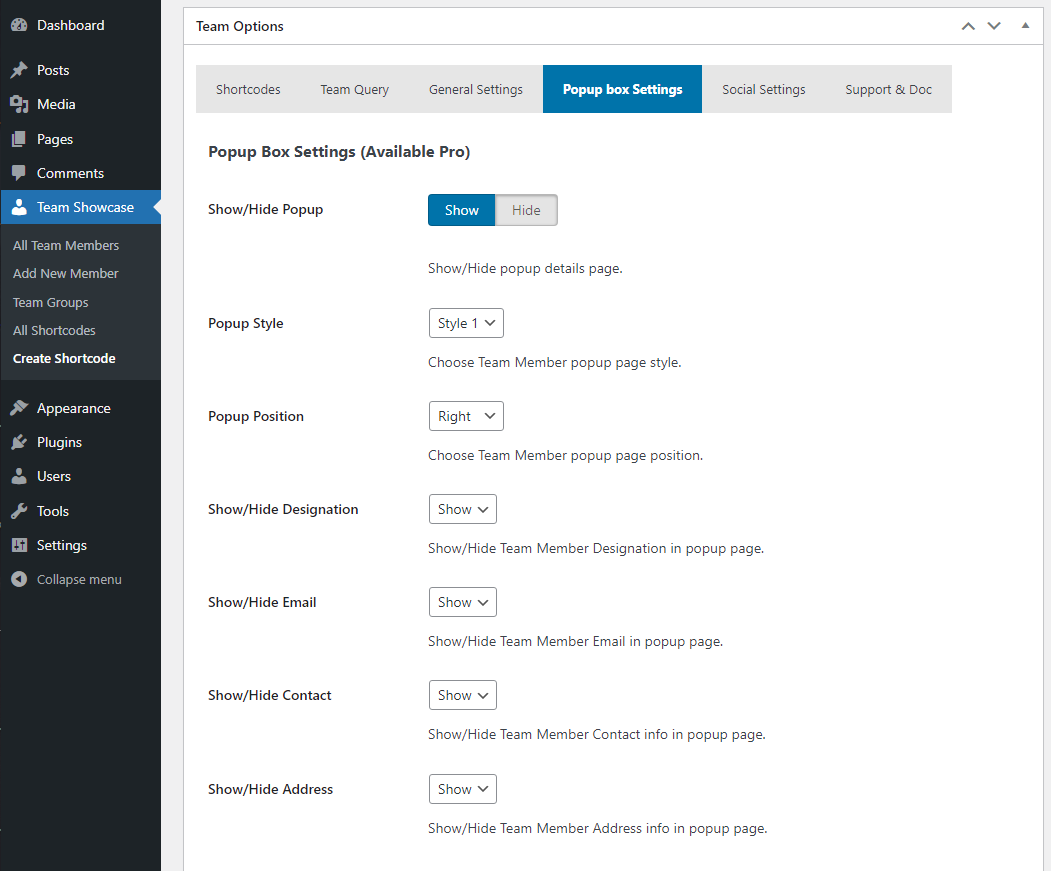
screenshot-12
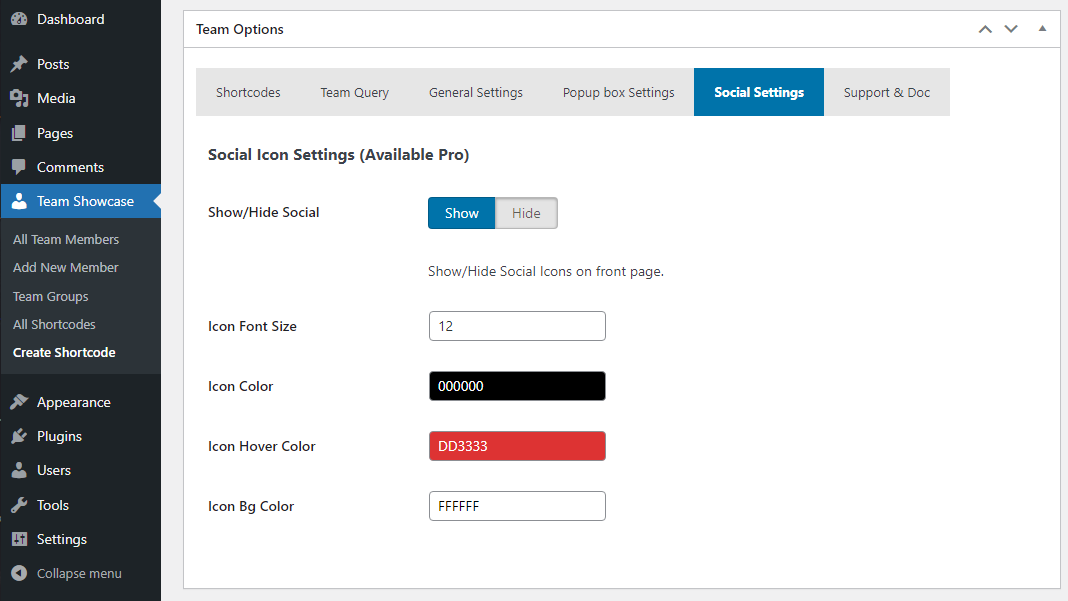
screenshot-13