
The Events Calendar: #1 calendar plugin for WordPress. Create/manage events (virtual too!) on your site with the free plugin.

Simple Event Planner
Hospedagem WordPress com plugin Simple Event Planner
Onde posso hospedar o plugin Simple Event Planner?
Este plugin pode ser hospedado em qualquer servidor que possua WordPress instalado. Recomendamos fortemente utilizar uma empresa de hospedagem de confiança, com servidores especializados para WordPress, como o serviço de hospedagem de sites da MCO2.
Hospedando o plugin Simple Event Planner em um provedor de confiança
A MCO2, além de configurar e instalar o WordPress na versão mais atual para seus clientes, fornece o WP SafePress, um sistema singular que salvaguarda e otimiza seu site ao mesmo tempo.
Por que a Hospedagem WordPress funciona melhor na MCO2?
A Hospedagem WordPress funciona melhor pois a MCO2 possui servidores otimizados para WordPress. A instalação de WordPress é diferente de uma instalação trivial, pois habilita imediatamente recursos como otimização de imagens, proteção da página de login, bloqueio de atividades maliciosas diretamente no firewall, cache avançado e HTTPS ativado por padrão. São plugins que potencializam seu WordPress para a máxima segurança e o máximo desempenho.
The plugin is available in English, Russian(Русский), German(Deutsch), Polish(Polski) and Serbian(Српски језик).
Are you looking for easy, user-friendly and robust event management plugin?
Simple Event Planner by PressTigers is a next generation, lightweight event management plugin that list WP events and calendar to your WordPress website.
This plugin is used to manage & display various events within the site. It has various options, including events from different categories. Whether you have; a single event or multiple events, you can display it as a list or in calendar format by simply inserting shortcode i.e. [event_listing], [event_calendar].
Additionally, you can add event calendar on your WordPress website by simply inserting shortcode [event_calendar], making it extremely powerful and flexible.
The plugin allows to have a specific number of upcoming events arranged in calendar list along with search feature to search events by event location.
Event Listing Shortcode
[event_listing]
Use the type parameter to filter events. Accepted values are:
all— shows all events (default)past— shows past events onlyupcoming— shows upcoming events only
Event Calendar Shortcode
[event_calendar]
Plugin Features
- Create Events Quickly
- Time Zone Settings for Events
- Unlimited Event Segments
- Show/Hide Event’s Options
- List View
- Grid View
- Calendar View
- Search Event by Title (List View)
- Search Event by Location (Calendar View)
- Events Categories (Taxonomies)
- Responsive Layout
- Localization (Translation Ready)
- Unlimited Color Combinations
- Shortcode Builder
- Google Maps for Event Location
- Template Layout Settings
- Image Enable/Disable
- Time Format Settings
- Date Format Settings
- iCal Calendar
- Google Calendar
- Visual Layout Settings
Event Planner Templating
With event planner templating exciting feature you can change the following file templates.
- content-wrapper-start.php
- content-wrapper-end.php
- event-listings-start.php
- event-listings-end.php
- content-event-listing.php
- content-no-events-found.php
- content-single-event-listing.php
- event-schedule.php
- event-description.php
- event-details.php
- event-venue.php
- single-event-listing.php
- event-search.php
- calendar-search.php
- archive-event-listing.php
- event-pagination.php
- To change a template, please add “simple_event_planner” folder at default theme root directory.
- Add above mentioned file from plugin simple-event-planner > public > partials folder keeping the same file directory structure (as mentioned in the header of each file) and customize it based on your needs.
Can you contribute?
If you are an awesome contributor to translations or plugin development, please contact us at [email protected]
Capturas de tela

Event Options - Let the user fill details of an event.

Event Location - Let the user fill event location and set its map.

Event Categories - List of Categories (Taxonomies)

Event List Creation - Allow users to create event list with ease by using a shortcode.

Event Calendar Creation - Allow users to create event calendar with ease by using a shortcode.
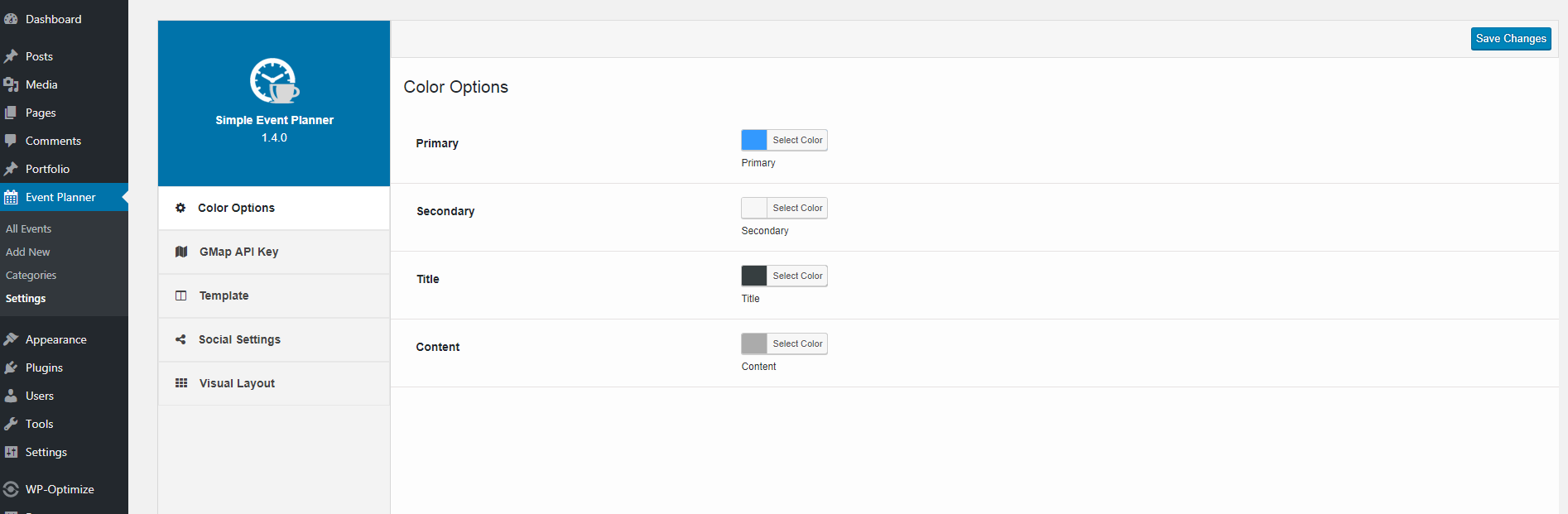
Event Color Options Settings - Customize color scheme of all three templates.
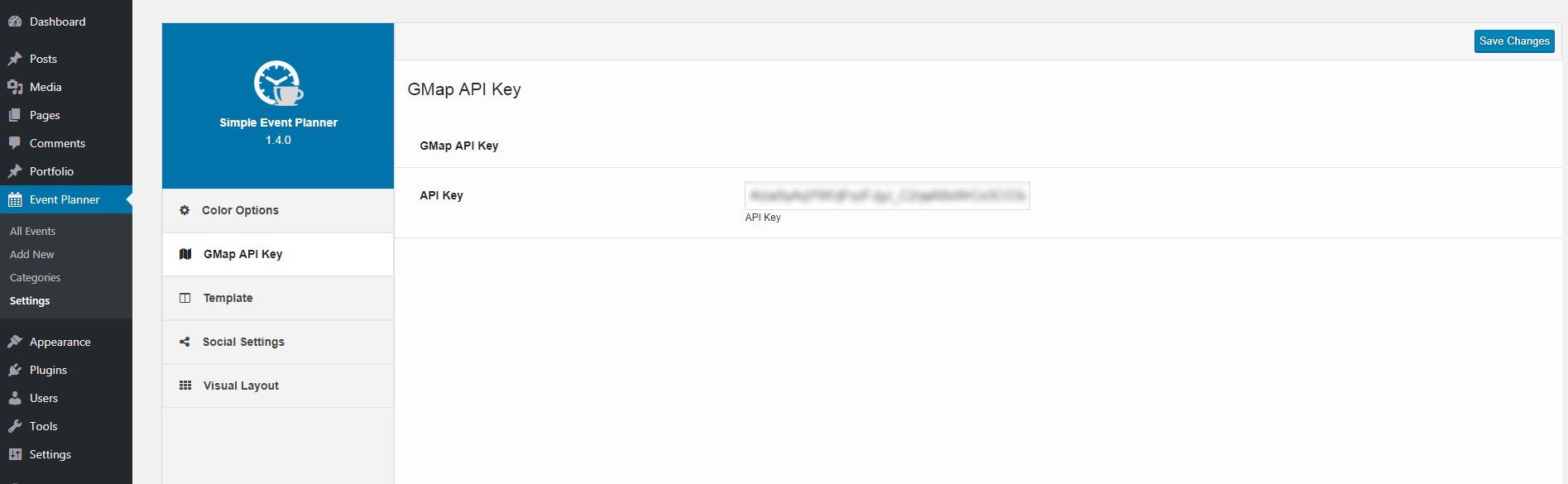
Event API Key Settings - Add API key to use GMap for location address.

Event Template Settings - Event Listing Configuration.

Event Visual Layout Settings - Drag and drop event sections.
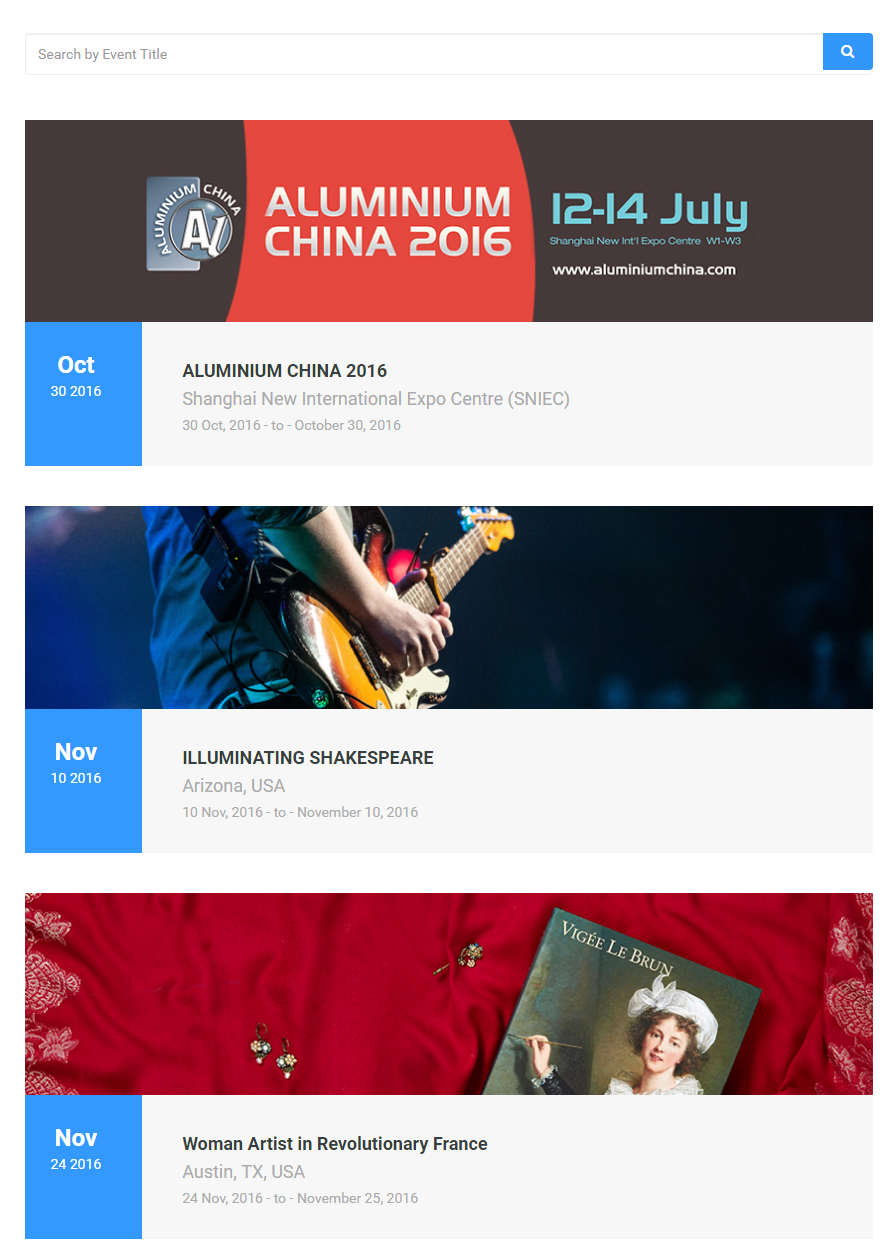
Event List View - Front-end list view of events.

Event Grid View - Front-end grid view of events.

Event Detail Page - Event detail/single page. Event details related to event location and its organizer are placed on it.
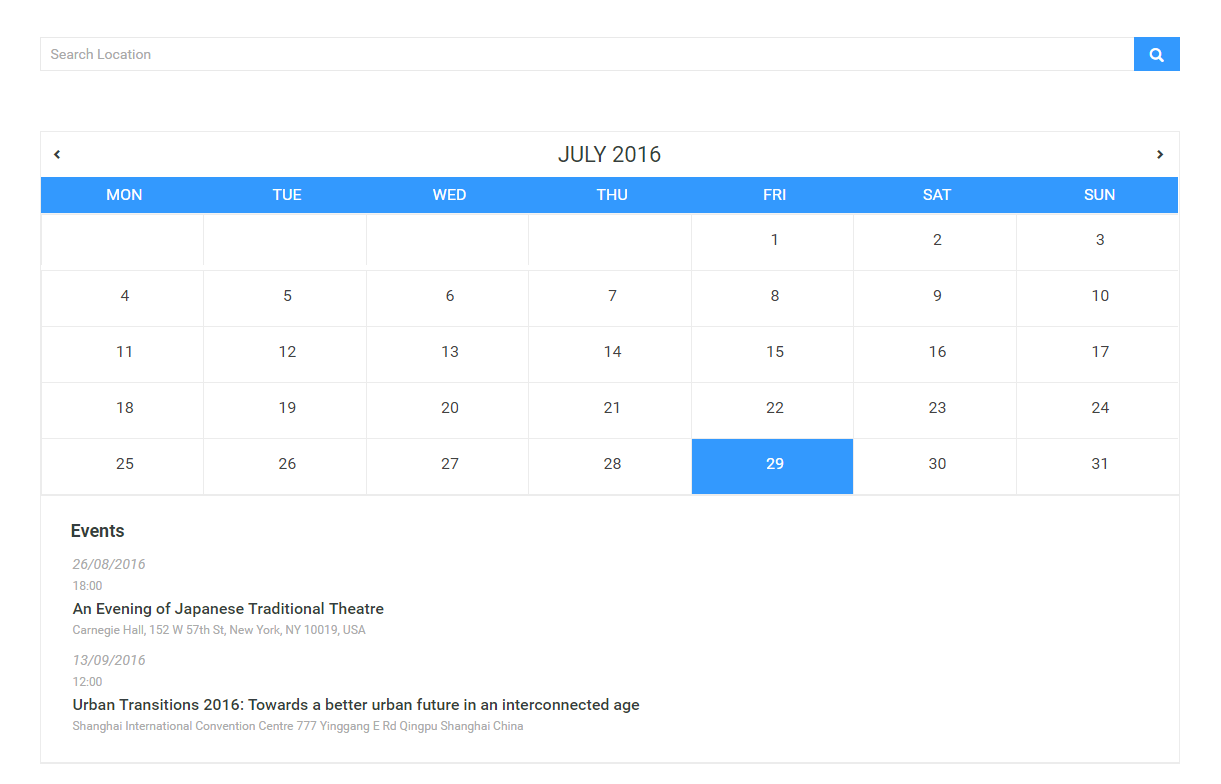
Event Calendar - Front-end view of the calendar with upcoming events listing.
Plugins semelhantes


Optimize your appointment scheduling with our plugin. Sync calendars, automate reminders, and keep your bookings organized.

Events calendar with bookings, scheduling, appointments, event registration, tickets, recurring events, and venue management.

Add Google Calendar events to your WordPress site in minutes. Beautiful calendar displays. Mobile responsive.

Build any type of directory website such as a business directory, job directory, classifieds directory, and more with this WordPress directory plugin.

Accessible WordPress event calendar plugin. Manage single or recurring events, event venues, and display your calendar anywhere on your site.