
Vertical News Scroller turns any sidebar, footer, or page section into a live scrolling news ticker - no coding required. Add unlimited news items, ch …

Responsive Filterable Portfolio Gallery – Media Grid & Video Portfolio
Hospedagem WordPress com plugin Responsive Filterable Portfolio
Onde hospedar o plugin Responsive Filterable Portfolio?
Este plugin pode ser hospedado em qualquer hospedagem que possua WordPress configurado. Recomendamos escolher uma hospedagem de confiança, com servidores adaptados para WordPress, como o serviço de hospedagem de sites da MCO2.
Hospedando o plugin Responsive Filterable Portfolio em um provedor confiável
A MCO2, além de instalar o WordPress na versão mais nova para seus clientes, fornece o plugin WP SafePress, um mecanismo exclusivo que protege e otimiza seu site ao mesmo tempo.
Por que a Hospedagem WordPress funciona melhor na MCO2?
A Hospedagem WordPress funciona melhor pois a MCO2 possui servidores otimizados para WordPress. A instalação de WordPress é diferente de uma instalação trivial, pois habilita imediatamente recursos como otimização de imagens e fotos, proteção da página de login, bloqueio de atividades maliciosas diretamente no firewall, cache avançado e HTTPS ativado por padrão. São recursos que potencializam seu WordPress para a máxima segurança e o máximo desempenho.
Need a clean, professional way to showcase your work without slowing down your website or writing a single line of code?
Responsive Filterable Portfolio lets you create stunning, mobile-friendly media grids that your visitors can filter by category instantly. Whether you want to showcase photography, client case studies, design concepts, or video showreels, this plugin handles it automatically.
Simply add your images, YouTube videos, Dailymotion videos, or custom links, assign your tags, and watch your portfolio build itself with ultra-smooth filtering transitions and a built-in responsive lightbox popup.
It works flawlessly out of the box with any WordPress theme via a simple shortcode or our dedicated, lightweight Gutenberg block.
🚀 Key Links
Why WordPress Creators Love It
- Instant One-Click Tag Filtering — Seamless category filtering without frustrating page reloads.
- Mixed Media Freedom — Blend images, YouTube/Dailymotion videos, and external clickable links inside a single cohesive grid.
- Smart Video Thumbnail Fetching — Simply paste a video URL; the plugin automatically pulls the thumbnail, title, and description for you.
- Optimized Responsive Lightbox — Media opens in an elegant, modern popup modal that scales flawlessly from large 4K monitors down to mobile screens.
- 100% No-Code Customization — Tweak thumbnail heights, widths, spacing, and background colors straight from your dashboard settings.
- Blazing-Fast WebP Support — Fully compatible with lightweight, next-gen image formats to keep your Core Web Vitals score high.
- Native Gutenberg Block Included — Drag, drop, and configure your portfolio visually right within the block editor.
Perfect For:
Photographers, UX/UI Designers, Creative Agencies, Freelancers, Videographers, Architects, and Web Developers who need a beautiful gallery that “just works.”
Free vs Pro Comparison
- Portfolio Grids – Free version includes 1 grid. Pro version unlocks UNLIMITED separate grids for different pages.
- Layout Styles – Free version includes standard grid layout. Pro version adds beautiful Masonry & Justified layout styles.
- Media Sources – Free version supports Images, YouTube, and Dailymotion. Pro version adds Vimeo, Metacafe, and self-hosted HTML5 video.
- Image Uploading – Free version requires single image uploading. Pro version introduces Mass Image Bulk Uploading to save you time.
- Sorting Controls – Free version has basic sorting. Pro version features an advanced drag-and-drop Mass Order Update UI.
- Pagination Controls – Free version displays all items at once. Pro version includes pagination controls for large, heavy portfolios.
- Lightbox Extensions – Free version uses a standard lightbox. Pro version adds media descriptions and custom thumbnail captions right inside the popup.
- Click Behavior – Free version opens items in a lightbox only. Pro version lets you choose between opening in a lightbox OR redirecting directly to a custom link.
- Multisite Support – Free version is for single-site use. Pro version includes full WordPress Multisite compatibility.
- Support & Ads – Free version relies on community forums. Pro version offers priority developer support and is 100% ad-free.
👉 Unlock All Pro Features Now – Lifetime Access with One-Time Payment
Uso
- Add Media: Go to Responsive Portfolio > Manage Media to add your images, links, or videos. Don’t forget to add tags for your filter categories!
- Style It: Tweak your grid alignment, thumbnail sizes, margins, and colors in Portfolio Settings.
- Display It: * Gutenberg Editor: Search for the “Responsive Filterable Portfolio” block and add it to your page.
- Shortcode: Paste
[print_responsive_portfolio_plus_lightbox]into any page, post, or widget area. - PHP Template: Use
<?php echo do_shortcode('[print_responsive_portfolio_plus_lightbox]'); ?>directly in your theme files.
- Shortcode: Paste
Licença
This plugin is free and open-source software, released under the GPLv2 or later license. You are fully welcome to use it on personal, freelance, or commercial client websites free of charge.
Capturas de tela
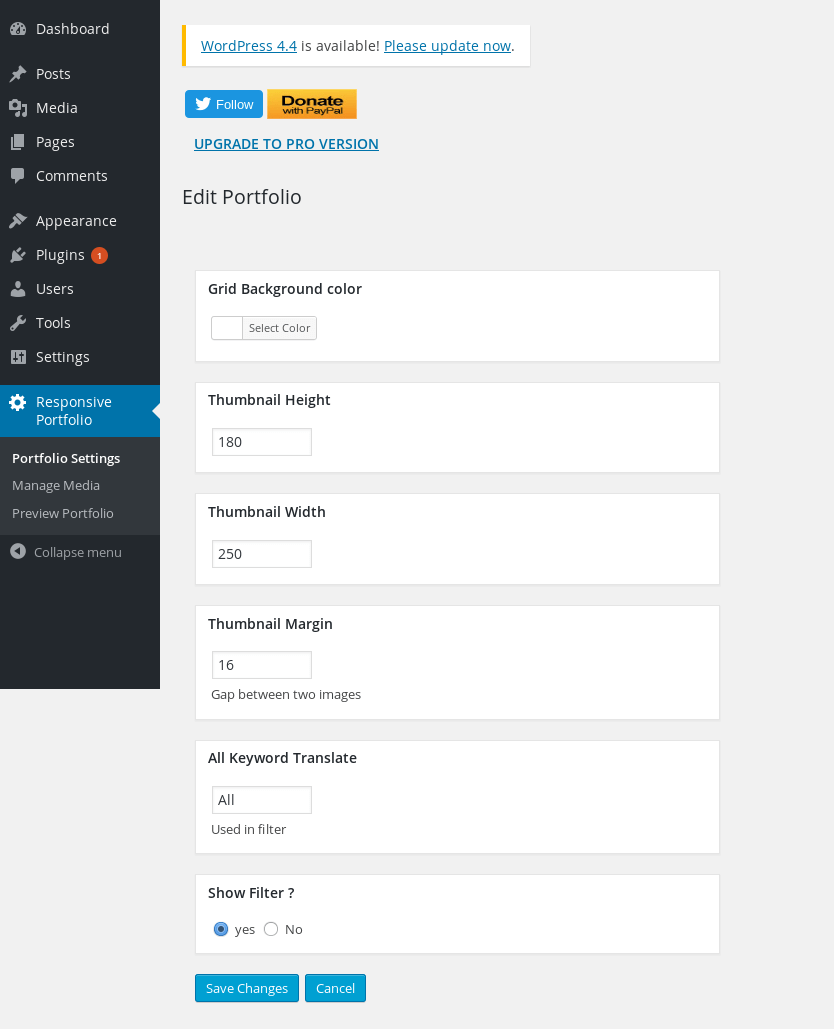
Portfolio Settings – Easily change thumbnail dimensions and grid colors.
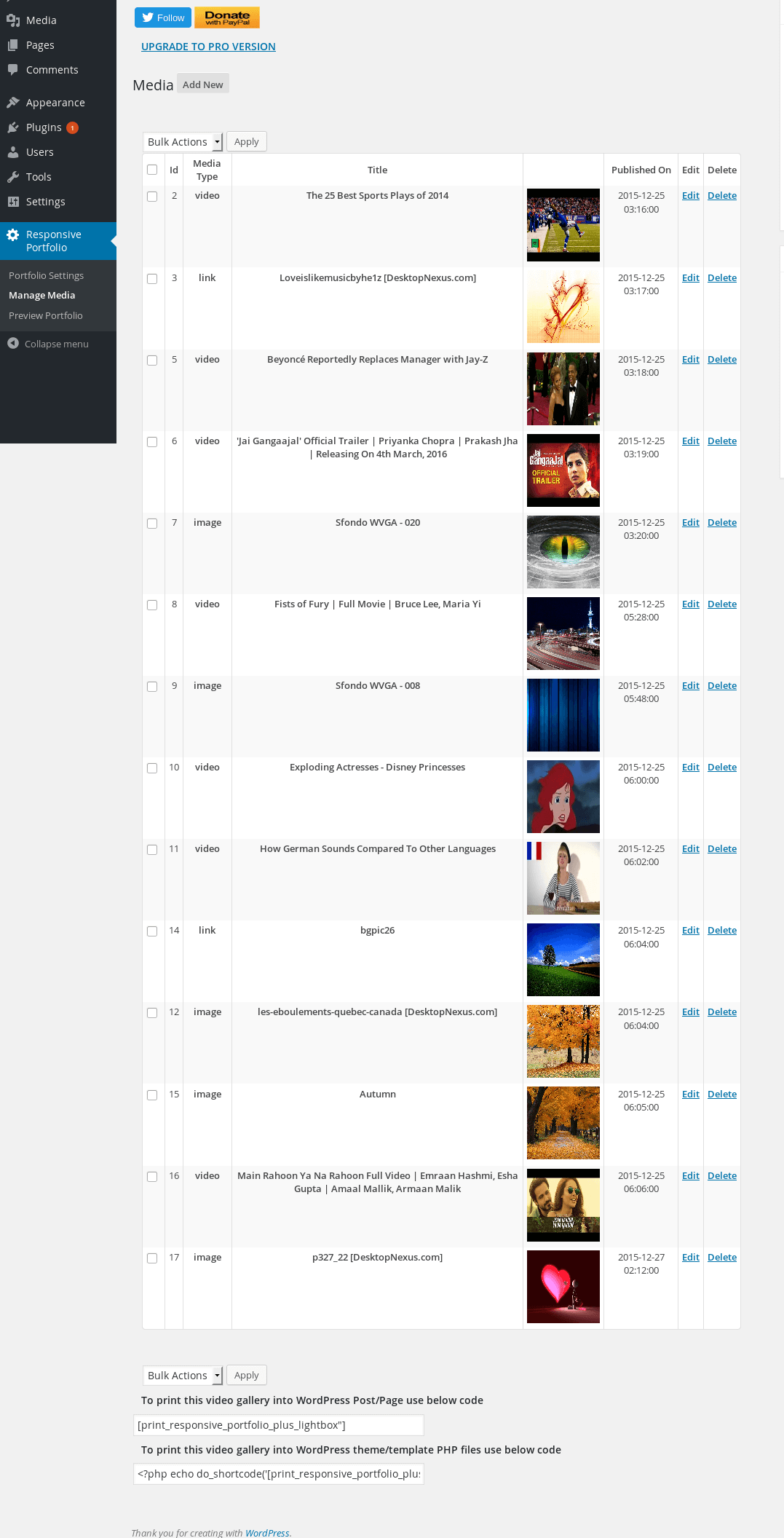
Manage Portfolio Media – Quick dashboard interface to add text, links, and tags.
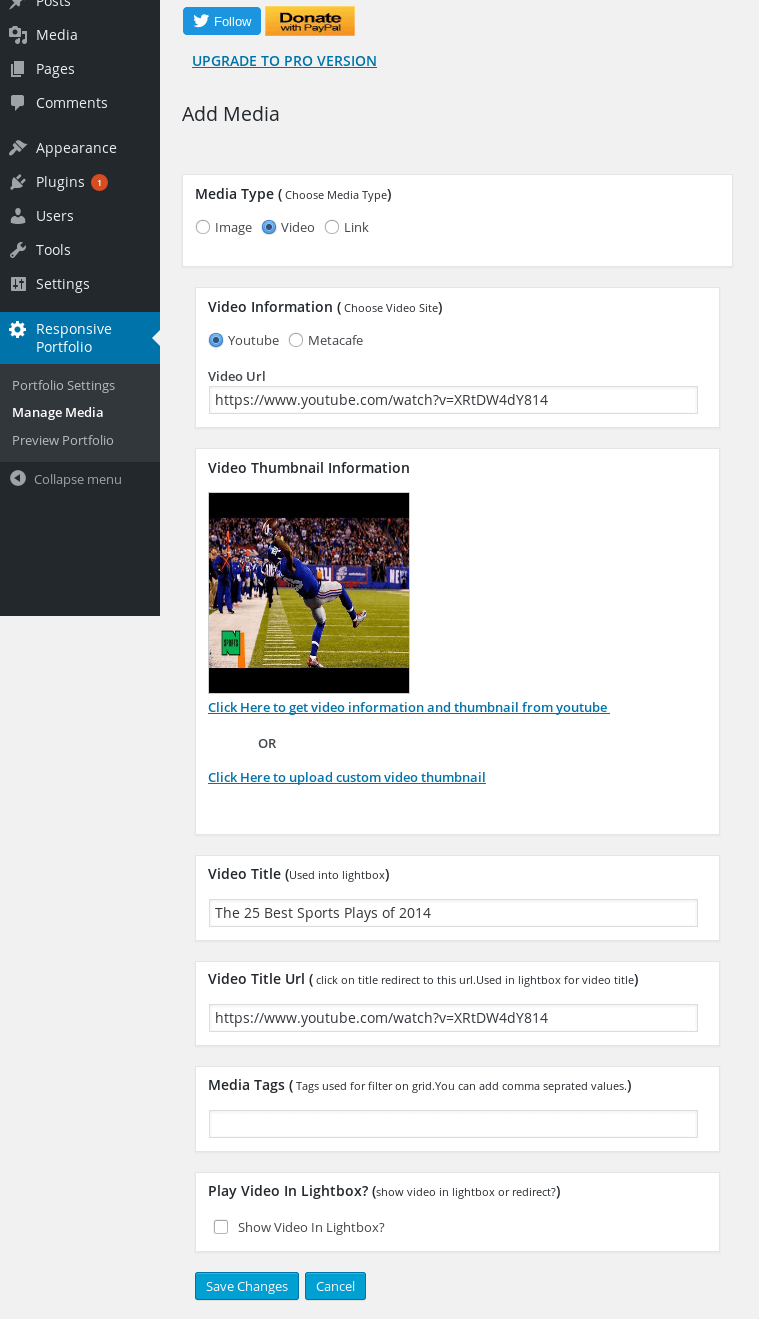
Portfolio Add Media – Seamless panel to upload images or paste video URLs.
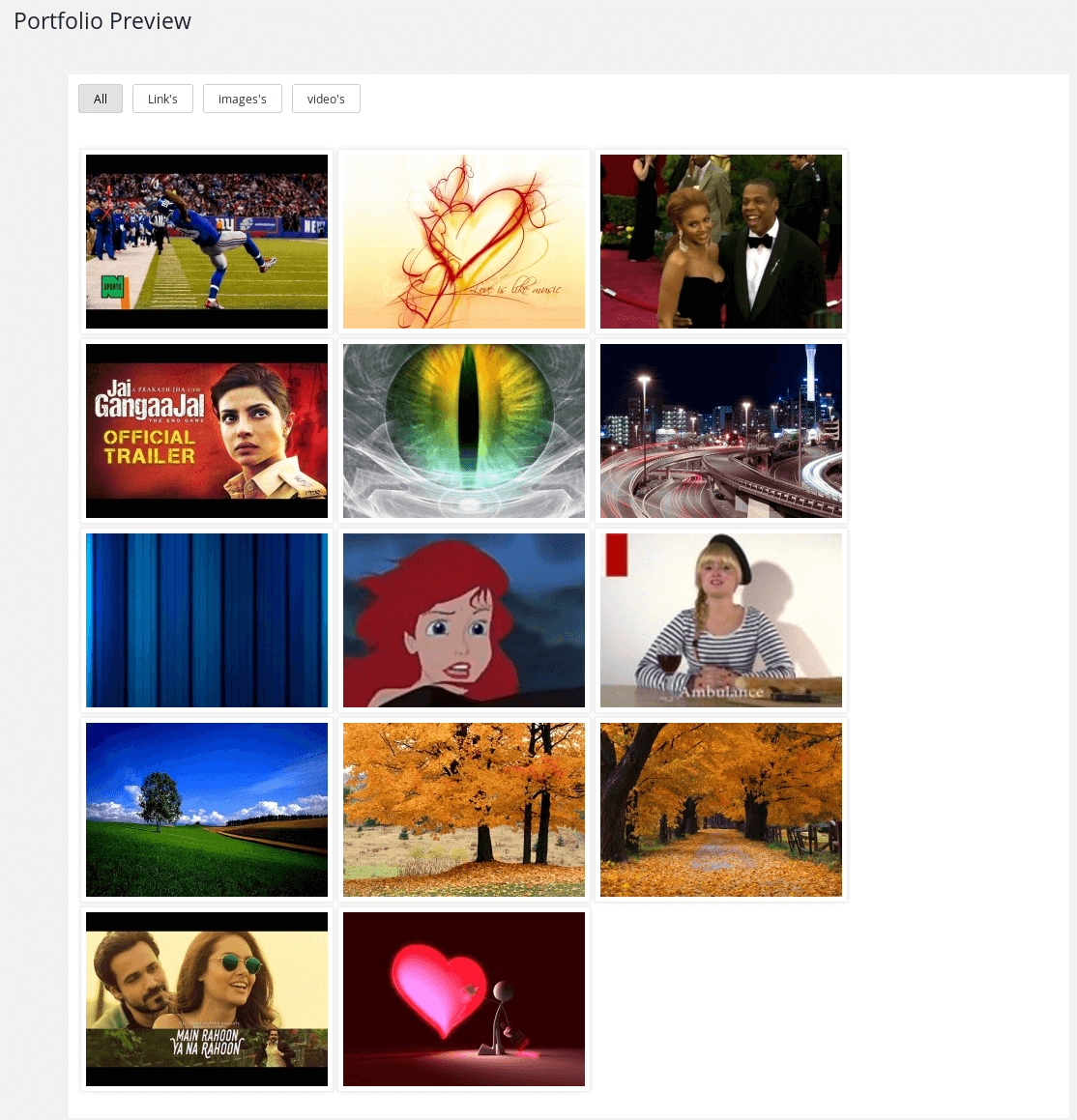
Live Portfolio Preview – Test your layout directly inside the backend.
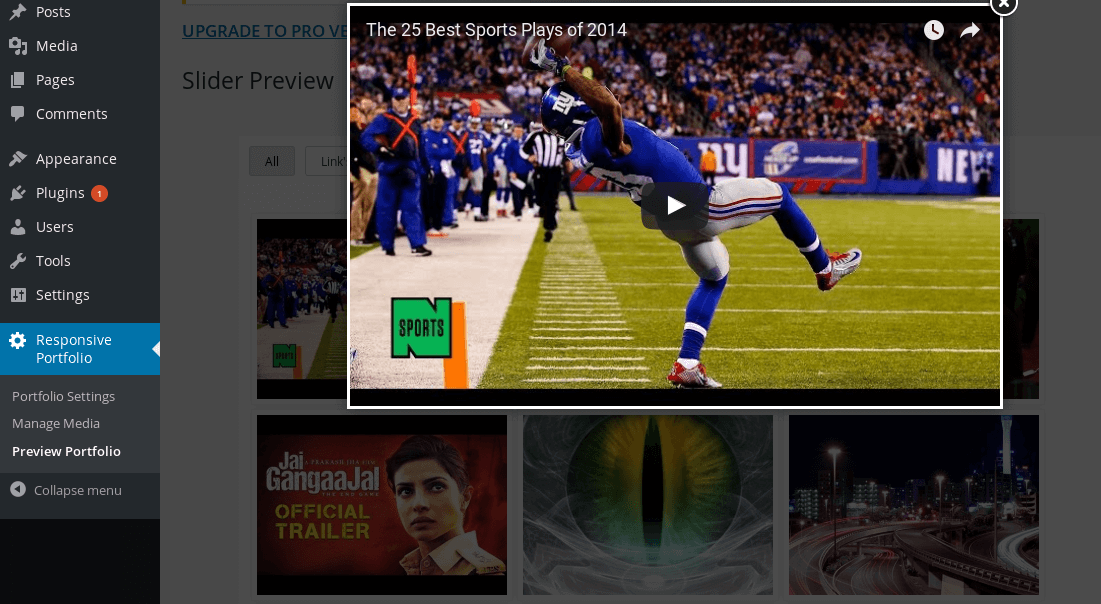
Lightbox View – Beautiful, mobile-responsive popup layout for videos and images.
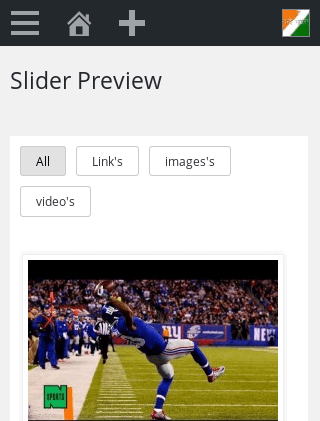
Responsive View – Perfect scaling on tablets, laptops, and smartphones.
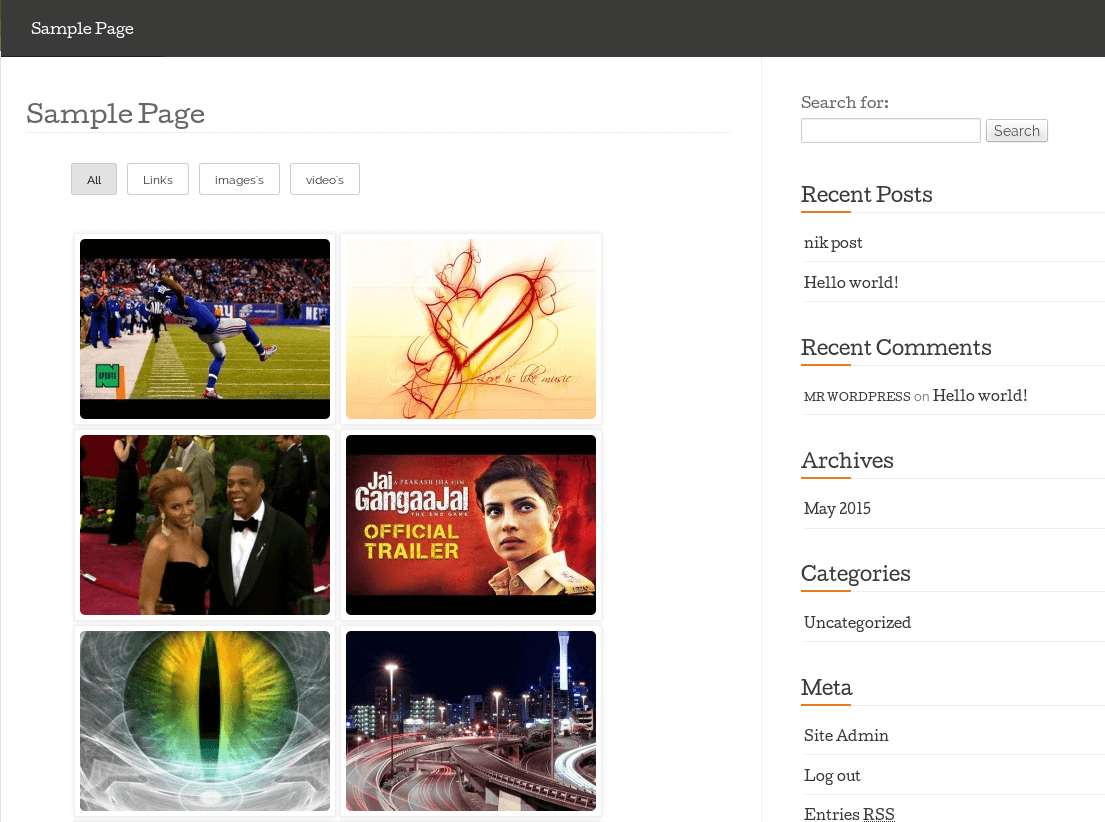
Front-End Display – Elegant, clean look your website visitors will see.
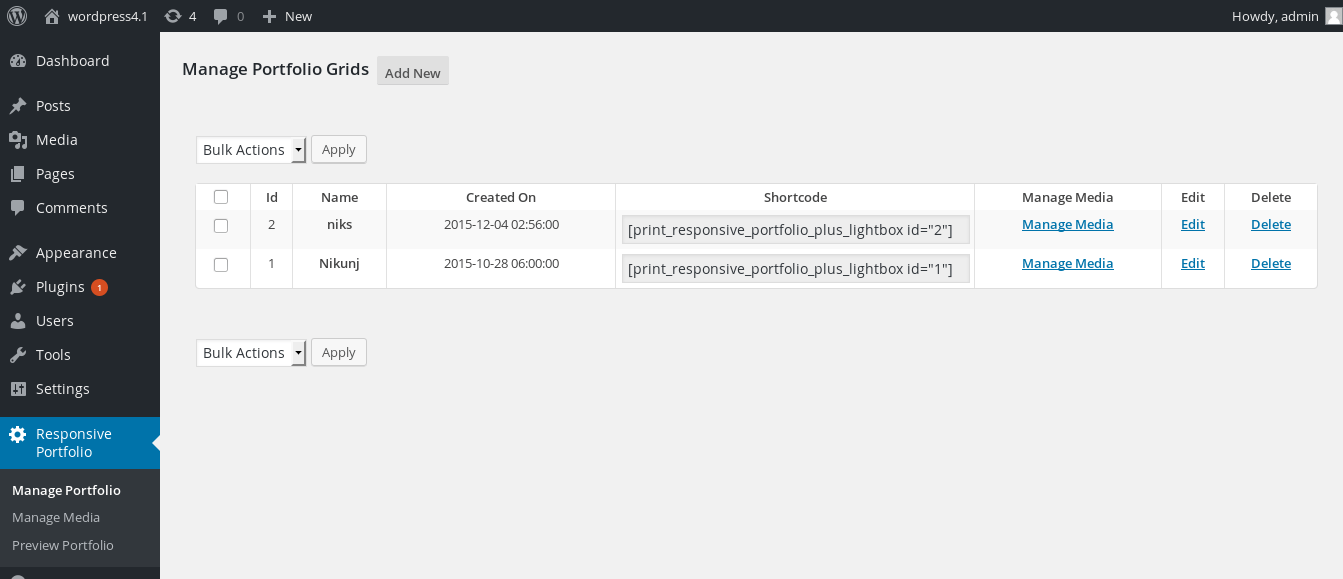
PRO Feature – Unlimited portfolio management dashboard.
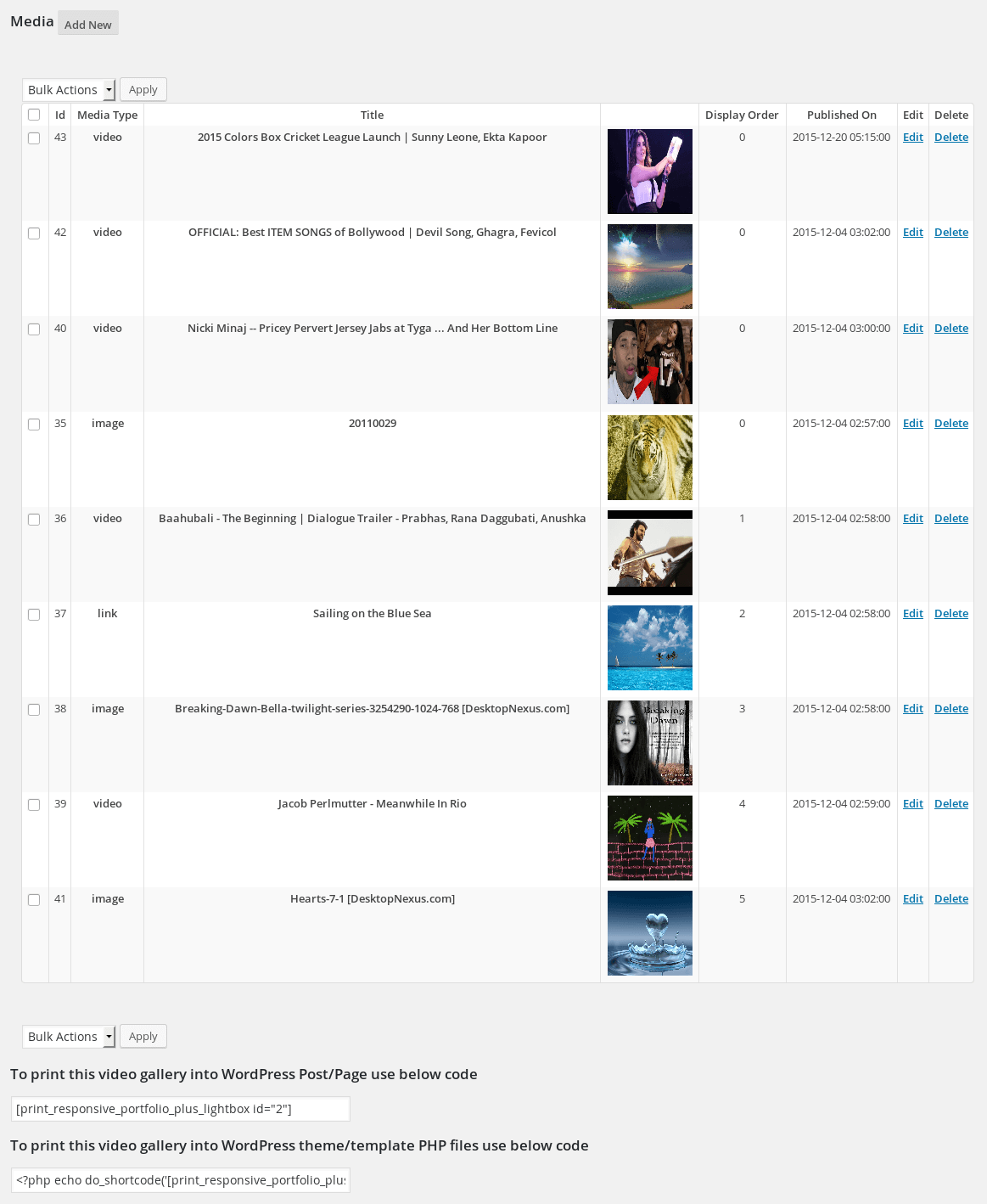
PRO Feature – Advanced bulk media sorting UI.
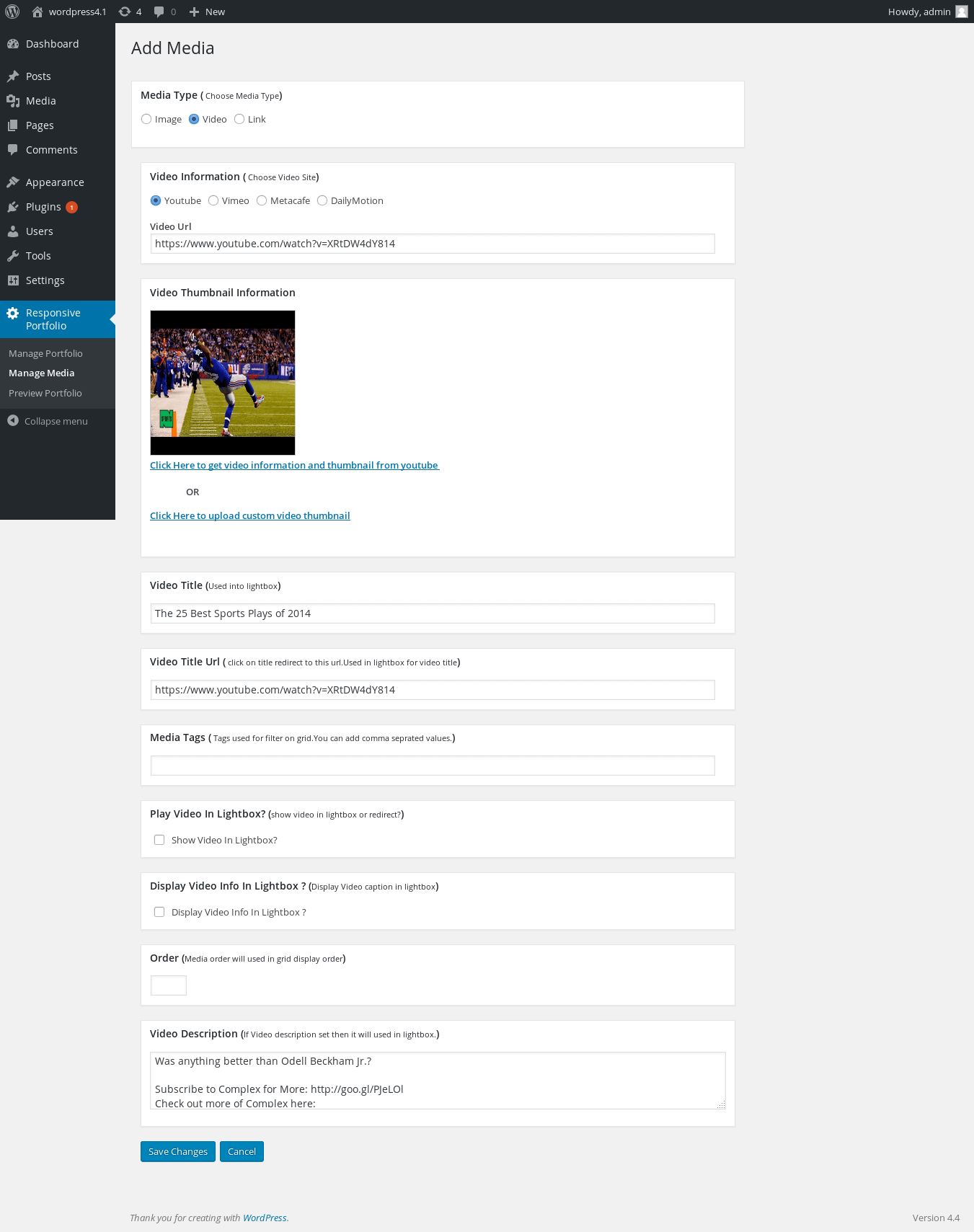
PRO Feature – Pagination and custom caption configurations.
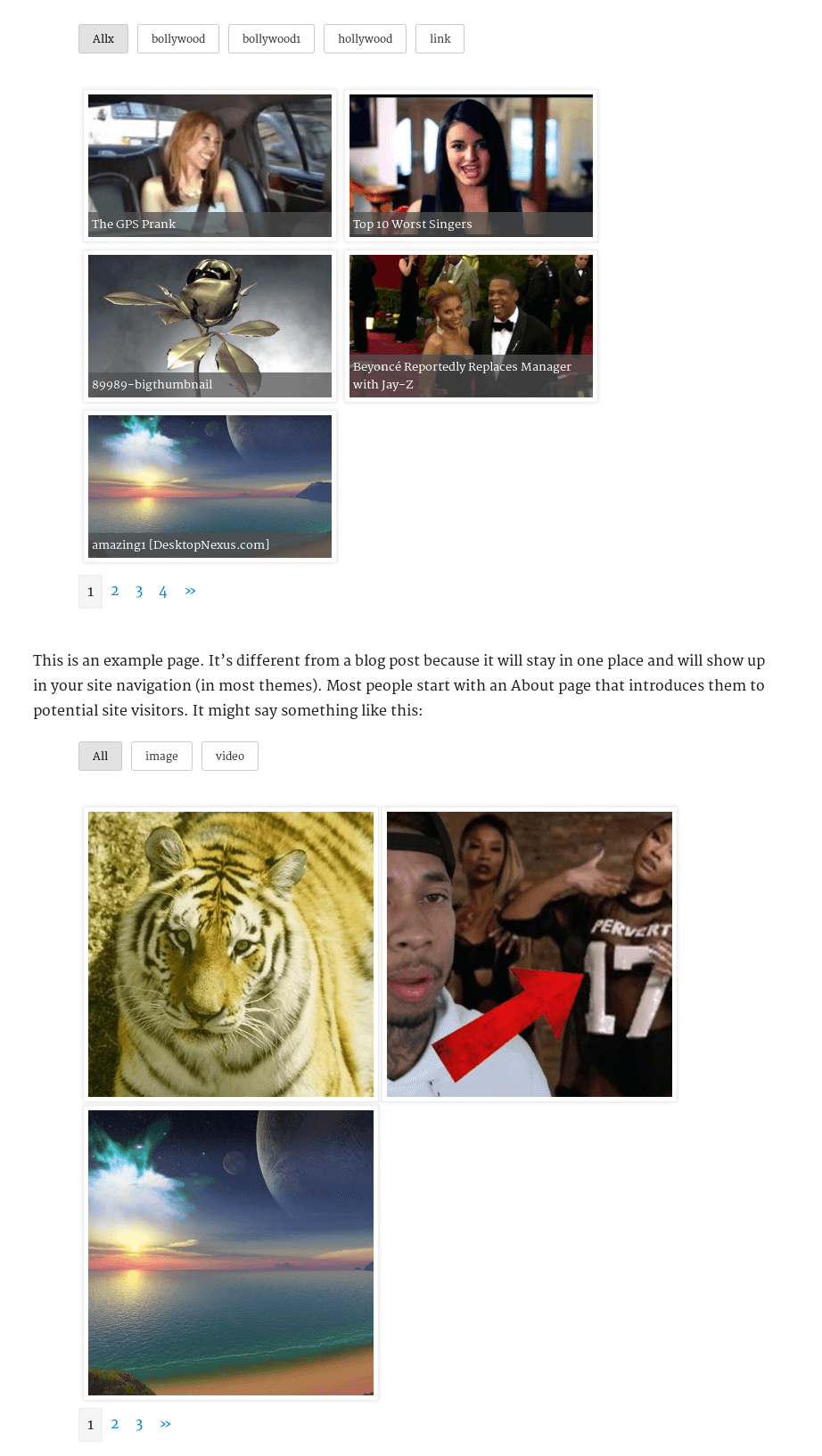
PRO Feature – Stunning Justified structural grid layout.

PRO Feature – Seamless Masonry layout style for multi-sized media assets.

Do mesmo author (Nks)


A fast, lightweight responsive thumbnail slider for WordPress — modern animation engine, lightbox, captions, and full theme/builder compatibility.

Display YouTube, Vimeo and DailyMotion videos in a beautiful, fully responsive video grid with a pop-up lightbox — no coding required.

Add a newsletter signup popup to WordPress with a native Gutenberg block, GDPR consent checkbox, and free Mailchimp sync — no coding, set up in minute …