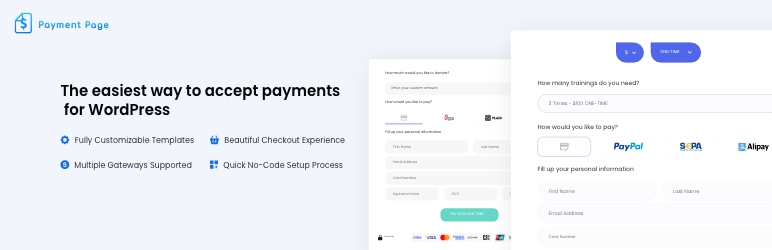
Apenas um outro plugin de formulário de contato. Simples, mas flexível.

Payment Page – Stripe Payment Forms for Donations, Subscriptions & Recurring Payments
Hospedagem WordPress com plugin Payment Page | Payment Form for Stripe
Onde posso hospedar o plugin Payment Page | Payment Form for Stripe?
Este plugin pode ser hospedado em qualquer hospedagem que possua WordPress configurado. Recomendamos fortemente escolher um provedor de hospedagem confiável, com servidores especializados para WordPress, como o serviço de hospedagem de sites da MCO2.
Hospedando o plugin Payment Page | Payment Form for Stripe em um provedor seguro
A MCO2, além de configurar e instalar o WordPress na versão mais atual para seus clientes, disponibiliza o plugin WP SafePress, um mecanismo exclusivo que assegura e otimiza seu site conjuntamente.
Por que a Hospedagem WordPress funciona melhor na MCO2?
A Hospedagem WordPress funciona melhor pois a MCO2 possui servidores otimizados para WordPress. A instalação de WordPress é diferente de uma instalação trivial, pois habilita imediatamente recursos como otimização de imagens, proteção da página de login, bloqueio de atividades maliciosas diretamente no firewall, cache avançado e HTTPS ativado por padrão. São recursos que potencializam seu WordPress para a máxima segurança e o máximo desempenho.
Payment Page builds Stripe payment forms on WordPress without requiring WooCommerce. Create one-time or recurring forms, connect an eligible Stripe account, and publish a form with the plugin shortcode or native Elementor widget.
🎯 BUILT FOR
- Freelancers invoicing clients and collecting retainer deposits
- Coaches & Consultants taking deposits and selling session packages
- Yoga, Fitness & Wellness studios selling memberships and class packs
- Nonprofits accepting one-time and recurring donations
- Agencies invoicing monthly maintenance and managing client billing
- Creators & Educators selling courses, gated content, and subscriptions
⚡ KEY FEATURES
- One-page Stripe forms – cards, Apple Pay, Google Pay, SEPA Direct Debit, Alipay, and WeChat Pay, subject to account, country, currency, browser, device, and recurring-payment eligibility
- 22 payment-form setting templates – 10 bundled in the plugin and 12 delivered from the public template endpoint
- 11 separate Elementor full-page layouts – page designs are distinct from the payment-form setting templates
- Stripe Connect onboarding – start the released OAuth onboarding flow from WordPress without copying API keys into the plugin settings
- One-time and recurring plans – one-time, daily, weekly, monthly, quarterly, every six months, annually, and every three years
- Donation forms & custom amounts – let customers choose the amount for donations or invoices
- Custom form fields – collect additional information relevant to the payment
- Prefill form fields – pass values into a form via query strings
- Elementor widget and shortcode – place a released payment form in a page layout
- Post-payment actions – configure confirmation emails, redirects, success/failure messages, and HTTP requests
- PayPal Standard Checkout – an alternative one-time gateway with no Payment Page platform fee
💰 PRICING – FREE TO START, ONLY PAY WHEN YOU EARN
The free version includes the core plugin and applies a 2% Payment Page platform fee to Stripe transactions. Stripe’s own processing fees and terms still apply. Payment Page does not apply that platform fee to PayPal payments.
Upgrade to Pro to:
- Remove the 2% Payment Page platform fee – Stripe processing fees and terms still apply
- Unlock ACH Direct Debit through Stripe Financial Connections, subject to Stripe eligibility
- Priority support
See pricing . Review the governing EULA and the terms shown at checkout before purchasing; the marketing listing does not state a refund duration while public summaries are being reconciled.
🔌 INTEGRATES WITH
- Stripe – Stripe Connect integration for cards, SEPA Direct Debit, Apple Pay, Google Pay, Alipay, and WeChat Pay; ACH Direct Debit is Pro. Availability depends on the connected account and transaction.
- PayPal – Standard Checkout for one-time payments
- Elementor – native payment-form widget
- HTTP endpoints – send a configurable HTTP request after payment
🔒 SECURITY
Stripe card fields are rendered with Stripe Elements rather than ordinary WordPress inputs. Site owners still remain responsible for securing WordPress, restricting access, keeping software updated, showing required notices, and completing the compliance steps that apply to their business and integration.
🆚 WHY CHOOSE PAYMENT PAGE
Payment Page focuses on standalone WordPress payment forms when a WooCommerce cart and catalog are unnecessary. The released plugin combines Stripe Connect onboarding, defined one-time and recurring plans, configurable form fields and actions, 22 form-setting templates, and a native Elementor widget. Payment-method availability remains subject to the selected gateway, account, country, currency, browser, device, plan, and recurring-payment support.
Capturas de tela

Payment-form template gallery.

Payment-form builder in WordPress admin.
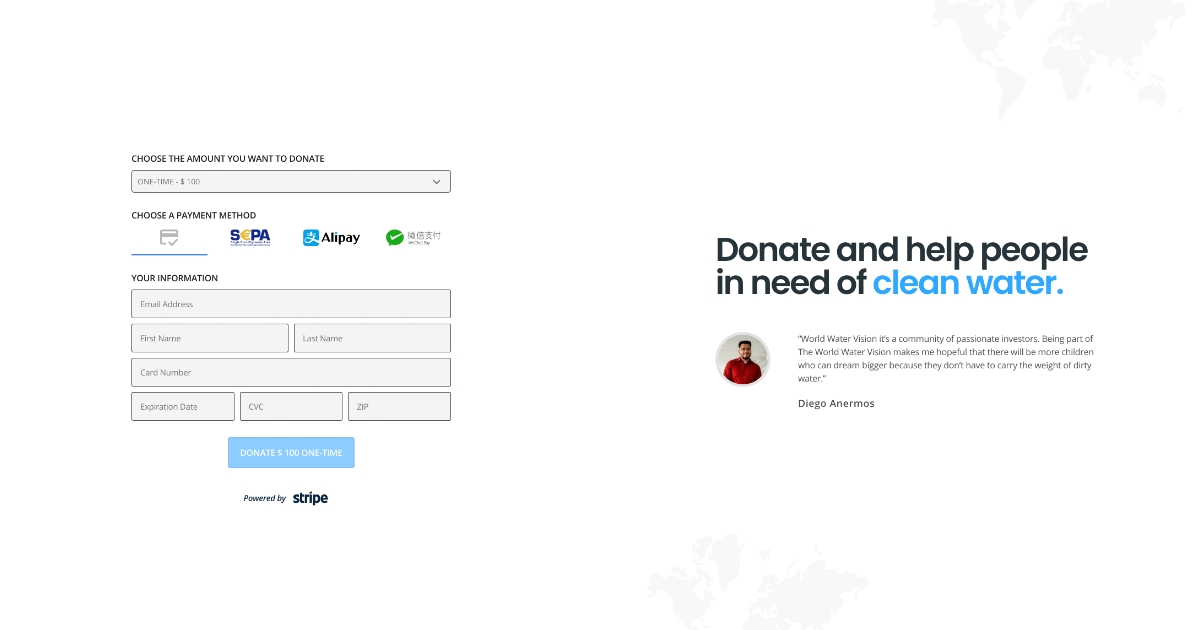
Published payment form with Apple Pay and Google Pay.
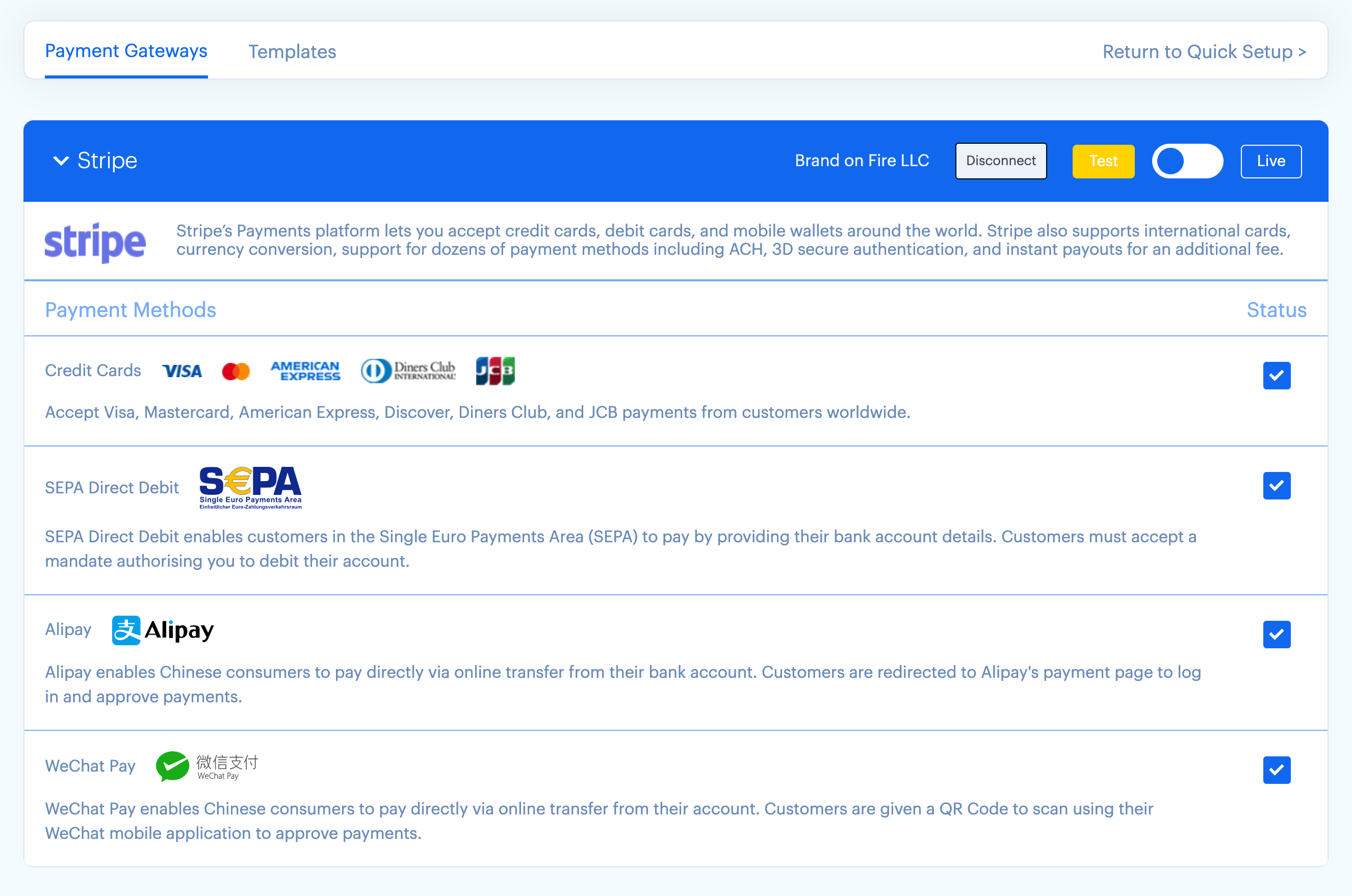
Stripe Connect onboarding screen.

Published confirmation page on desktop, tablet, and mobile.
Plugins semelhantes


Securely accept credit and debit cards on your WooCommerce store. Manage payments without leaving your WordPress dashboard. Only with WooPayments.

Accept debit and credit cards in 135+ currencies, many local methods like Alipay, ACH, and SEPA, and express checkout with Apple Pay and Google Pay.

MW WP Form is shortcode base contact form plugin. This plugin have many features. For example you can use many validation rules, inquiry data saving, …

Accept Credit Cards, Google Pay, ApplePay, Afterpay, Affirm, ACH, Klarna, iDEAL and more all in one plugin for free!

Newsletters, Email Marketing, Email Automation, Forms, Pop Up, SMS by Omnisend
Do mesmo author (Brandon Ernst)

Free memory & server IP display, PHP EOL countdown, live CPU/RAM sparklines, server location, environment indicators, SSL expiry & EOL alerts.

Accept WeChat Pay, Alipay & UnionPay via Stripe with WooCommerce, MemberPress, LifterLMS & Simple Membership.

Split payments between multiple Stripe Connected Accounts using Stripe Connect. Works with WooCommerce and FluentCart.