A WordPress plugin designed for creating filterable portfolio galleries. Supports images and videos with masonry routing.

Social Media Icon Widget
Hospedagem WordPress com plugin Social Media Icons – Social Icons Widget
Onde devo hospedar o plugin Social Media Icons – Social Icons Widget?
Este plugin pode ser hospedado em qualquer servidor que possua WordPress configurado. Recomendamos fortemente escolher uma hospedagem seguro, com servidores otimizados para WordPress, como o serviço de hospedagem da MCO2.
Hospedando o plugin Social Media Icons – Social Icons Widget em uma empresa de hospedagem seguro
A MCO2, além de configurar e instalar o WordPress na versão mais nova para seus clientes, fornece o WP SafePress, um sistema exclusivo que salvaguarda e aumenta a performance do seu site simultaneamente.
Por que a Hospedagem WordPress funciona melhor na MCO2?
A Hospedagem WordPress funciona melhor pois a MCO2 possui servidores otimizados para WordPress. A instalação de WordPress é diferente de uma instalação trivial, pois habilita imediatamente recursos como otimização automática de imagens, proteção da página de login, bloqueio de atividades maliciosas diretamente no firewall, cache avançado e HTTPS ativado por padrão. São recursos que potencializam seu WordPress para a máxima segurança e o máximo desempenho.
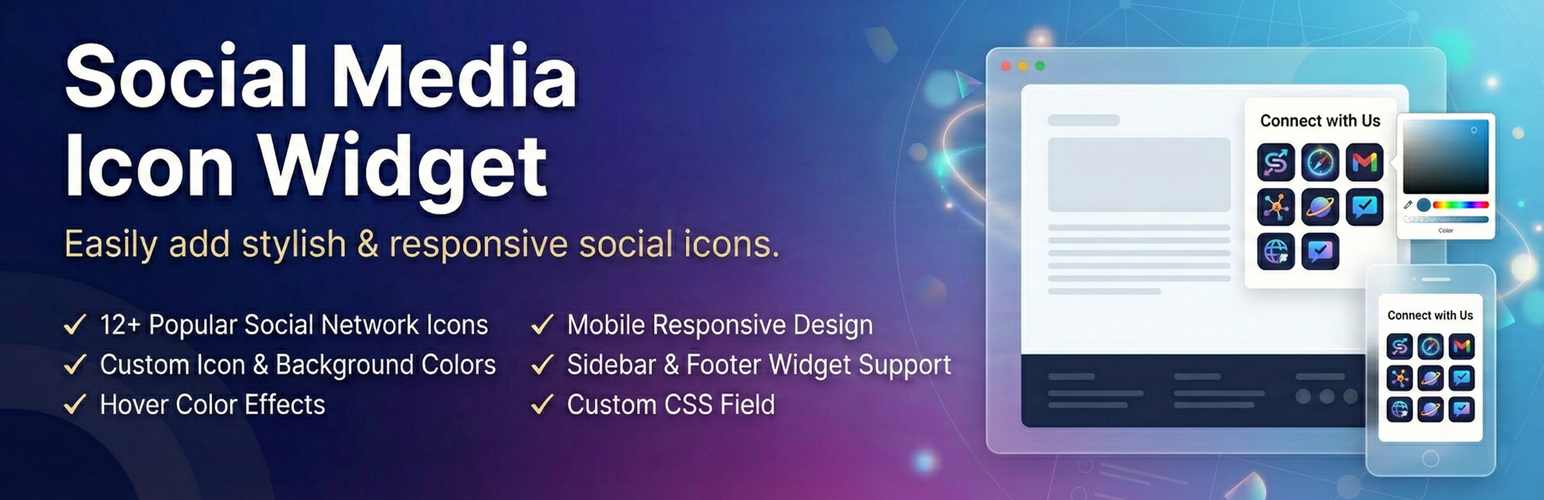
Need a simple way to display social media icon links on your site? This lightweight widget makes it easy to add profile icons for all your favorite platforms right in your sidebar, footer, or any widget area.
View Premium Demo: Social Media Icon Widget Premium
More About Pro: Social Media Icon Widget Premium Features
Where To Buy: Buy Social Media Icon Widget Premium
NEW: Gutenberg Block Support
Enjoy a seamless editing experience with our native Gutenberg block! Simply search for the “Social Media Widget” block and customize your profiles directly within the WordPress page or post editor.
Video Tutorial
Whether you run a blog, business site, or portfolio, having visible social media icon links helps visitors connect with you across platforms. This widget gives you full control over icon styles, colors, spacing, and animations without touching any code.
Why Use This Social Media Icon Widget?
Setting up social icons shouldn’t be complicated. With this widget, you simply drag it to your widget area, add your profile URLs, pick your colors, and you’re done. Each social media icon looks sharp on any screen size and blends naturally with your theme.
Supported Platforms
Connect your audience to these popular networks:
- Facebook, X (Twitter), Instagram, YouTube
- Pinterest, LinkedIn, Snapchat, TikTok
- Tumblr, Flickr, Vimeo, Reddit
- RSS Feed, Email, WhatsApp, Telegram
- And many more in the premium version
What Makes This Social Media Icon Widget Different
Unlike bloated social sharing toolbars, this widget focuses on one thing: displaying your social media icon links beautifully. It loads fast, works with any theme, and gives you creative freedom through customization options.
You can adjust each social media icon color to match your brand, add hover effects for visual feedback, and even apply rotation transforms for a unique touch. The spacing controls help you create the exact layout you want.
Free Features
- 12 popular social network icons
- Icon color customization
- Background color settings
- Hover color effects
- Multiple icons per row
- Sidebar and footer widget support
- Gutenberg block support
- Fast-loading dynamic inline CSS
- Icon spacing controls
- Custom CSS field
- Mobile responsive design
- Lightweight SVG icons
Premium Features
Upgrade to unlock additional capabilities:
- 30+ Pro Social Networks
- 3 Unique Stunning Layout Styles
- Custom Background & Icon Color on Hover
- 60+ Exciting Hover Animations (2D, Curls, Glow)
- 10+ 3D Transform Rotations
- Advanced color pickers
- Multiple icon size options
- Priority Email & Forum Support
Recommended Plugins
Enhance your website with these powerful addons:
Portfolio Filter Gallery
Create stunning portfolio galleries in minutes with this versatile filter gallery plugin.
Get Premium Version – Unlock advanced features for more customization.
Media Slider
Build responsive media and video slider galleries effortlessly with this slider plugin.
Unlock Premium Version – Add more layouts and controls.
Weather Effect Plugin
Add engaging weather effects to your site with this easy-to-use WordPress plugin.
Check Premium Version – Access multiple effects and settings.
Grid Gallery Plugin
Display images in a customizable grid gallery widget for pages, posts, or sidebars.
Upgrade Premium Version – Enhanced styling options.
Image Gallery Plugin
Showcase images with a lightbox slider using this fast and simple image gallery plugin.
Get Premium Version – More gallery layouts and effects.
Photo Gallery Plugin
Create photo, video, link, and map galleries in seconds with this WordPress gallery plugin.
Check Premium Version – Advanced gallery features.
Responsive Slider Gallery
Add fully responsive sliders to pages, posts, or widgets with this WordPress slider plugin.
Try Premium Version – More slider customization.
Contact Form Widget
Embed a simple contact form in your WordPress site using this shortcode plugin.
Upgrade To Premium Version – Advanced form options.
Social Media Widget
Display social media icons in your sidebar or widget areas with this WordPress plugin.
Get Premium Version – Enhanced social features.
Slider Responsive Slideshow
Create lightweight, responsive slideshows with this powerful WordPress slider plugin.
Upgrade Premium Version – More slideshow effects.
Video Gallery Plugin
Build responsive video galleries quickly with this WordPress video gallery plugin.
Try Premium Version – Additional video features.
Facebook Like Share Follow Button
Add Facebook Like, Share, and Follow buttons to your WordPress pages, posts, or widgets.
Facebook Likebox Widget
Embed a Facebook lightbox widget in your WordPress site for enhanced social engagement.
Capturas de tela
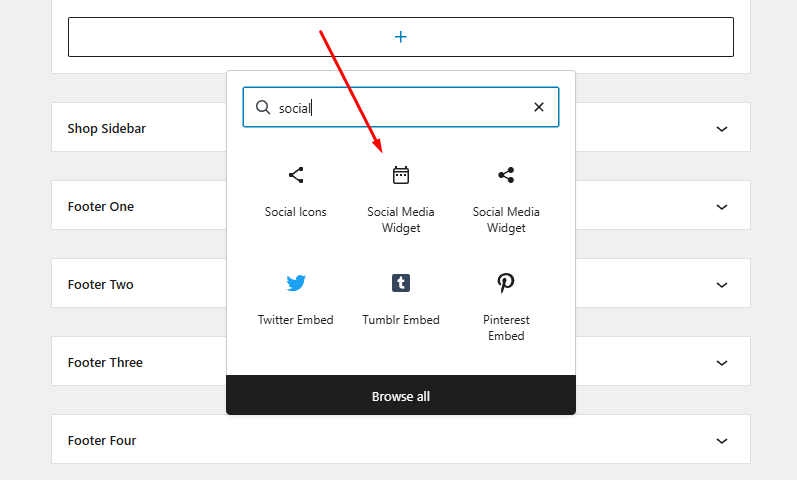
Social Settings Panel
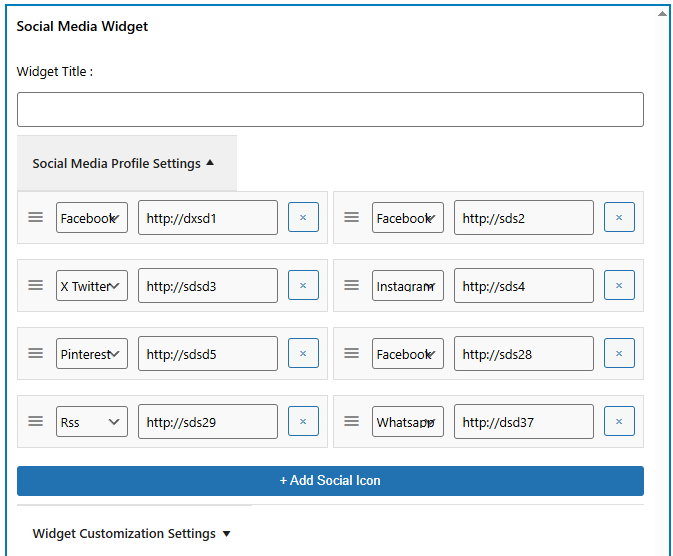
Social Profile Configuration
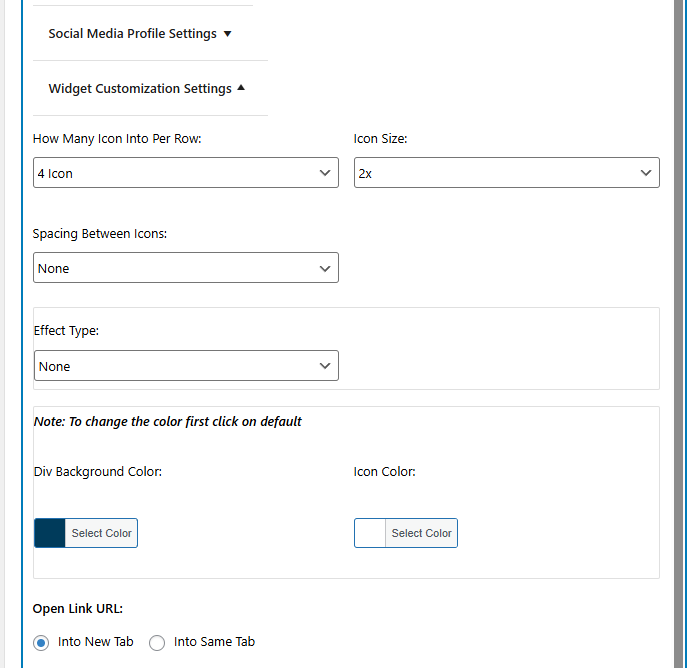
Widget Design & Effect Options
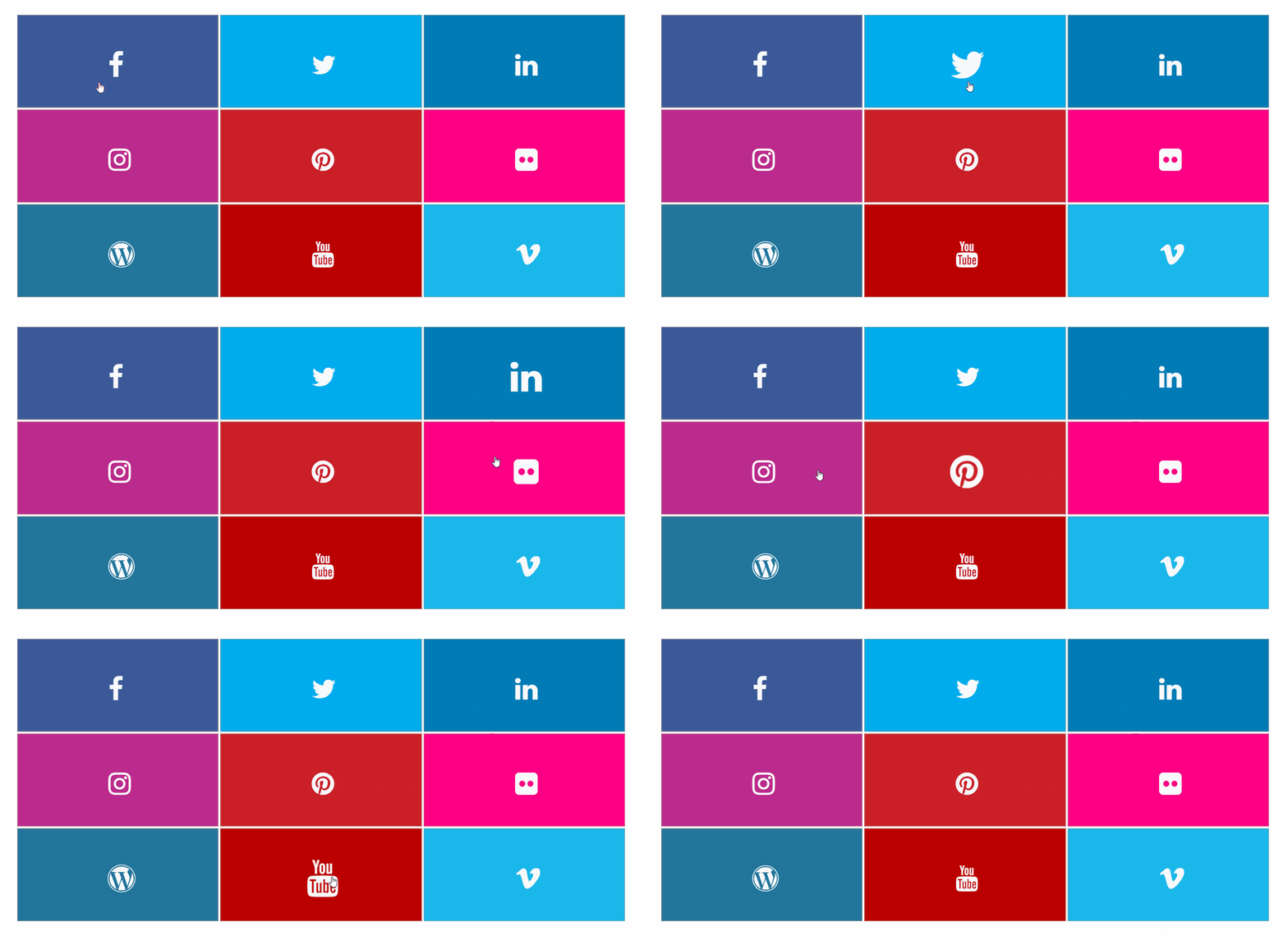
Hover Effect Animation 1 (in pro)
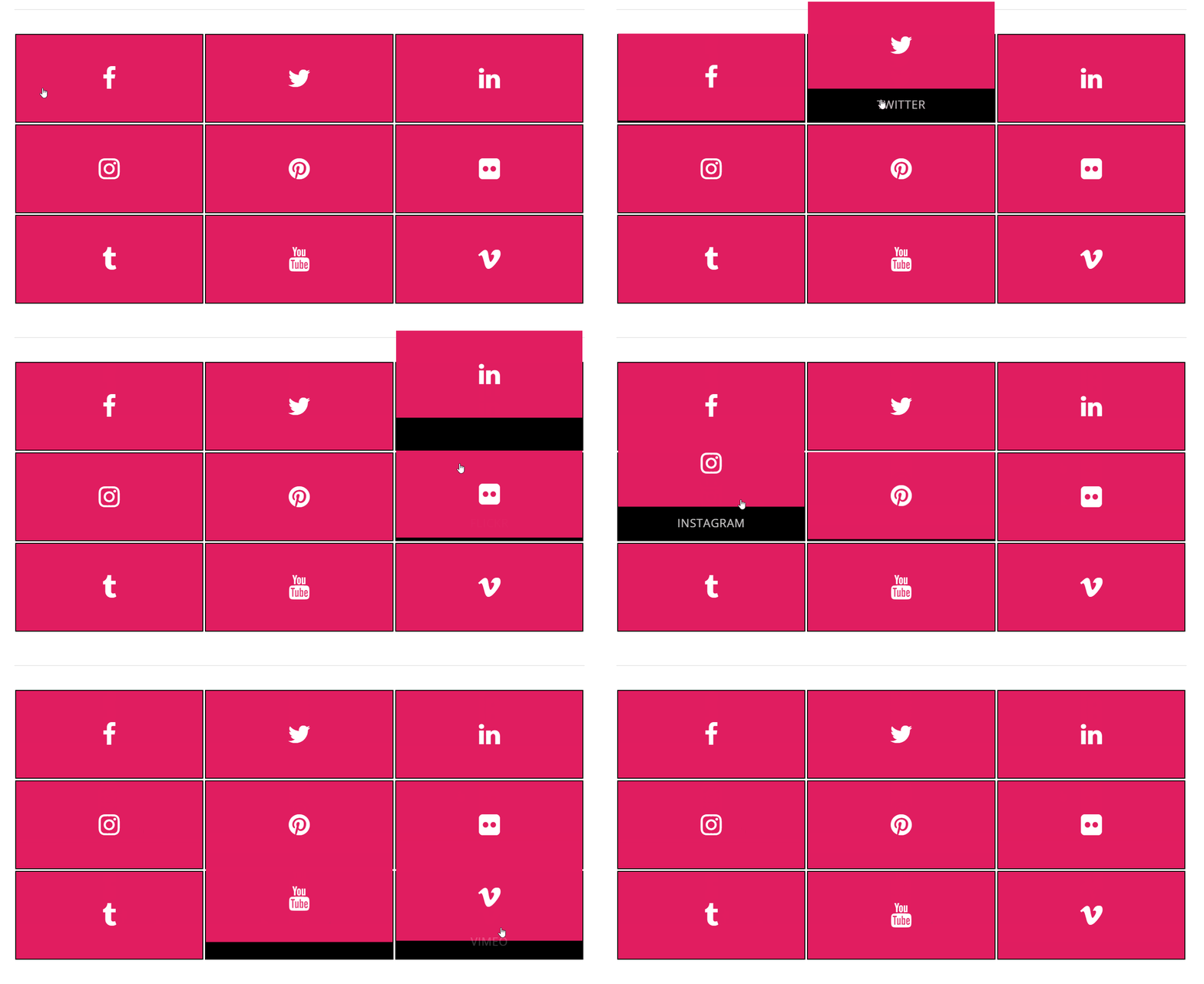
Hover Effect Animation 2 (in pro)
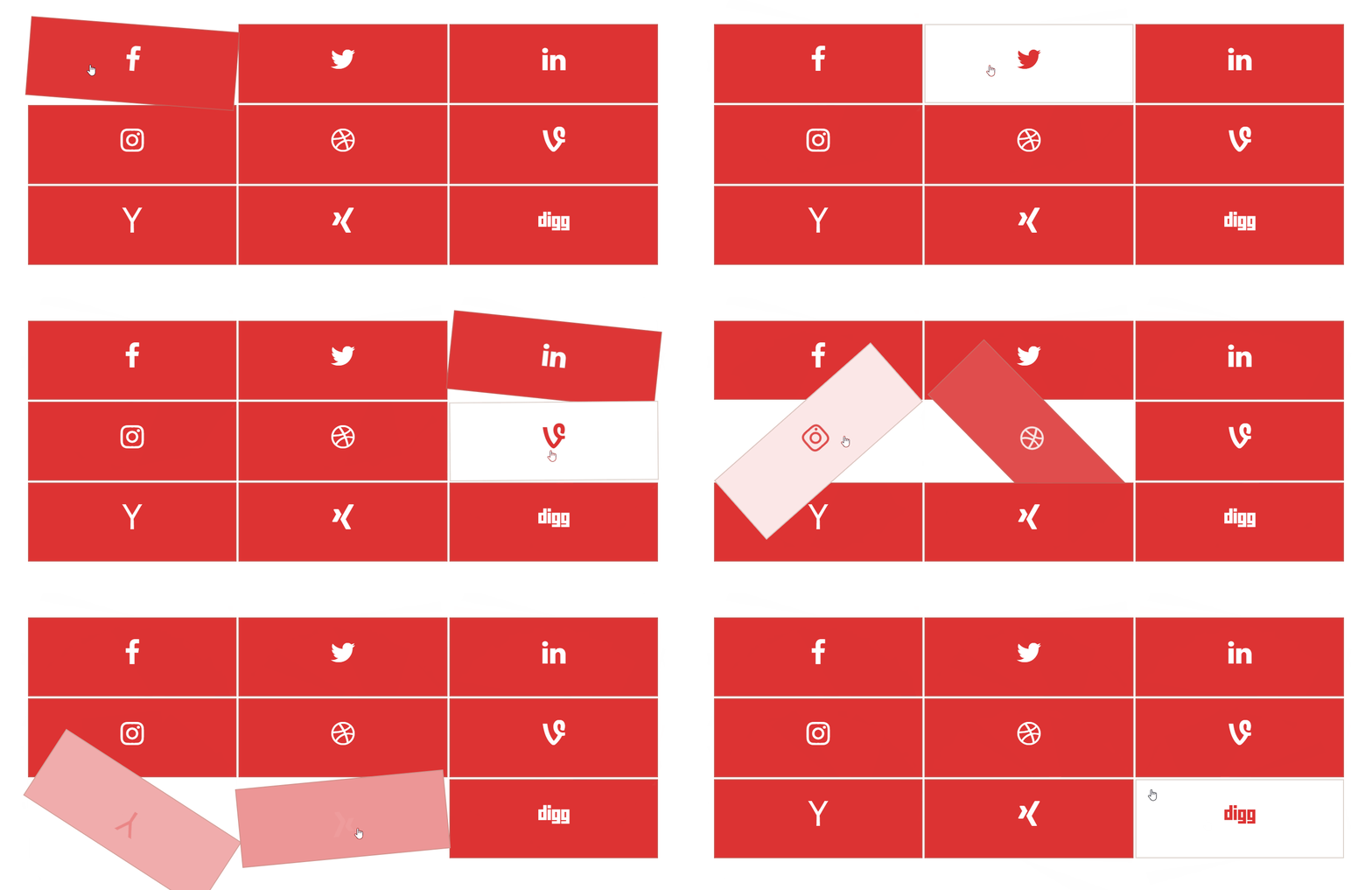
Hover Effect Animation 3 (in pro)
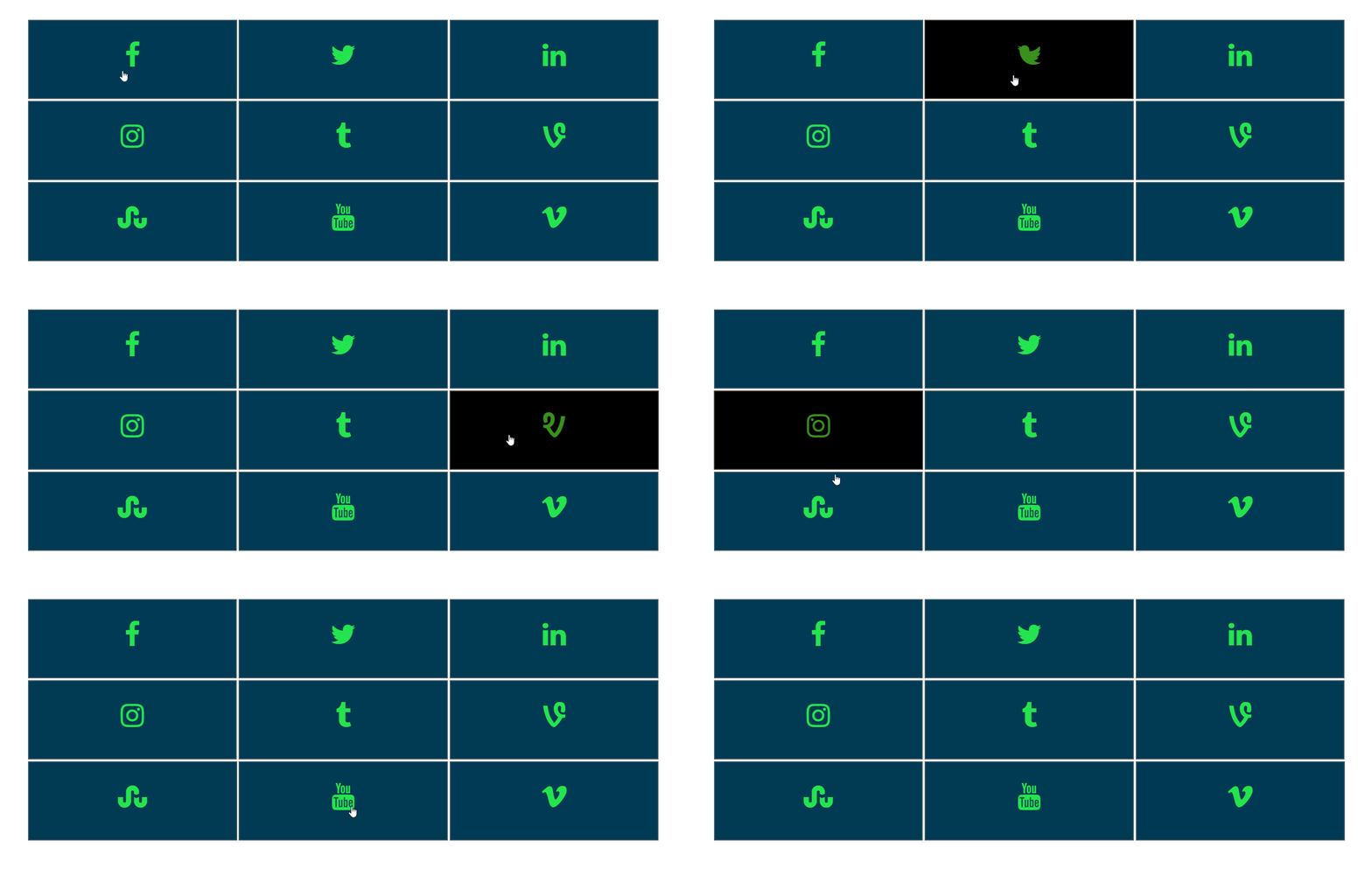
Hover Effect Animation 4 (in pro)
Do mesmo author (A WP Life)


Blog Filter helps users display posts in filterable grid and masonry layouts. Organize content by categories or tags with customizable designs.

Build image slideshows with drag-and-drop. A simple responsive slider for posts, pages, and widgets with custom navigation styles.