
Slider, gallery, carousel plugin for WordPress. Build your image slider, video slider, post slider, YouTube slider, or WooCommerce product slider.

Album Gallery
Hospedagem WordPress com plugin Album Gallery – WordPress Gallery
Onde hospedar o plugin Album Gallery – WordPress Gallery?
Este plugin pode ser hospedado em qualquer hospedagem que possua WordPress instalado. Recomendamos optar por um provedor de hospedagem confiável, com servidores especializados para WordPress, como o serviço de hospedagem WordPress da MCO2.
Hospedando o plugin Album Gallery – WordPress Gallery em um provedor de confiança
A MCO2, além de configurar e instalar o WordPress na versão mais atual para seus clientes, fornece o plugin WP SafePress, um mecanismo exclusivo que assegura e melhora seu site ao mesmo tempo.
Por que a Hospedagem WordPress funciona melhor na MCO2?
A Hospedagem WordPress funciona melhor pois a MCO2 possui servidores otimizados para WordPress. A instalação de WordPress é diferente de uma instalação trivial, pois habilita imediatamente recursos como otimização de imagens, proteção da página de login, bloqueio de atividades maliciosas diretamente no firewall, cache avançado e HTTPS ativado por padrão. São plugins que potencializam seu WordPress para a máxima segurança e o máximo desempenho.
Album Gallery helps you organize and display your photos and videos in attractive album layouts. Whether you’re showcasing travel memories, event photos, or product galleries, this album gallery makes it simple to create organized collections that visitors can browse easily.
Free Version Demo: Album Gallery
Pro Version Demo: Album Gallery Premium
Where to Buy: Buy Flickr Album Premium
Why Use Album Gallery?
Managing multiple images on your website can get messy. Album Gallery solves this by letting you group related photos into albums, similar to how you’d organize a physical photo album. Each album displays as a cover image, and when visitors click on it, they see all the photos inside with a smooth lightbox viewer.
The album gallery works on all devices – desktops, tablets, and phones. Your albums automatically adjust to fit any screen size, so your photos always look good no matter how visitors access your site.
What You Can Create
- Photo Albums – Group vacation photos, family events, or any image collection
- Video Albums – Organize video content with thumbnail previews
- Mixed Media Albums – Combine photos and videos in the same album
- Portfolio Galleries – Showcase your work with hover effects
Free Features
- Responsive Design – Mobile-friendly grid that adapts to any screen size.
- Photo & Video Support – Showcase high-res images or videos from YouTube and Vimeo.
- lightbox Viewer – Includes the stable, GPL-compliant LightGallery v1.10.0.
- Modern UI – Clean, tabbed admin interface for easy configuration.
- Entrance Animations – Choose from Wobble, Bounce, Flash, Pulse, and more on load.
- Two Hover Styles – Classic Stacks and Overlay effects for album covers.
- Skeleton Loading – Improves perceived performance while images are loading.
- Customization – Control album titles, font sizes, and colors.
- Shortcode System – Easy to embed in any page, post, or widget.
- Privacy Focused – All scripts and assets are stored locally (GDPR compliant).
Pro Features
Upgrade to Album Gallery Pro for the ultimate gallery experience:
- Advance Shortcode [AGAL] – Display all your albums on a single page with a global shortcode.
- Load More & AJAX – Seamlessly browse hundreds of albums with “Load More” or Scroll loading.
- Advanced Lightbox – Premium experience with modules for Zoom, Fullscreen, and Paging.
- Social Sharing – Let visitors share your images directly to Facebook, Twitter, and Pinterest.
- Image Download – Add a direct download button for your gallery images.
- Link Redirection – Redirect gallery items to custom URLs or internal pages.
- Individual Column Logic – Set specific column counts for Large Desktop, Tablet, and Mobile.
- Premium Hover Effects – Unlock exclusive “twisted” stack styles and advanced overlays.
- Deep Linking – Every image has a unique hash for direct browser access.
- Custom CSS Support – Scoped CSS field for advanced design tweaks.
- Priority Ticket Support – Get expert help with faster response times.
How It Works
- Create a new album from the Album Gallery menu
- Upload your photos or add video URLs
- Configure display settings (columns, effects, lightbox)
- Copy the shortcode and paste it into any page or post
- Your album gallery is live
You can also add album galleries to sidebars using the text widget with shortcodes.
Capturas de tela

Video Gallery Album
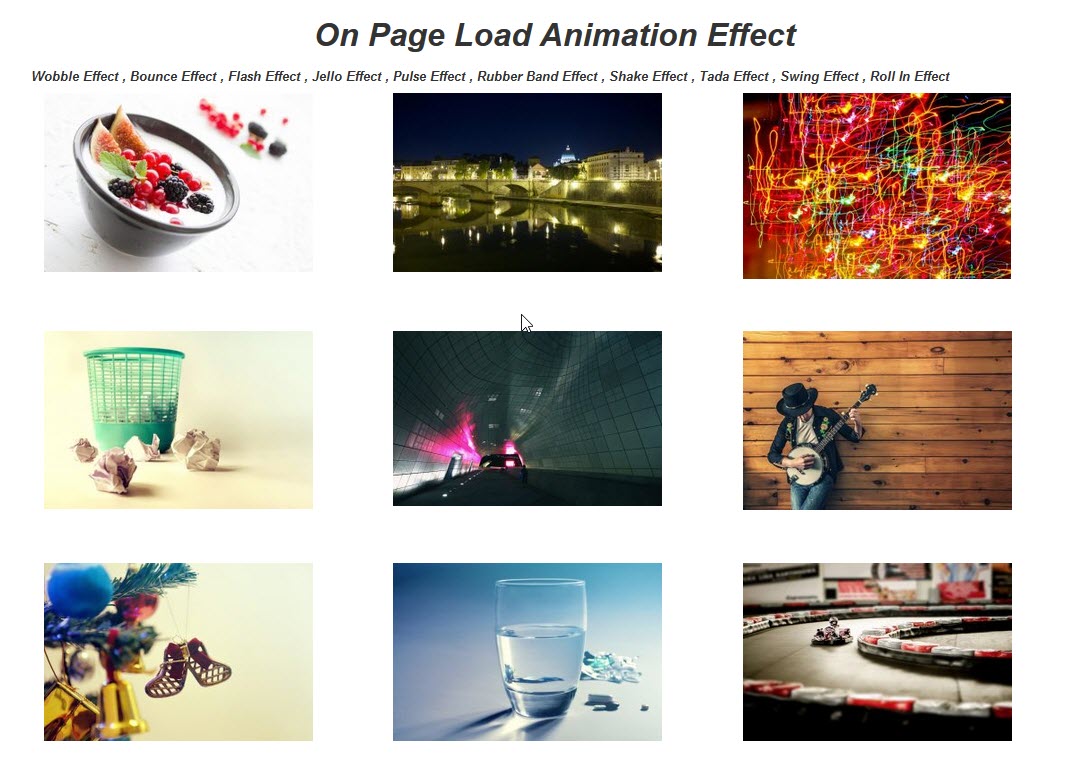
Animation Effect
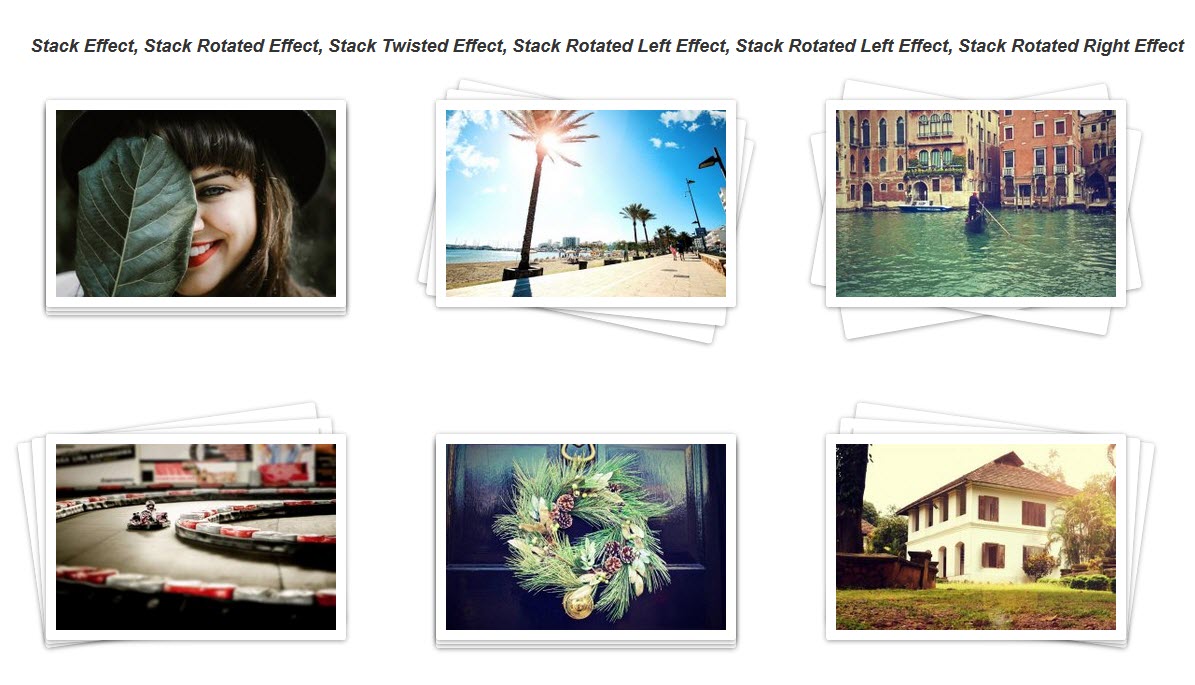
Stack effect
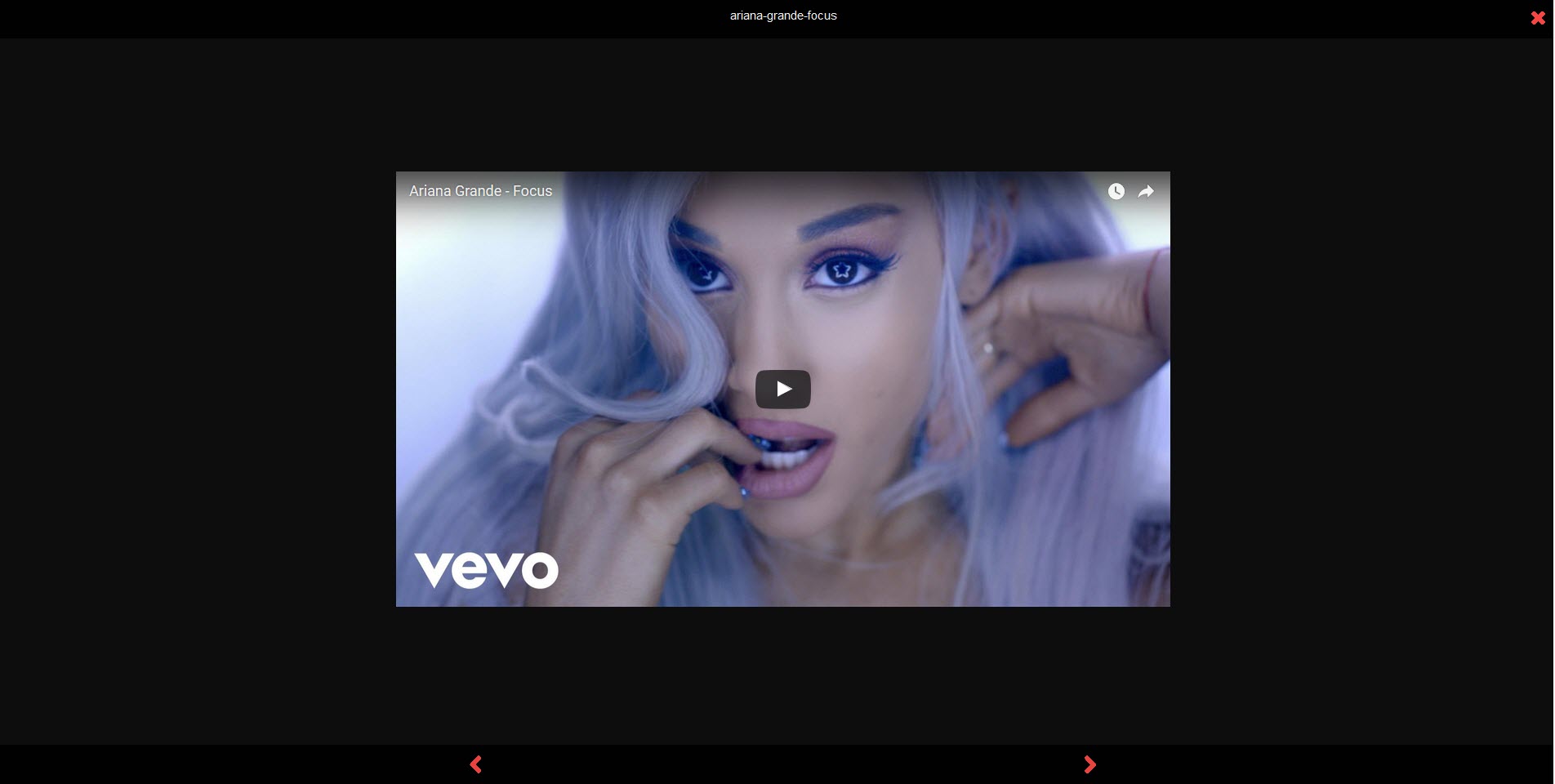
Lightbox
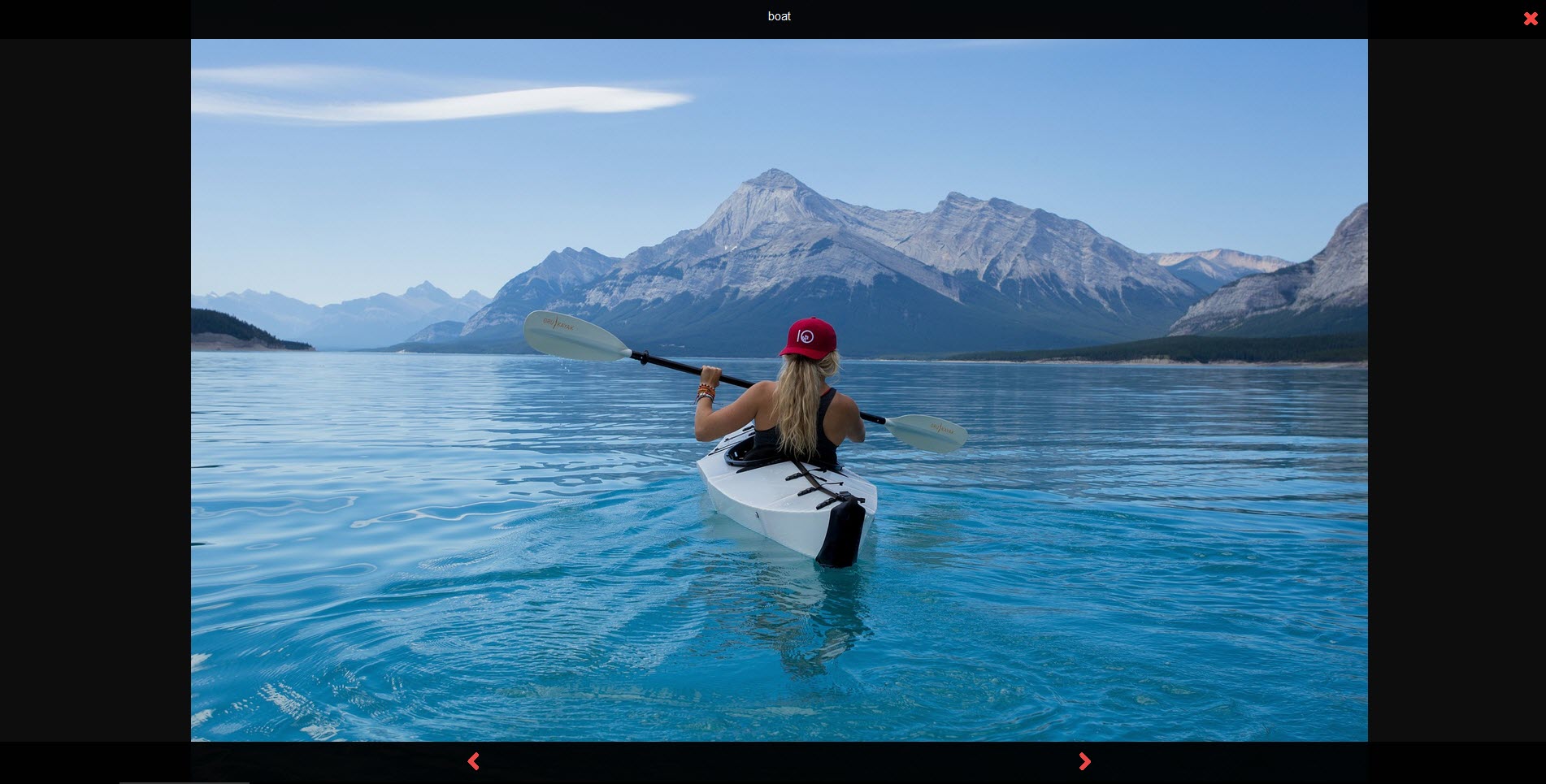
Lightbox Image Preview
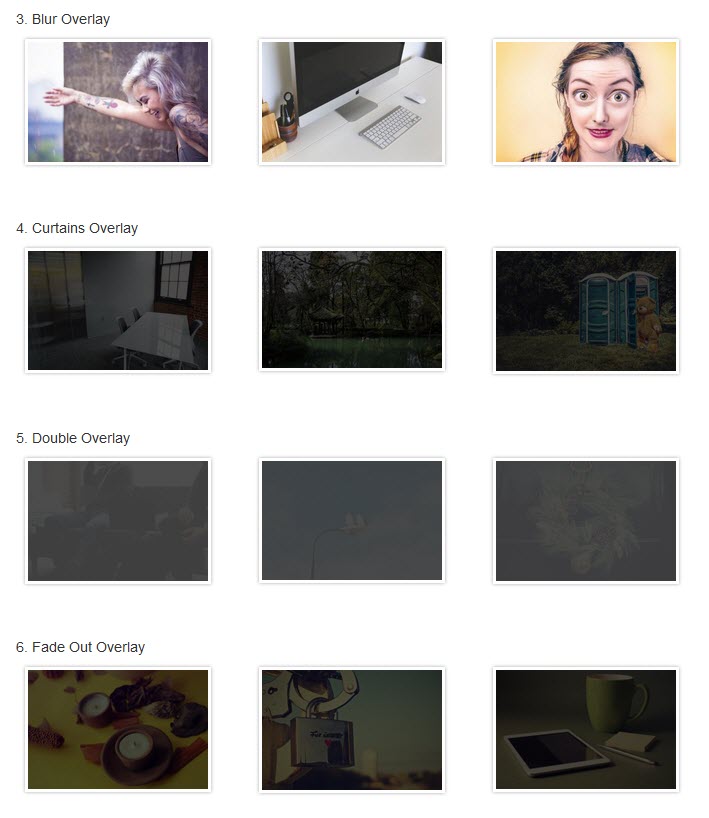
Overlay Effect
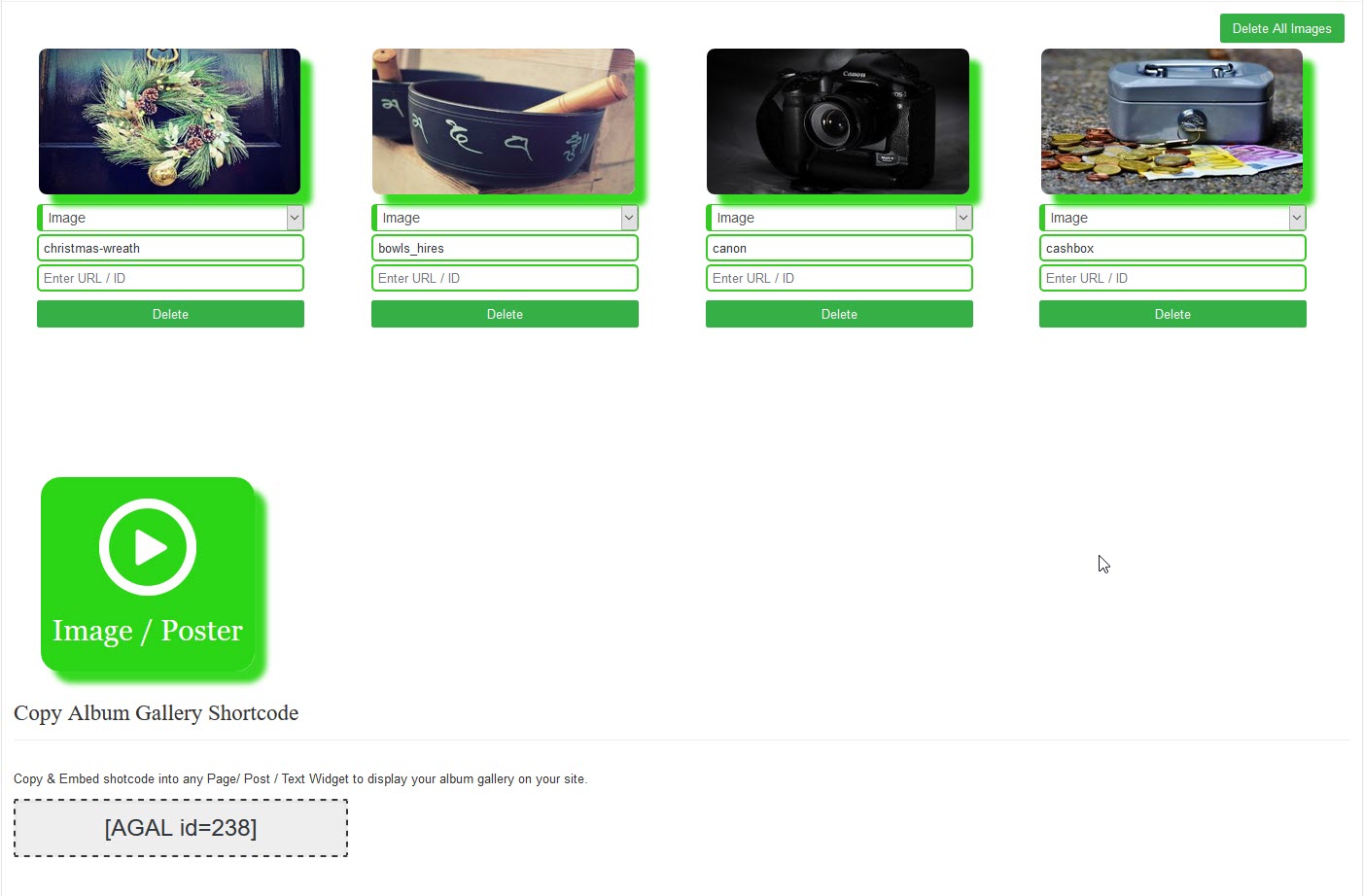
Setting Page Images
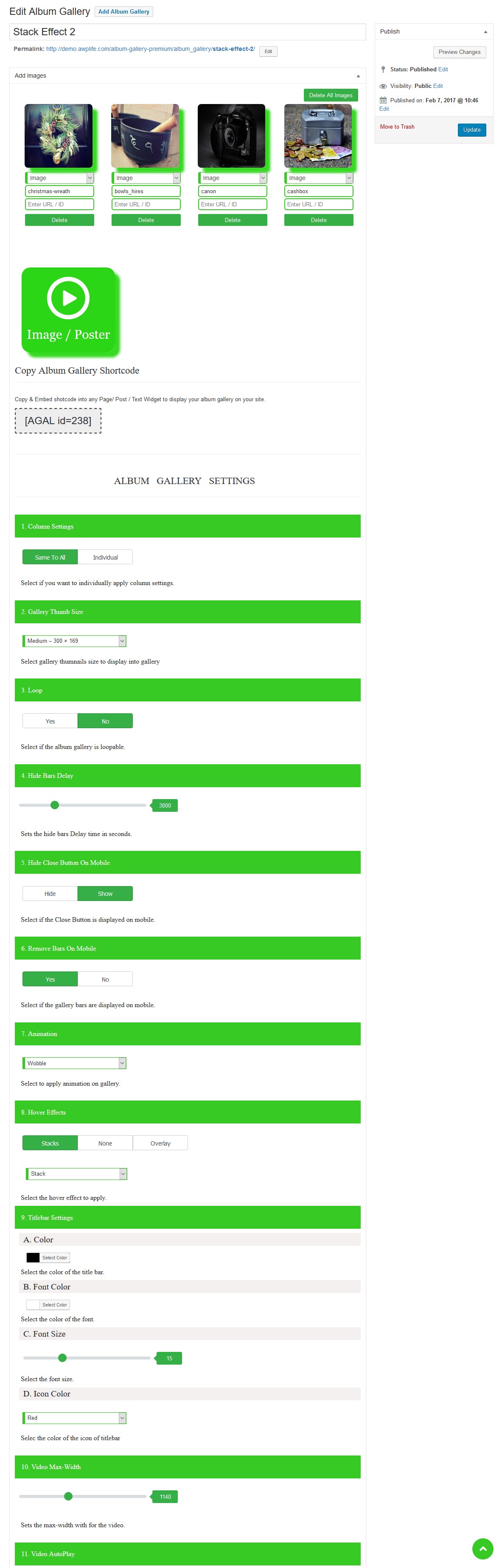
Gallery Setting Page

Icon
Plugins semelhantes


A comprehensive collection of visual components for your site

The most popular gallery plugin that lets you create galleries and albums in seconds.

Formerly Easy Fancybox. The most popular WordPress lightbox plugin. Simple, fast, and responsive. Opens images, videos, PDFs, and custom popups.

Photo Gallery is a powerful image gallery plugin with a list of advanced options for creating responsive image galleries with beautiful lightbox.

The most popular lightbox plugin and responsive gallery builder for WordPress.
Do mesmo author (A WP Life)

Add animated falling effects like snow, rain, autumn leaves, and seasonal decorations to your website.

Create responsive image galleries with lightbox, grid & masonry layouts. Easy shortcode display for posts and pages.

Display pricing plans with responsive tables. Unlimited packages, 4 templates, shortcode support. Works with Elementor and Gutenberg.

Create animated gallery walls with image-switching effects. Display photos from Instagram, Flickr, or media uploads.

Display your Flickr albums, photostream, and photos on any page or widget. Responsive and easy to set up using Flickr API.

Create contact forms with query table management. Simple setup, secure submissions, and easy customization for your site.