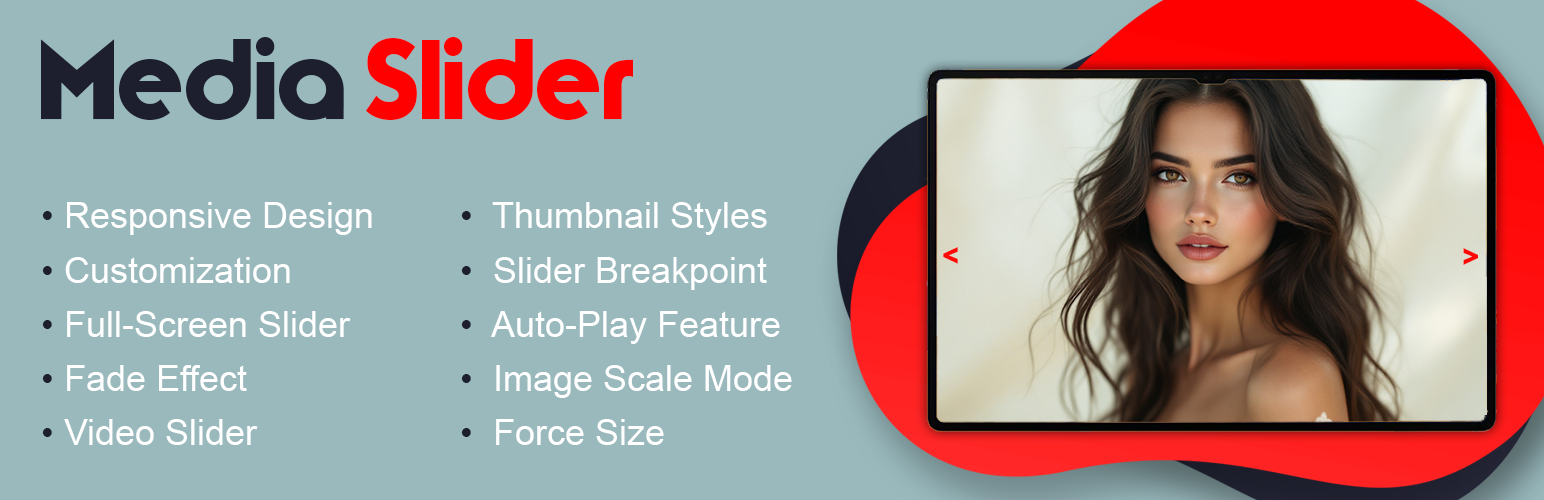
Responsive slider plugin to create sliders in visual editor easily. Build beautiful image slider, layer slider, video slider, post slider, and more.

Slider for Photos Images Videos
Hospedagem WordPress com plugin Media Slider – Photo Sleder, Video Slider, Link Slider, Carousal Slideshow
Onde posso hospedar o plugin Media Slider – Photo Sleder, Video Slider, Link Slider, Carousal Slideshow?
Este plugin pode ser hospedado em qualquer provedor que tenha WordPress configurado. Recomendamos escolher uma empresa de hospedagem seguro, com servidores especializados para WordPress, como o serviço de hospedagem de sites da MCO2.
Hospedando o plugin Media Slider – Photo Sleder, Video Slider, Link Slider, Carousal Slideshow em uma empresa de hospedagem confiável
A MCO2, além de configurar e instalar o WordPress na versão mais atual para seus clientes, fornece o plugin WP SafePress, um sistema singular que protege e melhora seu site simultaneamente.
Por que a Hospedagem WordPress funciona melhor na MCO2?
A Hospedagem WordPress funciona melhor pois a MCO2 possui servidores otimizados para WordPress. A instalação de WordPress é diferente de uma instalação trivial, pois habilita imediatamente recursos como otimização de imagens, proteção da página de login, bloqueio de atividades suspeitas diretamente no firewall, cache avançado e HTTPS ativado por padrão. São recursos que potencializam seu WordPress para a máxima segurança e o máximo desempenho.
Media Slider helps you create engaging image and video slideshows for your WordPress site. Whether you want to showcase a photo gallery, display product images, or embed video content, this slider handles it all in one place.
View Free Demo: Media Slider | View Pro Demo: Media Slider Pro
Learn More About Pro: Media Slider Pro | Purchase Pro: Buy Media Slider Pro
The plugin works with images from your media library and supports YouTube and Vimeo videos. You can add unlimited slides to each slider and display them anywhere using a simple shortcode. Each slide can include a title, description, and custom link.
What You Can Create:
- Image slideshows with smooth transitions
- Video slideshows (YouTube, Vimeo supported)
- Mixed media sliders (images + videos together)
- Carousel layouts with multiple visible slides
- Thumbnail navigation sliders
- Full-width and boxed sliders
Key Features (Free Version):
- Responsive design that adapts to all screen sizes
- Fade and slide transition effects
- Previous/Next navigation arrows
- Thumbnail navigation option
- Custom slider dimensions
- Autoplay with adjustable speed
- Full-screen slider mode
- Widget support for sidebars
- Works with any WordPress theme
- No coding required
Pro Version Features:
The premium version includes additional customization options for professional websites:
- 4+ navigation arrow styles
- 3+ thumbnail display styles
- 9+ text position options for slide captions
- Advanced video controls (autoplay, loop, mute)
- Breakpoint settings for different devices
- 3+ image scaling modes
- Force size option to maintain exact dimensions
- Priority support
Free vs Pro Comparison:
Free Version:
* Unlimited sliders and slides
* Image and video support
* Basic navigation (arrows, thumbnails)
* Fade effect
* Responsive design
* Widget ready
* Shortcode embed
Pro Version (Everything in Free, plus):
* Multiple navigation styles
* Multiple thumbnail styles
* Advanced text positioning
* Video autoplay and loop controls
* Device-specific breakpoints
* Image scaling options
* Dedicated support
How to Use:
- Go to Media Slider menu in your dashboard
- Click “Add New Slider” to create a slider
- Upload images or add video URLs
- Configure slider settings as needed
- Copy the shortcode and paste it in any page or post
Support
Have questions or found a bug? Post your query on our support forum. We respond to all requests within 24-48 hours.
Capturas de tela

Slider Preview - Frontend display
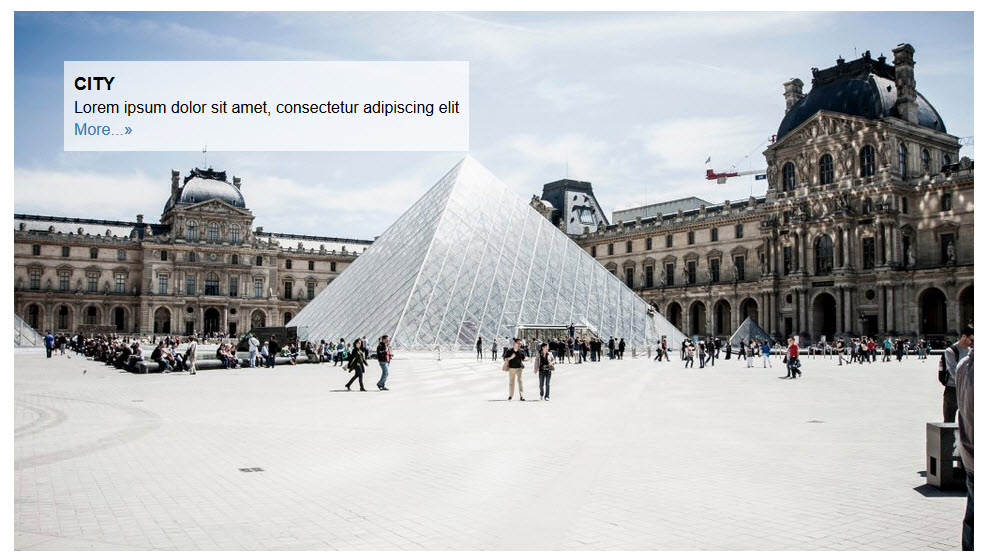
Slider Preview - With thumbnails

Slider Preview - Video slider

Slider Preview - Admin settings
Plugins semelhantes


Slider, gallery, carousel plugin for WordPress. Build your image slider, video slider, post slider, YouTube slider, or WooCommerce product slider.

Carousel, Slider, and Photo Gallery with Lightbox plugin. Create Image Carousel, Video Slider, Post Carousel, Post Grid, Product Carousel, and more.

Build SEO friendly sliders fast and easy with touch swipe navigation that works smoothly across all devices.

O melhor plugin de slider para o WordPress. O editor de slider do tipo arrastar e soltar que ajuda você a criar belas apresentações de slides de imagens com apenas alguns cliques.

A quick, easy way to add and display multiple WP Slick Slider and carousel using a shortcode. Also added Gutenberg block support.
Do mesmo author (A WP Life)

A WordPress plugin designed for creating filterable portfolio galleries. Supports images and videos with masonry layouts and lightbox display.

Blog Filter helps users display posts in filterable grid and masonry layouts. Organize content by categories or tags with customizable designs.

Add animated falling effects like snow, rain, autumn leaves, and seasonal decorations to your website.