
O melhor plugin de formulário de contato para o WordPress. Arraste e solte o editor de formulários para criar incríveis formulários de contato, de pagamento e outros formulários personalizados.

LeadConnector
Hospedagem WordPress com plugin LeadConnector
Onde posso hospedar o plugin LeadConnector?
Este plugin pode ser hospedado em qualquer servidor que tenha WordPress configurado. Recomendamos fortemente utilizar uma empresa de hospedagem confiável, com servidores especializados para WordPress, como o serviço de hospedagem de sites da MCO2.
Hospedando o plugin LeadConnector em um provedor de confiança
A MCO2, além de instalar o WordPress na versão mais atual para seus clientes, oferece o plugin WP SafePress, um mecanismo exclusivo que protege e otimiza seu site conjuntamente.
Por que a Hospedagem WordPress funciona melhor na MCO2?
A Hospedagem WordPress funciona melhor pois a MCO2 possui servidores otimizados para WordPress. A instalação de WordPress é diferente de uma instalação trivial, pois habilita imediatamente recursos como otimização de imagens, proteção da página de login, bloqueio de atividades maliciosas diretamente no firewall, cache avançado e HTTPS ativado por padrão. São plugins que potencializam seu WordPress para a máxima segurança e o máximo desempenho.
Turn your WordPress site into a LeadConnector-powered conversion engine.
LeadConnector connects WordPress with your LeadConnector CRM so your site can capture leads, book appointments, publish funnels, display reviews, and personalize content from one connected admin experience.
Key Features
- Lead capture tools: Add chat widgets, forms, surveys, quizzes, calendars, phone pools, and reviews widgets.
- Funnel publishing: Import LeadConnector funnel steps as WordPress pages using iframe, redirect, or native HTML display.
- CRM personalization: Sync LeadConnector custom values into WordPress content.
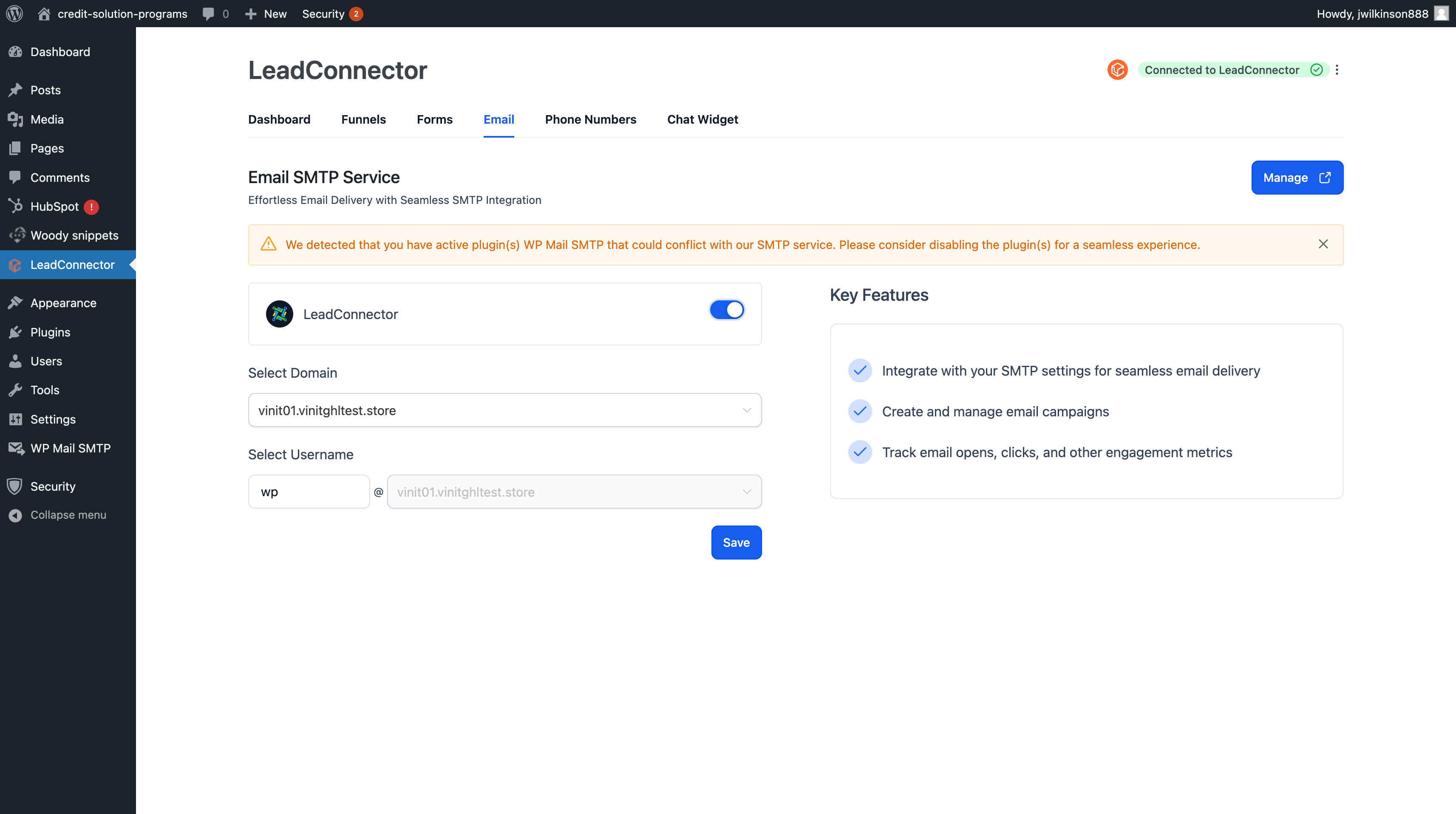
- Email and SEO: Send WordPress email through LeadConnector SMTP and manage page metadata.
- AI and cache tools: Use supported AI Pages workflows and purge Rocket.net cache when configured.
Capturas de tela
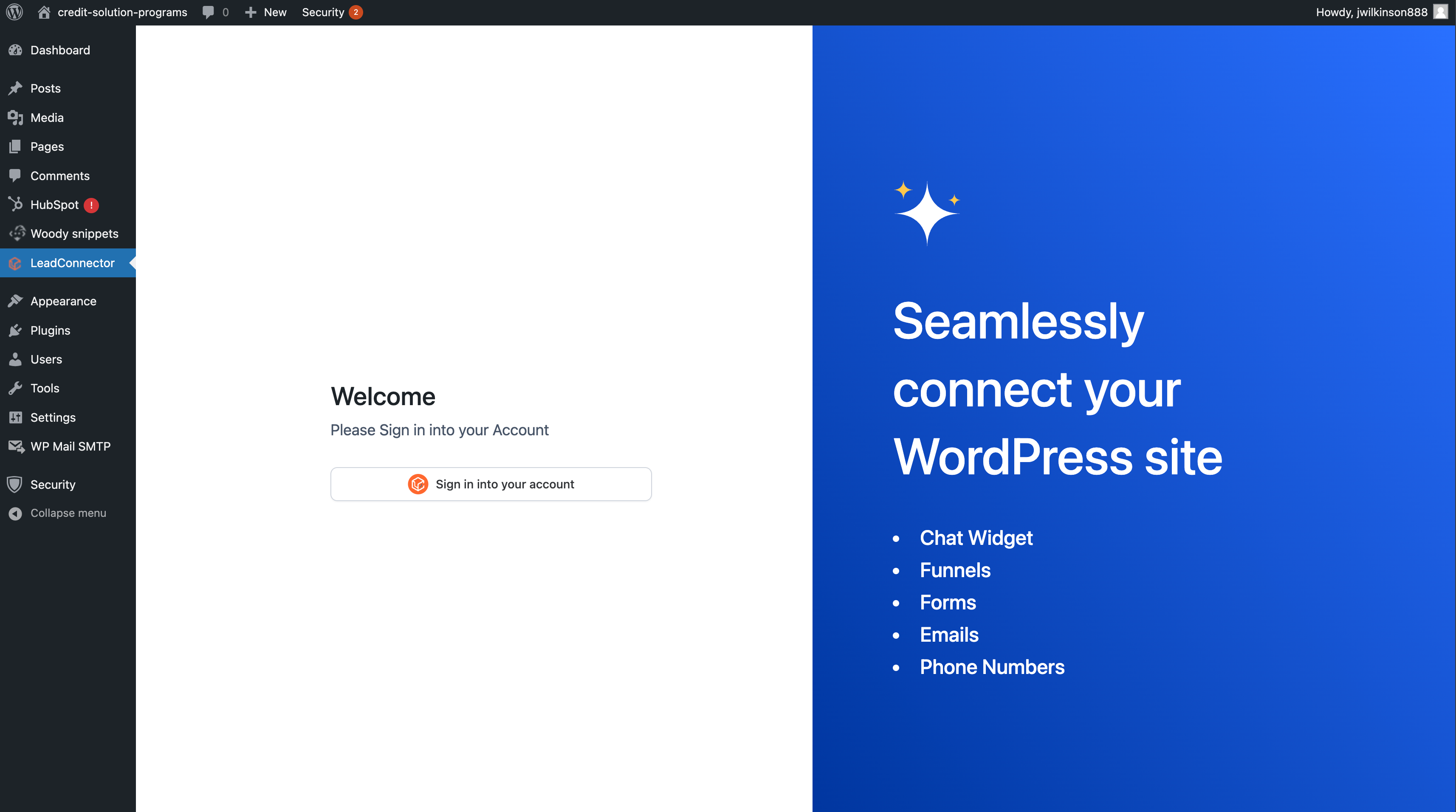
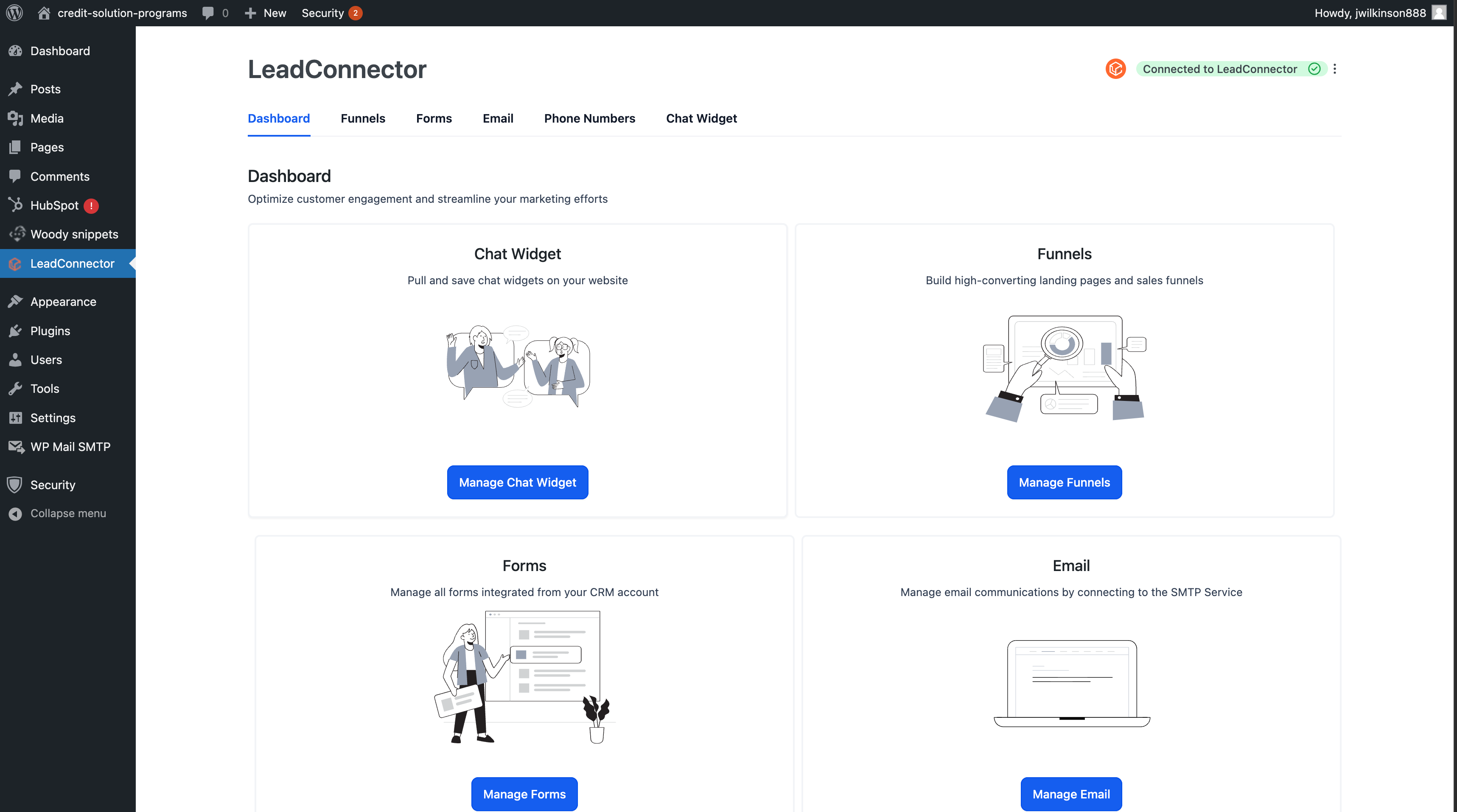
LeadConnector settings and account connection screen.
Chat widget setup and widget selection.
Chat widget preview on the website.
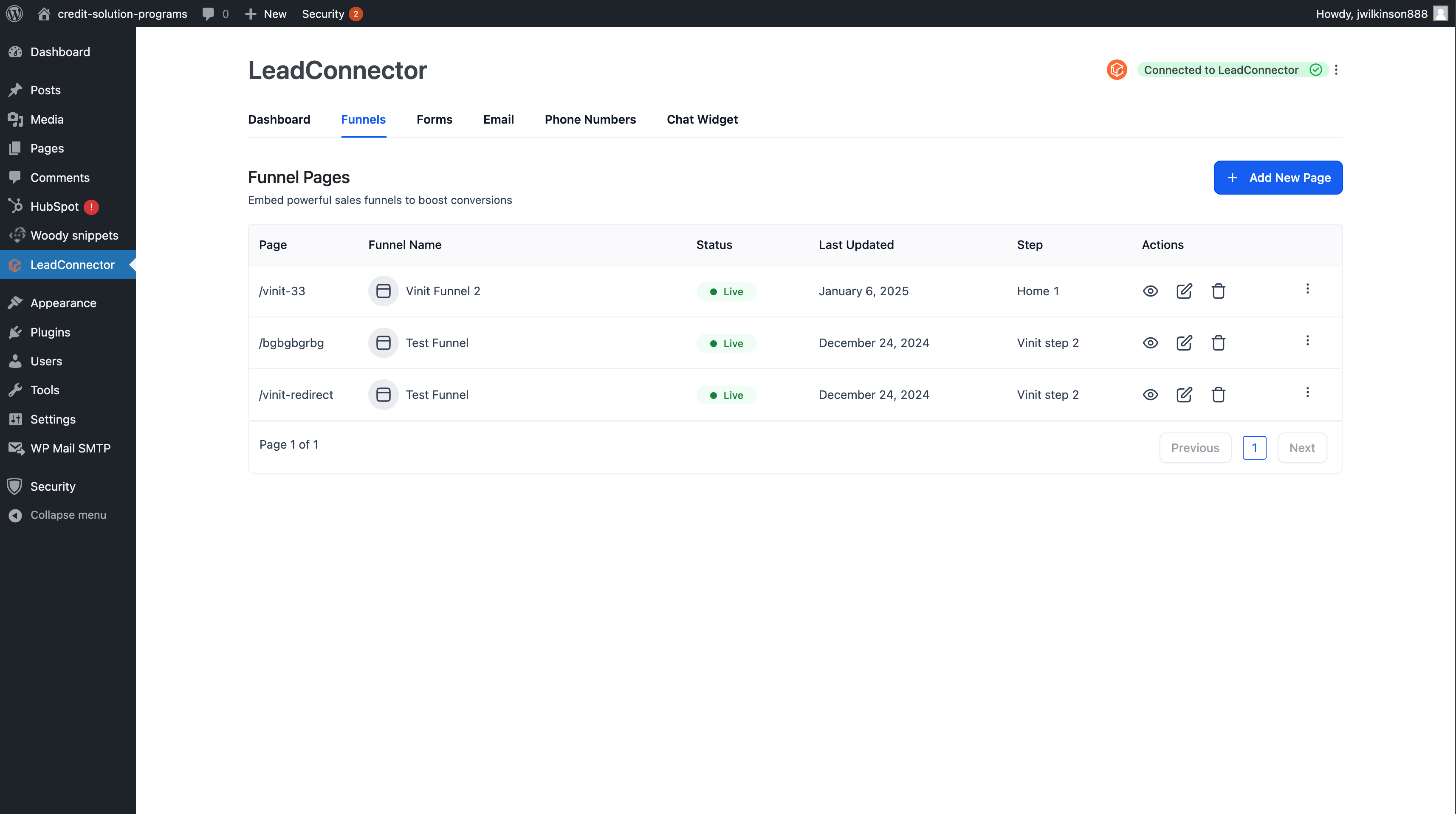
Add and edit LeadConnector funnel steps as WordPress pages.
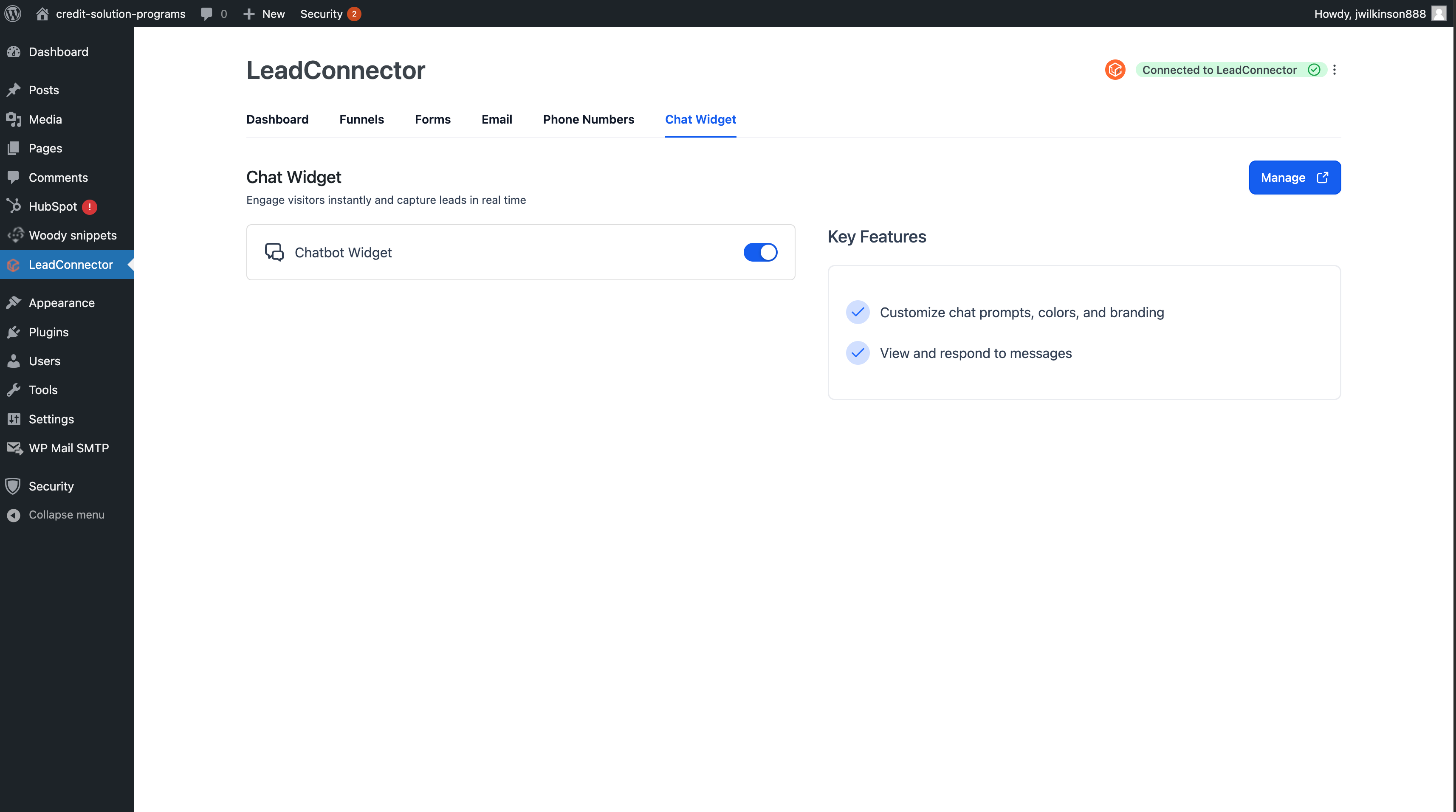
View and manage published LeadConnector pages.
Plugins semelhantes


Plugin confiável de armazenamento de mensagens para o Formulário de Contato 7.

Obtenha um plugin de formulário de contato rápido. Crie formulários avançados usando o construtor de formulários de arrastar e soltar com todos os recursos inteligentes.

Best WordPress form builder plugin. Create contact forms, payment forms & order forms with 1000+ integrations.

The 100% beginner friendly WordPress form builder. Drag & drop form fields to build beautiful, professional contact forms in minutes.

The most powerful drag and drop WordPress form builder for contact forms, payment forms, calculators, quizzes, surveys, and data-driven applications.