
Responsive HTML5 video player for WordPress. Embed MP4, WebM, OGG, YouTube & Vimeo with shortcodes or blocks – customizable, fast, SEO-friendly.

JW Player for WordPress
Hospedagem WordPress com plugin JW Player for WordPress
Onde posso hospedar o plugin JW Player for WordPress?
Este plugin pode ser hospedado em qualquer servidor que possua WordPress instalado. Recomendamos fortemente optar por uma empresa de hospedagem de confiança, com servidores adaptados para WordPress, como o serviço de hospedagem WordPress da MCO2.
Hospedando o plugin JW Player for WordPress em uma empresa de hospedagem seguro
A MCO2, além de configurar e instalar o WordPress na versão mais nova para seus clientes, fornece o WP SafePress, um mecanismo singular que salvaguarda e aumenta a performance do seu site ao mesmo tempo.
Por que a Hospedagem WordPress funciona melhor na MCO2?
A Hospedagem WordPress funciona melhor pois a MCO2 possui servidores otimizados para WordPress. A instalação de WordPress é diferente de uma instalação trivial, pois habilita imediatamente recursos como otimização de imagens, proteção da página de login, bloqueio de atividades maliciosas diretamente no firewall, cache avançado e HTTPS ativado por padrão. São plugins que potencializam seu WordPress para a máxima segurança e o máximo desempenho.
JW Player for WordPress enables you to publish videos on your WordPress posts and pages using the most popular video player on the web. Take complete control of your player, from branding to size and dimensions. Allow users share and embed your videos from your WordPress pages & posts.
Free Features (NEW!):
- Connect to the JW Player Dashboard using your API v2 credentials
- Select and publish videos hosted on JW Player
- Select and publish playlist hosted on JW Player
- Support shortcodes like [jwplayer fPHnET5D]
Cloud
- Register a JW Player account at https://www.jwplayer.com/pricing/
- Once you’re logged in, copy your Cloud Hosted Player Libraries from https://dashboard.jwplayer.com/#/players/downloads
- Paste your library url to the plugin options page.
Self hosted
- https://www.jwplayer.com/pricing/
- Once you’re logged in, download the player and copy your License key from https://dashboard.jwplayer.com/#/players/downloads
- Upload the folder to your site
- Add the full url of jwplayer.js in the plugin options page (ex. https://example.com/FOLDER-UPLOADED/jwplayer.js)
- Paste your License Key to the admin page of the plugin.
After that, set your general preferences, choose the post types where you want to add videos and start to add content using the JW Player for WordPress box that you’ll find there. Just add the url of your self-hosted video or select cloud-hosted content from n your JW Player Dashboard.
That’s it, you’re ready to go!
Capturas de tela
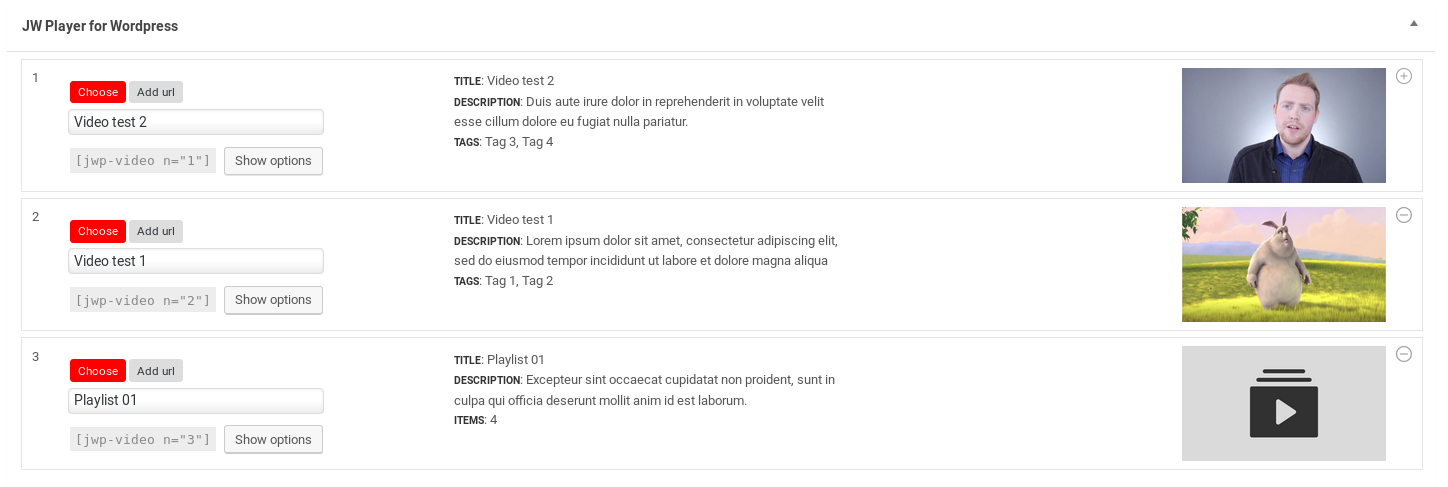
Publishing videos and playlists

Select videos and playlists hosted on JW Player
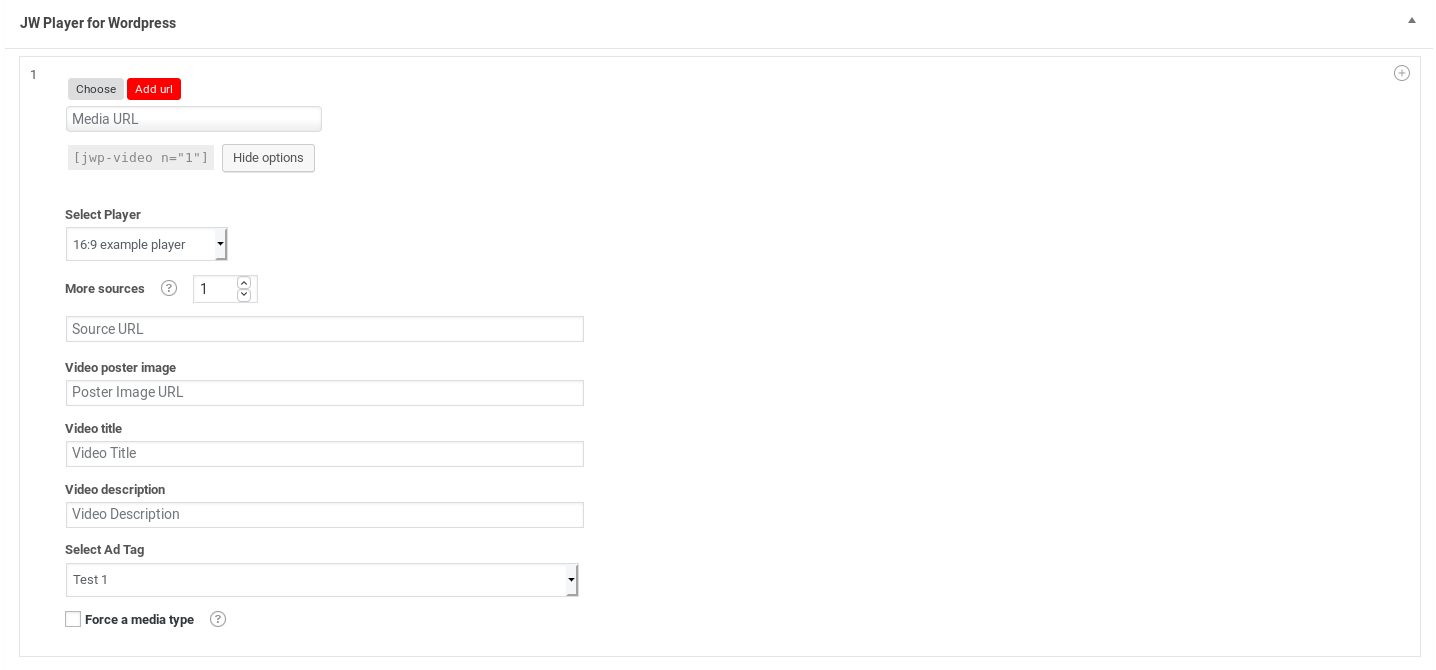
Self hosted video options

Cloud player setup and API Credentials
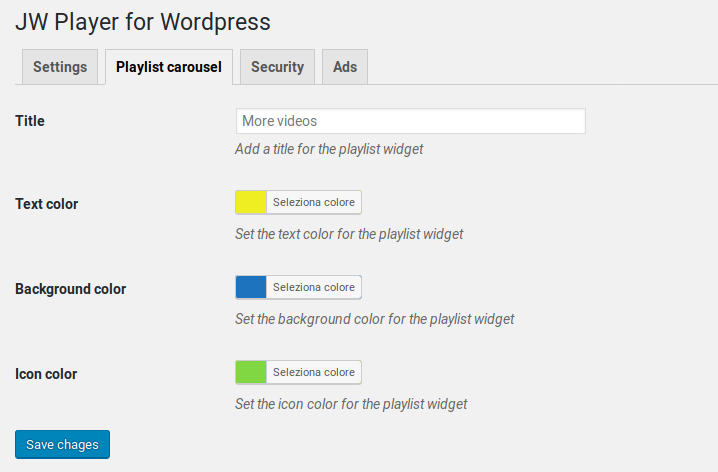
Playlist carousel options
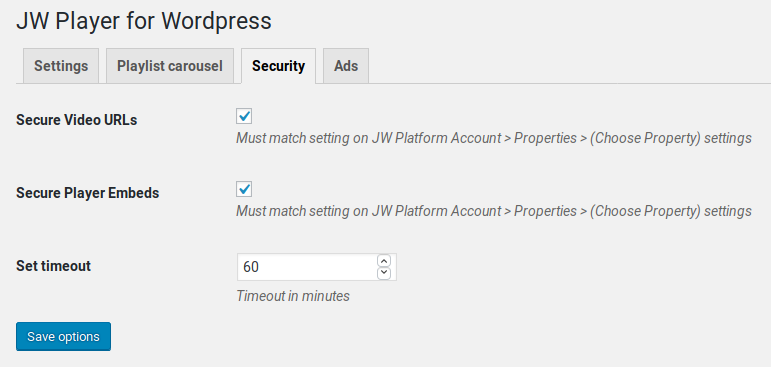
Security options

Ads options

Self hosted player general options
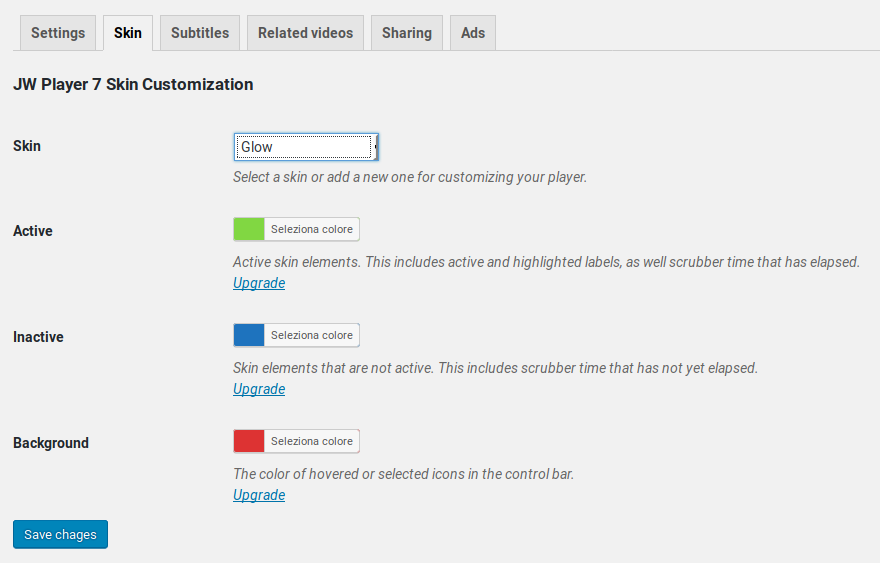
JWP7 skin customization
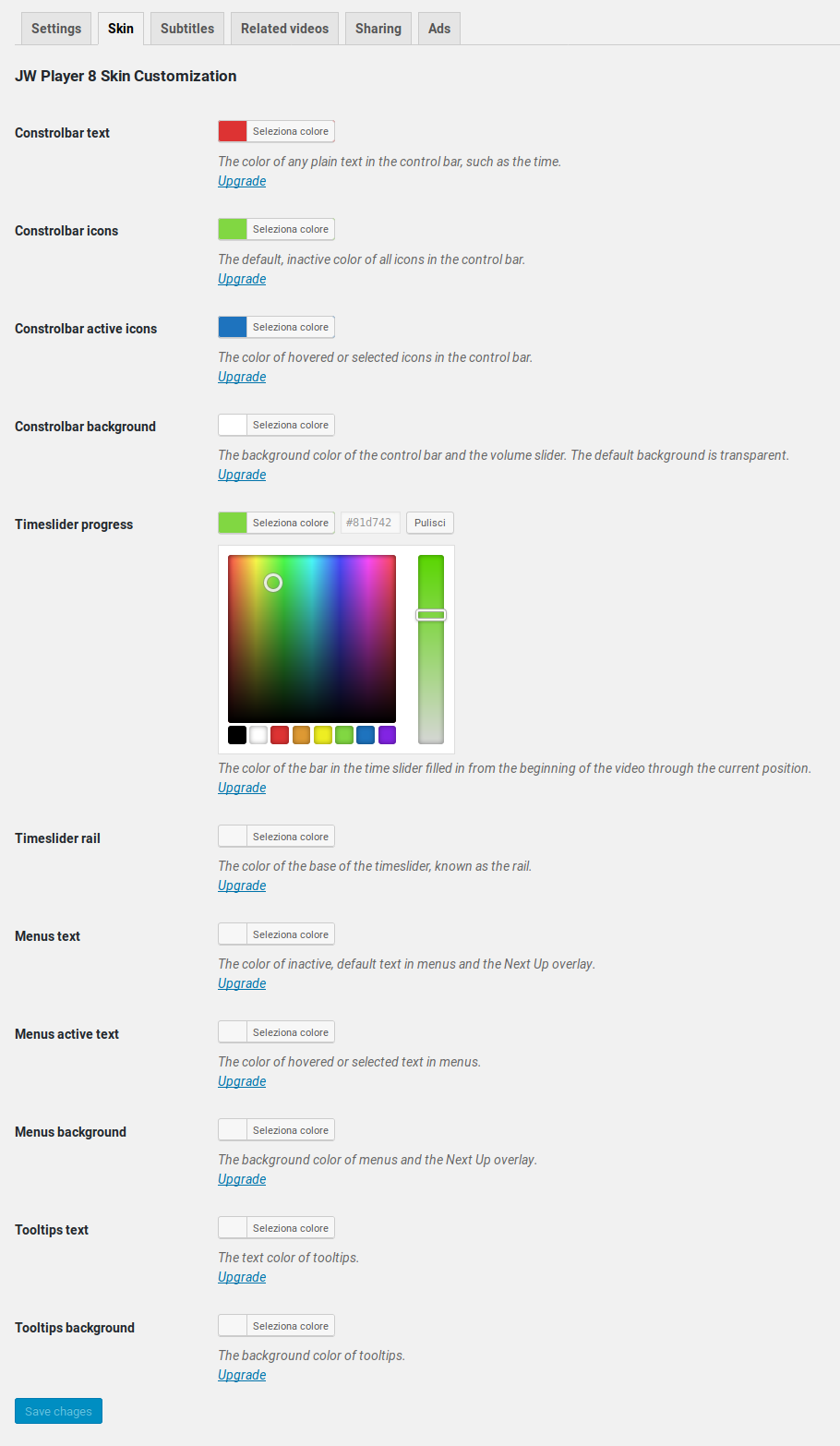
JWP8 skin customization
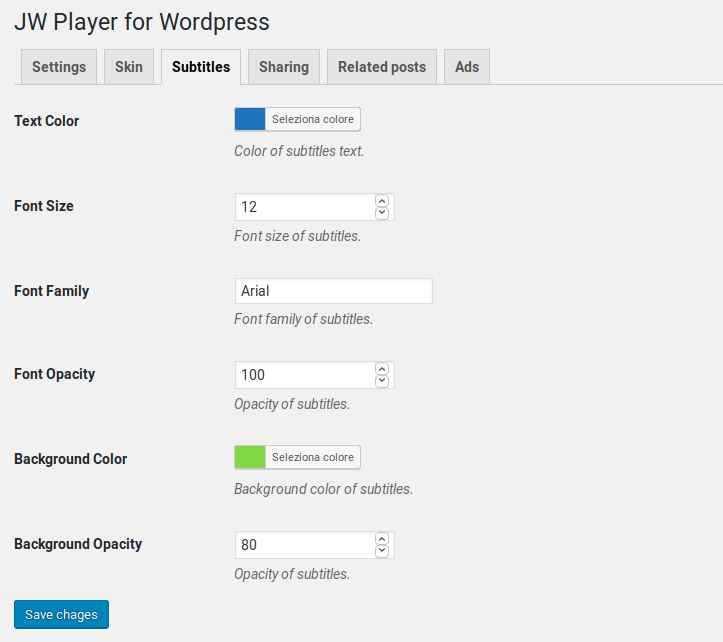
Subtitles options
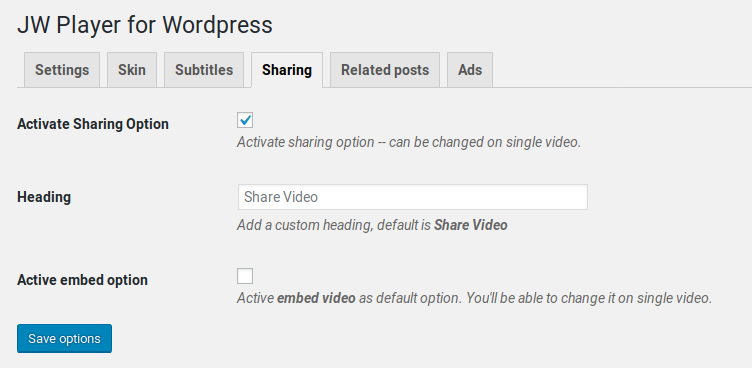
Opções de compartilhamento
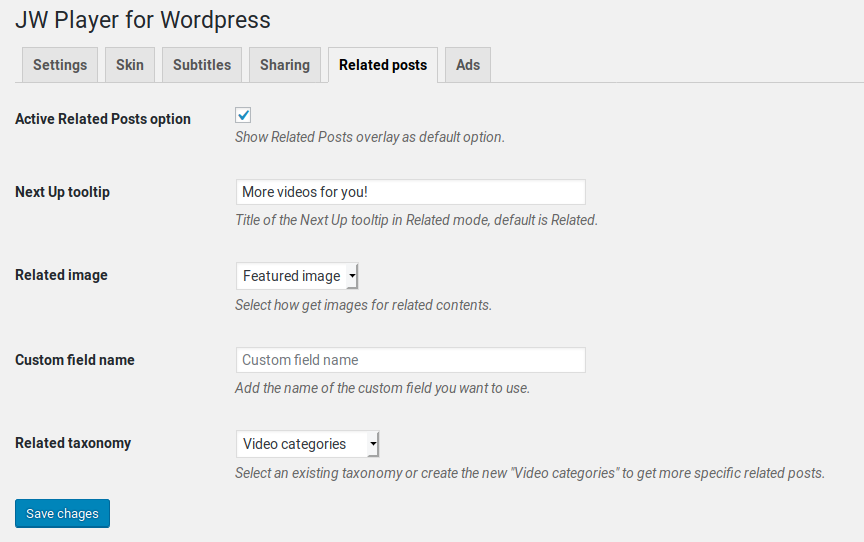
Related post options

Plugins semelhantes


Video gallery plugin for WordPress with a built-in HTML5 player. Embed YouTube, Vimeo, Dailymotion, Rumble, and self-hosted videos.

Makes video thumbnails, allows resolution switching, and embeds responsive self-hosted videos and galleries.

The finest video hosting for WordPress. Drag and drop videos through the WordPress editor and keep the focus on your content, not the ads.

CP Media Player - Audio and Video Player supported by major browsers, such as IE, Firefox, Opera, Safari, Chrome, and mobile devices: iPhone, iPad, An …

Embed self-hosted MP4, OGG, HLS (.m3u8), and DASH videos with a responsive video player featuring playlists, subtitles, and Gutenberg support.
Do mesmo author (ilGhera)

Export suppliers, products, customers and orders from your WooCommerce store to Danea.

Import and sync Danea Easyfatt customers and suppliers with your WooCommerce store. Premium version also supports products and orders.