
Share buttons for WordPress including the AddToAny button, Facebook, Bluesky, Mastodon, WhatsApp, Pinterest, Reddit, many more, and follow icons too.

Fuse Social Icons
Hospedagem WordPress com plugin Fuse Social Floating Sidebar
Onde devo hospedar o plugin Fuse Social Floating Sidebar?
Este plugin pode ser hospedado em qualquer servidor que possua WordPress configurado. Recomendamos fortemente utilizar uma hospedagem confiável, com servidores otimizados para WordPress, como o serviço de hospedagem WordPress da MCO2.
Hospedando o plugin Fuse Social Floating Sidebar em uma empresa de hospedagem de confiança
A MCO2, além de configurar e instalar o WordPress na versão mais nova para seus clientes, disponibiliza o WP SafePress, um sistema singular que protege e melhora seu site ao mesmo tempo.
Por que a Hospedagem WordPress funciona melhor na MCO2?
A Hospedagem WordPress funciona melhor pois a MCO2 possui servidores otimizados para WordPress. A instalação de WordPress é diferente de uma instalação trivial, pois habilita imediatamente recursos como otimização de imagens e fotos, proteção da página de login, bloqueio de atividades maliciosas diretamente no firewall, cache avançado e HTTPS ativado por padrão. São recursos que potencializam seu WordPress para a máxima segurança e o máximo desempenho.
Fuse Social Icons (formerly Fuse Social Floating Sidebar) is the easiest way to connect your visitors to your social profiles and let them share your content — a floating icon bar, share buttons, a widget, and a Gutenberg block, all from one clean settings screen.
Version 6.0 is a complete, from-the-ground-up rebuild: a modern drag-and-drop admin, real social share buttons (new!), a Gutenberg block, and a one-click migrator that carries over every setting from your current install automatically — nothing to reconfigure, nothing lost.
▶ Try the live demo — click around the real settings screen yourself before you install anything.
Free features
- Floating social icon bar — Facebook, X (Twitter), Instagram, Threads, YouTube, LinkedIn, Pinterest, Reddit, GitHub, Behance, Flickr, Tumblr, VK, SoundCloud, Stack Overflow, RSS, and Email.
- Share buttons — let visitors share your posts to Facebook, X, WhatsApp, and more, auto-inserted before your content or dropped in anywhere via shortcode, widget, or block.
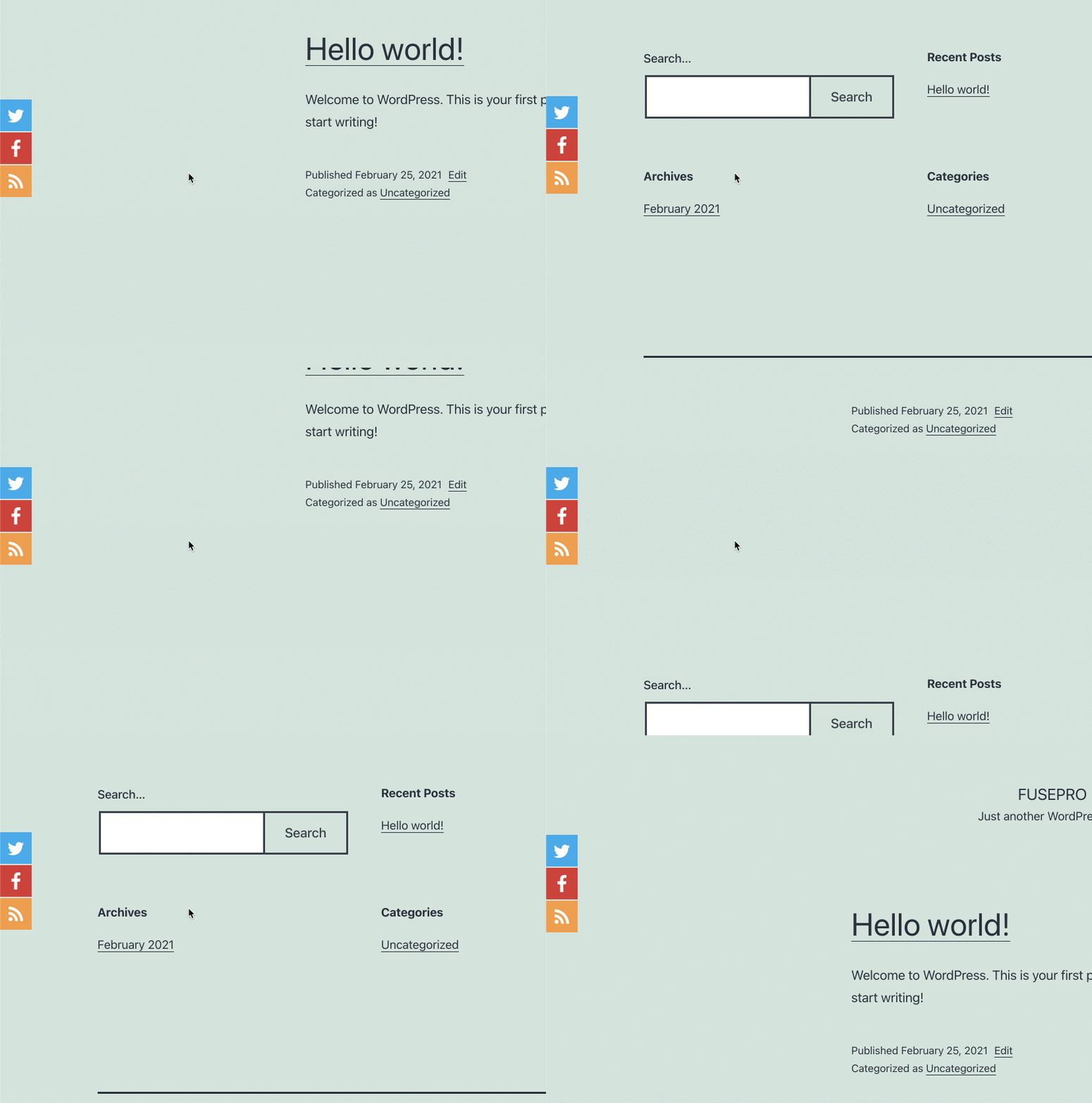
- Round or square icons, adjustable size and spacing, brand or custom colors, a rotate hover animation, and drop shadow.
- Left or right floating position, with the option to hide on mobile.
- A ready-to-use widget and Gutenberg block for placing icons anywhere on your site.
- Custom CSS, GDPR/Do-Not-Track-aware link handling, and full import/export of your settings.
- Upgrading from an older version? Activating 6.0 detects your existing profile links, colors, and settings automatically and offers a one-click, non-destructive import — you’ll see a short review screen to confirm before anything changes.
Go further with Fuse Social Icons Pro
Free covers everything most sites need. When you’re ready for more:
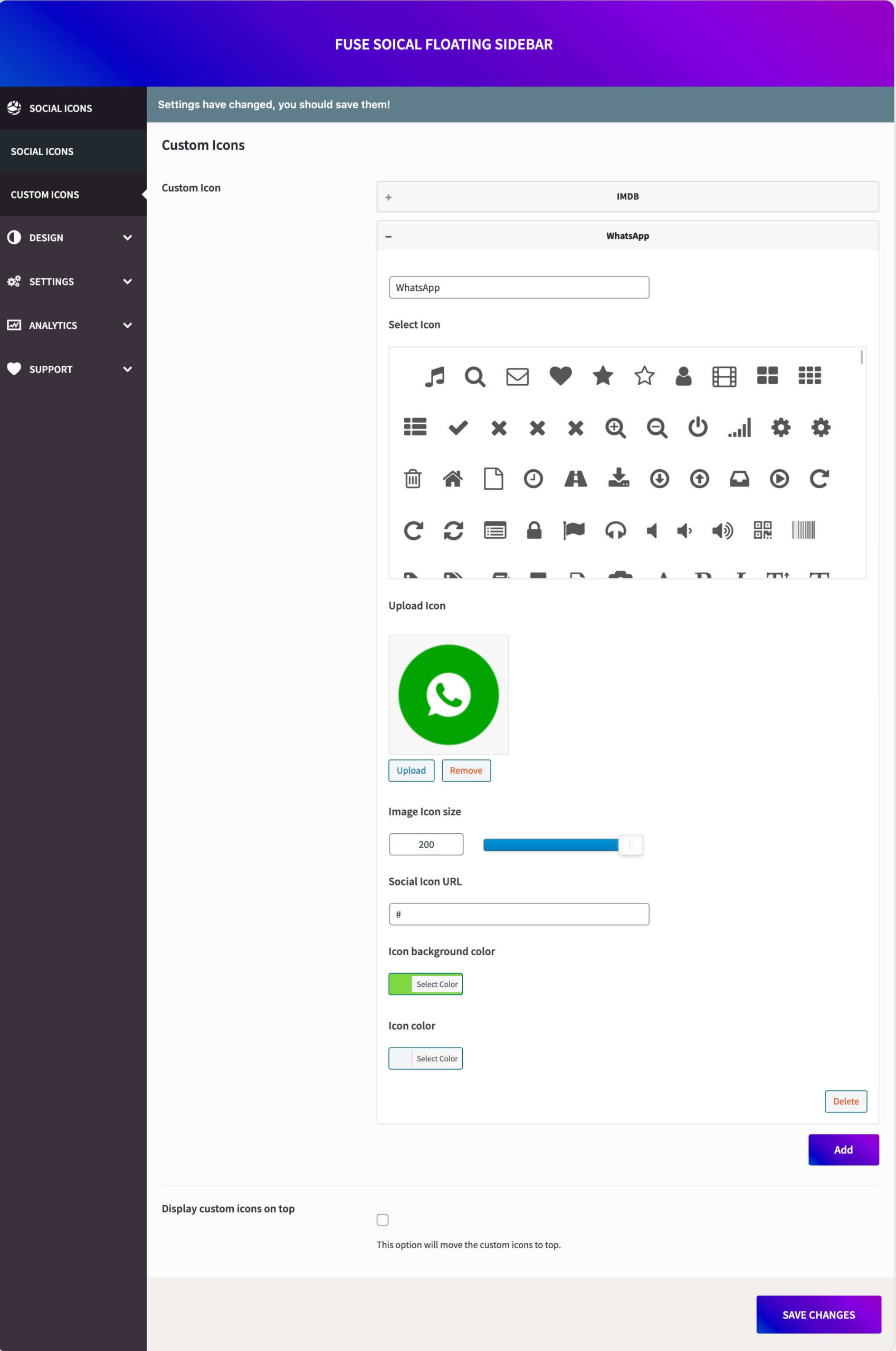
- Custom icons — upload your own image or icon for any link.
- Per-network colors, more shapes (rounded, outline), and extra hover effects (lift, pulse, shake, flip, bounce, swing).
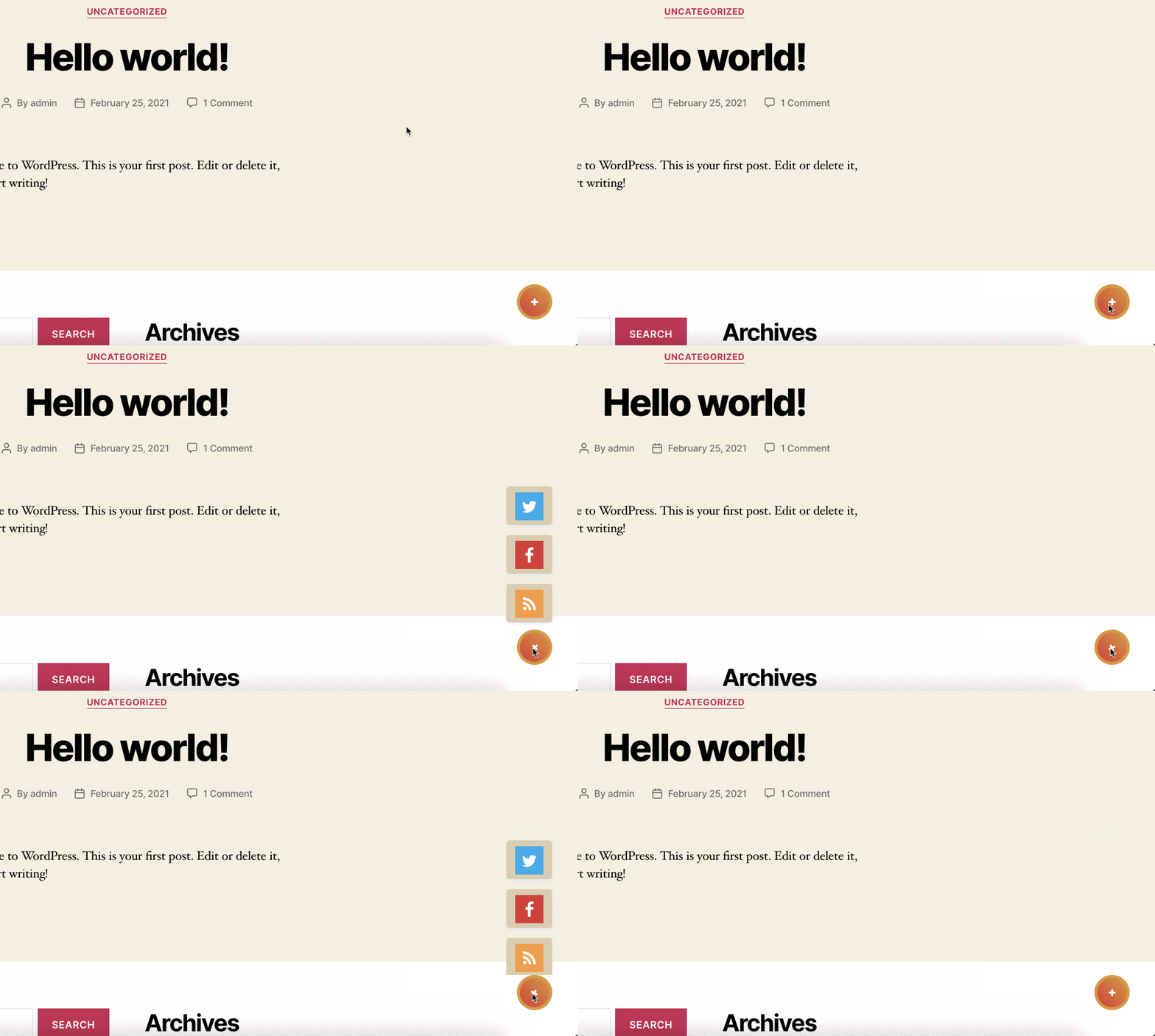
- Action-button reveal mode and a tap-to-chat WhatsApp/Telegram bubble.
- More networks: WhatsApp, Telegram, TikTok, Discord, Snapchat, Twitch, Spotify, Mastodon, Bluesky, and more.
- Richer share buttons — after-content and floating-sidebar placement, more shapes and styles, live share counts.
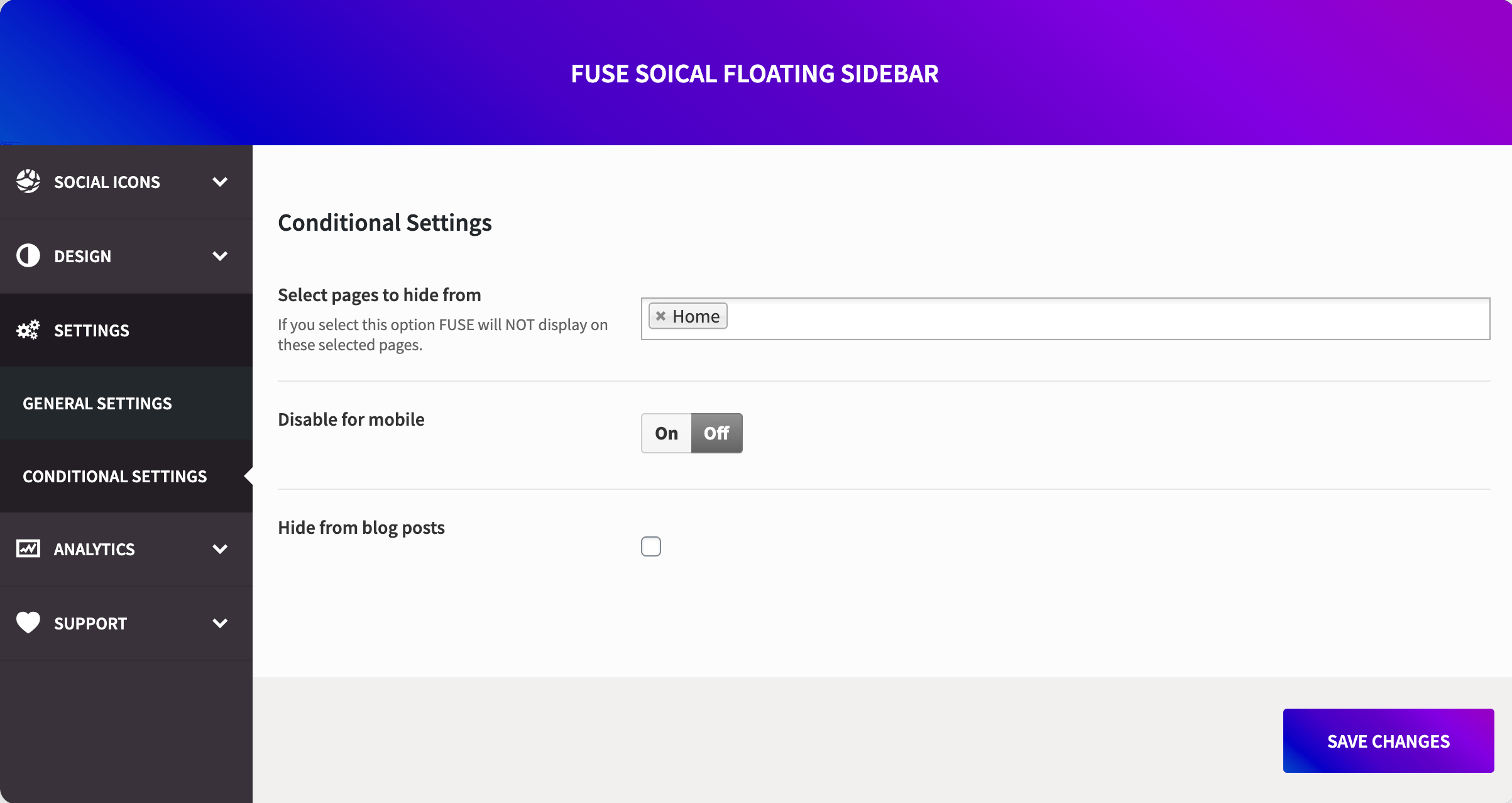
- Display rules to show or hide icons on exactly the pages/posts you choose.
- Real click & share analytics, right inside your dashboard.
Unlock Fuse Social Icons Pro — one-time payment starting at $29.99. No subscriptions, lifetime updates.
Why site owners choose Fuse Social Icons
- Lightweight — no bloated frameworks, just clean, fast-loading code.
- One settings screen for everything: floating bar, share buttons, widget, and block.
- Built-in migration means upgrading from the classic version is safe and automatic.
- Actively maintained, with real support behind it.
Capturas de tela
The redesigned Profile Icons tab — shapes, sizing, spacing, and colors, all with a live preview.
Social share buttons, ready to auto-insert before your content or place via shortcode, widget, or block.
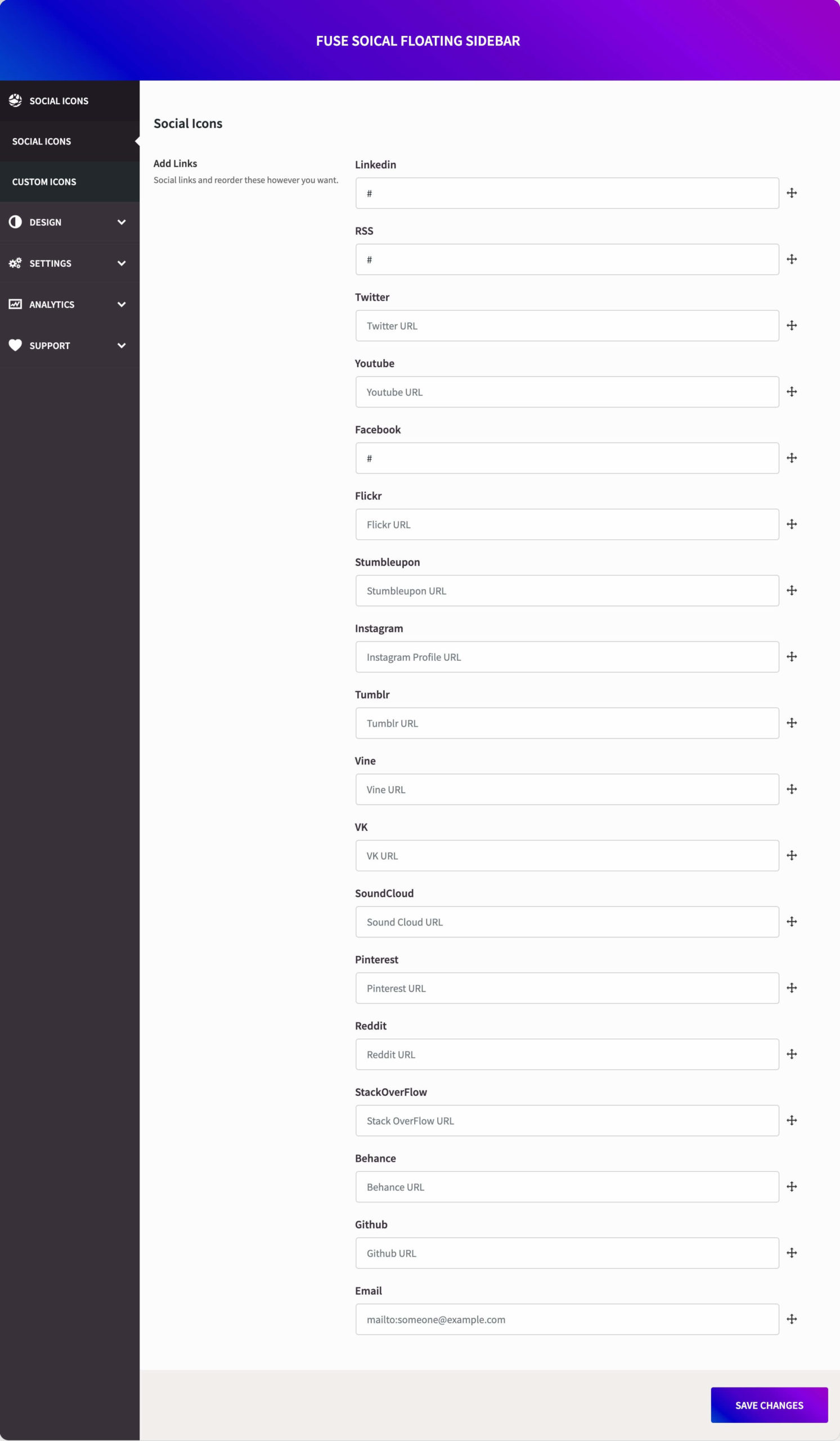
Drag-and-drop network manager — add, reorder, and configure each social link.
The one-click migration wizard, importing your existing settings automatically on upgrade.
The Gutenberg block and widget, for placing icons anywhere on your site.
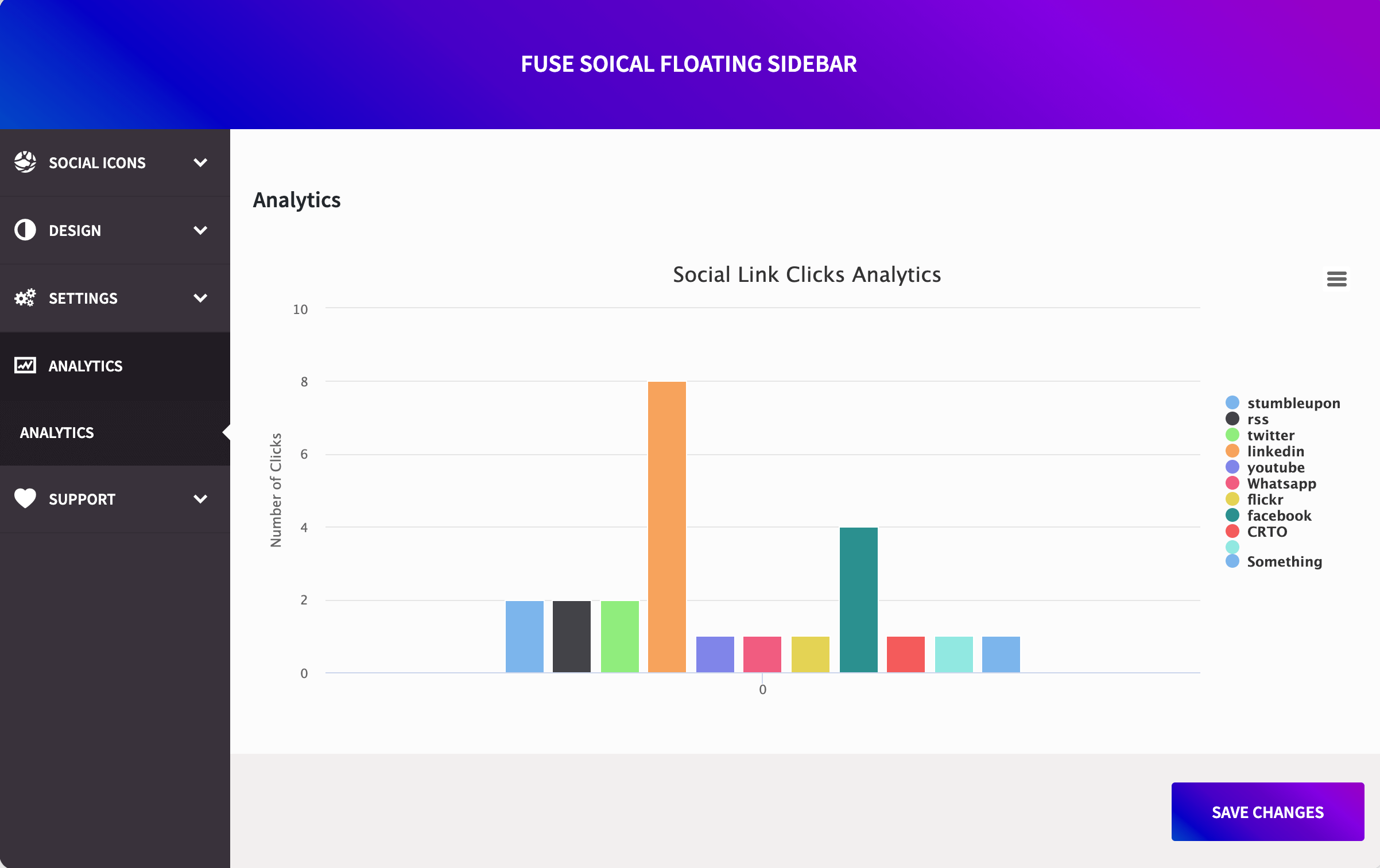
Fuse Social Icons Pro — custom icons, analytics, display rules, and more.
Plugins semelhantes


Quickest solution to add widgets like Address, Social Profiles and List icons on a website built with Astra.

Botões e ícones pop-up de compartilhamento em redes sociais

Display icons linking to your social profiles, via the classic widget or the core Social Icons block variations.

Social icons, share buttons & a floating Click to Chat button for WhatsApp, Telegram, Messenger & Viber. Gutenberg block, widget & Elementor.

Free social share buttons, share to Facebook, WhatsApp, Messenger, Twitter, Reddit and much more.