

Free Assets Library – Openverse/Pixabay 600+ Million Images
Hospedagem WordPress com plugin Free Assets Library – Openverse/Pixabay 600+ Million Images
Onde hospedar o plugin Free Assets Library – Openverse/Pixabay 600+ Million Images?
Este plugin pode ser hospedado em qualquer hospedagem que tenha WordPress configurado. Recomendamos utilizar uma hospedagem de confiança, com servidores otimizados para WordPress, como o serviço de hospedagem de sites da MCO2.
Hospedando o plugin Free Assets Library – Openverse/Pixabay 600+ Million Images em uma empresa de hospedagem seguro
A MCO2, além de configurar e instalar o WordPress na versão mais atualizada para seus clientes, fornece o WP SafePress, um mecanismo singular que salvaguarda e melhora seu site conjuntamente.
Por que a Hospedagem WordPress funciona melhor na MCO2?
A Hospedagem WordPress funciona melhor pois a MCO2 possui servidores otimizados para WordPress. A instalação de WordPress é diferente de uma instalação trivial, pois habilita imediatamente recursos como otimização de imagens, proteção da página de login, bloqueio de atividades maliciosas diretamente no firewall, cache avançado e HTTPS ativado por padrão. São plugins que potencializam seu WordPress para a máxima segurança e o máximo desempenho.
Free Assets Library is the #1 WordPress plugin which provides 600 Million FREE Images with 90,000+ downloads 🚀
You can simply search your favorite images from 600+ millions of images from:
You can use the plugin with:
- Download from Media Popup
- Download from Admin Page
1. Download from Media Popup
- Go to Edit any post/page/custom post type
- Add an image to the post content
- Open media upload popup
- Select the Openverse or Pixabay tab
- Search for the image
- Click on the image
- Change image name, title, caption, description
- Click on the Download image
2. Download from Admin Page
- Go to
Media > Free AssetsLibrary - Select the “Openverse” or “Pixabay” tab
- Search for the image
- Click on the image
- Change image name, title, caption, description
- Click on the Download image
Read more in one page quick documentation.
Features:
- Zero configuration
- Download images from Openverse, Pixabay, and (soon more)
- Easy search from 600+ millions of images.
- Direct download into media library.
- Automatically set the image TITLE tag for SEO purpose.
- Automatically set the image ALT tag for SEO purpose.
- Automatically Image attribution (of original image author) in image description field for SEO purpose.
- Automatically create SEO ready images names.
- 100% safe, model released images.
- Quick support
Welcome for featured requests
If you have any suggestion or any featured request then don’t hesitate to contact.
Bug reports
Bug reports for “Free Assets Library” are welcomed in our Forum.
Further reading
For more info check out the following:
- The surror.com official website.
- The Contact Me.
- The Getting started guide.
- Other my WordPress Plugins.
- Make a small donation.
Capturas de tela
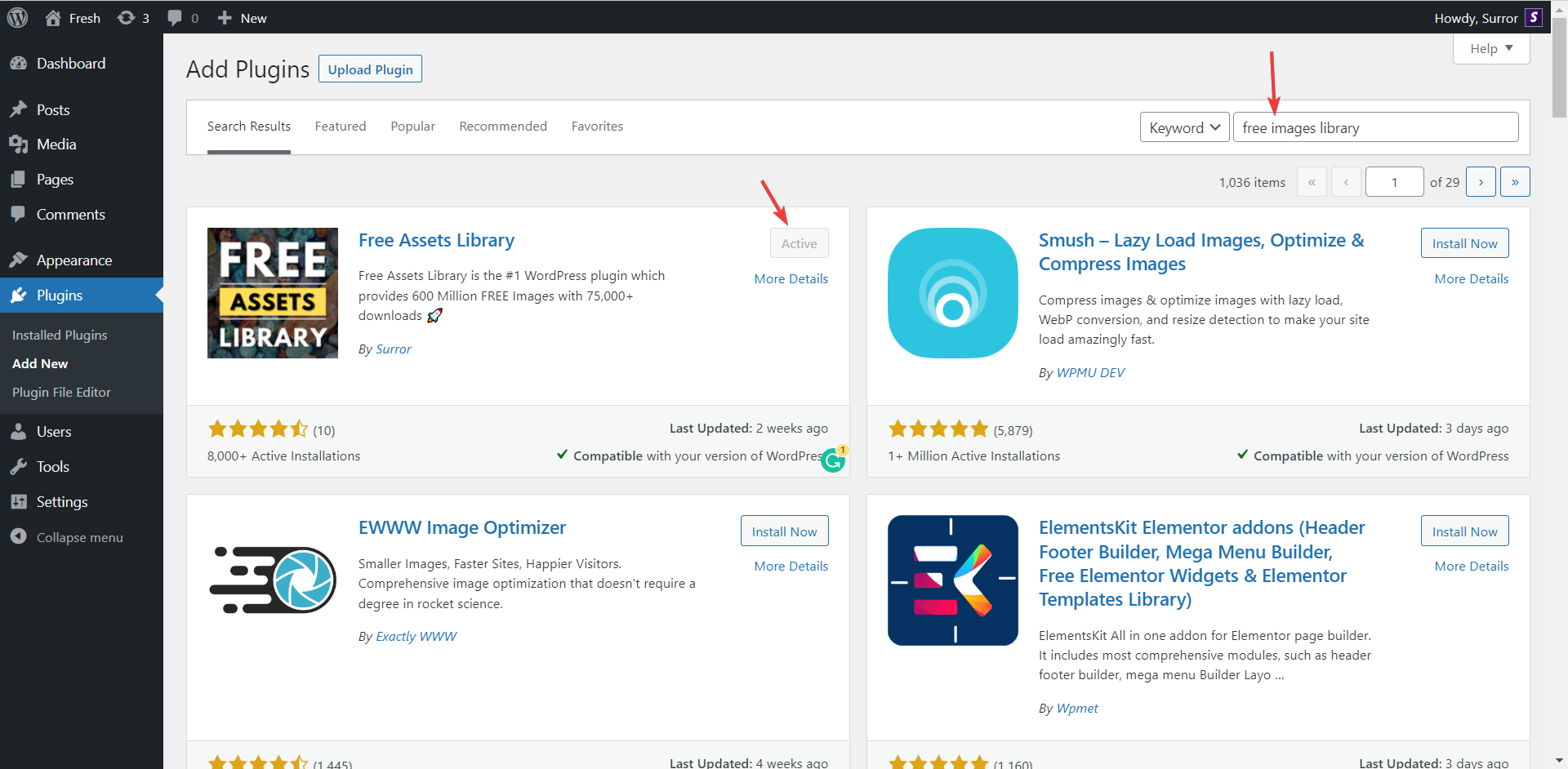
Search for plugin to install in your WordPress website.
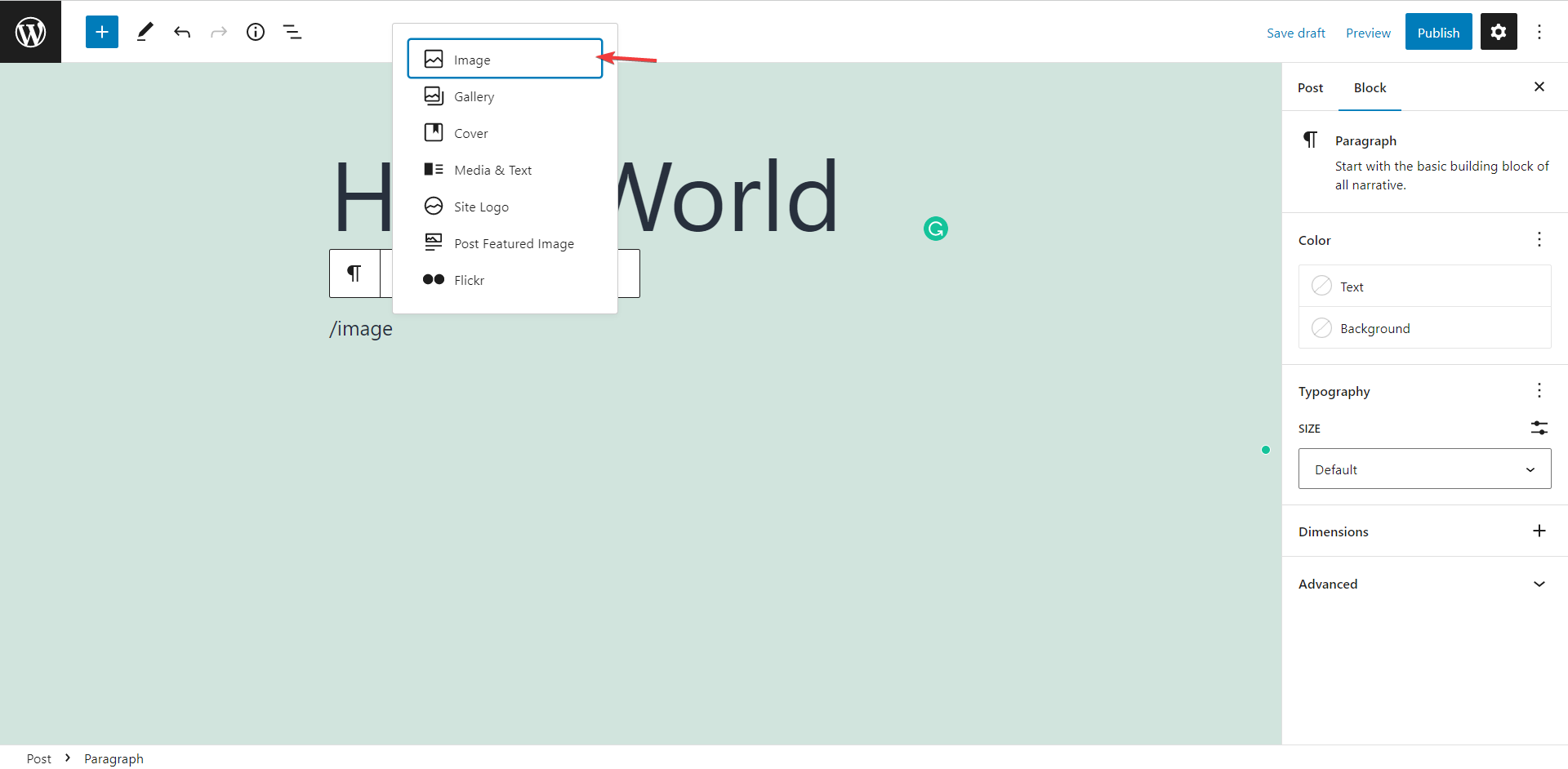
Edit the page/post/custom post type and select image block
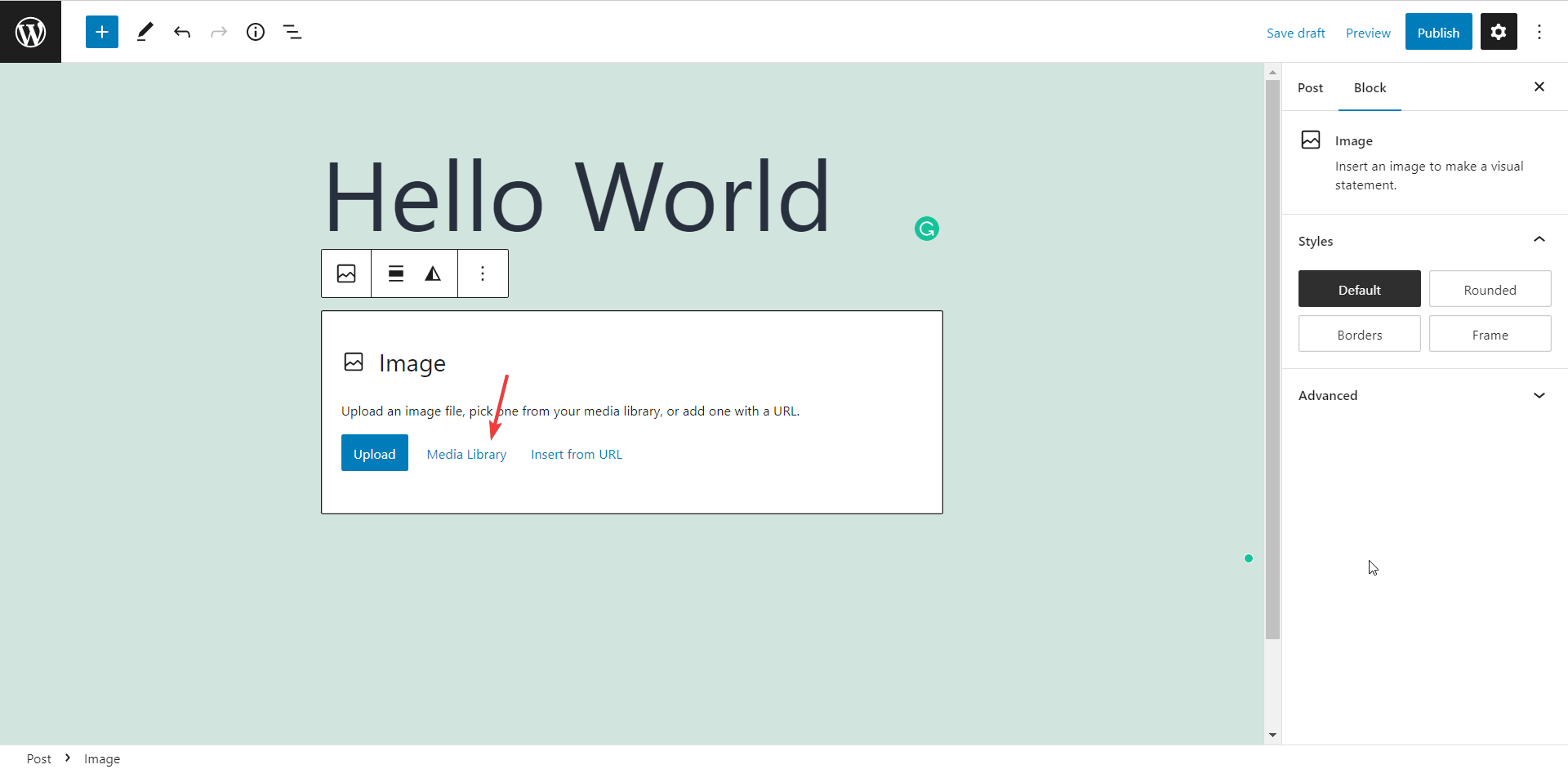
Click on "Media Library" button to open WordPress media popup
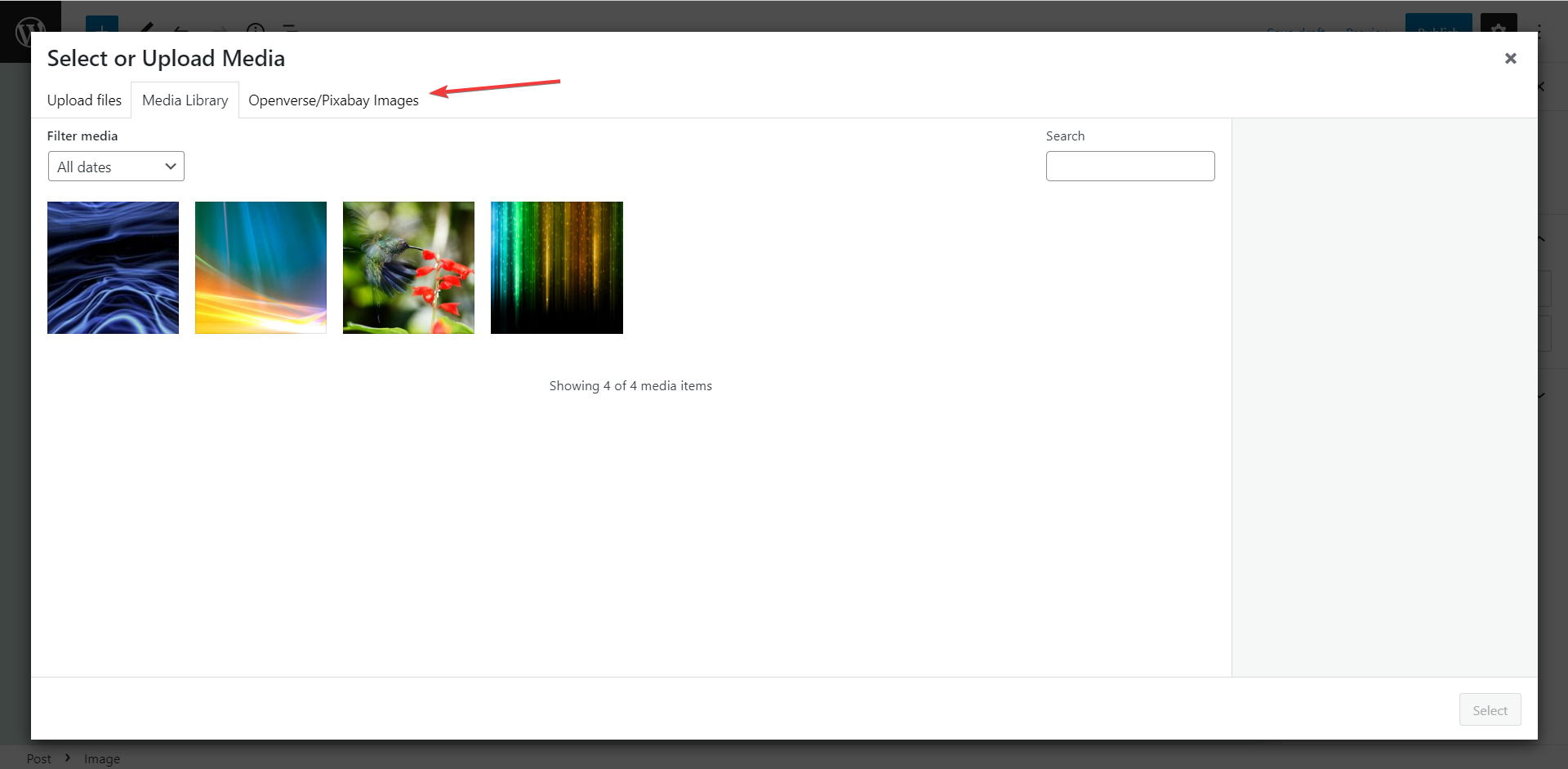
Select the "Openverse/Pixabay Images" tab
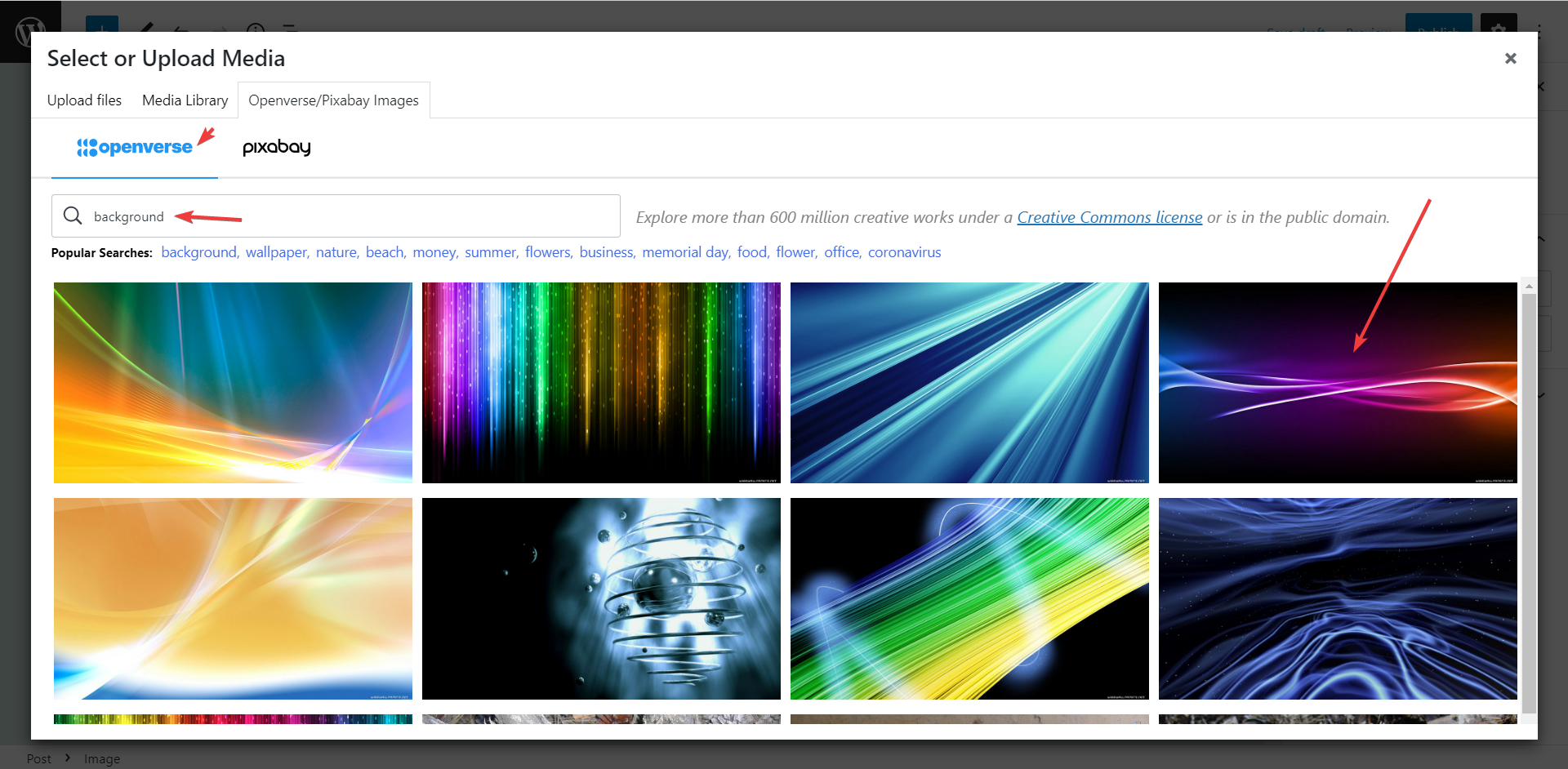
Search for images
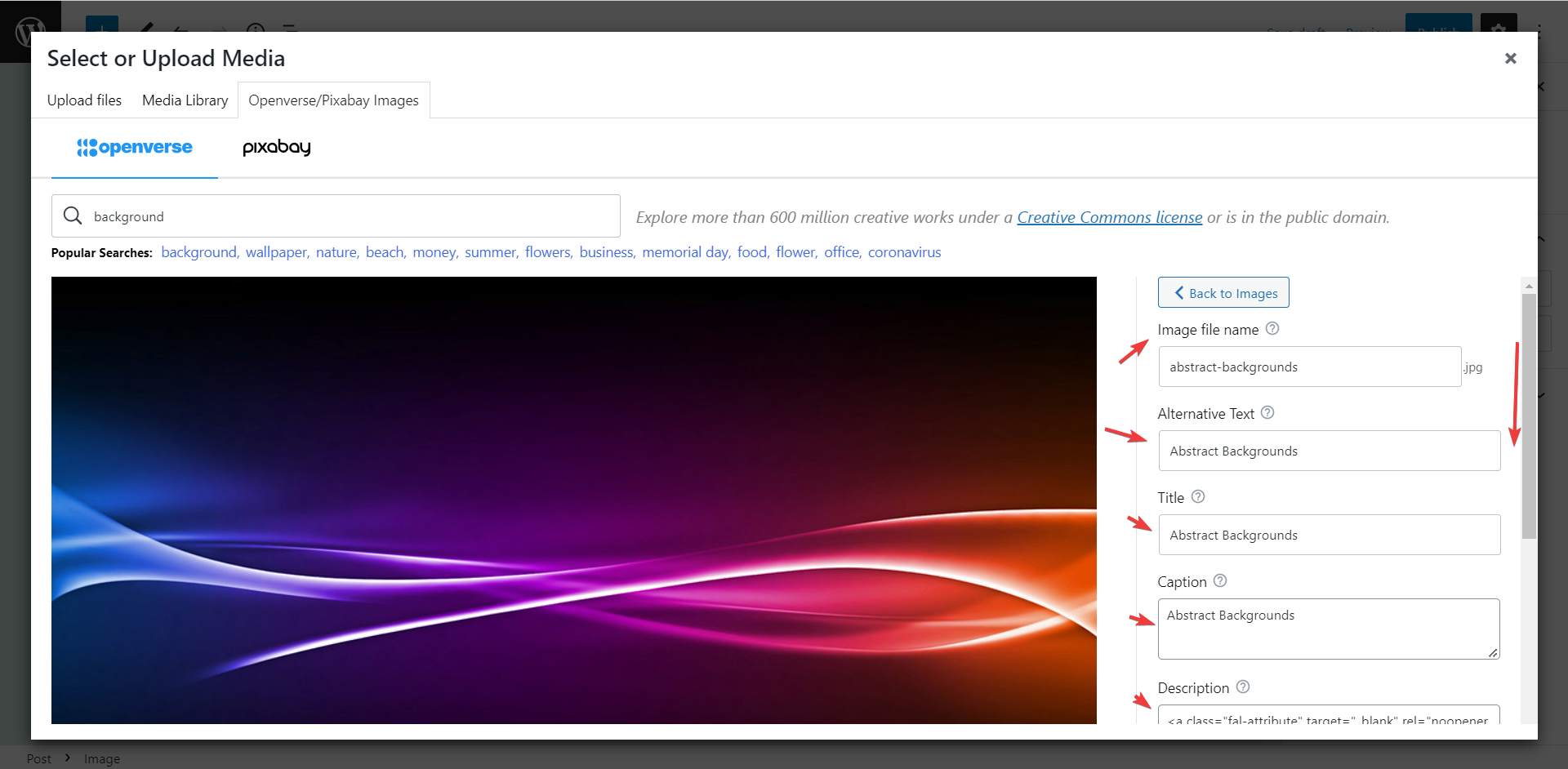
Change image file name, image title, caption, description, etc.
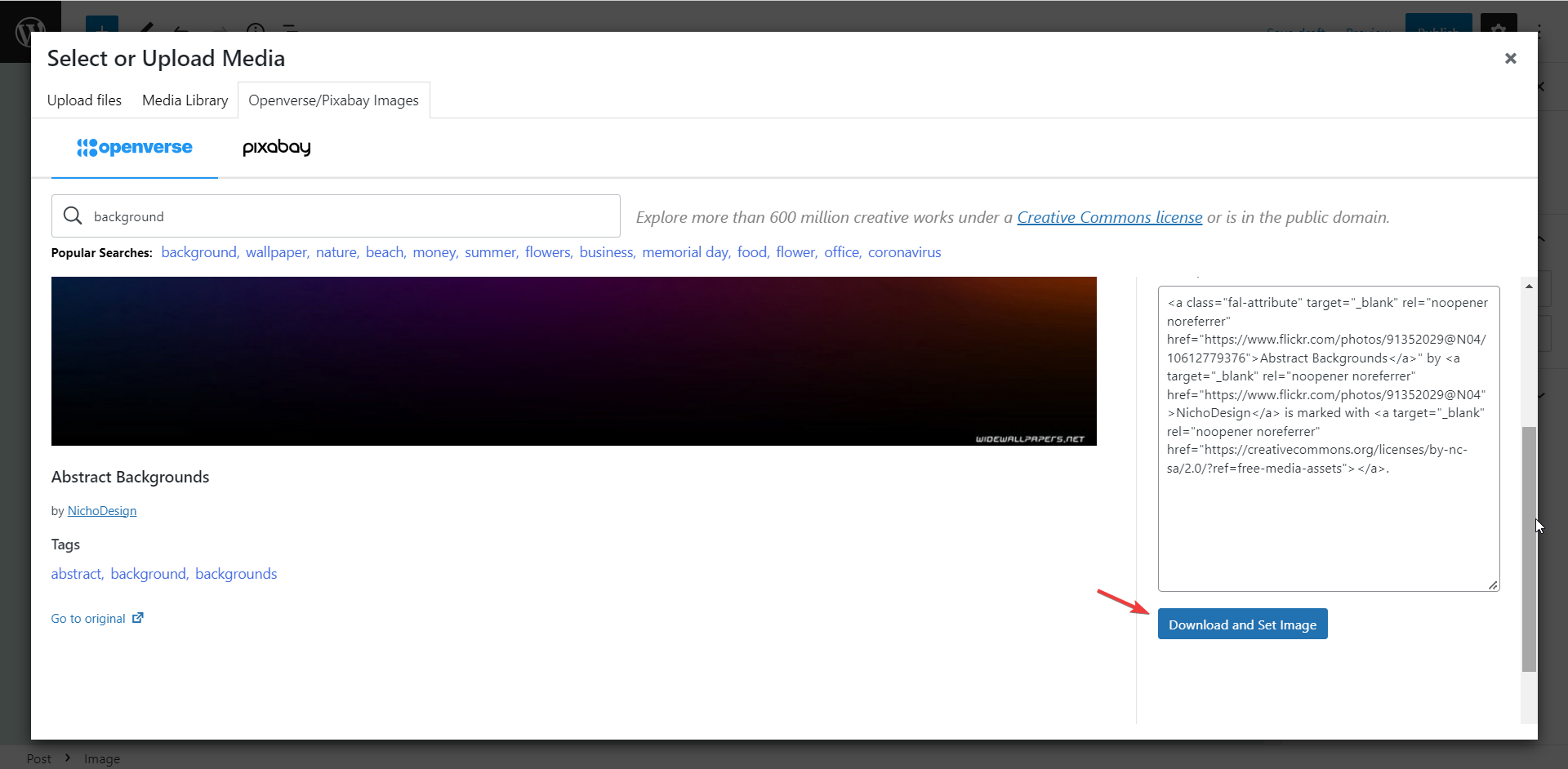
Download the image into the post/page/custom post type
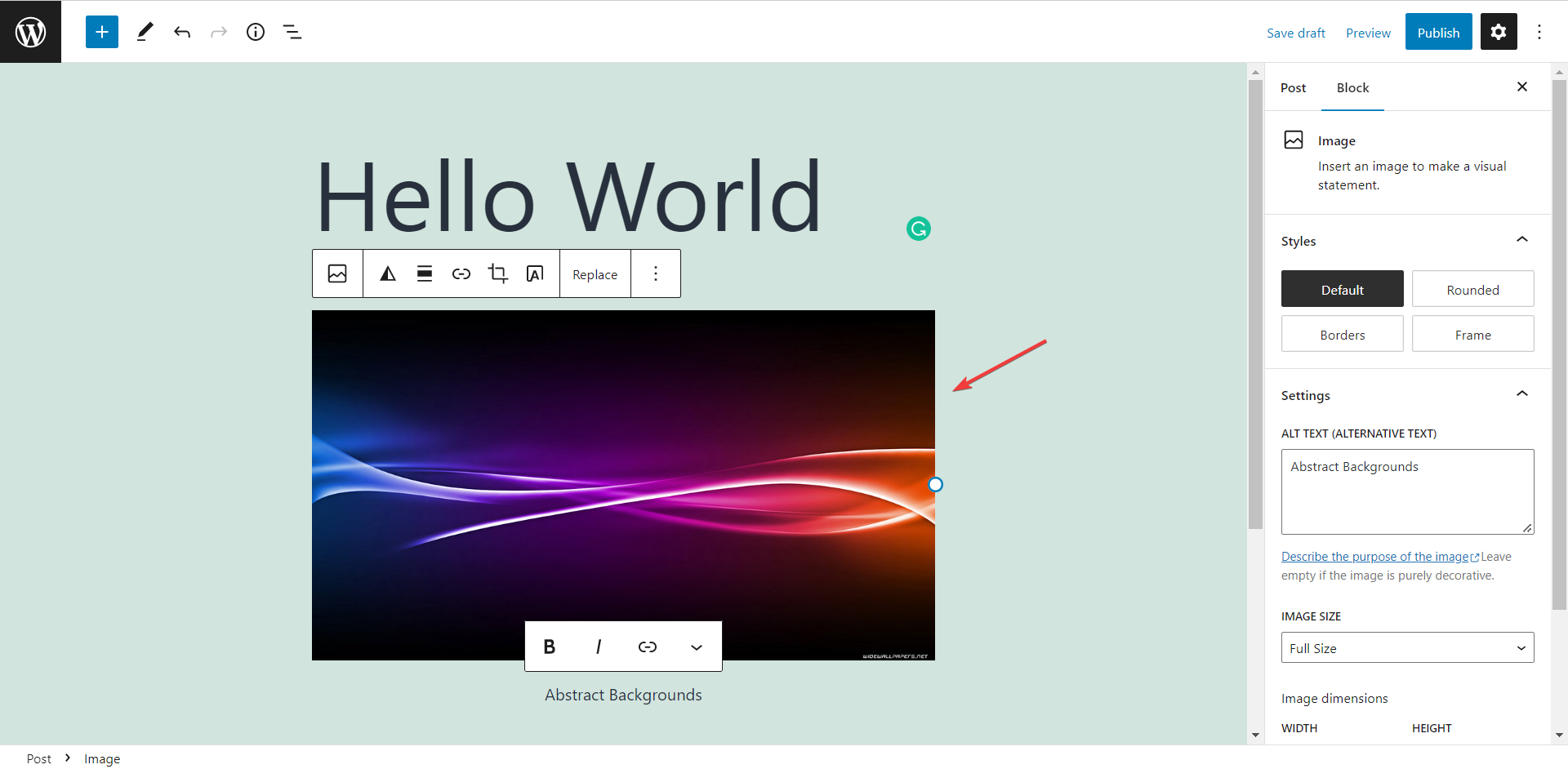
Image successfully added to the current edit post content
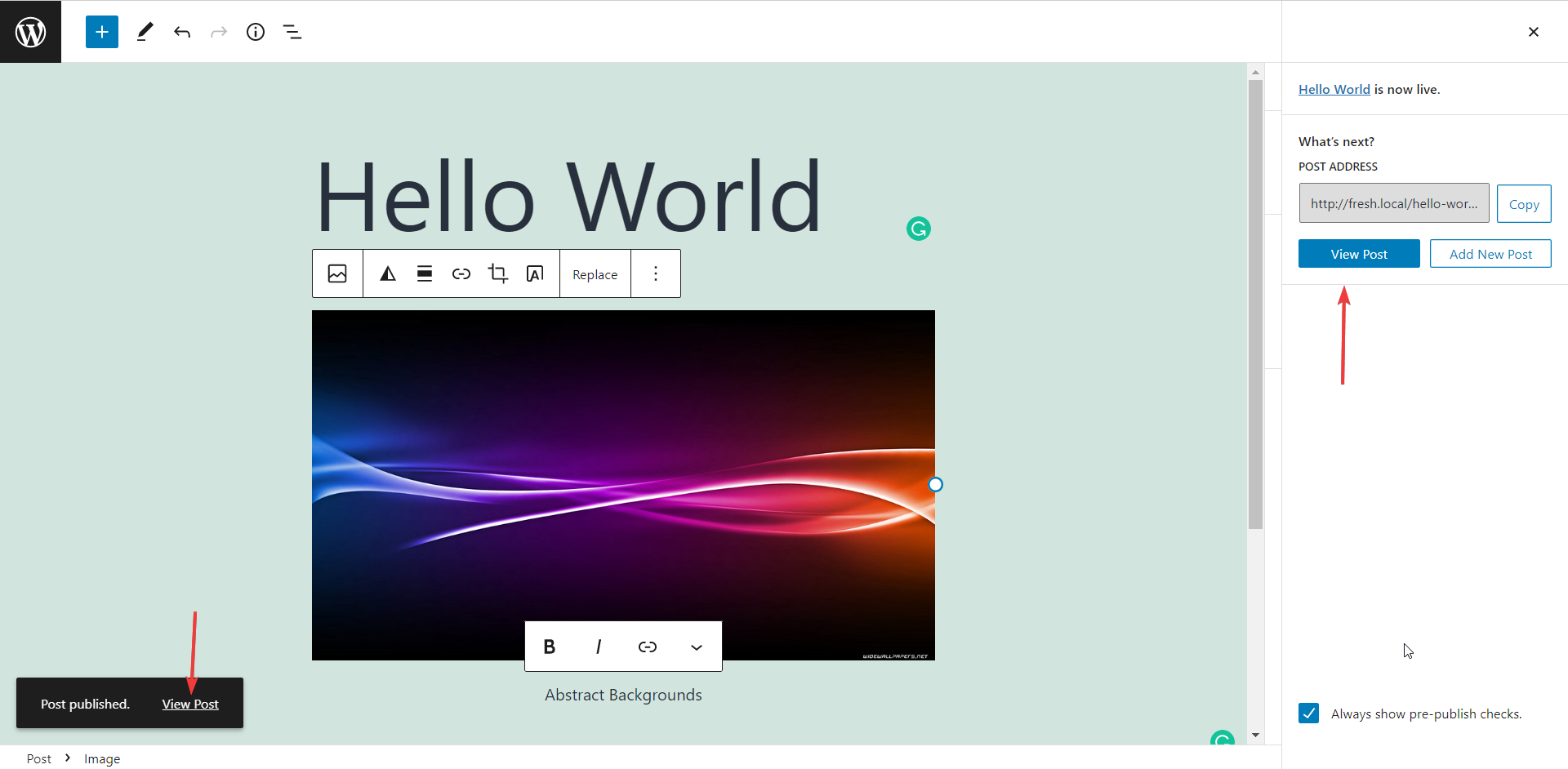
Publish post and view URL
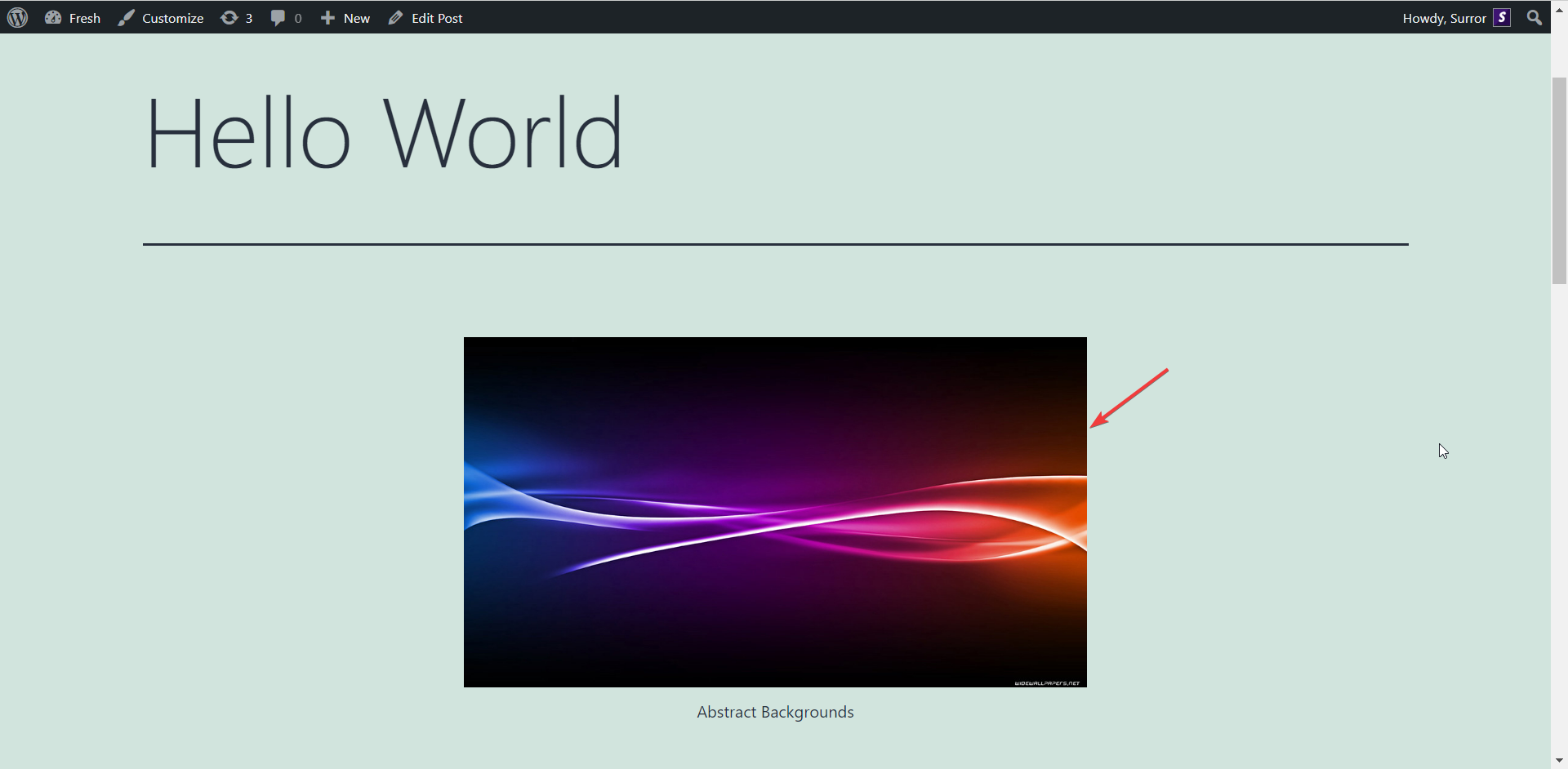
Image visible into the fron-end. Easy :)