Snippets made simple — easily insert and manage custom PHP, CSS, JS & HTML without coding in theme files.
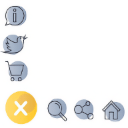
Floating Button – Easily Create Sticky, Fixed & Floating Buttons
Hospedagem WordPress com plugin Floating Button
Onde posso hospedar o plugin Floating Button?
Este plugin pode ser hospedado em qualquer hospedagem que possua WordPress instalado. Recomendamos fortemente utilizar um provedor de hospedagem confiável, com servidores otimizados para WordPress, como o serviço de hospedagem de sites da MCO2.
Hospedando o plugin Floating Button em um provedor de confiança
A MCO2, além de configurar e instalar o WordPress na versão mais atual para seus clientes, oferece o WP SafePress, um mecanismo singular que protege e otimiza seu site conjuntamente.
Por que a Hospedagem WordPress funciona melhor na MCO2?
A Hospedagem WordPress funciona melhor pois a MCO2 possui servidores otimizados para WordPress. A instalação de WordPress é diferente de uma instalação trivial, pois habilita imediatamente recursos como otimização automática de imagens, proteção da página de login, bloqueio de atividades maliciosas diretamente no firewall, cache avançado e HTTPS ativado por padrão. São plugins que potencializam seu WordPress para a máxima segurança e o máximo desempenho.
The Floating Button is a free WordPress plugin for creating original sticky floating action buttons. It allows you to install floating buttons with unique thematic icons on your site. The plugin serves for placing both a traditional navigation bar and an additional block with useful information for the user.
The Floating Button plugin will be an effective solution for increasing the recognition of your web resource. Its integration will bring originality and novelty to the theme of the site. The plugin helps to configure user-friendly navigation, place useful information, or a contact panel.
Main Features
- 2 submenus (Vertical and Horizontal)
- More than 2000+ FontAwesome 7.1 icons
- New button shapes: Circle, Rounded square, Ellipse, Square
- Advanced color settings for each button and hover effects
- Button types: Link, Email, Phone, Login, Logout, Register, Lost password
- Using tooltips to provide more information
- Responsive visibility: hide on mobile or desktop devices
- Shortcode support to place the button anywhere
- Export and Import functions
Use Cases for Floating Button
- Site navigation
- Additional menu
- Social panel
- User menu
- Skype menu and others
- And more…
Pro Version
Connect the Pro-version of the plugin to gain access to more features:
- Create an unlimited number of buttons
- Set the display according to the user role and status
- Change the menu output depending on the language of the page
- Use the categories on the site, exceptions, and ID to place the menu on individual pages
- Accompany the change in navigation behavior with the highlight when hovering the mouse cursor
- Use the built-in user menu, social panel, and print function
- And more…
Plugins for Enhanced Results
- Popup Box – a new WordPress popup plugin
- Counter Box – a powerful creator of counters, timers, and countdowns
- Button Generator – an easy Button Builder
- Herd Effects – a fake notifications and social proof plugin
- Side Menu Lite – add sticky fixed buttons
- Sticky Buttons – a floating buttons builder
- Bubble Menu – a circular floating menu
- Float Menu – an awesome floating side menu
- Modal Window – a plugin to create modal windows
- Calculator Builder
Support
Search for answers and ask your questions at support center
Capturas de tela

Contact
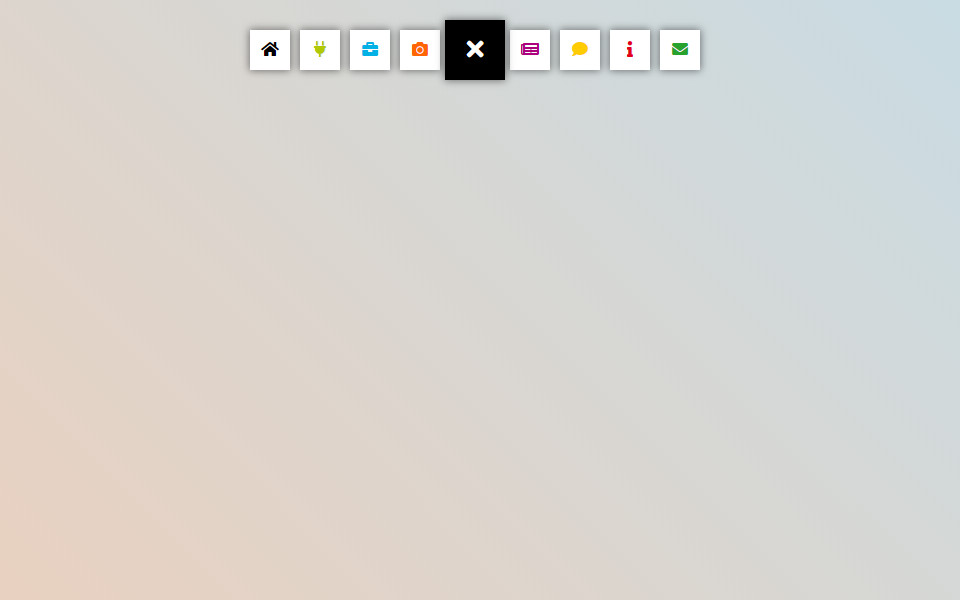
Example
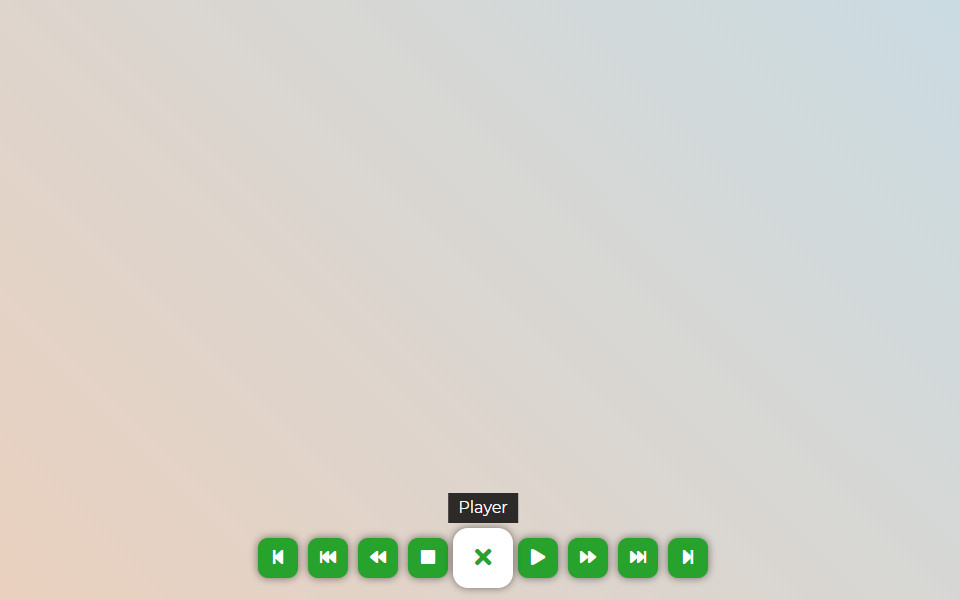
Player
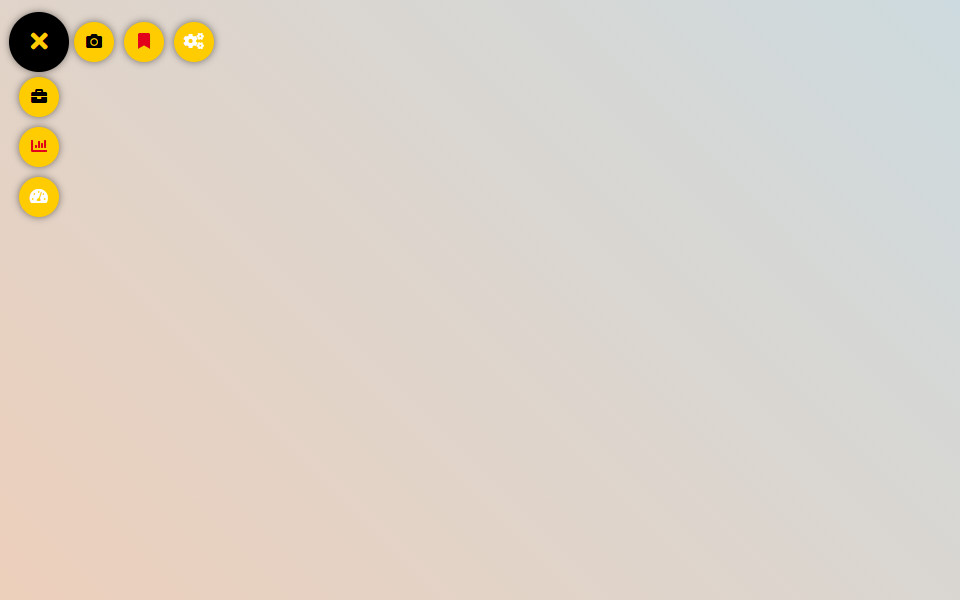
Profile

Social
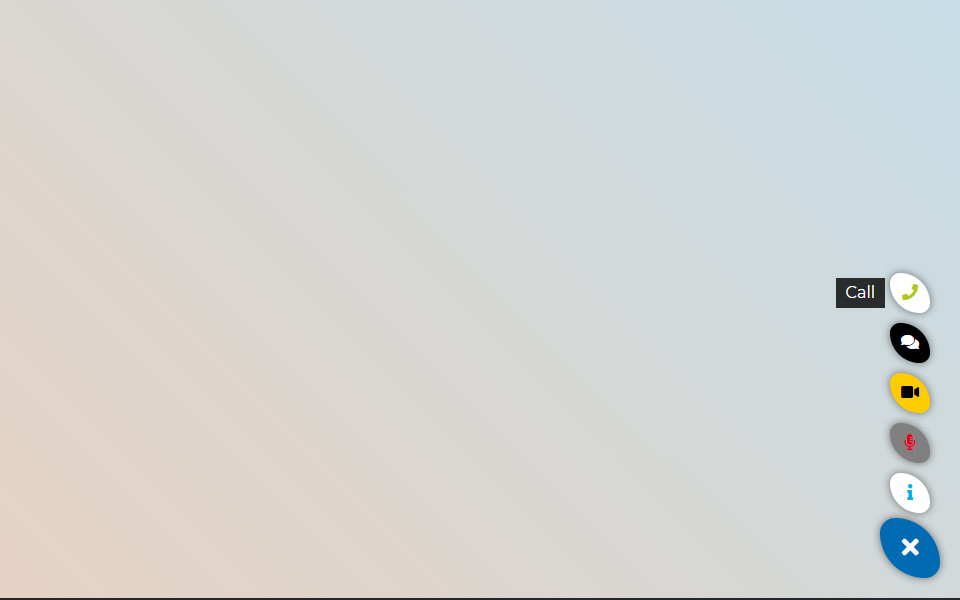
Skype
Do mesmo author (Wow-Company)


WordPress popup plugin for easily creating a popup and modal window with any kind of content and settings.