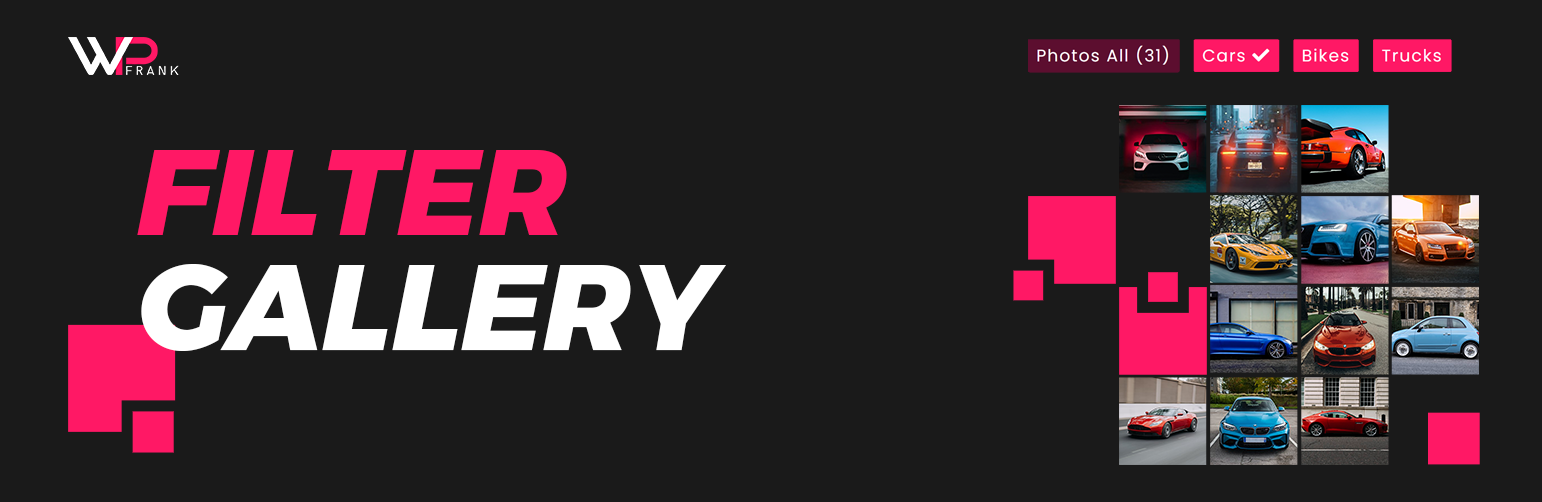
Create filterable portfolio galleries with photos, videos, category filters in masonry layouts. Supports Gutenberg blocks and Elementor widgets.

Filter Gallery
Hospedagem WordPress com plugin WordPress Filter Gallery Plugin
Onde hospedar o plugin WordPress Filter Gallery Plugin?
Este plugin pode ser hospedado em qualquer servidor que possua WordPress instalado. Recomendamos utilizar um provedor de hospedagem de confiança, com servidores adaptados para WordPress, como o serviço de hospedagem de sites da MCO2.
Hospedando o plugin WordPress Filter Gallery Plugin em uma empresa de hospedagem confiável
A MCO2, além de configurar e instalar o WordPress na versão mais nova para seus clientes, disponibiliza o WP SafePress, um sistema exclusivo que salvaguarda e melhora seu site ao mesmo tempo.
Por que a Hospedagem WordPress funciona melhor na MCO2?
A Hospedagem WordPress funciona melhor pois a MCO2 possui servidores otimizados para WordPress. A instalação de WordPress é diferente de uma instalação trivial, pois habilita imediatamente recursos como otimização de imagens e fotos, proteção da página de login, bloqueio de atividades suspeitas diretamente no firewall, cache avançado e HTTPS ativado por padrão. São plugins que potencializam seu WordPress para a máxima segurança e o máximo desempenho.
The Filter Gallery plugin makes it simple to create beautiful, organized image displays on your WordPress site. Whether you need a professional portfolio showcase, a product catalog, or a creative photography album, this tool lets you sort content dynamically without page reloads.
Check Free Version Demo: Filter Gallery
Check Pro Version Demo: Filter Gallery Pro
More About Pro: Filter Gallery Pro Features
Where To Buy: Buy Filter Gallery Pro
Video Tutorials
We designed this plugin to be intuitive and lightweight. You can upload images, assign them to categories (filters), and let your visitors browse your work seamlessly. The gallery automatically adapts to desktops, tablets, and mobile screens, ensuring a perfect viewing experience everywhere.
Key Features
- Unlimited Galleries & Shortcodes: Create as many galleries as needed, using
[filter-gallery]or[ufg]shortcodes. - Responsive Columns & Masonry Layouts: Adapts grid and display columns automatically to device viewports with Masonry support.
- Easy Drag-and-Drop Management: Simple interface for ordering images (ID and manual sorting).
- Standard Lightbox Overlay: Includes a built-in lightbox with title overlays.
- Category Filtering & Controls: Set default loaded category, configure “All” button visibility, customize label, or assign custom icons.
- Media Styling & Customizer: Adjust grid padding, border spacing, customize image titles and descriptions (with length limits) inside settings.
- Speed Optimized: No frontend bloat, enqueued scripts without Bootstrap or FontAwesome.
- Import/Export Dashboard: Migrate gallery layout configurations to other setups effortlessly.
Pro Version Features
Unlock the full potential of your portfolios with the Pro Version:
- Deep Hierarchical Nested Filters: Create multi-level filter nesting categories (up to 5 levels).
- Custom Redirect Links: Link gallery images directly to external or internal URLs with “Read More” button customizer.
- Searchable Icons Picker: Assign FontAwesome icons easily to filter tags using a searchable selection picker.
- Dynamic AJAX Loading: Speed up large portfolios with AJAX Asynchronous Pagination, AJAX Load More, and CSS preloaders.
- Advanced Columns & Layouts: Fully customize grid columns (1 to 6) and enable Justified Grid layout options.
- Category Styling & Colors: Dedicated level-by-level color pickers for category text, background, hovers, and active states.
- Advanced Image Sorting: Sort images by Random shuffle, Title, ID, or manual drag-and-drop.
- Customizable Lightbox: Show full media descriptions and slide index numbering in the modal.
- 15+ Hover Animations: Select from a premium list of hover transitions and zoom overlays.
- Premium Utility Tools: Duplicate filters, bulk delete media, and priority customer support desk assistance.
Capturas de tela

Sports Gallery Preview
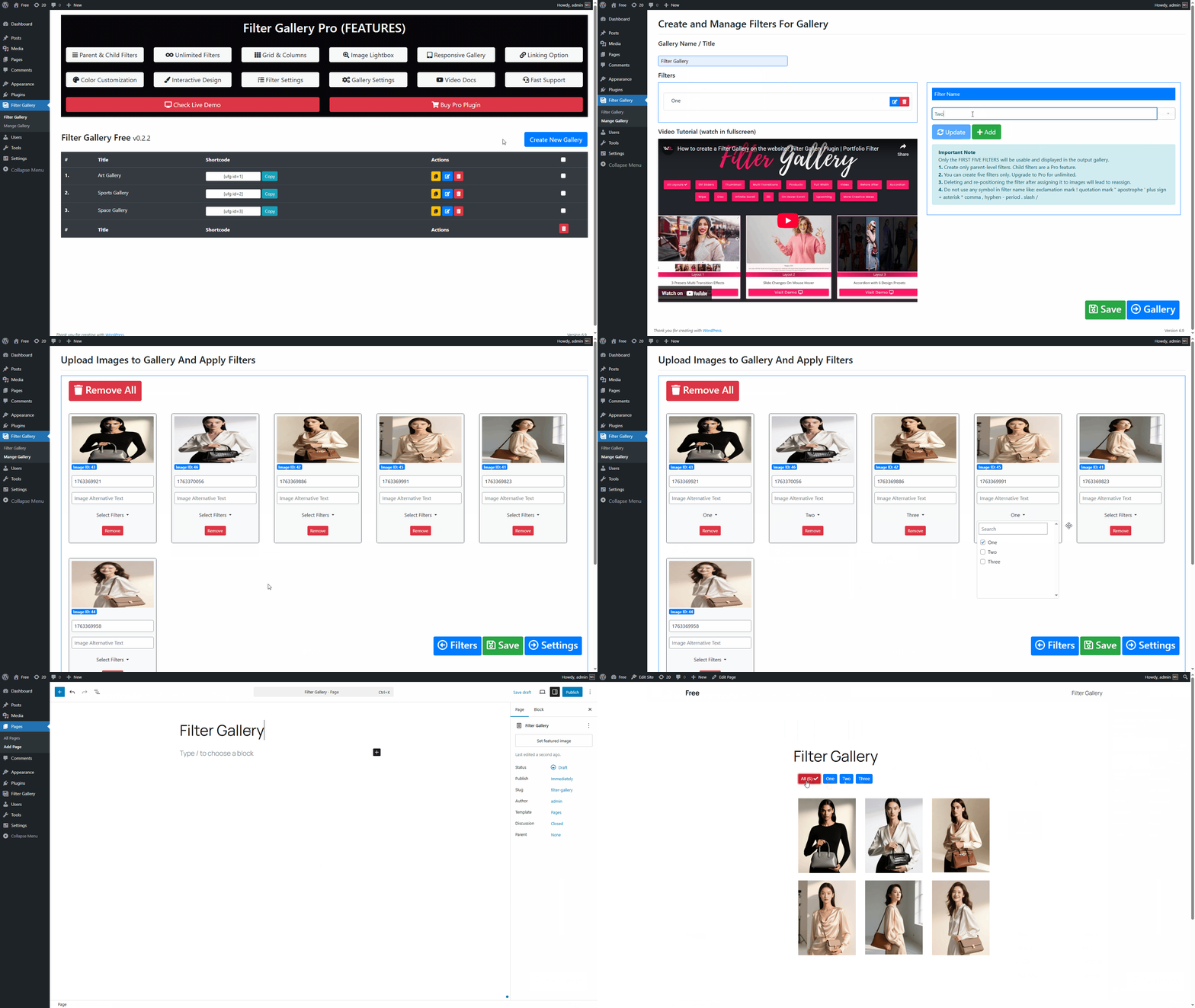
How to create a filter gallery?**
Plugins semelhantes


Create responsive image gallery, photo gallery with lightbox, grid & masonry layouts. Display using shortcode, Gutenberg block or Elementor widget.

Create photo gallery and video gallery in seconds. Display images and videos in a clean grid with lightbox options. Supports block and Elementor

Create responsive Portfolio Grid, Filterable Portfolio Gallery & Portfolio Slider for WordPress with Elementor and lightbox popup.