
Comprehensive image optimization with WebP, AVIF, Lazy Load, and more. Optimize images automatically for Faster Sites and Happy Visitors.

Easy Image Gallery
Hospedagem WordPress com plugin Easy Image Gallery
Onde devo hospedar o plugin Easy Image Gallery?
Este plugin pode ser hospedado em qualquer servidor que tenha WordPress instalado. Recomendamos fortemente utilizar um provedor de hospedagem confiável, com servidores especializados para WordPress, como o serviço de hospedagem WordPress da MCO2.
Hospedando o plugin Easy Image Gallery em uma empresa de hospedagem seguro
A MCO2, além de instalar o WordPress na versão mais nova para seus clientes, oferece o WP SafePress, um sistema singular que assegura e otimiza seu site simultaneamente.
Por que a Hospedagem WordPress funciona melhor na MCO2?
A Hospedagem WordPress funciona melhor pois a MCO2 possui servidores otimizados para WordPress. A instalação de WordPress é diferente de uma instalação trivial, pois habilita imediatamente recursos como otimização automática de imagens, proteção da página de login, bloqueio de atividades suspeitas diretamente no firewall, cache avançado e HTTPS ativado por padrão. São recursos que potencializam seu WordPress para a máxima segurança e o máximo desempenho.
This plugin allows you to easily create an image gallery on any post, page or custom post type.
Images are can be added and previewed from the metabox. Images can be re-ordered by drag and drop.
About:
There comes a time when you need more flexibility than the standard WP gallery offers, That’s when this plugin steps in.
This plugin’s goal is to make it easy to create a gallery and place it wherever you need.
A perfect example would be to create a product gallery for an ecommerce website and then
have the flexibility to position it where you wanted to match your theme’s design.
Features:
- Added the possibility to add two or more different galleries on one page
- Drag and drop re-ordering
- Add gallery to any post, page or custom post type
- If more than one image is added to the gallery, the images become grouped in the lightbox so you can easily view the next one
- CSS and JS are only loaded on pages where needed
- Images link to larger versions (can be turned off)
- Fully Localized (translation ready) with .mo and .po files
- Add multiple images to the gallery at once
- Uses the thumbnail size specified in Settings -> Media
- Custom webfont icon for hover effect
Whats’ New
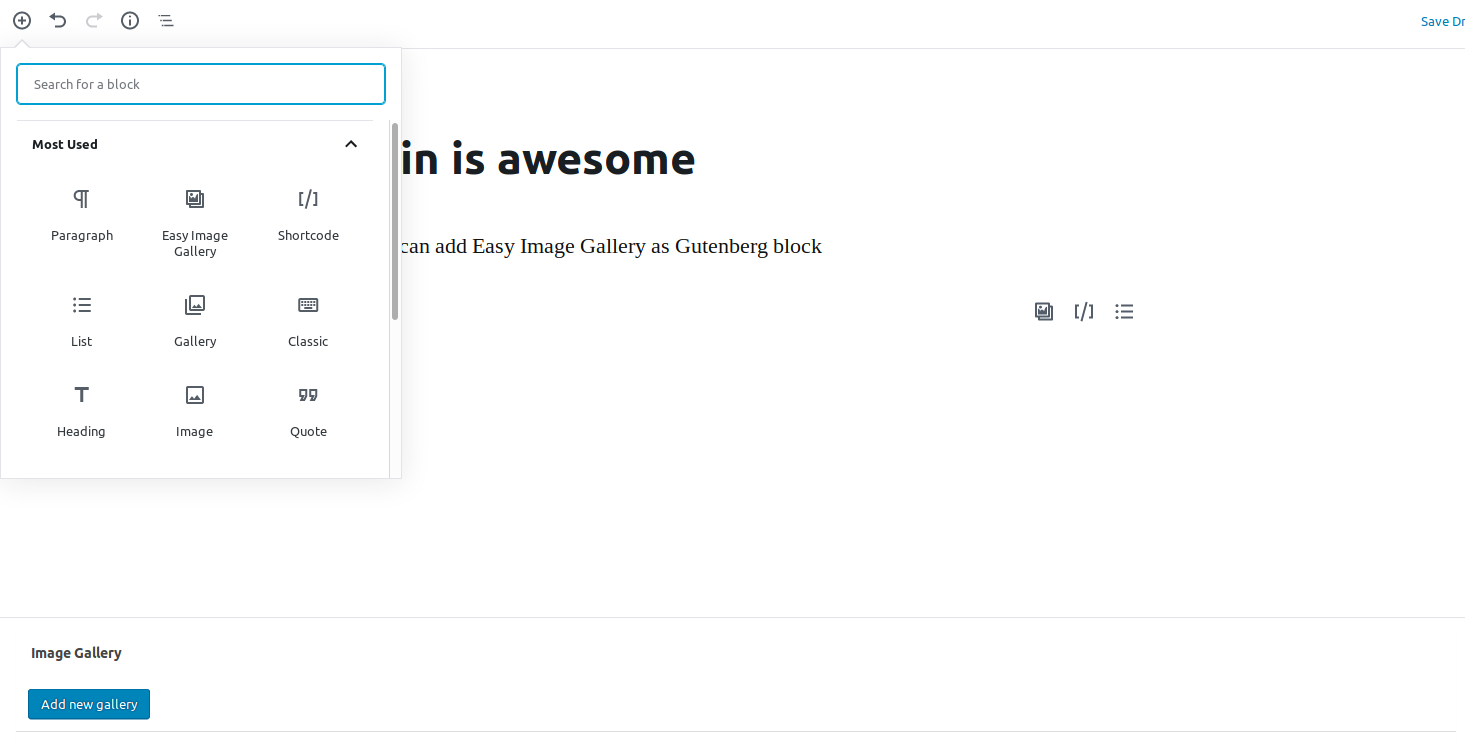
- Added Gutenberg Support
- Added New Gallery – Luminous
Uso
Use the shortcode or the function to show the gallery.
Shortcode Usage
Use the following shortcode anywhere in the content area to display the gallery
[easy_image_gallery gallery="XXX"]
Where “XXX” is the ID of the gallery item.
Template Tag Usage
The following template tag is available to display the gallery
if( function_exists( 'easy_image_gallery' ) ) {
    echo easy_image_gallery( "XXX" );
}
Where “XXX” is the ID of the gallery item.
If you use the template tag above, you will need to remove the default content filter:
Developer Friendly
- Modify the gallery HTML using filters
- Developed with WP Coding Standards
- Easily add your preferred lightbox script via hooks and filters
- Easily unhook CSS and add your own styling
- Pass in a different image size for the thumbnails via filter
- Minimalistic markup and styling
Stay up to date
Become a fan on Facebook
https://www.facebook.com/DevriXLtd
Follow us on Twitter
https://twitter.com/wpdevrix
Capturas de tela
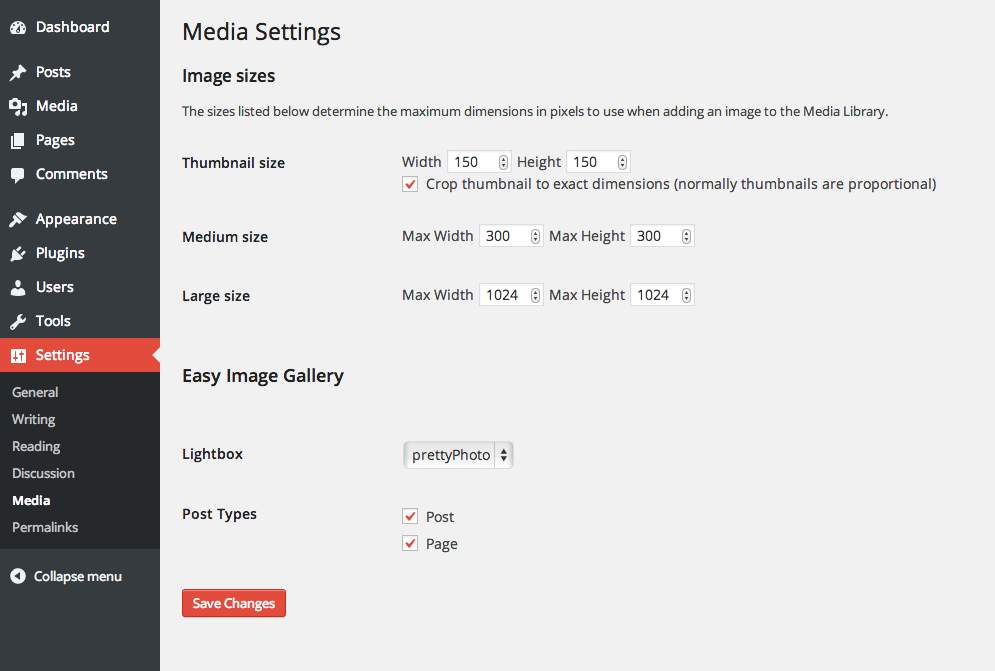
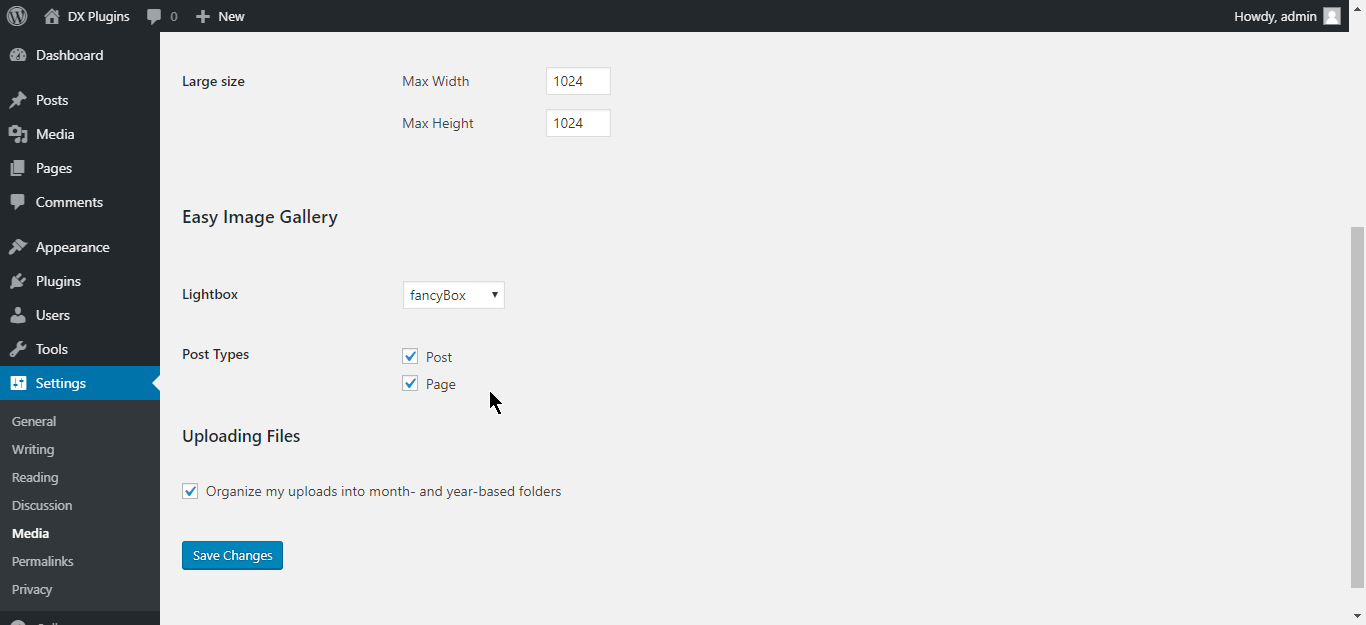
The plugin's simple configuration screen. Any existing custom post types will appear here
The plugin's simple metabox that is added to the publish/edit screens
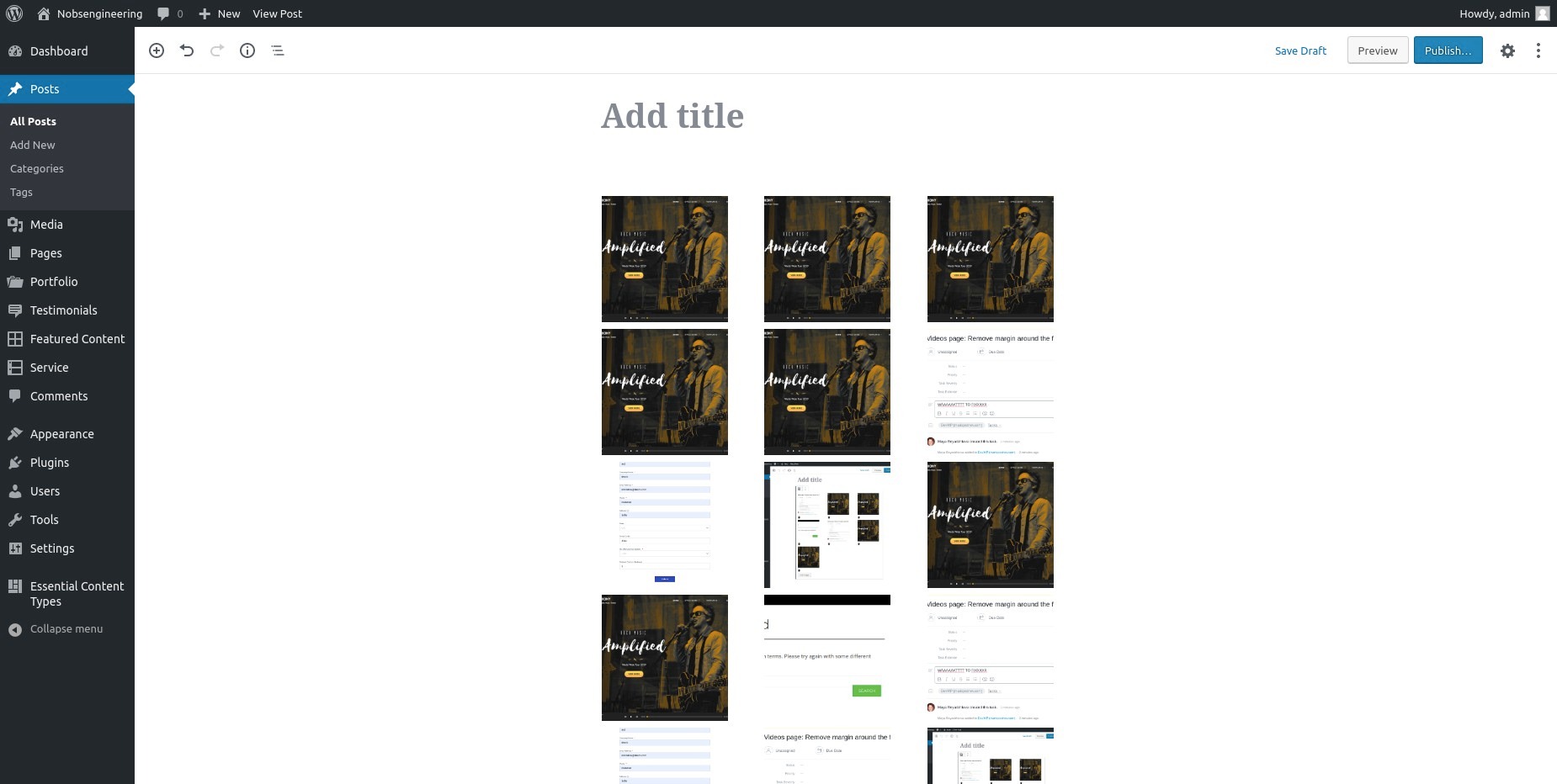
You can select multiple images to insert into the gallery
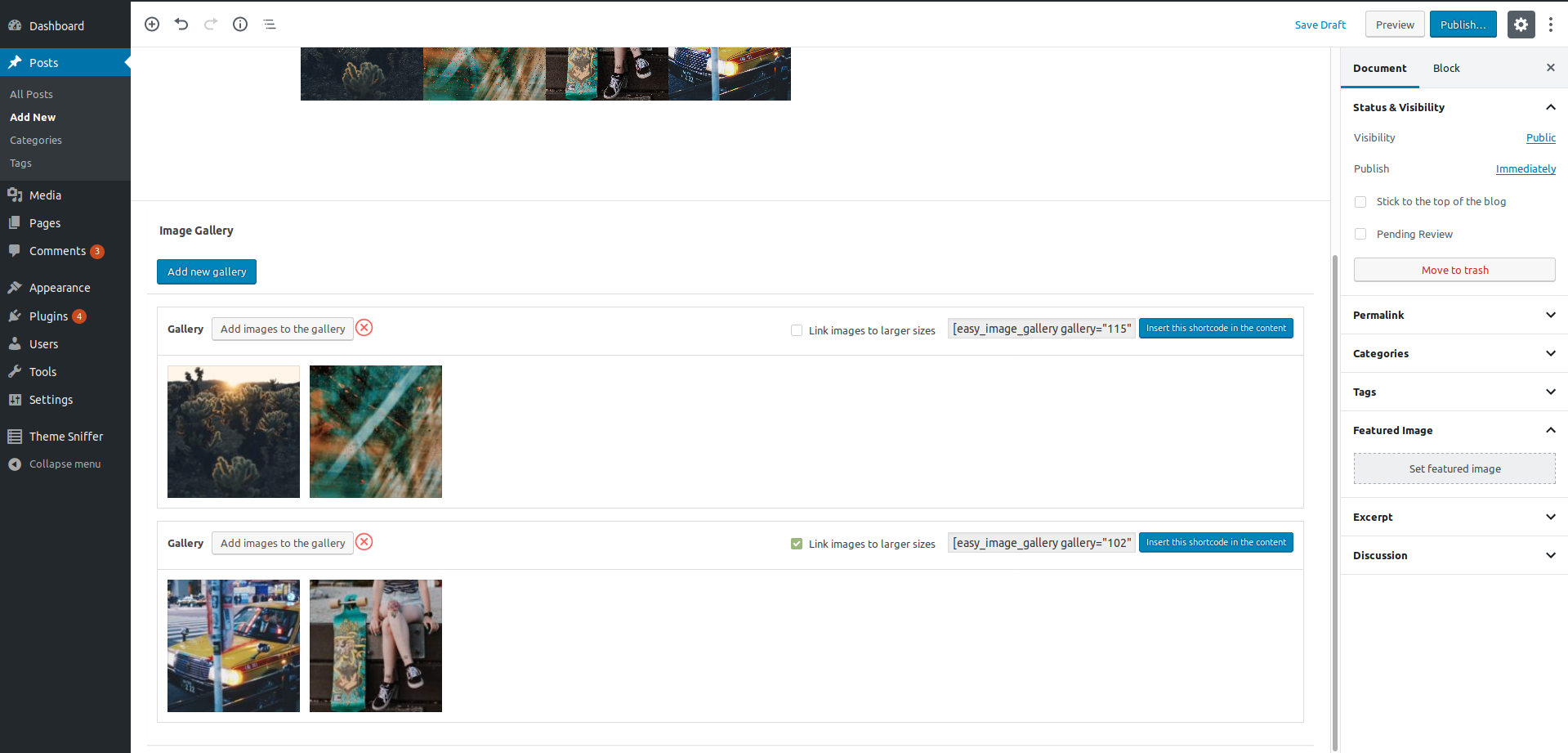
The plugin's Image Gallery metabox after images have been inserted and the post has been saved
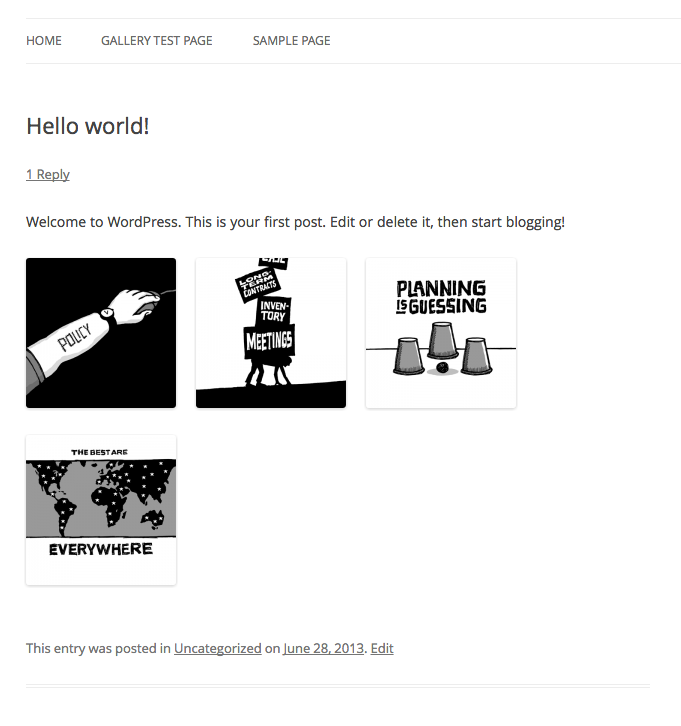
The front-end of the website showing the gallery which has been automatically appended to the content

Clicking on an image launches the lightbox. Here it's shown with prettyPhoto
Plugins semelhantes


Otimize imagens automaticamente com compressão em massa, carregamento tardio, conversão para WebP e AVIF, e o CDN de imagens CloudFront. Melhore o Core Web Vitals e aumente suas conversões!

Automatically resizes huge image uploads. Are contributors uploading huge photos? Tired of manually resizing your images? Imsanity to the rescue!

Formerly Easy Fancybox. The most popular WordPress lightbox plugin. Simple, fast, and responsive. Opens images, videos, PDFs, and custom popups.

The most popular lightbox plugin and responsive gallery builder for WordPress.

Create responsive photo, image and masonry galleries in WordPress with FooGallery, plus carousel, lightbox, albums, SEO and video gallery support.