
Tudo em um: aceleração imbatível, melhoria no PageSpeed, armazenamento em cache, otimização de imagem/CSS/JS e muito mais...

Docket Cache – Object Cache Accelerator
Hospedagem WordPress com plugin Docket Cache – Object Cache Accelerator
Onde devo hospedar o plugin Docket Cache – Object Cache Accelerator?
Este plugin pode ser hospedado em qualquer hospedagem que possua WordPress instalado. Recomendamos optar por um provedor de hospedagem confiável, com servidores especializados para WordPress, como o serviço de hospedagem da MCO2.
Hospedando o plugin Docket Cache – Object Cache Accelerator em uma empresa de hospedagem seguro
A MCO2, além de configurar e instalar o WordPress na versão mais nova para seus clientes, disponibiliza o WP SafePress, um sistema singular que salvaguarda e aumenta a performance do seu site ao mesmo tempo.
Por que a Hospedagem WordPress funciona melhor na MCO2?
A Hospedagem WordPress funciona melhor pois a MCO2 possui servidores otimizados para WordPress. A instalação de WordPress é diferente de uma instalação trivial, pois habilita imediatamente recursos como otimização automática de imagens e fotos, proteção da página de login, bloqueio de atividades maliciosas diretamente no firewall, cache avançado e HTTPS ativado por padrão. São recursos que potencializam seu WordPress para a máxima segurança e o máximo desempenho.
Docket Cache is a persistent WordPress Object Cache that stores cached data as plain PHP code. It is designed as an alternative for sites that do not have access to Redis or Memcached.
Most file-based caching plugins use serializing and unserializing to save PHP objects to flat files. Docket Cache takes a different approach by converting objects into plain PHP code. This makes data retrieval faster and improves overall performance, especially when Zend OPcache is enabled.
For more information, please refer to the documentation on Caching In WordPress.
Why use this plugin?
For reliable persistent Object Cache in WordPress, Redis or Memcached are the top choices. However, they require server knowledge and are rarely available on low-cost or shared hosting plans.
The alternative is to store object caches in files. In WordPress, exporting PHP objects is not straightforward. Most file-based caching plugins rely on serialising and unserialising objects to store and retrieve data.
Docket Cache takes a better approach by turning the object cache into plain PHP code. This is faster because WordPress can use the cache directly without additional processing.
Features
- Object caching + OPcache
- Advanced Post Caching
- Object Cache Precaching
- WordPress Menu Caching
- WordPress Translation Caching
- WordPress Core Query Optimisation
- Term Count Queries Optimisation
- Post, Page, Comment Count Optimisation
- Database Tables Optimisation
- WooCommerce Optimisation
- WP Options Autoload suspension
- Post Missed Schedule Tweaks
- Object Cache + OPcache Stats + OPcache Viewer
- Cache Log
- Cronbot Service
- WP-CLI support
- Multisite / Multi-Network support
Requirements
To use Docket Cache requires minimum:
- PHP 7.2.5
- WordPress 5.4
- Zend OPcache
Documentation
For configuration options, installation guides, and command-line usage, please refer to the Documentation.
Development
- GitHub Repository — Source code and development hub for Docket Cache.
- Changelog — Full history of changes, fixes, and improvements.
- Gapo Tunnel — Expose local services to the internet through secure tunnels. Useful for testing Docket Cache on a local development environment.
Sponsor This Project
Support the ongoing development of Docket Cache with a one-off or recurring contribution.
Noteworthy Sponsors:
A heartfelt thanks and appreciation.
- Jimat Hosting
- Themecloud
- Websavers Inc
- Avunu LLC
- Linqru
- Gentleman’s Guru
- SecurePay
- DNSVault
- Exnano Creative
Other sponsors are mentioned in the honourable list
Capturas de tela
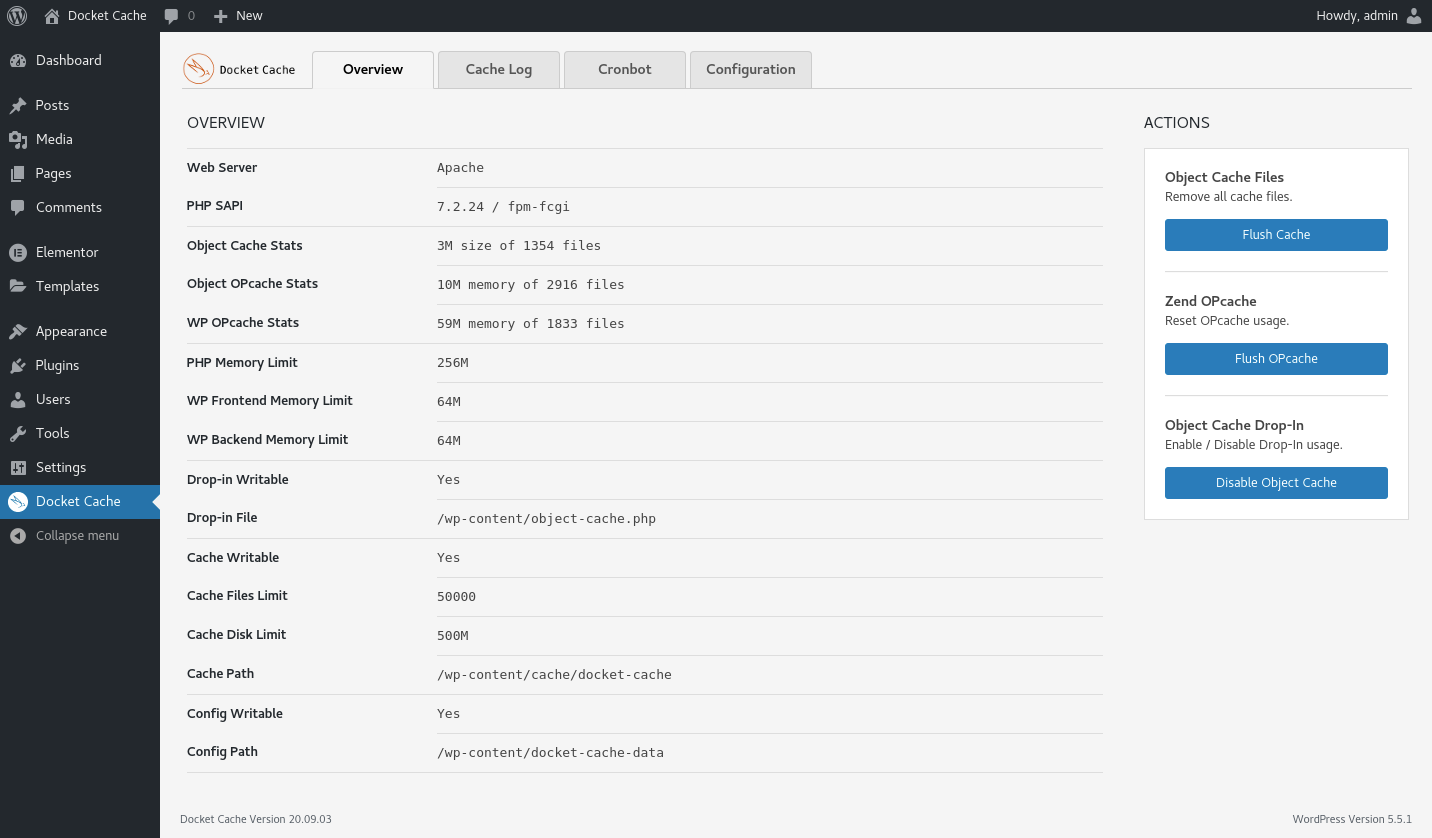
Overview.

Cache Log.

Cache view.
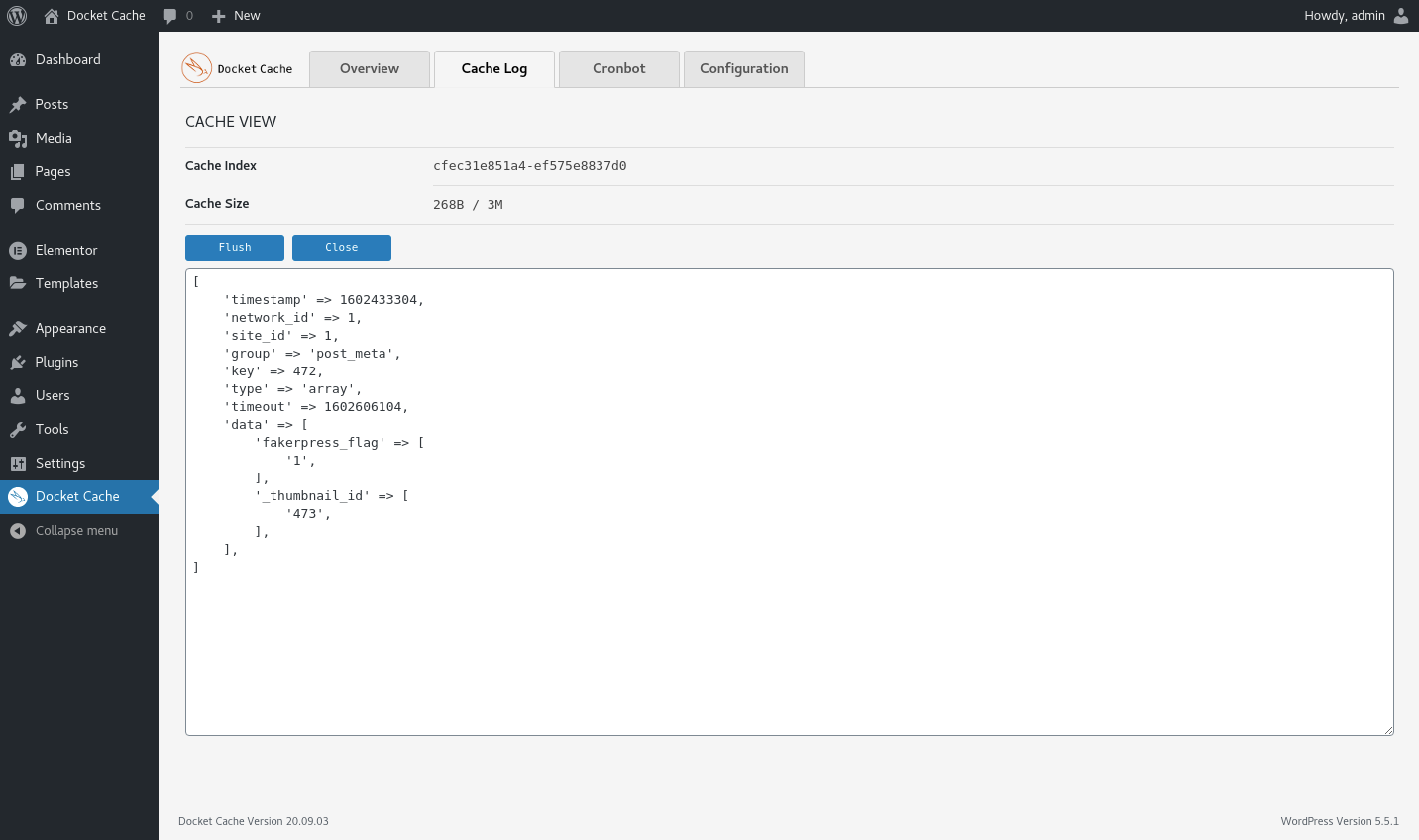
Cache content.
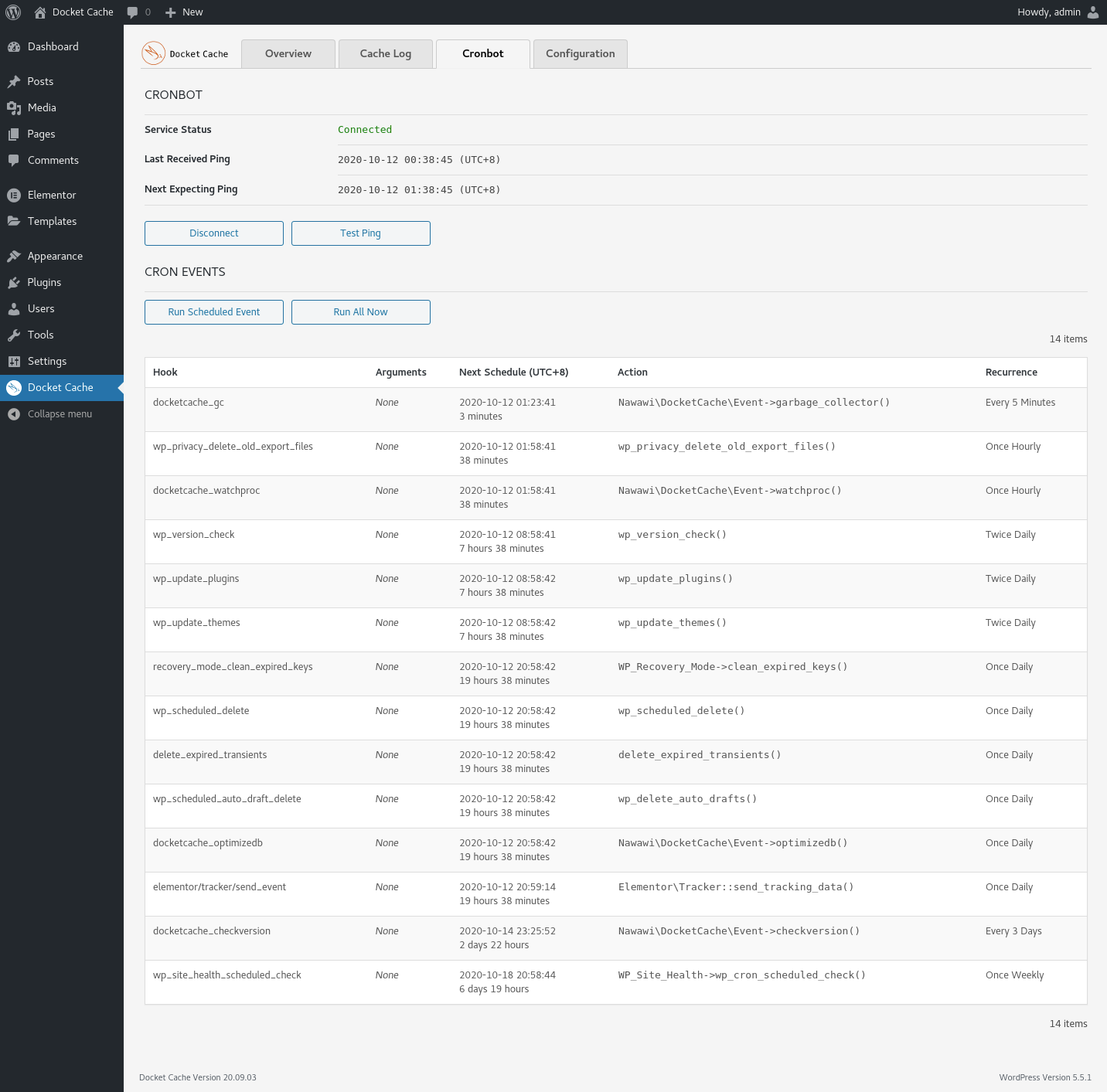
Cronbot.

Configuration.

Multisite / Multi-Network Overview.

Multisite / Multi-Network Cronbot.
Plugins semelhantes


O mais simples e mais rápido sistema de cache para o WordPress.

Get caching and more with this powerful cache plugin. Cache, optimize images, clean your database and minify for maximum performance.

Uma maneira melhor de gerenciar dezenas de sites WordPress.

Uma ferramenta rápida para cache no WordPress que gera arquivos de HTML estático.

Um plugin simples para atualizar URLs ou outro texto em um banco de dados.