The best anti-spam protection to block spam comments and spam in a contact form. The most trusted antispam solution for WordPress and WooCommerce.

CryptX
Hospedagem WordPress com plugin CryptX
Onde posso hospedar o plugin CryptX?
Este plugin pode ser hospedado em qualquer provedor que tenha WordPress instalado. Recomendamos fortemente optar por uma hospedagem seguro, com servidores adaptados para WordPress, como o serviço de hospedagem de sites da MCO2.
Hospedando o plugin CryptX em um provedor seguro
A MCO2, além de configurar e instalar o WordPress na versão mais nova para seus clientes, oferece o WP SafePress, um sistema exclusivo que salvaguarda e otimiza seu site ao mesmo tempo.
Por que a Hospedagem WordPress funciona melhor na MCO2?
A Hospedagem WordPress funciona melhor pois a MCO2 possui servidores otimizados para WordPress. A instalação de WordPress é diferente de uma instalação trivial, pois habilita imediatamente recursos como otimização de imagens e fotos, proteção da página de login, bloqueio de atividades suspeitas diretamente no firewall, cache avançado e HTTPS ativado por padrão. São plugins que potencializam seu WordPress para a máxima segurança e o máximo desempenho.
No more SPAM by spiders scanning your site for email addresses. With CryptX you can hide all your email addresses, with and without a mailto-link, by converting them using javascript or UNICODE.
CryptX protects your email addresses from spambots while keeping them readable and functional for your visitors. The plugin automatically detects email addresses in your content and encrypts them using various methods including JavaScript encryption, Unicode conversion, and image replacement.
Key Features:
- Automatic Email Detection – Finds and encrypts email addresses in posts, pages, comments, and widgets
- Multiple Encryption Methods – JavaScript, Unicode, image replacement, and custom text options
- Widget Support – Works with text widgets and other widget content
- RSS Feed Control – Option to disable encryption in RSS feeds
- Whitelist Support – Exclude specific domains from encryption
- Per-Post Control – Enable/disable encryption on individual posts and pages
- Shortcode Support – Use
[cryptx][email protected][/cryptx]for manual encryption - Template Functions – Developer-friendly functions for theme integration
Capturas de tela
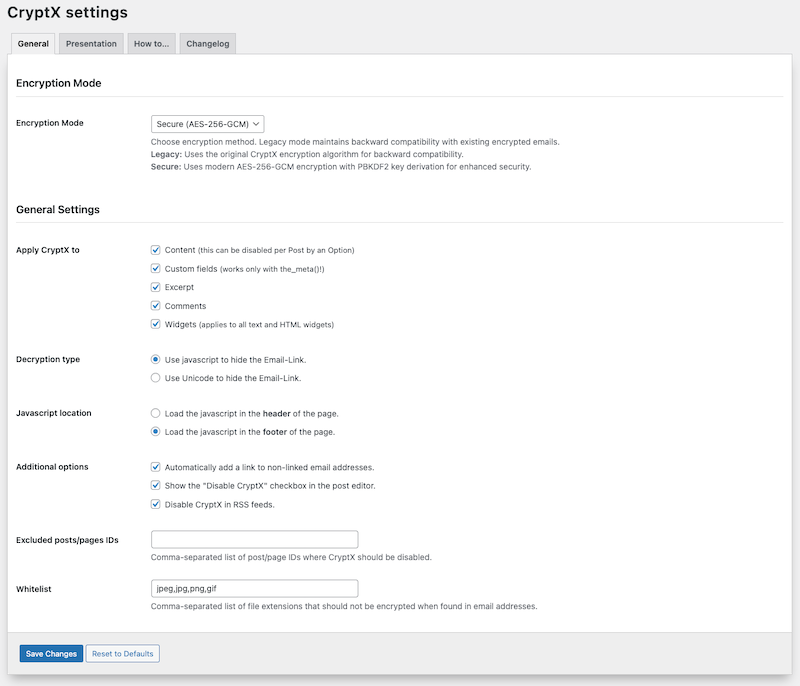
Plugin settings - General configuration options
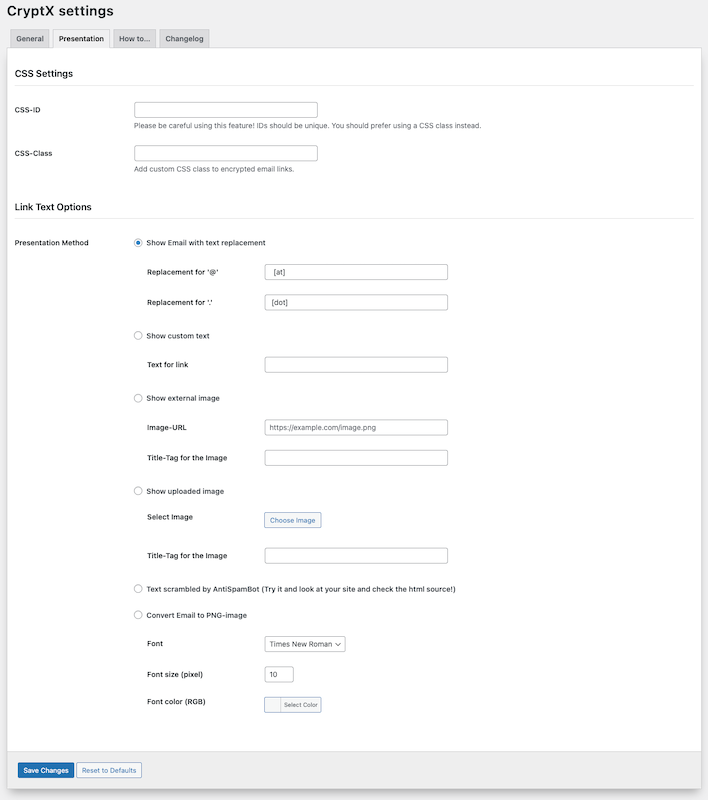
Email encryption methods and display options
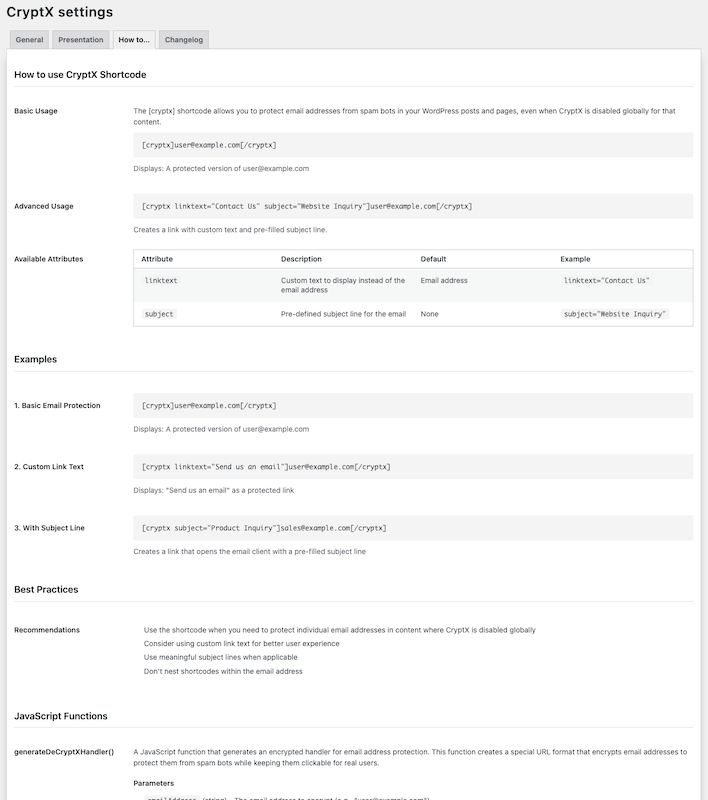
Advanced settings and whitelist configuration
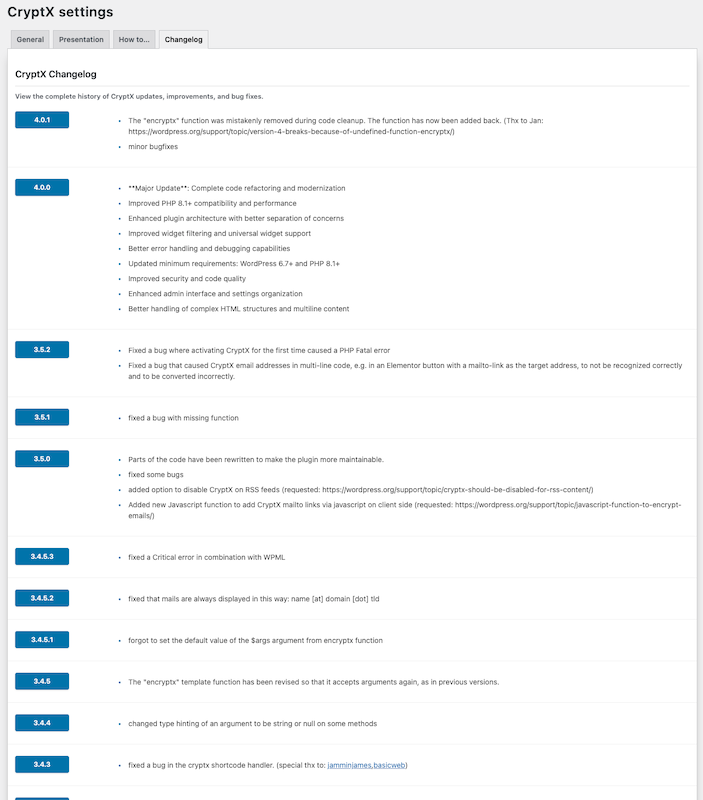
Plugins semelhantes


Plugin confiável de armazenamento de mensagens para o Formulário de Contato 7.

Sophisticated antispam plugin for effective daily comment and trackback spam-fighting. Built with data protection and privacy in mind.

Facilite o envio e a entrega de e-mails SMTP. Configure o Gmail, Outlook, Brevo, SendGrid, Mailgun, SendLayer ou conecte-se a qualquer servidor SMTP.

Melhore a eficiência na entrega de e-mails no WordPress. Conecte o SMTP do Gmail, Microsoft 365, Brevo, SendGrid, Mailgun, Zoho, Amazon SES, etc. O plugin nº 1 de SMTP para WordPress.

Log, view, and resend all emails sent from your WordPress site. Great for resolving email sending issues or keeping a copy for auditing.