
Clean Login
Hospedagem WordPress com plugin Clean Login
Onde hospedar o plugin Clean Login?
Este plugin pode ser hospedado em qualquer servidor que possua WordPress instalado. Recomendamos fortemente escolher uma empresa de hospedagem seguro, com servidores adaptados para WordPress, como o serviço de hospedagem de sites da MCO2.
Hospedando o plugin Clean Login em uma empresa de hospedagem seguro
A MCO2, além de instalar o WordPress na versão mais nova para seus clientes, disponibiliza o plugin WP SafePress, um mecanismo singular que salvaguarda e otimiza seu site ao mesmo tempo.
Por que a Hospedagem WordPress funciona melhor na MCO2?
A Hospedagem WordPress funciona melhor pois a MCO2 possui servidores otimizados para WordPress. A instalação de WordPress é diferente de uma instalação trivial, pois habilita imediatamente recursos como otimização automática de imagens, proteção da página de login, bloqueio de atividades suspeitas diretamente no firewall, cache avançado e HTTPS ativado por padrão. São plugins que potencializam seu WordPress para a máxima segurança e o máximo desempenho.
Try it out on your free dummy site: Click here => https://demo.tastewp.com/clean-login
Clean Login lets you replace the default WordPress login and registration pages with fully customised frontend forms — no coding required. Place any form anywhere on your site using a simple shortcode.
Whether you need a custom login page, a user registration form, a password reset page or an editable user profile, Clean Login has you covered with one shortcode per form:
[clean-login]— Custom login form with show/hide password toggle[clean-login-register]— User registration form with CAPTCHA, reCAPTCHA and email validation[clean-login-edit]— Frontend user profile editor (name, email, password)[clean-login-restore]— Forgot password / password reset form[clean-login-change-password]— Dedicated password change form with visual strength meter[clean-login-logout]— Standalone logout link, usable anywhere on your site
Why choose Clean Login?
- No coding — drop a shortcode into any page or post and the form appears instantly
- Fully responsive — forms adapt to any screen size and integrate with your theme’s CSS
- SEO friendly — login and registration pages are automatically marked as
noindexand excluded from sitemaps, keeping your site’s SEO clean - Secure — nonce verification on every form, honeypot antispam, CAPTCHA and Google reCAPTCHA support
- Password strength meter — visual indicator guides users to create stronger passwords
- WPML certified — official WPML compatibility for multilingual sites
- WooCommerce compatible — works alongside WooCommerce without conflicts
Features
- Custom login page with redirect after login and logout
- Frontend user registration with optional email verification
- Forgot password / password reset via email link
- Dedicated change-password form with animated strength meter (Weak / Fair / Good / Strong)
- Frontend user profile editor — update name, email and password without visiting wp-admin
- Hide admin bar for selected roles
- Block dashboard access for non-admin users
- Standby role for new registrations — users stay inactive until an admin approves them
- Role selection at registration — let users choose their own role from a curated list
- Terms and conditions checkbox on registration form
- Use email address as username
- Automatic login after registration
- Customisable “Lost password?” link text from the settings panel
- Auto-linked forms — shortcodes detect each other and generate links automatically
- Override any template from your theme (
theme/clean-login/folder) - AJAX compatible
Usage and Settings
Please, refer to Installation section
Capturas de tela
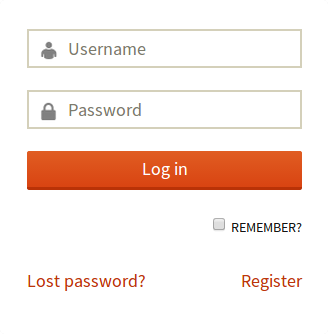
Custom login form (frontend)
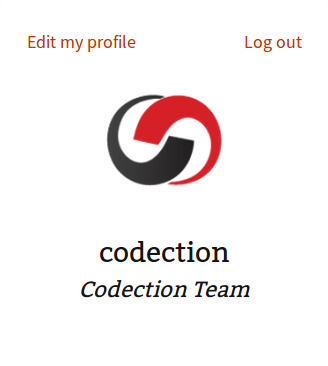
Logged-in user preview with profile links
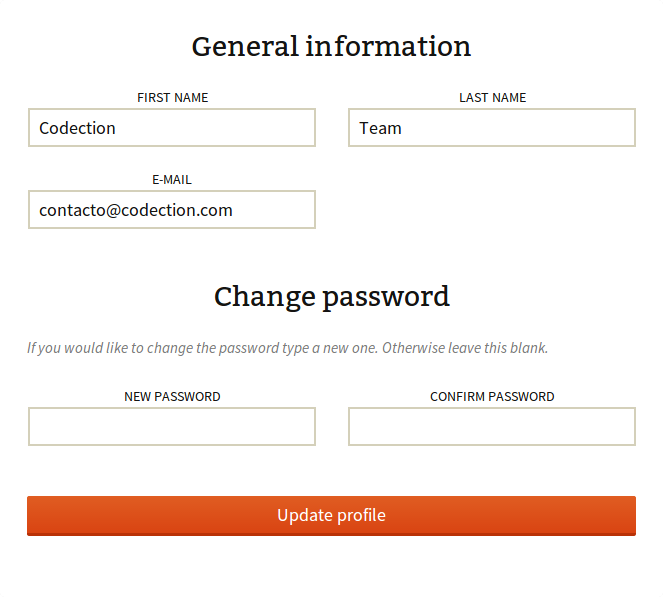
Frontend user profile editor
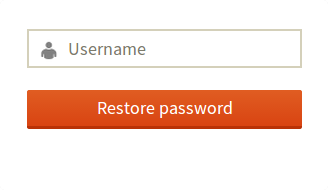
Forgot password / password reset form
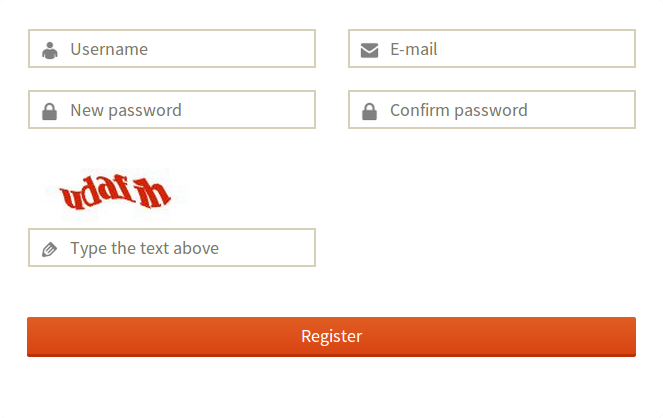
Registration form with CAPTCHA and Google reCAPTCHA
Change password form with visual password strength meter
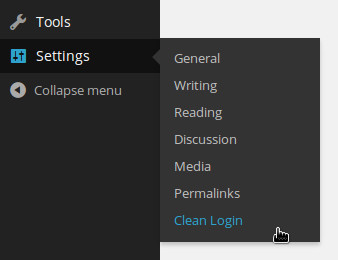
Configurações access from the WordPress dashboard

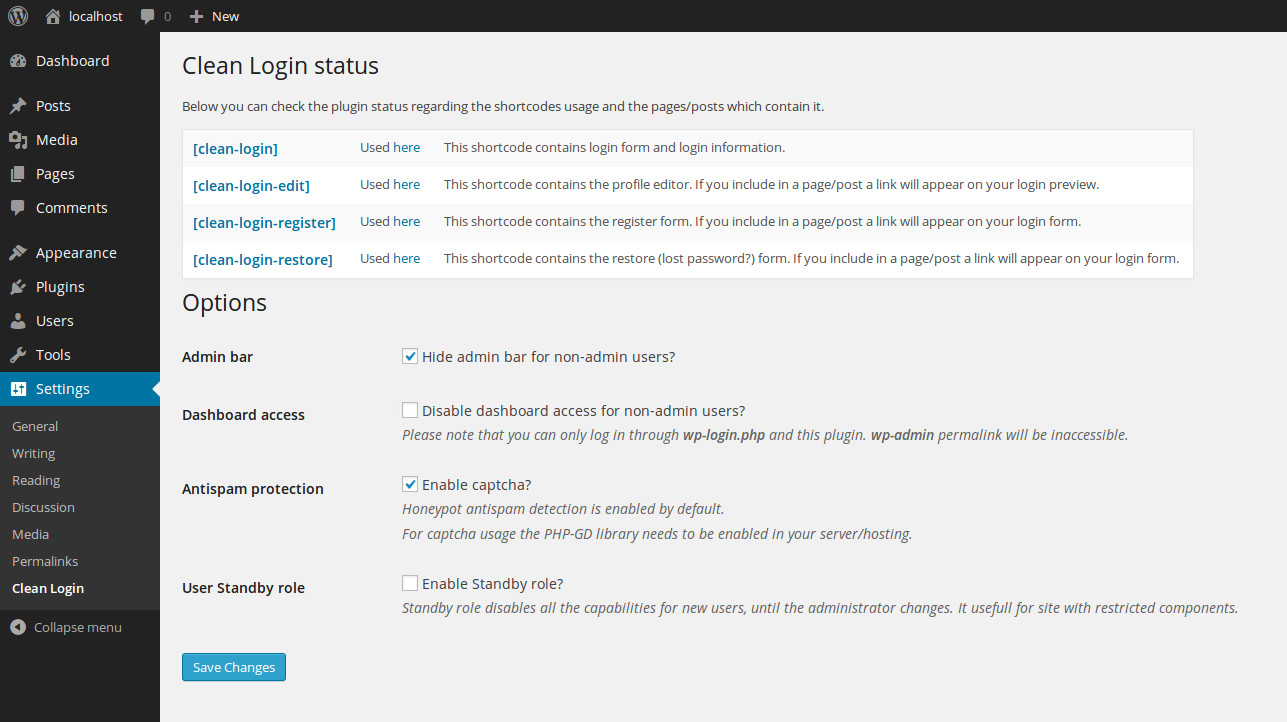
Plugin settings page

Configurações menu

Plugin status — shows which shortcodes are active and on which pages

Options section
Configurações saved confirmation