
PayPal's latest payment processing solution. Accept PayPal, Pay Later, credit/debit cards, alternative digital wallets and bank accounts.

C4D Variation Swatches & Gallery for WooCommerce
Hospedagem WordPress com plugin C4D Woo Variation Images
Onde posso hospedar o plugin C4D Woo Variation Images?
Este plugin pode ser hospedado em qualquer provedor que tenha WordPress configurado. Recomendamos fortemente escolher um provedor de hospedagem seguro, com servidores especializados para WordPress, como o serviço de hospedagem de sites da MCO2.
Hospedando o plugin C4D Woo Variation Images em uma empresa de hospedagem de confiança
A MCO2, além de configurar e instalar o WordPress na versão mais atualizada para seus clientes, oferece o WP SafePress, um mecanismo singular que salvaguarda e melhora seu site simultaneamente.
Por que a Hospedagem WordPress funciona melhor na MCO2?
A Hospedagem WordPress funciona melhor pois a MCO2 possui servidores otimizados para WordPress. A instalação de WordPress é diferente de uma instalação trivial, pois habilita imediatamente recursos como otimização de imagens e fotos, proteção da página de login, bloqueio de atividades suspeitas diretamente no firewall, cache avançado e HTTPS ativado por padrão. São recursos que potencializam seu WordPress para a máxima segurança e o máximo desempenho.
C4D Variation Swatches & Gallery turns the drop-down menus of your variable products into swatches customers can see and click: colour dots, small images or text buttons. Pick a colour and the main gallery changes to the photos of that colour. For shops that sell in sizes, customers can add several sizes to the cart in one click.
It is free, has no photo limit, and works with block themes and classic themes.
Variation swatches: colour, image and label
Set a type on each attribute under Products Attributes and the drop-down becomes buttons.
- Colour swatches: round or square dots. Give each colour term its own colour under C4D › Swatches Colours, so names like “Sage” or “Midnight” show the right shade.
- Image swatches: small photos taken from each option’s gallery.
- Label swatches: text buttons, good for sizes.
- Out-of-stock options can be shown as unavailable or hidden.
- Tooltips on hover, a circle or rectangle shape, and the “clear” link can be hidden.
A photo gallery for each colour
Add as many photos as you like to each option in the Swatch Images box of the product editor. When a customer picks a colour, the main gallery switches to the photos of that colour. Choose a slider or grid for the thumbnails, horizontal or vertical, with zoom, a lightbox and a full-screen pan and zoom.
Swatches on shop and category pages
Show the colours under each product in the shop grid, flip the thumbnail when a customer hovers over a swatch, collapse long lists behind a “View more” link, and align the swatches left, centre or right.
Order several sizes in one click (Multi Orders)
Pick an attribute, for example Size, in the Variation Swatches tab of a product. Each value then gets a quantity box. A customer chooses a colour, ticks sizes S, M and L with quantities 2, 1 and 3, and adds them all with one button. Each size becomes its own cart line. It works together with C4D Buy More Save More: the quantities of all variations of one product add up toward the discount tiers.
Style the swatches with CSS
Sizes, borders, shapes and colours are styled with CSS. Add your rules in C4D › Swatches Custom CSS. They are printed late in the page head, after the theme styles, so they win. The documentation lists the selectors and has copy-and-paste examples.
Features
- Colour, image and label swatches for any attribute, and custom attributes of a single product
- A photo gallery for each option, with no limit on photos
- Swatches on shop, category and related-product lists, with flip thumbnail
- Multi Orders: several sizes (or any one attribute) in one click, each with its own quantity
- A colour for each attribute term in its own settings tab
- Out-of-stock options hidden or marked
- Zoom, lightbox and full-screen pan and zoom
- Works with variable products, quick view and Ajax product loading (filters, infinite scroll)
- Block themes and classic themes
- Settings page under WooCommerce, plus a Custom CSS tab
Documentation and live demo
The documentation covers every setting, with setup guides and CSS examples. The demo store has the plugin working on sample products.
Installation and setup
- Install and activate the plugin from Plugins Add New (WooCommerce must be active).
- Go to Products Attributes and set the type of an attribute: colour, image or label.
- Open a variable product and add photos to each option in the Swatch Images box.
- Open C4D › Swatches in the admin menu to adjust the settings. The tabs are General, Shop page, Product page, Gallery & zoom, Colours, Compatibility and Custom CSS.
Multi Orders is chosen per product, in the Variation Swatches tab of the product editor.
More from coffee4dev
C4D Product Bundles for WooCommerce: sell products together at a discount. Customers tick the items, pick sizes and colours and add the whole bundle in one click. See all plugins at coffee4dev.com.
Support
Ask in the support forum or read the documentation. If the plugin works well on your shop, a review helps other store owners find it.
Capturas de tela

Swatches and size buttons in place of the drop-downs on a product page. Picking a colour changes the main picture and the gallery.

A photo gallery for each colour: picking a colour switches the whole gallery.

Image swatches, with out-of-stock options marked.

Colour swatches under each product on the shop page.

Multi Orders: several sizes, each with its own quantity, added in one click.

The settings page under C4D › Swatches.

The Colours tab: a colour for each attribute term.
Plugins semelhantes


Native integration with Google that allows merchants to easily display their products across Google’s network.

We’re here to help with tax rates: collect accurate sales tax, automatically.
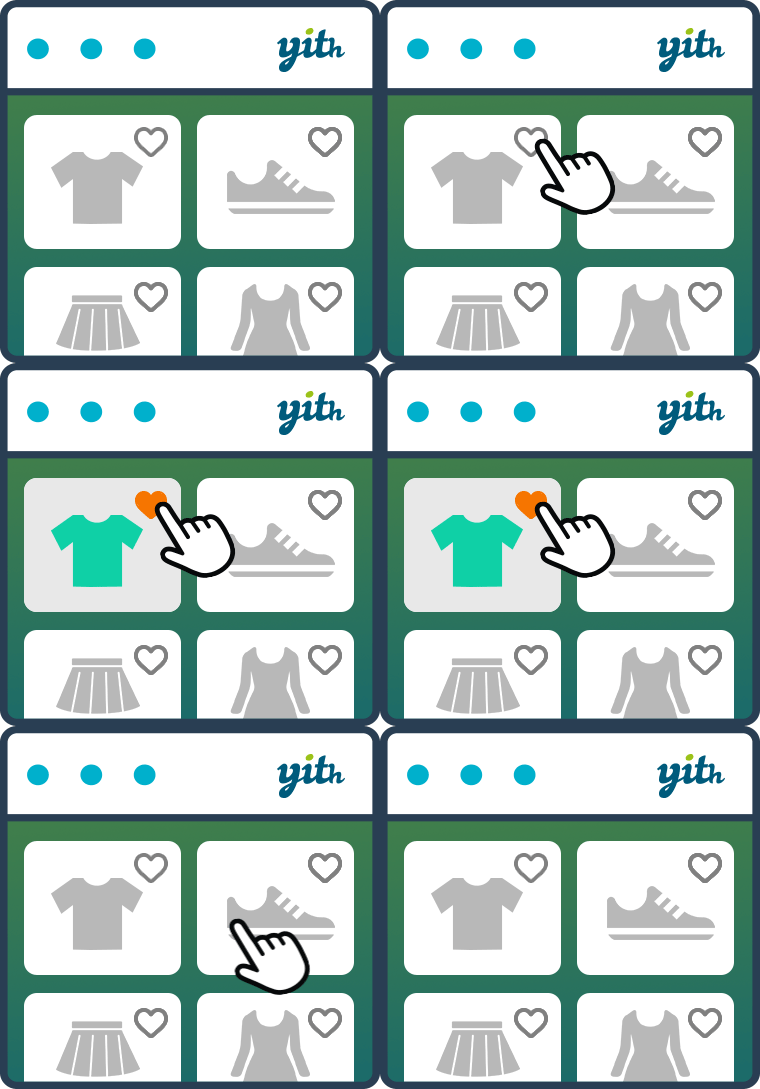
YITH WooCommerce Wishlist add all Wishlist features to your website. Needs WooCommerce to work. WooCommerce 11.3.x compatible.

The WooCommerce Legacy REST API, which is now part of WooCommerce itself but will be removed in WooCommerce 9.0.

Crie, imprima & envie automaticamente por e-mail faturas em PDF ou XML & notas de embalagem em PDF para pedidos do WooCommerce.