Construa leiautes de página responsivos com widgets que você conhece e adora, usando um construtor de páginas simples, estilo arrastar e soltar.

Tooltipy (tooltips for WP)
Hospedagem WordPress com plugin Tooltipy (tooltips for WP)
Onde devo hospedar o plugin Tooltipy (tooltips for WP)?
Este plugin pode ser hospedado em qualquer provedor que tenha WordPress configurado. Recomendamos escolher uma empresa de hospedagem de confiança, com servidores especializados para WordPress, como o serviço de hospedagem de sites da MCO2.
Hospedando o plugin Tooltipy (tooltips for WP) em um provedor seguro
A MCO2, além de configurar e instalar o WordPress na versão mais atualizada para seus clientes, fornece o WP SafePress, um mecanismo singular que assegura e melhora seu site conjuntamente.
Por que a Hospedagem WordPress funciona melhor na MCO2?
A Hospedagem WordPress funciona melhor pois a MCO2 possui servidores otimizados para WordPress. A instalação de WordPress é diferente de uma instalação trivial, pois habilita imediatamente recursos como otimização de imagens e fotos, proteção da página de login, bloqueio de atividades suspeitas diretamente no firewall, cache avançado e HTTPS ativado por padrão. São recursos que potencializam seu WordPress para a máxima segurança e o máximo desempenho.
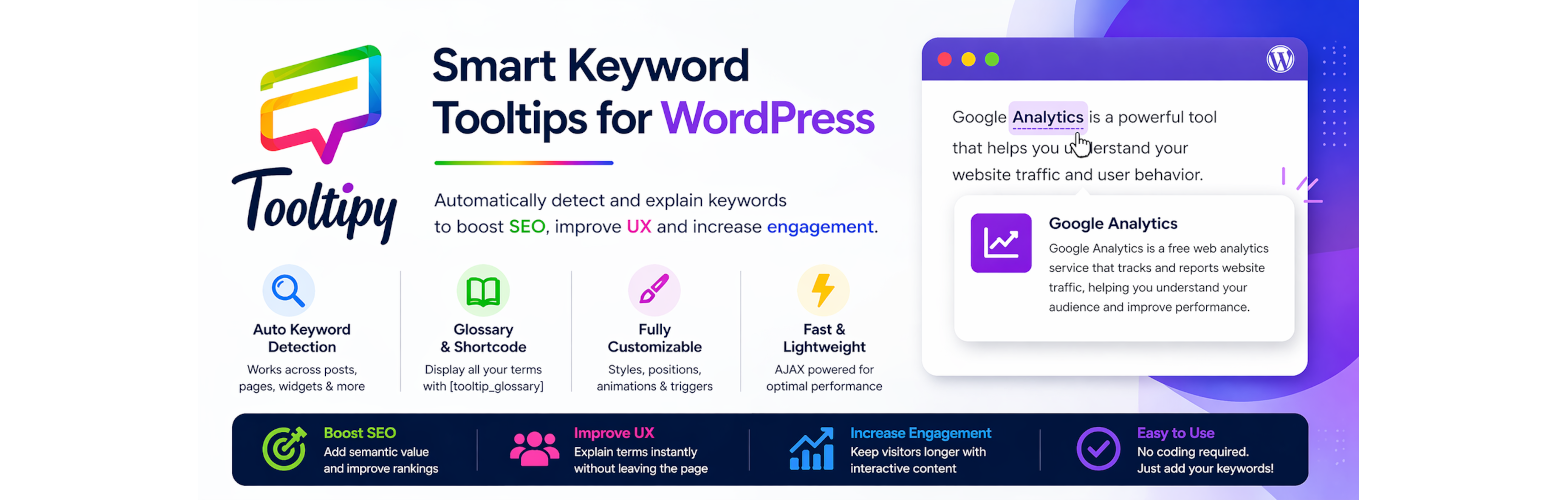
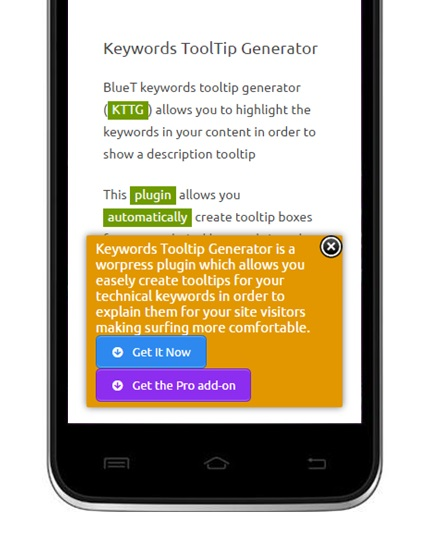
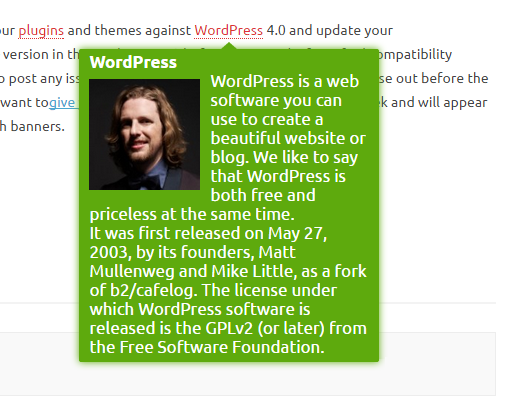
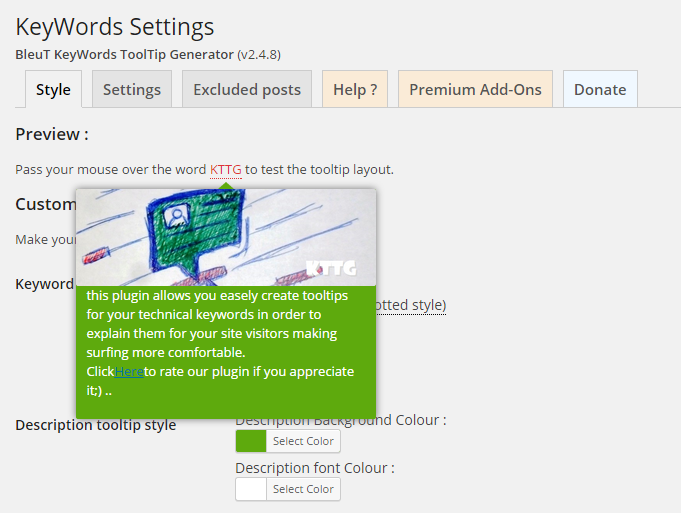
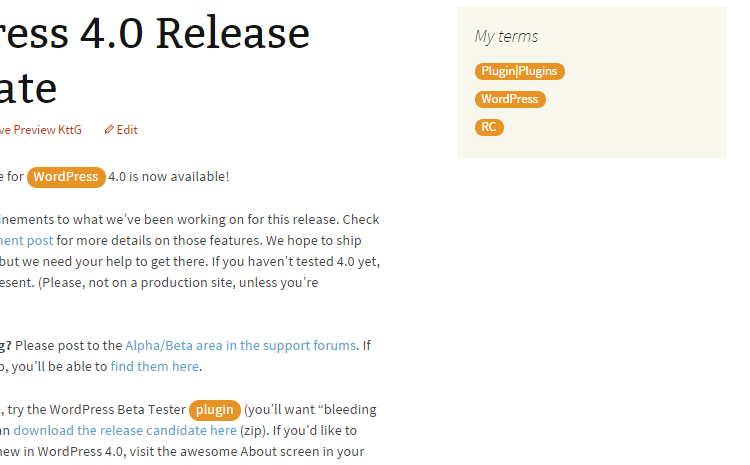
Tooltipy automatically detects keywords in your posts/pages and displays tooltip popups with their definitions.
Version 7 is a major architectural rewrite (PHP 8.1+ OOP, Tippy.js rendering) with 100% backward compatibility for existing users (same database options, post meta keys, CSS classes, shortcodes, and hooks).
Key Features
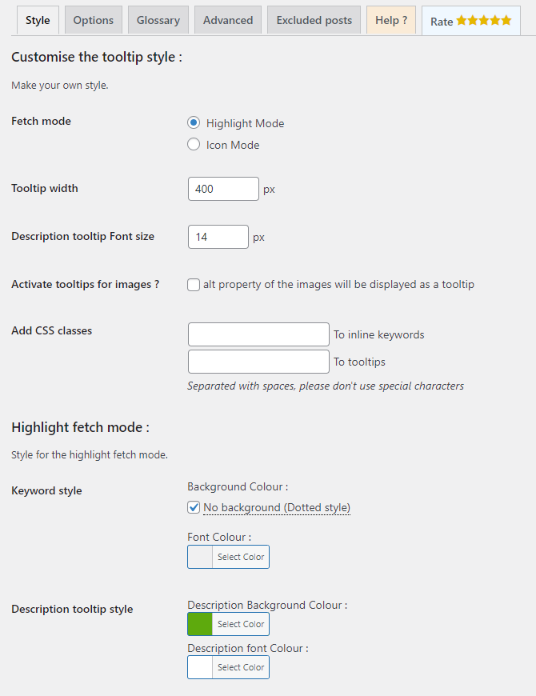
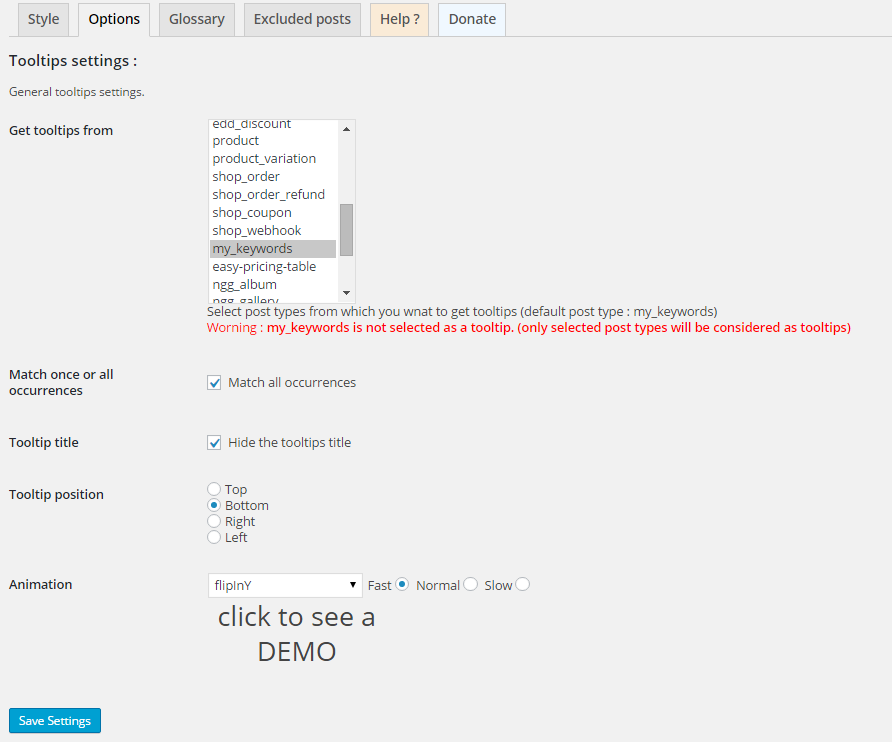
- Auto-detect keywords and display tooltips on hover (Tippy.js)
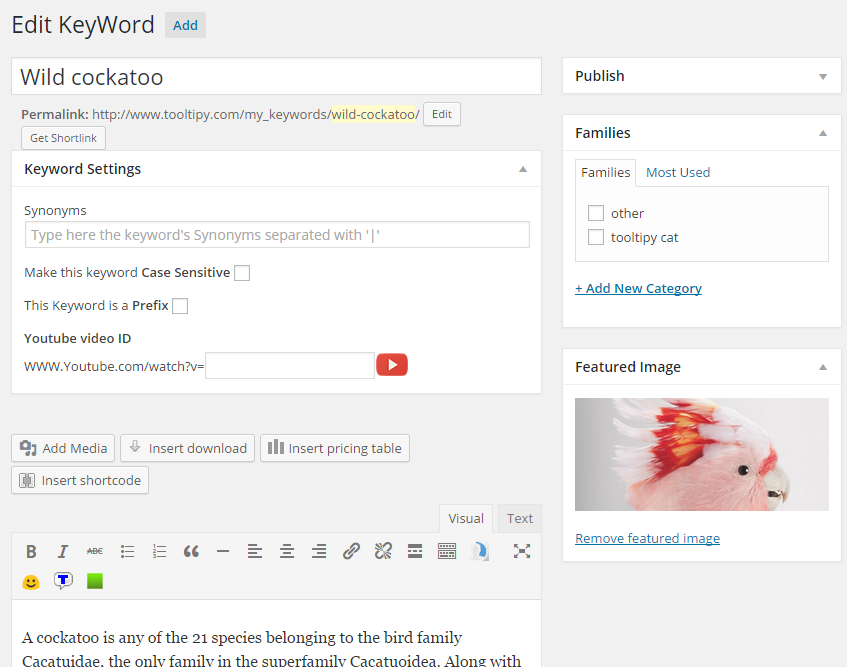
- Synonyms support (pipe-separated)
- Case-sensitive matching option
- Prefix matching (e.g. “photo” matches “photography”)
- Glossary shortcode:
[tooltip_glossary](aliases:[kttg_glossary],[tooltipy_glossary]) - Manual shortcode:
[tooltip] - Keyword families / categories
- AJAX loading of tooltip content
- YouTube video tooltips
- Image alt-text tooltips
- Sidebar widget showing related keywords
- Extensible addon system
Architecture (7.x)
- PHP 8.1 namespaces under
Tooltipy\ - Tippy.js bundled locally (no CDN)
- Full backward compatibility: same option names, post meta keys, hooks
Capturas de tela

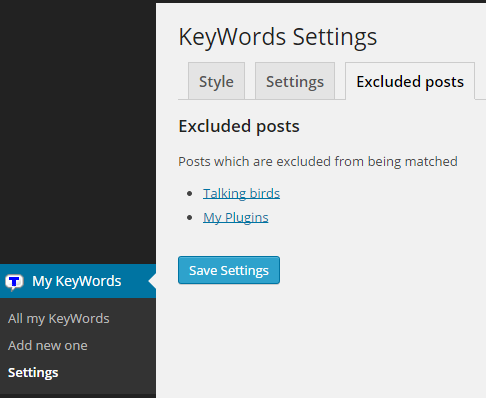
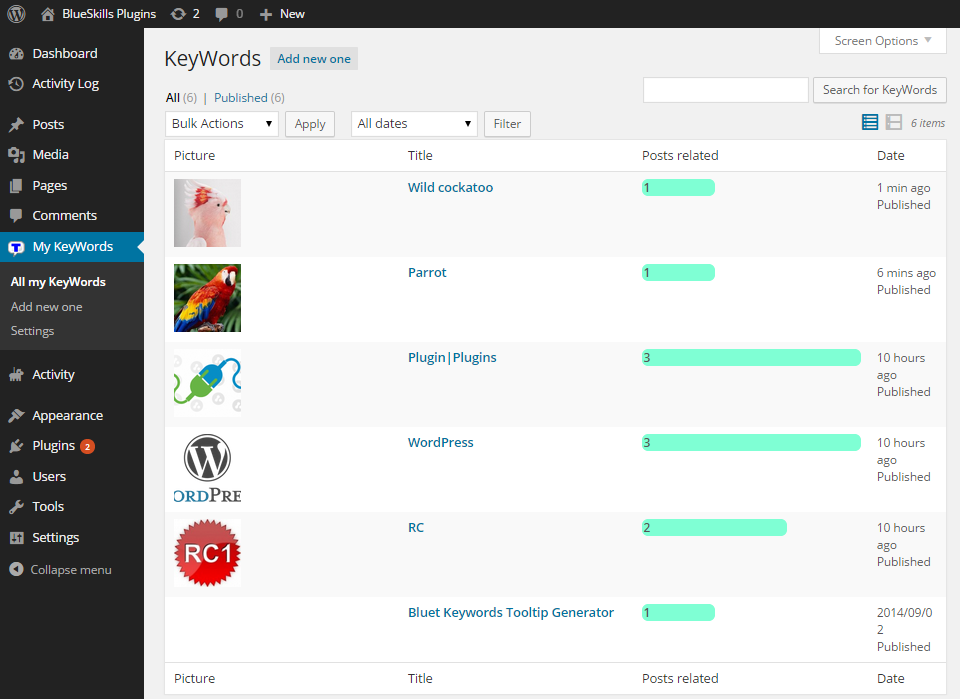
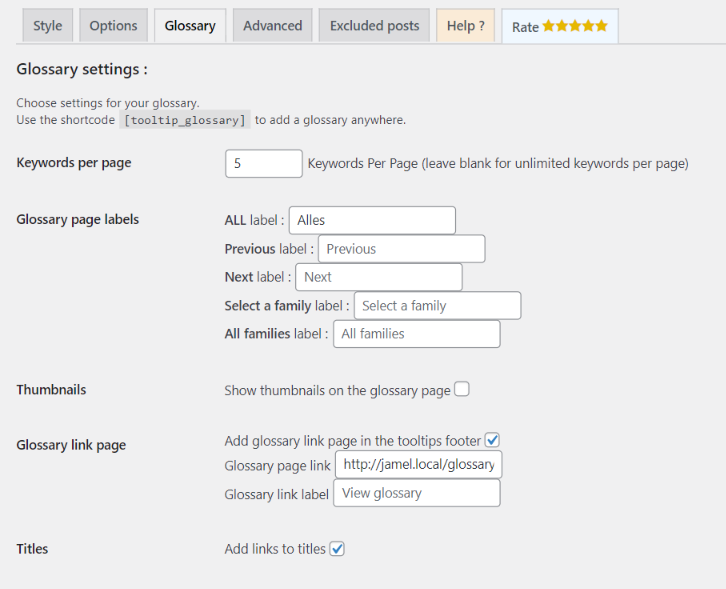
Plugins semelhantes


The most popular lightbox plugin and responsive gallery builder for WordPress.

Find and edit code or texts in your themes and plugins

Need some help with the mobile website experience? Need an Mobile Menu plugin that keep your mobile visitors engaged?

Mobile menu & hamburger menu builder for WordPress. Create a responsive, customisable menu with 150+ options — no coding needed.

With just a few clicks, make your WordPress website mobile-friendly (iPhone, Android, and more). Recommended by Google, it will instantly enable a mob …