

AdRotate Banner Manager
Hospedagem WordPress com plugin AdRotate Banner Manager – The only ad manager you'll need
Onde devo hospedar o plugin AdRotate Banner Manager – The only ad manager you'll need?
Este plugin pode ser hospedado em qualquer provedor que possua WordPress instalado. Recomendamos fortemente escolher uma empresa de hospedagem confiável, com servidores adaptados para WordPress, como o serviço de hospedagem WordPress da MCO2.
Hospedando o plugin AdRotate Banner Manager – The only ad manager you'll need em uma empresa de hospedagem confiável
A MCO2, além de configurar e instalar o WordPress na versão mais atualizada para seus clientes, oferece o WP SafePress, um sistema exclusivo que salvaguarda e melhora seu site ao mesmo tempo.
Por que a Hospedagem WordPress funciona melhor na MCO2?
A Hospedagem WordPress funciona melhor pois a MCO2 possui servidores otimizados para WordPress. A instalação de WordPress é diferente de uma instalação trivial, pois habilita imediatamente recursos como otimização de imagens, proteção da página de login, bloqueio de atividades suspeitas diretamente no firewall, cache avançado e HTTPS ativado por padrão. São recursos que potencializam seu WordPress para a máxima segurança e o máximo desempenho.
Streamline your workflow with AdRotate Banner Manager, the ultimate tool for ad management.
Whether you’re using an ad network like Google AdSense, Amazon Affiliates, Media.net, or if you want to use banners from local businesses or affiliates, AdRotate Banner Manager handles them all with ease. The dashboard is designed for both beginners and pros alike. AdRotate Banner Manager packages powerful features into a user-friendly interface that puts you in full control of all of your ad campaigns.
With its stable and predictable features and dashboard it’s no wonder that AdRotate Banner Manager is the trusted choice for tens of thousands of bloggers and businesses worldwide.
Practical design choices in AdRotate
- Easy to use dashboards that match the style of WordPress and ClassicPress so that everything feels familiar.
- Functional features that are easy to use and understand.
- Compatible with every ad network and affiliate server, while offering multiple ways to easily place adverts anywhere on your website.
- No AI code, all final code is ‘handwritten’ and tested by humans.
Features in AdRotate Banner Manager
- Works with every ad including; self-made ads, banners from your local business, Google Adsense, Amazon ads and any kind of personals or affiliate advert.
- No limit on the amount of ads you can create.
- No limit on how many groups you create.
- Includes an Advert Block and Group Block for the WordPress Block Editor (Gutenberg).
- Easy to use Widgets for traditional themes.
- Advanced error checking for your adverts.
- Error checking for groups and schedules.
- Track clicks and impressions for many adverts.
- Advert previews when editing them.
- Standard support through the WordPress support forums.
Advert anagement with AdRotate Banner Manager
- Create and display unlimited ads.
- Automatically rotate ads on every page load or every few seconds.
- Create Groups of adverts to show one or many ads in one location.
- Plan ahead and schedule your advert campaigns.
- Place ads on your website with blocks, widgets, shortcodes or PHP snippets.
- Inject ads into posts and pages in a few clicks without code.
- Upload banner images through the WordPress media manager or the AdRotate Asset Dashboard.
- Create your own adverts using the advert generator, no code knowledge required.
- Place banners and ads from any ad network and affiliate program such as; Google AdSense, Google Ad Manager, Amazon, BuySellAds, DoubleClick, DFP, media.net and many more.
- Place affiliate banners from websites like Amazon affiliates, Booking.com, Agoda, Tradedoubler and many more.
- And much much more!
Show your ads anywhere on your WordPress website
- Use shortcodes to place your ad campaigns manually in post and page content, widgets, blocks, page builders (such as Elementor and WP Bakery) and anywhere shortcodes are supported.
- Auto-inject your ads into Posts and Pages via the AdRotate Banner Manager Post Injection feature.
- Widgets and blocks for ads and groups.
- Use PHP snippets to place ads directly in your theme files.
Some of the extra features in AdRotate Pro
AdRotate Professional is the paid version of AdRotate Banner Manager offering even more features and functionality such as:
- Filter to show or hide ads on tablets and phones.
- Optionally hide banner ads for logged-in visitors.
- Live previews for many types of adverts in your dashboard.
- Extended Post Injection that includes support for WooCommerce products and bbPress forums and topics.
- Geo Targeting for every advert using my FREE Geo Targeting service or selected paid services such as MaxMind GeoIP and Cloudflare.
- Add unlimited schedules to adverts letting you plan ahead even further.
- Track adverts through Matomo Analytics instead of the internal stats.
- Or, track adverts via Google Analytics.
- More advanced scheduling with filters for hours of the day or days of the week.
- When using the internal tracker, spread impressions throughout the day or duration of the campaign.
- Manage your ads.txt file from the dashboard.
- Hide your adverts from ad blockers and bots/crawlers.
- Manage your header code snippets from networks such as Google Adsense and Amazon Ads.
- Upload ready-to-use HTML5 adverts as a zip-file for easy setup.
- Option to either track clicks or impressions, or both.
- One-on-one ticket support, accessible directly from your dashboard.
Available AdRotate Pro licenses:
* 1 site license ~ Great for any blogger.
* 2 sites license ~ The most popular with professionals and news blogs.
* 20 sites license ~ The best choice for agencies and newspapers that operate multiple websites.
Capturas de tela
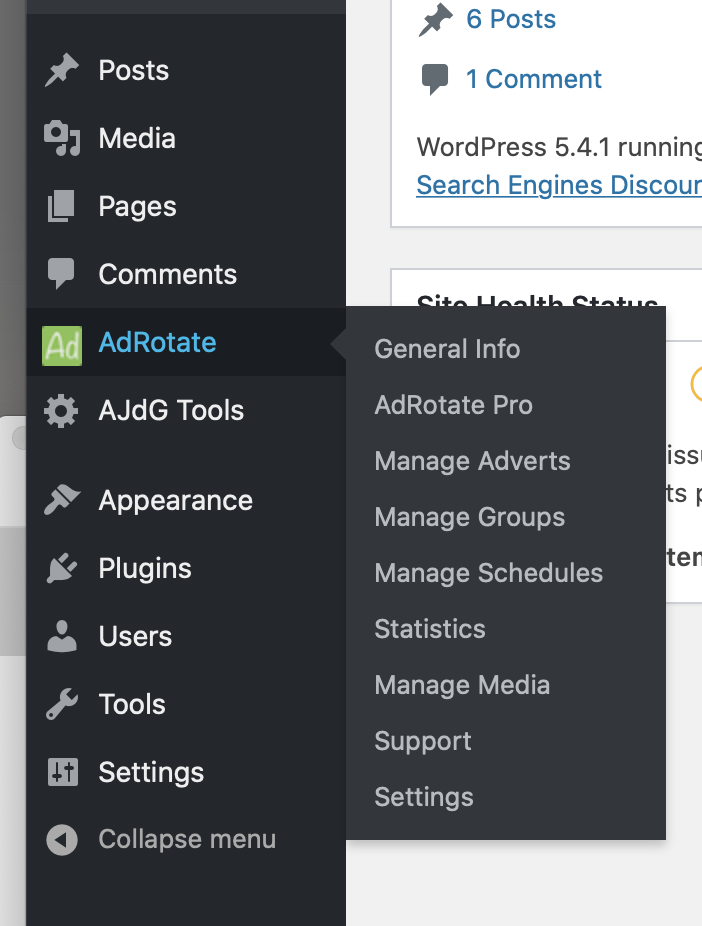
The AdRotate menu
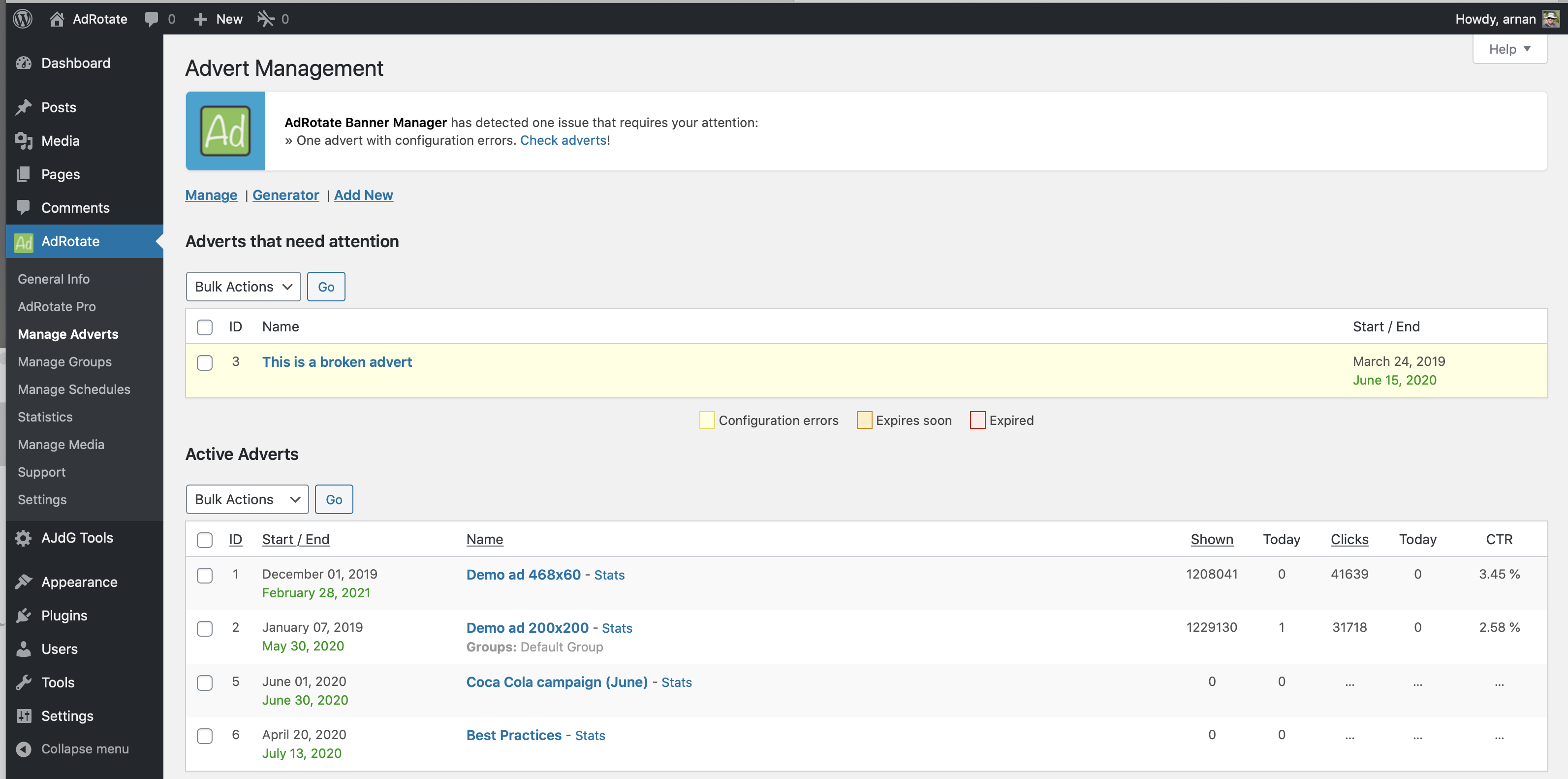
Managing ads and general overview in AdRotate
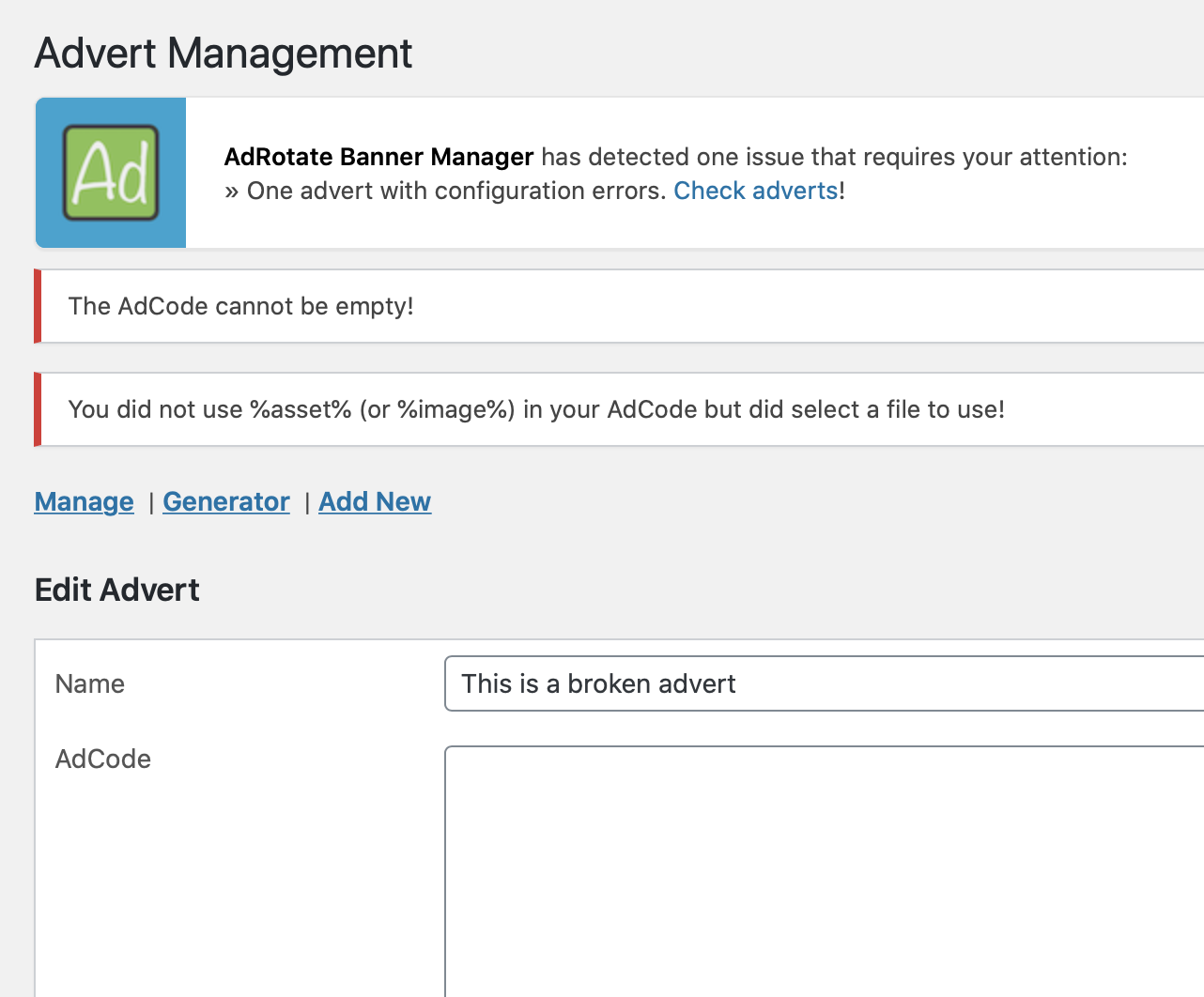
Error checking for ads in AdRotate
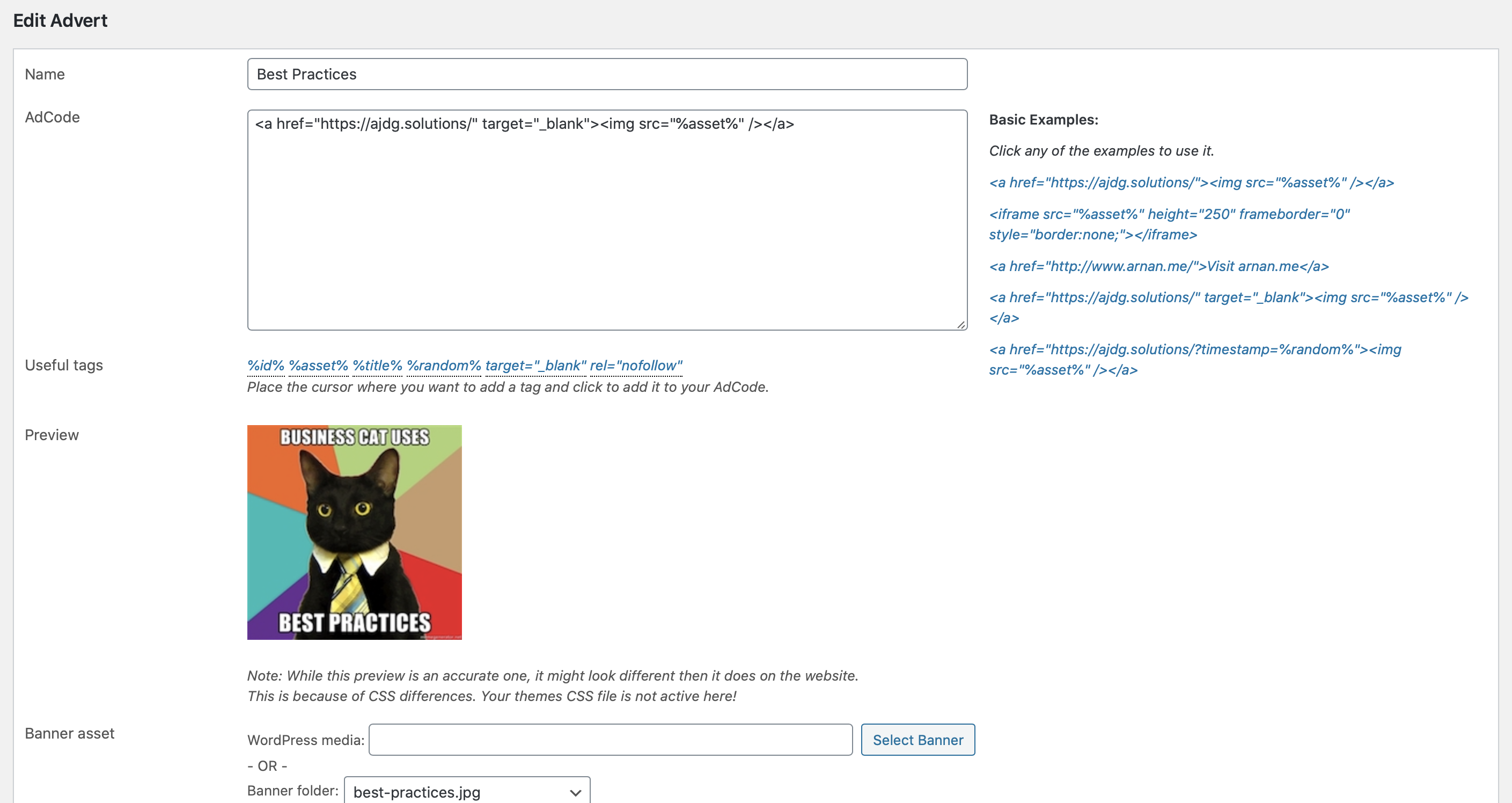
Easily create and edit your advert campaigns with AdRotate
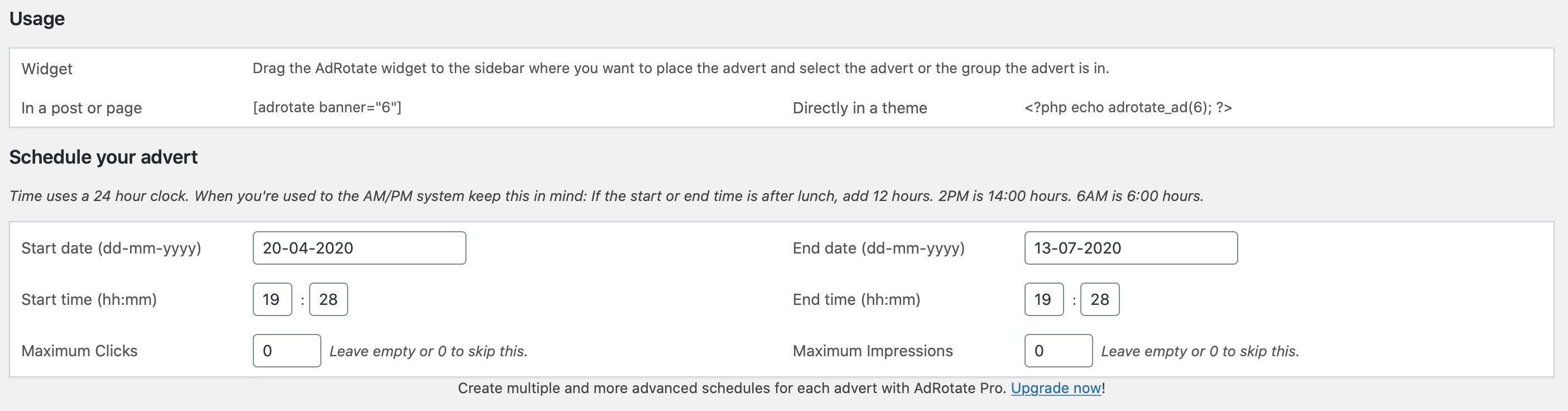
Schedule you advert to the minute with AdRotate
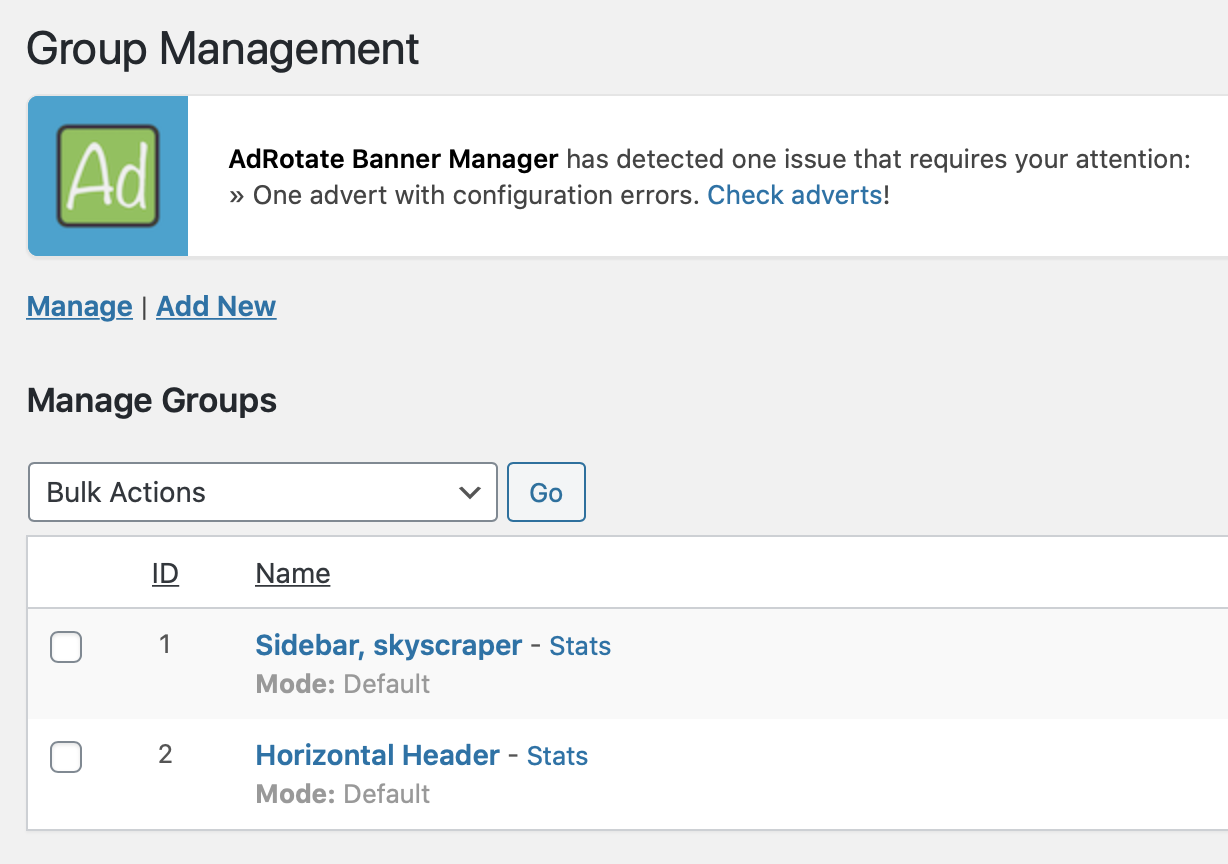
Manage groups, which can act as locations or slots on your website via AdRotate
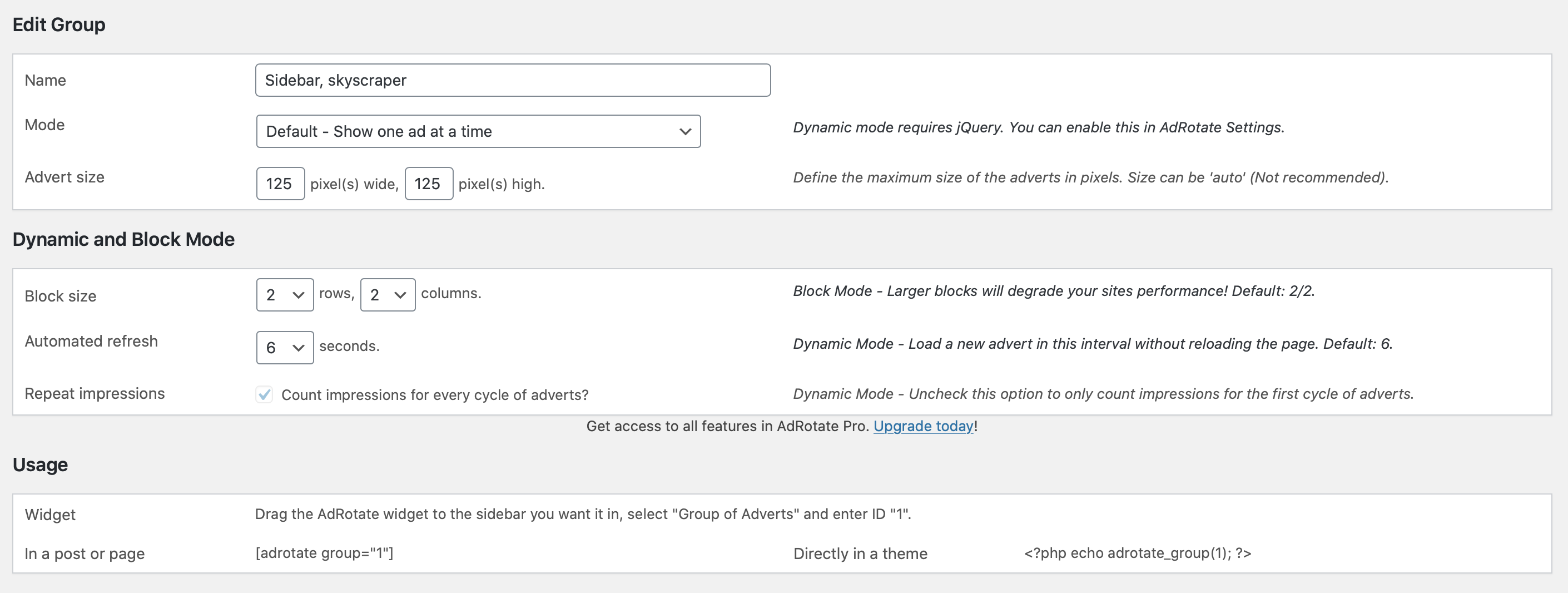
Create groups to easily place multiple ads in one spot on your site with AdRotate
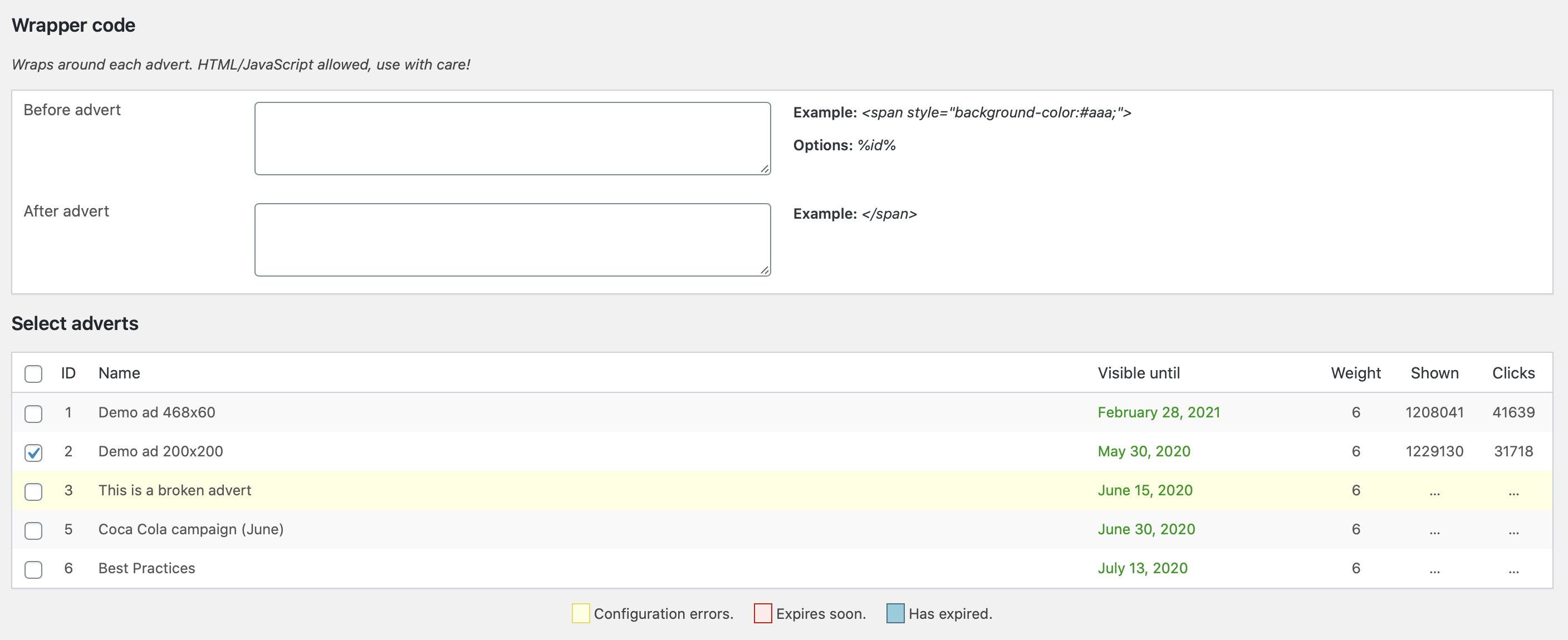
Customize your group and select ads from the group settings with AdRotate
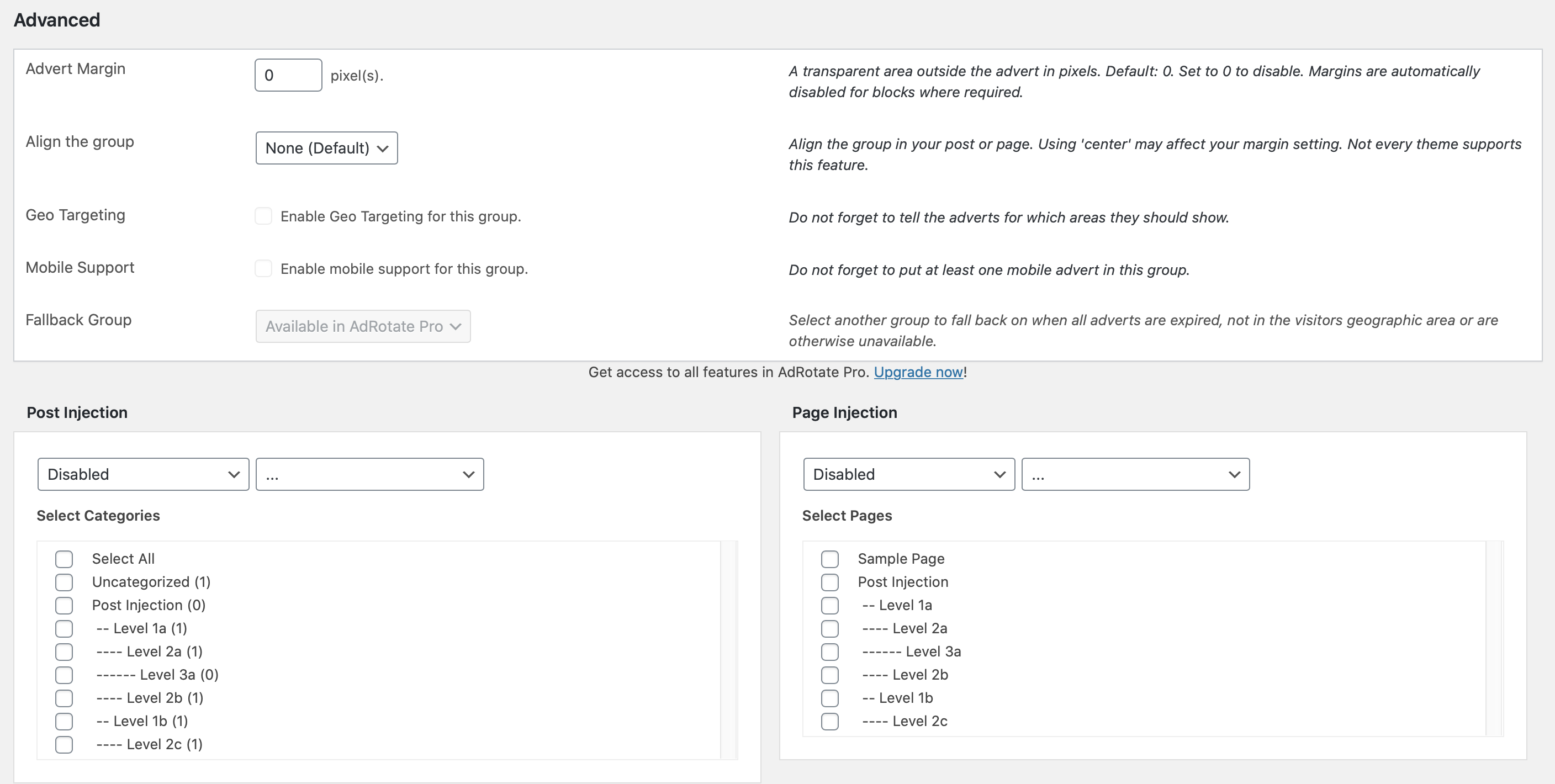
Set up groups to do exactly what you want with AdRotate